Clyper features
Everything Clyper does, from a long video to clips ready to post
Clyper does one job, and does all of it: it finds the moments in a long video, cuts them on whole sentences, frames whoever's talking, captions every word and scores every clip's hook. Here's every feature, and a page for each kind of video and each place the clips go.
- Up to 30 clips a video
- 50+ languages
- No watermark
What every clip gets
It finds the moments
It reads the whole video and picks the moments that stand alone, each with a title and a hook score, up to 30 a video.
Hook scoresIt frames whoever's talking
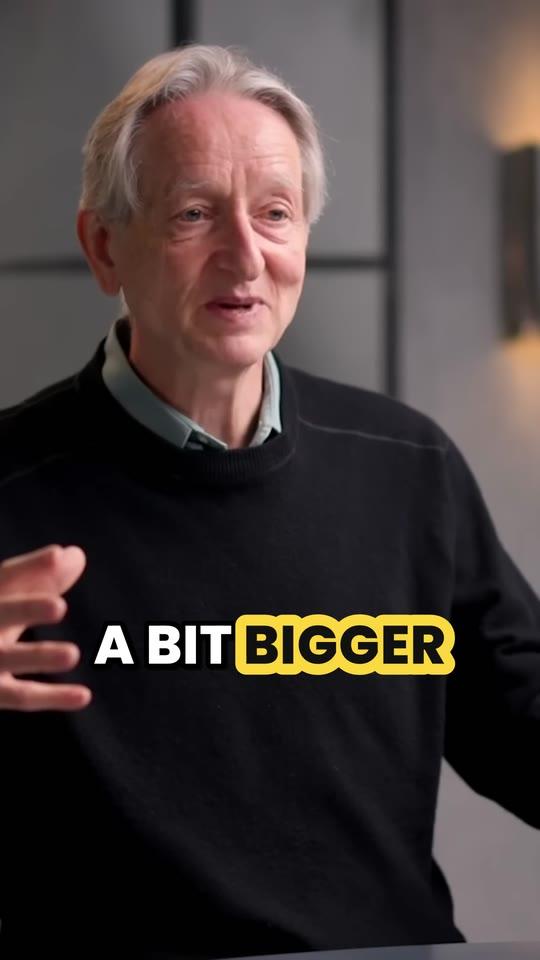
Every clip is cropped to 9:16 on the speaker, cutting between people as they talk; streams get the webcam over the game.
Auto reframeIt captions every word
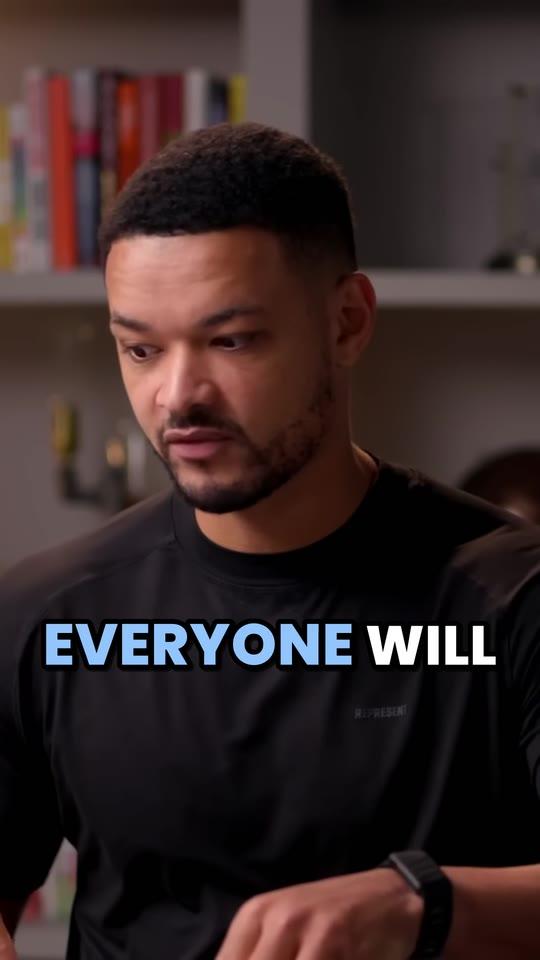
Animated, word by word, in 5 styles and 50+ languages, above the apps' usernames and captions.
Animated captionsIt hands you files to post
Every clip is a 1080 × 1920 MP4 with no watermark, ready for TikTok, Reels and Shorts as it is.
See the clips

Every feature
On every plan unless it says. Step by step, in order: how Clyper works.
- Links, no channel to connectPublic or unlisted YouTube videos (saved live streams and Shorts too), Twitch VODs, and Google Drive or Dropbox files.
- UploadsMP4, MOV, WebM or MKV files up to 4 GB, from any app that records: Zoom, Riverside, OBS and the rest.
- Up to 30 clips a videoYou choose how many, up to one for every 2 minutes of video, or leave it on Auto for the strongest, up to 10. From 1 minute to 4 hours, or a part of a longer one.
- A hook score on every clipFrom 0 to 100, for how strongly its opening holds attention, so you post the best first.
- Cut on whole sentencesEvery clip starts where a sentence does and ends when the point lands, never mid-word.
- 50+ languagesTranscribed and captioned in the language spoken, with fonts for every script, right-to-left included.
- A clip editorTrim to the word, extend either end by up to 15 seconds, fix caption words, switch the style. Up to 10 renders a clip, free.
- Hook headlinesPro and StudioEach clip can open with its hook in a box at the top for 4 seconds, reworded or removed in the editor.
- A brand kitPro and StudioUp to 10 caption styles of your own: font, colors, outline, size and placement.
- Bulk links and priorityStudioPaste up to 10 YouTube links at once, worked through in turn, with priority when there's a wait.
- 5 caption stylesPop, Karaoke, Highlight, One word, Plain. Starter uses Pop; Pro and Studio get them all.
- No watermarkOn every plan, from the first clip.
What you can clip
A page for each kind of video, and each thing Clyper does to it.
- YouTube to ShortsTurn a YouTube video into Shorts, TikToks and Reels with AI. Paste the link: Clyper finds the best moments, crops them to 9:16 and captions every word.
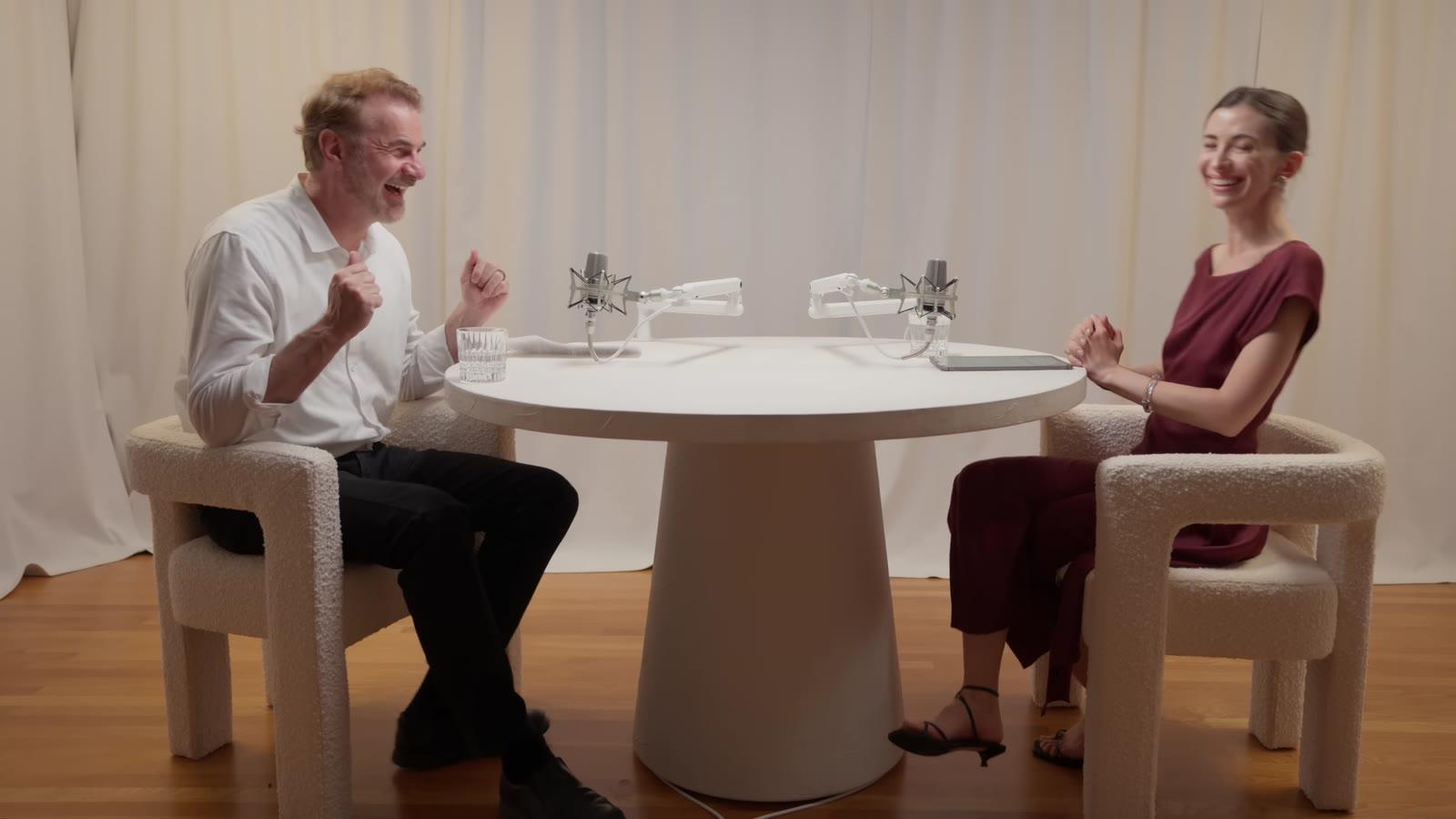
- Podcast clipsTurn podcast episodes into short clips for TikTok, Reels and Shorts. Clyper finds the best moments, frames whoever's talking and captions every word.
- Stream clipsTurn a finished stream into vertical clips for TikTok and Shorts. Clyper finds the best moments, stacks the webcam over the game and captions every word.
- Animated captionsEvery clip Clyper makes comes with animated captions timed to every word, in five styles and the video's language, set above each app's username and caption.
- Auto reframeClyper crops every clip to 9:16 and follows whoever's talking: it switches between speakers, holds steady when they're still, and stacks a stream's webcam.
- Hook scoreClyper's AI virality score, the hook score, rates how likely each clip's opening is to stop the scroll and hold to the end, so you post the strongest first.
From any video, to any app
What people type when they want what Clyper does, page by page.
- AI clip generatorClyper is an AI clip generator: paste a link or upload a video and get up to 30 vertical clips, cut on whole sentences, captioned and scored for their hook.
- AI YouTube clipperClyper is an AI YouTube clipper: paste a YouTube link and get up to 30 vertical clips of its best moments, cut on whole sentences and captioned.
- YouTube to TikTokTurn a YouTube video into TikToks: paste the link and Clyper cuts its best moments into vertical, captioned clips, up to 30, ready to post.
- YouTube to ReelsTurn a YouTube video into Instagram Reels: paste the link and Clyper cuts its best moments into vertical, captioned clips, up to 30, ready to post.
- Long video to short videoTurn a long video into short ones with AI: Clyper finds the best moments of a podcast, stream or talk and cuts each into a captioned vertical clip.
- AI TikTok clip makerThe AI TikTok clip maker for podcasts, streams and YouTube videos: Clyper finds the moments that hook, frames them 9:16 and captions every word.
- Gaming clipsTurn gaming streams into TikToks and Shorts: Clyper finds the moments you react to, puts your facecam over the game and captions every word, up to 30 a stream.
- GTA 6 clipsTurn GTA 6 streams and let's plays into TikToks and Shorts: Clyper finds the reactions, puts the facecam over the game and captions every word, up to 30 clips.
- AI Shorts generatorClyper's AI makes YouTube Shorts from your long videos: paste a link and get up to 30 vertical Shorts, captioned and scored for their hook, with no watermark.
- Twitch to TikTokPaste a Twitch VOD link and Clyper turns the stream into TikToks: your facecam stacked over the game and every word captioned, up to 30 clips a stream.
- Kick to TikTokTurn a Kick stream into TikToks: upload the VOD and Clyper finds your reactions, puts your webcam over the game and captions every word, up to 30 clips.
- YouTube to Facebook ReelsTurn a YouTube video into Facebook Reels: paste the link and Clyper cuts its best moments into vertical, captioned reels, up to 30, ready to post.
- AI video repurposingRepurpose webinars, podcasts and talks with AI: Clyper turns one recording into captioned vertical clips for TikTok, Reels, Shorts and LinkedIn.
- Twitch to YouTube ShortsPaste a Twitch VOD link and Clyper cuts the stream into YouTube Shorts: your facecam over the game, every word captioned, up to 30 Shorts a stream.
- Podcast to TikTokTurn a podcast episode into TikToks: Clyper finds the moments worth sharing, frames host and guest as each one talks and captions every word, up to 30 clips.
- Podcast to YouTube ShortsTurn a podcast episode into YouTube Shorts: paste its link and Clyper finds the moments, frames whoever's talking and captions every word, up to 30 Shorts.
- YouTube to LinkedInTurn YouTube videos, webinars and talks into LinkedIn video clips: Clyper finds the moments with one idea each, frames the speaker and captions every word.
- AI highlight generatorClyper's AI highlight generator reads every word of a stream, podcast or video and cuts its best moments into captioned vertical clips, up to 30, ranked.
- Live stream to ShortsTurn a finished YouTube live stream or Twitch VOD into Shorts: Clyper finds the moments, stacks the webcam over the game and captions them, up to 30.
- AI Reels generatorClyper's AI makes Instagram Reels from your long videos: up to 30 vertical reels, cut on whole sentences, captioned, hook-scored and free of watermarks.
Who it's for
What Clyper does for each kind of customer, with what a month of their videos costs.
- For clippersThe AI clipping tool built for clippers: paste a campaign's YouTube link and get vertical, captioned clips of its best moments, ready to post and submit.
- For clipping agenciesClip more client videos with the same team: Clyper turns each YouTube link into captioned vertical clips in your clients' styles, 10 links at a time.
- For businessesTurn your company's webinars, talks, demos and interviews into captioned vertical clips for LinkedIn, Shorts and Reels, in your brand's caption style.
- For podcastersTurn every podcast episode into up to 30 vertical clips that frame host and guest as they talk and caption every word, for TikTok, Reels and Shorts.
- For streamersPaste your Twitch VOD or YouTube stream and Clyper makes up to 30 vertical clips with your facecam over the game and every word captioned, ready to post.
- For YouTubersTurn every YouTube upload into Shorts, TikToks and Reels: paste the link and Clyper cuts up to 30 vertical, captioned clips, scored so you post the best first.
- For social media managersTurn every brand's or client's videos into vertical clips in their caption style, with hook headlines and up to 10 links at a time on Studio. No watermark.
- For coachesTurn coaching calls, webinars, lives and course lessons into up to 30 captioned vertical clips that show how you teach, ready for Reels, Shorts and TikTok.
- For churchesTurn every Sunday's sermon into captioned vertical clips for Shorts, Reels and TikTok: Clyper picks the moments, frames the preacher and captions every word.
- For educatorsTurn lectures, lessons and course videos into short vertical clips that teach one idea each, framed on you and captioned word by word, ready for students.
- For eventsTurn conference keynotes, panels and sessions into captioned vertical clips for LinkedIn, Shorts and Reels: up to 30 a talk, 10 links at a time on Studio.
From any recording
Recorded somewhere else? Each page shows how to get the file out of the app it's in. All of them are on the recordings page.
Calls and meetings
Cloud storage
Captions, in every style and language
Each one drawn live, the way Clyper draws it on your clips.
What it costs
A credit is a minute of video, so a plan is how much video you can clip in a month, however many clips it makes.
Starter
$20/mo
200 minutes, about 100 clips
Pro
$19/mo yearly
600 minutes, about 300 clips
Studio
$48/mo yearly
2,000 minutes, about 1,000 clips
Also as 2× or 4×, for more of both
Questions about Clyper's features
What features does Clyper have?
Clyper finds the best moments of a long video and turns them into up to 30 vertical clips: cut on whole sentences, framed on whoever's talking, captioned word by word in 5 styles and 50+ languages, each with a hook score. It takes YouTube, Twitch, Google Drive and Dropbox links or uploads, has a clip editor, and exports 1080 × 1920 MP4s with no watermark. Pro adds hook headlines and a brand kit; Studio adds bulk links and priority.
Does Clyper have an editor?
Yes, for each clip: trim either end to the word, extend it by up to 15 seconds, fix caption words and switch the caption style. It isn't a full timeline editor; it's made to get a clip right and post it.
Can Clyper clip several videos at once?
On Studio: paste up to 10 YouTube links at once and Clyper works through them in turn, with priority when there's a wait. On any plan, videos you start one after another wait their turn.
Does Clyper post to TikTok or YouTube for me?
No. It makes the clips and you download them, so you choose the account, the caption and the time. It doesn't need access to any of your accounts.
Which features are on which plan?
Every plan finds the moments, frames them, captions every word and exports with no watermark, with the editor. Starter uses the Pop caption style; Pro and Studio get all 5, hook headlines and the brand kit; Studio adds bulk links and priority processing.
See every feature on your own video
Paste a YouTube, Twitch, Google Drive or Dropbox link, or upload a video: up to 30 clips, framed, captioned and scored, ready to post.
See plans and pricing
