Turn Sunday's sermon into short clips
Paste the YouTube link of Sunday's livestream once it's saved, or upload the recording. Clyper finds the moments in the message that stand on their own, frames the preacher 9:16 and captions every word: up to 30 clips, ready for the week.


Getting the sermon's link or file
Clyper takes a YouTube link or a video file, from a minute to 4 hours long. It doesn't take Facebook, Vimeo or streaming-service links: for those, download the file and upload it.
- 1Let the stream end. YouTube can save a stream shorter than 12 hours as a video by itself. Find it in YouTube Studio under Content, on the Live tab. A stream that's still live won't work yet.
- 2Copy its link. Public and unlisted videos both work. If the replay is private, click the arrow under Visibility, choose Unlisted and click Save: anyone with the link can watch it, but it stays off your channel and out of search.
- 3Use the message on its own if you have it. If your church uploads the sermon as a separate video, paste that link instead: fewer minutes, fewer credits, and no worship set.
- 4Streamed on Facebook? Facebook keeps a live video on your Page or profile for 30 days, then deletes it. Download it before then, from the Page or Meta Business Suite. You need Facebook access to the Page with full control, or to be the person who went live.
- 5For the sharpest clips, keep a local recording. YouTube Studio's downloads come in 720p or 360p, so a file from the streaming computer is sharper. In OBS, press Start Recording as well as Start Streaming, then upload the file (see OBS recordings).
How it works
- 1
Add the message
Paste the livestream's YouTube link once it's saved, or upload the sermon's file.
- 2
Get the clips
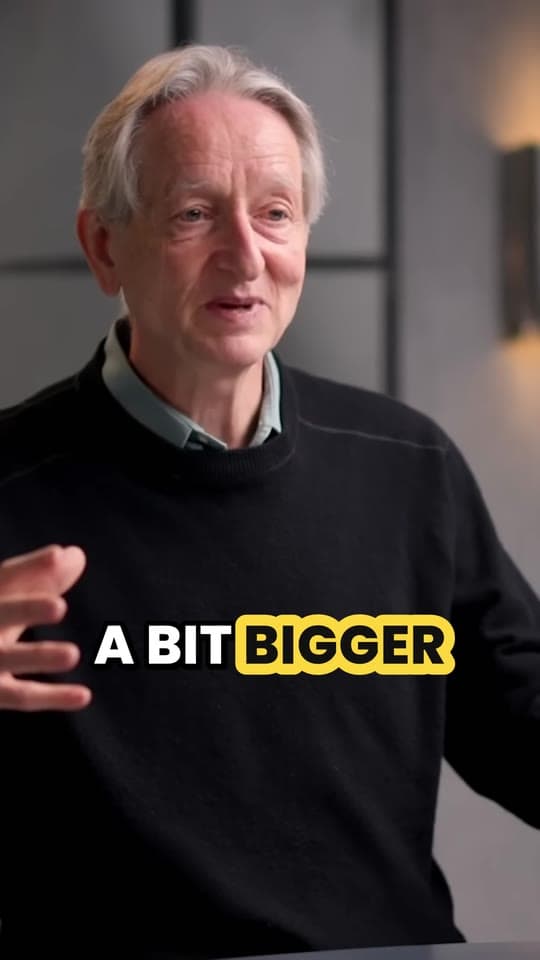
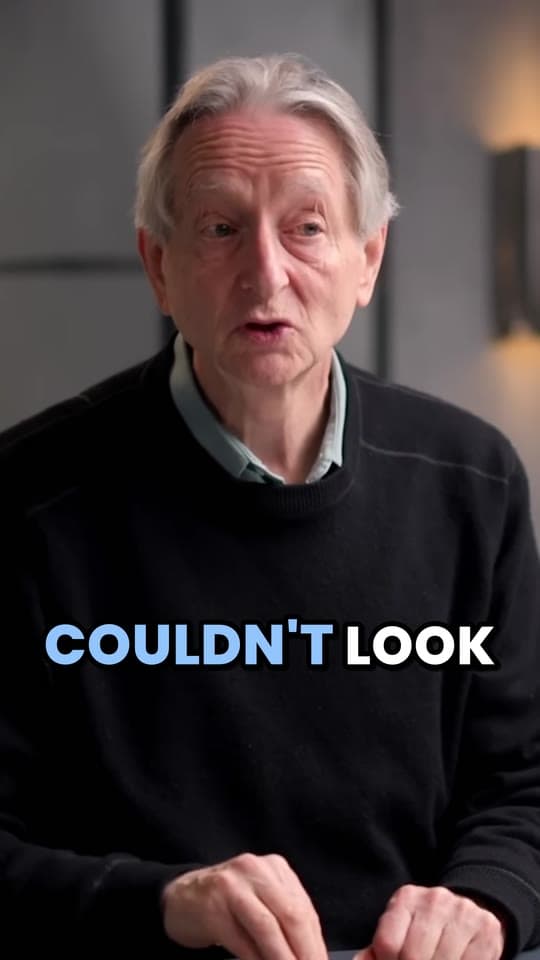
Clyper finds the big idea, the stories and the applications, cuts each on whole sentences and frames the preacher.
- 3
Post them
Fix names and verses in the captions, download the clips and schedule three for the week.
What you get
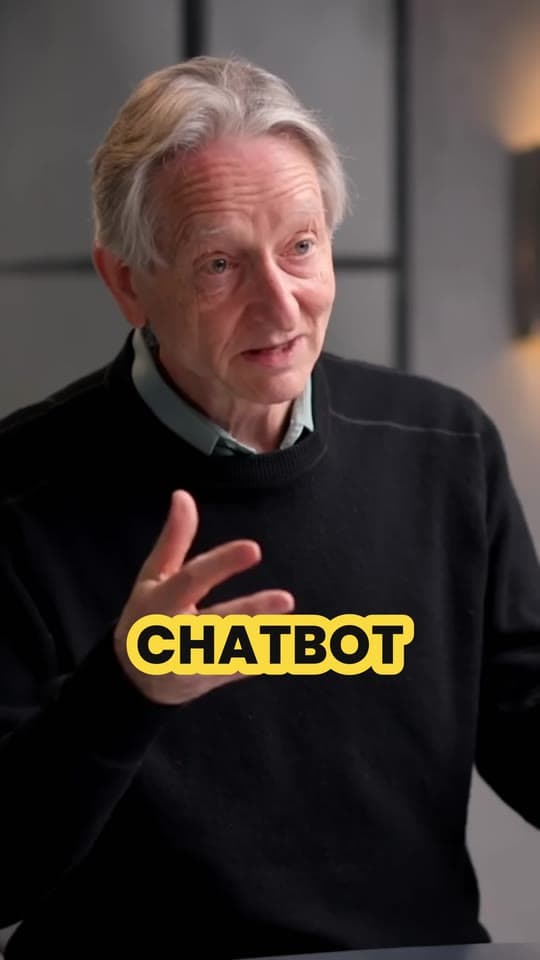
- Follows the preacherIt holds still while they stand near the center, eases over when they walk the stage and cuts when your camera cuts.
- One idea, whole sentencesEach clip is 20 to 60 seconds and starts and ends on a full sentence.
- Fix every verseCorrect Bible names and references in the captions before you download.
- In the language preachedWord-by-word captions in 50+ languages, clear of the apps' buttons.
- Scored for the hookEach clip gets a hook score, so Monday's post is the strongest.
- Ready to post1080 × 1920 MP4s with no watermark, for Shorts, Reels, TikTok and Facebook.
“Went from an hour per clip to under 2 minutes. Still can’t believe it.”
What your camera shot means for the clips
A vertical clip keeps about a third of a wide frame, so the shot you stream decides how the clips look:
- A wide shot of the stage gives a small face, enlarged to fill a phone, so the clip looks soft. When the preacher is too small to make out, Clyper keeps the middle of the frame instead of following them.
- A camera on the preacher, framed from the waist or chest up, gives the best clips. Clyper follows the face as they move.
- Switching between cameras is fine. Clyper cuts with the video's own shot changes, so when your director cuts from the wide shot to the close-up, the clip does too.
- The screen behind the preacher usually falls outside the crop. Put the verse reference on the clip with the free add text to video tool.
Stream in 1080p if you can. More on framing and captions in how to make sermon clips.
Worship music in sermon clips
CCLI's Streaming License extends the Church Copyright License to streaming or uploading your services, with covered songs your musicians play live; Streaming Plus adds master recordings such as backing tracks. CCLI's terms leave out songs in content that isn't a church service, and say master recordings used outside the service stream, as in a promotional video, need licensing from their owners. They don't override the platforms' own terms, and CCLI says some platforms may still flag the music in a licensed stream. CCLI's pages don't mention short clips cut from a service, so ask CCLI or the song's publisher before posting a worship song as a clip.
The simple rule: clip the spoken message. Clyper picks moments by what's said, so its clips come from the sermon, but one can still catch keys playing under the closing prayer. Watch each clip and trim any music out in the editor. This is general information, not legal advice.
Posting for your church's social media
- Three a week. Post the big idea on Monday and two more on Wednesday and Friday. One 1080 × 1920 file works on Shorts, Reels, TikTok and Facebook. More on turning YouTube videos into Shorts.
- Schedule in the apps. Clyper doesn't post or schedule. YouTube Studio sets a publish time when you upload, and Meta Business Suite schedules Facebook and Instagram. See the best time to post.
- Open on the line that lands. Clyper scores each clip's hook; for writing your own first line, see short video hooks.
- Ask first. Send the clips to the pastor before they go out. If a clip shows people in the congregation, follow your church's policy on filming and posting them, especially children.
What it costs
A credit is a minute of video, so a plan is how much video you can clip in a month, however many clips it makes. A 45-minute message uses 45 credits and can give up to 22 clips; the whole 75-minute service would use 75.
Starter
$20/mo
150 minutes, about 75 clips
Pro
$19/mo yearly
400 minutes, about 200 clips
Studio
$48/mo yearly
1,000 minutes, about 500 clips
Also as 2× or 4×, for more of both
Questions
Can Clyper make clips from our church livestream?
Yes, once the stream has ended and YouTube has saved it. Paste the link, public or unlisted, and get up to 30 vertical, captioned clips. You can also upload the recording as an MP4, MOV, WebM or MKV file up to 4 GB.
Can I paste a Facebook Live link?
No. Clyper takes YouTube links and uploaded files. Download the live video from your Page or Meta Business Suite within 30 days, while Facebook still has it, and upload it.
Can we post worship songs from our service as clips?
CCLI's streaming licenses cover participating songs in the services you stream or upload, and its pages don't address short clips cut from them. Ask CCLI or the song's publisher first, and make your weekly clips from the spoken message.
Why do our sermon clips look blurry?
Usually because the preacher is small in a wide shot, or the file is a 720p download. Clip from a camera on the preacher, stream in 1080p, and upload the streaming computer's own recording if you have it.
How many clips can we get from one sermon?
Up to one for every 2 minutes of video: a 45-minute message gives up to 22. Or leave it on Auto and Clyper picks the number. Three a week is a good routine to start with.
Does Clyper post the clips for us?
No. You download the clips and post or schedule them yourself, in YouTube Studio, Meta Business Suite or TikTok.
Sources
Read on October 21, 2026. Apps change their menus and plans often, so check their help pages if a step doesn't match what you see.
Sunday's message, clipped by Monday
Paste your livestream's YouTube link once it's saved. Clyper finds the moments worth sharing, frames the preacher and captions every word: up to 30 clips for Shorts, Reels and TikTok.



Learn more
- Making clipsHow to make sermon clips for YouTube Shorts, TikTok and ReelsFind the clips in Sunday's message, frame and caption them, and post them all week, with a workflow a volunteer team can keep.11 min read
- GrowingHook examples for TikTok, Reels and Shorts (and why they work)Why the first seconds decide a short video's reach, 54 hook templates with examples, and how to find and test the hook in your own clips.12 min read
- GrowingHow to repurpose a long video into a week of short clipsHow many clips one video gives, which moments to use, a week's posting plan and a workflow you can keep up.5 min read


Free tools
- Add text to videoPut a title, a hook or a label on a video, styled the way clips are and placed clear of the apps' buttons, as an MP4 with no watermark.
- Video trimmerCut a video down to the part you want, at the same size and quality, in your browser and without uploading it.
- Auto caption generatorTurn a video's speech into timed captions in your browser: edit them, download SRT or VTT, or burn them into a vertical video.
- Safe zone checkerCheck your clip against TikTok, Reels and Shorts' buttons and captions before you post.
- Video to text converterTranscribe a video or audio file into text with timestamps, in your browser, and copy or download it.
- Remove background noise from videoTake fans, hum, traffic and room noise out of a video's sound (or a sound file's) and keep the voice, on your device.