Turn interviews into short clips
Paste the interview's YouTube link or upload the finished edit. Clyper finds the answers that stand on their own, frames whoever's talking and captions every word: up to 30 clips from one interview.


Getting your interview into Clyper
Most interviews are already a finished video: on YouTube, or exported from an editor. Use the version people will see, with the cuts and camera angles in it. Clyper takes a YouTube link or a file from a minute to 4 hours long.
- 1On YouTube: copy the video's link and paste it above. Public and unlisted both work. If it's private, in YouTube Studio open Content, click the arrow under Visibility, choose Unlisted and click Save. Anyone with the link can watch an unlisted video, but it stays out of search.
- 2A finished file: export the edit as an MP4 at the resolution you filmed, 1080p or more, and upload it. MOV, WebM and MKV work too, up to 4 GB.
- 3Two or more cameras: edit the angles into one video first. In Premiere, select the clips in the Project panel and choose Clip, Create Multi-Camera Source Sequence, synced by Audio, then cut between the angles and export. Other editors have the same kind of multicam tool.
- 4Recorded remotely: download the recording or export the edit from the app you used. See Zoom recordings and Riverside recordings for where each keeps it.
- 5Not edited yet? A one-camera recording works as it is. Clyper picks the moments from the transcript, so you don't have to cut the small talk first.
How it works
- 1
Add the interview
Paste its YouTube link, or upload the edit: from 1 minute to 4 hours long.
- 2
Get the clips
Clyper finds the answers that stand on their own, frames whoever's talking and captions every word.
- 3
Post them
Check each clip in the editor, then download 1080 × 1920 MP4s for TikTok, Reels, Shorts and LinkedIn.
What you get
- Answers that stand aloneMoments are picked from what's said, 20 to 60 seconds each, starting and ending on whole sentences.
- Follows whoever's talkingIt picks the speaker from their mouth moving, switches when the guest answers and keeps both in frame when they sit close.
- Cuts with your editWhen your edit cuts to another camera, the clip cuts with it.
- Scored for the hookEach clip gets a hook score, so the strongest answer goes out first.
- Bring the question inExtend either end by up to 15 seconds to keep the question, trim to the word or fix a name.
- Captions in 50+ languagesEvery word, in the interview's language, placed clear of the apps' buttons.
“Didn’t touch editing software once. Just dropped links in, posted what it spit out.”
Remote interviews: record each side well
Each person's camera ends up filling the clips in turn, so set up both sides before you hit record:
- Speaker view, not gallery view. In a gallery, Clyper centers on the talking person's tile, which is small and looks soft on a phone. Zoom's cloud recording can also save the active speaker as a file of its own.
- Each person on their own mic, with headphones, so one voice doesn't leak into the other's mic.
- Camera at eye level, light in front, head and shoulders in frame with a little room above.
If a guest's audio came out noisy or quiet, the free background noise remover and video volume booster fix a clip before you post it.
In person, with two cameras
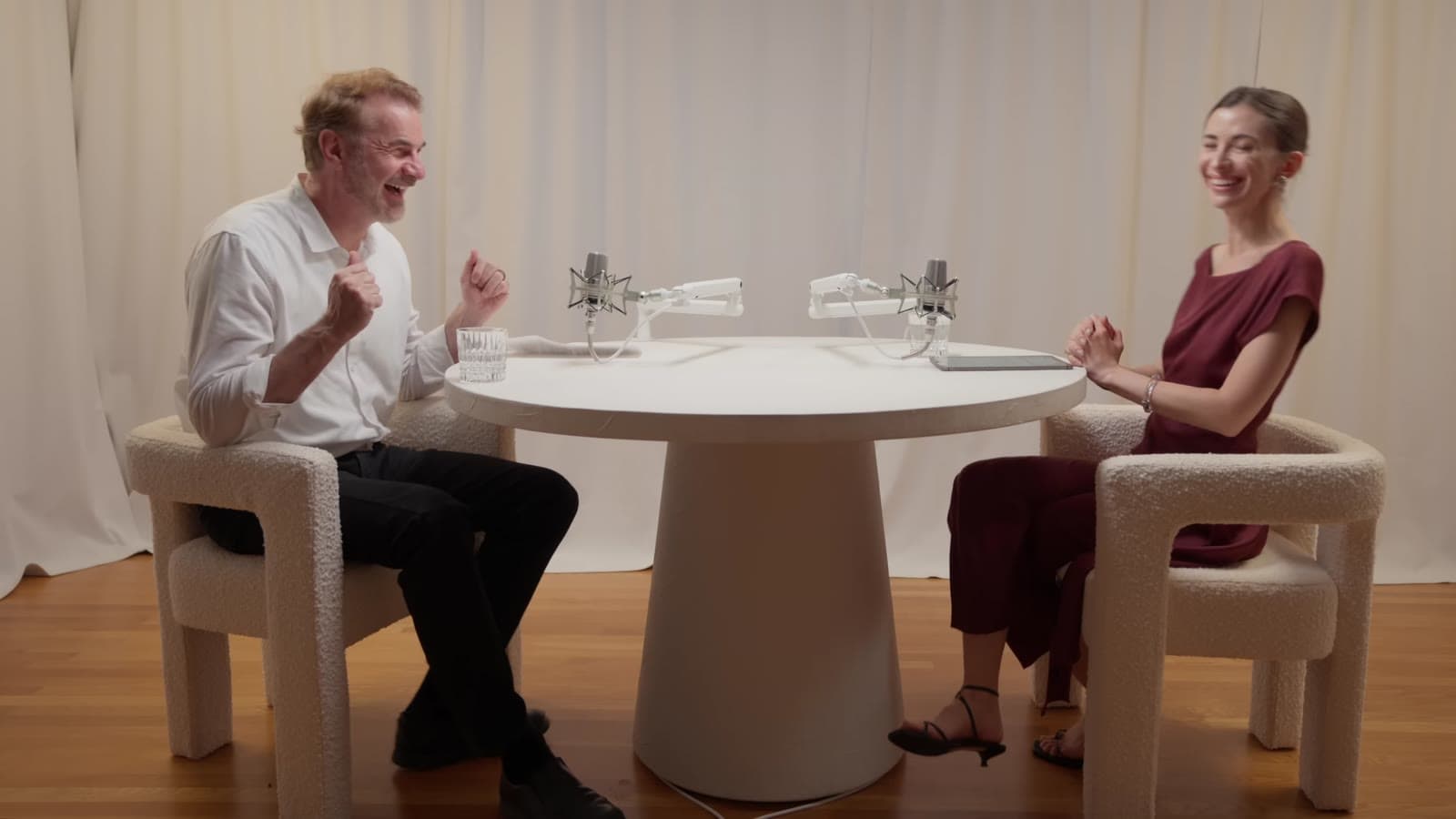
A vertical crop keeps about a third of a wide shot. Two people across a table rarely fit in that, so Clyper follows whoever's talking within the frame and switches as they trade answers. A close-up on each person gives the sharpest clips, which is why the multicam edit matters: Clyper cuts with the video's own shot changes, so your choice of angle carries into every clip.
To show both people at once, one above the other, lay out that clip with the free split screen video maker. Interviewing guests on a regular show? See podcast clips.
The shape of a good interview clip
Questions are often long or off-mic, and a clip that starts on the question loses people before the answer. The best interview clips start on the answer, so the answer has to stand on its own: “The biggest mistake I made in year one was hiring too fast” works without the question; “Yeah, that one, definitely” doesn't.
- Ask guests beforehand to answer in full sentences that repeat the question's point.
- If a clip needs the question, extend its start in the editor, or put the question on screen with add text to video.
- Open on the strongest line. See short video hooks and how to make viral clips.
Consent and releases
A clip puts one answer in front of people who never saw the full interview, out of its context. Tell the interviewee you'll post clips, and get their OK, in writing if you can: the release they sign before recording is a good place for it. If they ask you not to post a moment, leave it out.
Interviews on someone else's channel belong to them: clip them only with permission, like a clipping campaign gives. See is clipping legal? This is general information, not legal advice; for a release or a question about your own situation, ask a lawyer where you live.
What it costs
A credit is a minute of video, so a plan is how much video you can clip in a month, however many clips it makes. A 45-minute interview uses 45 credits and can give up to 22 clips.
Starter
$20/mo
150 minutes, about 75 clips
Pro
$19/mo yearly
400 minutes, about 200 clips
Studio
$48/mo yearly
1,000 minutes, about 500 clips
Also as 2× or 4×, for more of both
Questions
How do I turn an interview into clips?
Paste its YouTube link into Clyper, or upload the video. Clyper finds the answers that stand on their own, frames whoever's talking and captions every word, for up to 30 clips. Check them in the editor, download them and post them.
Can Clyper clip an interview filmed with two cameras?
Yes, once the angles are edited into one video. Clyper cuts with the video's own shot changes and follows whoever's talking in each shot. It doesn't take separate camera files and switch between them itself.
Does it work with remote interviews from Zoom or Riverside?
Yes. Download the Zoom recording, ideally in speaker view, or export the edit from Riverside, and upload the file. Clyper doesn't take Zoom or Riverside links.
Do I need the interviewee's permission to post clips?
Ask for it. Tell them you'll post clips and get their OK, in writing if you can, for example in the release. This is general information, not legal advice.
Can I clip interviews from other people's channels?
Only with their permission, like a clipping campaign or a written yes. Your own interviews are yours to clip.
How many clips can I get from an interview?
You choose, up to one for every 2 minutes of video: a 45-minute interview gives up to 22. On Auto, Clyper picks the number.
Sources
Read on October 21, 2026. Apps change their menus and plans often, so check their help pages if a step doesn't match what you see.
Clip your next interview
Paste the interview's YouTube link. Clyper finds the answers worth posting, frames whoever's talking and captions every word: up to 30 clips, ready to post.



Learn more
- Making clipsHow to clip a podcast into short videosFind the moments in an episode, cut them to stand alone, frame the speakers and caption every word.5 min read
- GrowingHook examples for TikTok, Reels and Shorts (and why they work)Why the first seconds decide a short video's reach, 54 hook templates with examples, and how to find and test the hook in your own clips.12 min read
- Getting startedIs clipping legal? Copyright, permission and the apps' rulesPermission, fair use, claims and strikes, and what TikTok, Instagram and YouTube count as original.5 min read
Free tools
- Split screen video makerStack a streamer's webcam over the game, two people talking, or a clip over gameplay, in one 1080 × 1920 video.
- Add text to videoPut a title, a hook or a label on a video, styled the way clips are and placed clear of the apps' buttons, as an MP4 with no watermark.
- Remove background noise from videoTake fans, hum, traffic and room noise out of a video's sound (or a sound file's) and keep the voice, on your device.
- Increase video volumeMake a quiet video louder: it's measured in LUFS and brought up to -14 LUFS, a common level for social video, without distorting.
- Bleep censorBleep the swearing out of a video or podcast: it's transcribed on your device, the swear words found, and each one bleeped.
- Video to text converterTranscribe a video or audio file into text with timestamps, in your browser, and copy or download it.