AI clip generator
The AI clip generator that turns one long video into 30 clips worth posting
Clyper is an AI clip generator for videos of people talking. Paste a YouTube or Twitch link, or upload a podcast, stream or talk: it picks the moments that stand on their own, cuts each on whole sentences, frames whoever's talking in 9:16 and captions every word. Up to 30 clips, each scored for its hook, with no watermark.
- No watermark
- 1080 × 1920 exports
- Captions in 50+ languages
- Up to 30 clips per video

How it works
- 1
Paste a link or upload
A YouTube, Twitch, Google Drive or Dropbox link, or a file up to 4 GB: 1 minute to 4 hours at a time.
- 2
The AI makes the clips
It reads the whole transcript, picks the moments, cuts each to 20 to 60 seconds, frames it 9:16 and captions it.
- 3
Post the best first
Clips come sorted by hook score. Fix anything in the editor, then download 1080 × 1920 MP4s.
What you get
- Whole sentences, whole momentsEvery clip opens on a line that hooks and ends after its payoff, never mid-word.
- Framed on whoever's talkingIt follows the speaker from shot to shot, and stacks a streamer's facecam over the game.
- A hook score on every clip0 to 100, strict, on every plan, so you know which clip to post first.
- Up to 30 clips, your callChoose how many, up to one per 2 minutes of video, for the same credits.
- Captions on every word5 animated styles, in the video's own language: 50+ of them.
- No watermark, any planClean 1080 × 1920 MP4s, ready for TikTok, Reels and Shorts.
“Went from an hour per clip to under 2 minutes. Still can’t believe it.”
 Hom Nurkil, solo creator · 90 sec/clip
What an AI clip generator does
An AI clip generator turns a long video into short clips by itself. It transcribes what's said, picks the moments that make sense on their own, cuts them out, reframes them from wide to vertical and adds captions. What used to take an editor hours of scrubbing takes minutes, and you spend your time choosing between clips instead of finding them.
The work splits into five jobs, and the clips are only as good as the weakest one:
- Finding the moments. Clyper reads the whole transcript and looks for moments that stand alone: a story, a take, a tip, an answer. It skips sponsor reads.
- Cutting them. Each clip starts on a line that makes people need the next one and ends right after the payoff, on whole sentences, 20 to 60 seconds long.
- Framing them. It finds the faces in every shot, follows whoever's talking, holds still while they do and cuts (never pans) when the speaker or the shot changes.
- Captioning them. Every word, timed to the voice, above the usernames and captions the apps show at the bottom.
- Ranking them. A hook score from 0 to 100 for how likely the opening is to stop the scroll and the clip to keep people, so you know where to start.
The longer version, with what each step gets wrong when it's done badly, is in how AI clip generators work.
What it made from one podcast
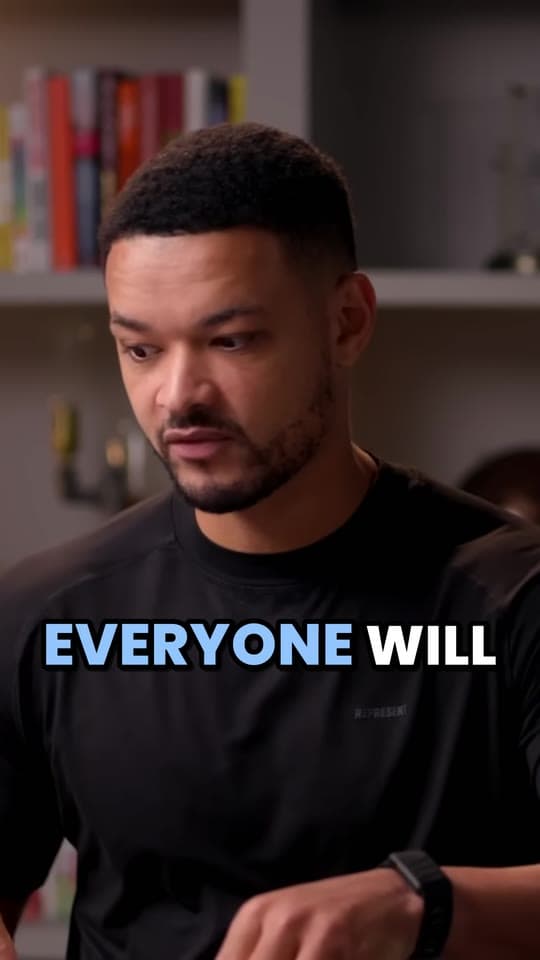

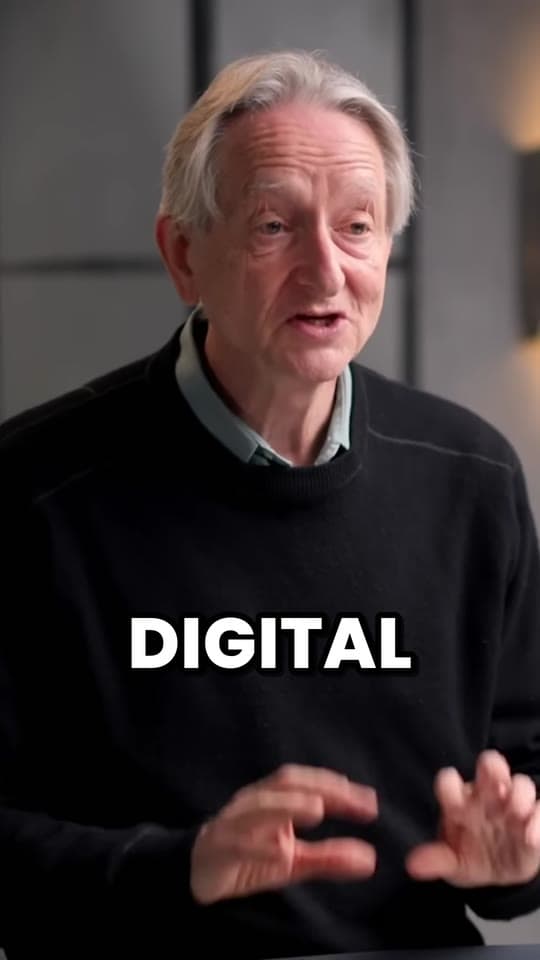
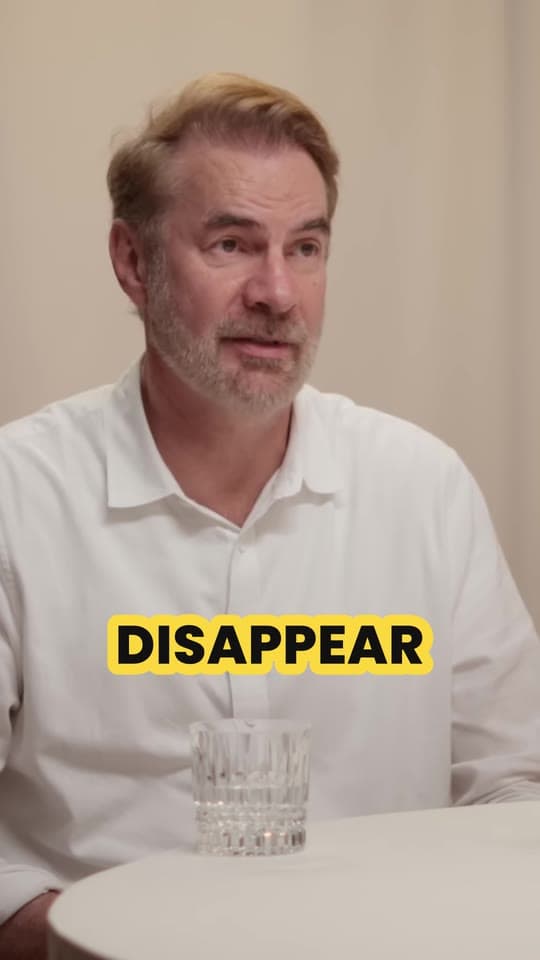
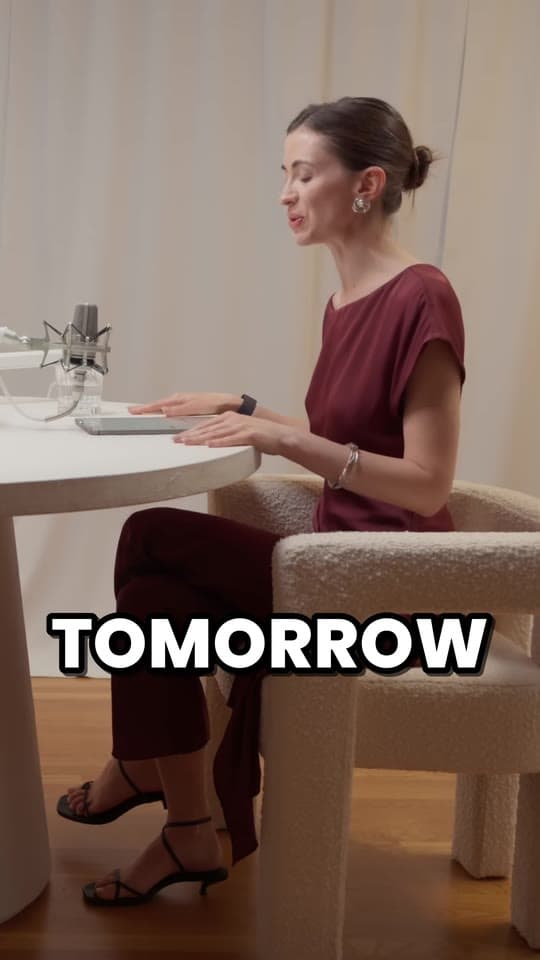
These are Clyper's own picks, cut, framed and captioned by the same code that clips your videos, with no hand edits. It scored them 73, 72, 68 out of 100. The scale is strict: 75 is strong and 90 or above is rare, and nothing under 50 is kept, so the order means something. How the score works is on the hook score page.
What Clyper does differently
- It cuts moments, not windows. A clip starts where the thought starts and ends after its payoff, so it makes sense to someone who never saw the video. If you want more, extend either end by up to 15 seconds in the editor.
- It frames people the way an editor would. On a two-person podcast it switches to whoever's talking, from the moment they start, and keeps people together when they fit. On a stream, it finds the webcam in the corner and stacks it in the top 1080 × 608 over the middle of the game. See auto reframe.
- Every clip has a hook score, on every plan. Clips come sorted, strongest first. On Auto you get fewer clips rather than weak ones.
- You choose how many clips. Up to one for every 2 minutes of video and 30 in all: a 30-minute video gives up to 15. Or leave it on Auto, about 10 an hour, up to 10.
- You pay for video, not clips. A credit is a minute of video, however many clips you take from it, so asking for 30 costs the same as asking for 10.
- No watermark on any plan. Not even on Starter.
Who uses an AI clip generator
Anyone with more long video than time to cut it:
- Podcasters, for a week of clips from every episode: Clyper for podcasters.
- Streamers, to turn a VOD into TikToks before it expires: Clyper for streamers and Twitch to TikTok.
- YouTubers, for Shorts that bring people back to the long video: Clyper for YouTubers.
- Clippers, who post clips of creators' videos for pay: Clyper for clippers.
- Agencies, marketers and social media managers, repurposing webinars, talks and client videos: clipping agencies, businesses and social media managers.
What it costs
A credit is a minute of video. An hour-long video uses 60 credits and can give up to 30 clips: about $1.90 on Pro billed yearly, or $0.06 a clip if you take them all.
| Plan | Price | Video a month | Clips, up to | A clip |
|---|---|---|---|---|
| Starter | $20 a month | 3 h 20 min | 100 | $0.20 |
| Pro | $19 a month billed yearly | 10 hours | 300 | $0.06 |
| Studio | $48 a month billed yearly | 33 h 20 min | 1,000 | $0.05 |
| Studio 2× | $96 a month billed yearly | 66 h 40 min | 2,000 | $0.05 |
| Studio 4× | $192 a month billed yearly | 133 h 20 min | 4,000 | $0.05 |
Every video uses at least 10 credits, and one that gives no clips has its credits returned. There's no free plan: Starter is $20 a month. Put in your own videos in the AI clipping cost calculator.
What it won't do
- Find moments nobody talks about. Clyper picks from what's said, so a silent play or a look is one to cut yourself. Music and silent footage give few clips.
- Make anything up. It cuts, frames and captions the real footage. No AI voices, faces or b-roll.
- Post for you. You download the clips and post or schedule them yourself.
- Make square or wide clips. Clips are 9:16. The free video resizer turns one into 1:1 or 4:5.
What it costs
A credit is a minute of video, so a plan is how much video you can clip in a month, however many clips it makes.
Starter
$20/mo
200 minutes, about 100 clips
Pro
$19/mo yearly
600 minutes, about 300 clips
Studio
$48/mo yearly
2,000 minutes, about 1,000 clips
Also as 2× or 4×, for more of both
Questions
What is the best AI clip generator?
For videos of people talking (podcasts, streams, interviews, talks), Clyper: it cuts on whole sentences, frames whoever's talking, captions every word, scores every clip's hook on every plan and gives up to 30 clips a video with no watermark. It's first in our own ranking of AI clipping tools; we make Clyper, so try it on one of your videos and judge the clips.
What is an AI clip generator?
A tool that turns a long video into short clips by itself: it transcribes the speech, picks the moments that stand on their own, cuts them, reframes them vertically and adds captions, ready for TikTok, Reels and Shorts.
Is there a free AI clip generator?
Clyper isn't free: Starter is $20 a month, with no free plan or trial, and no watermark on any plan. For single steps, the free tools here run in your browser: the video highlight finder finds a video's liveliest moments by its sound, the vertical video converter crops to 9:16 and the auto caption generator captions a clip.
How does the AI pick the clips?
It reads the whole transcript and picks moments that make sense on their own, open on a strong line and end after the payoff, 20 to 60 seconds long. Each gets a hook score from 0 to 100, and clips come sorted by it.
What videos work best?
People talking: podcasts, interviews, streams, commentary, talks, webinars and lessons. Every sentence is a possible moment. Silent gameplay and music give few clips, since Clyper finds moments in what's said.
How many clips does one video give?
You choose, up to one for every 2 minutes and 30 in all: an hour or more gives up to 30. The credits are the same however many you take.
Can I edit the clips?
Yes. Trim to the word, extend either end by up to 15 seconds, fix a caption or change the caption style. Edits use no credits.
Try it on your longest video
Paste a link or upload a file. Clyper finds the moments, cuts them on whole sentences, frames whoever's talking and captions every word: up to 30 clips, scored so you post the best first.


Learn more
- Making clipsAI clip generators: how they work and how to choose oneWhat an AI clip generator does step by step, the mistakes to check for, and what to compare when you choose one.9 min read
- Making clipsHow to clip videos with AI, step by stepFrom a long video to clips worth posting with an AI clipping tool: what to give it, which settings matter, and what to check before you post.11 min read
- Making clipsAI clipping vs manual clipping: which is better?Where the hours go by hand and with AI, what AI gets right and wrong, what each costs, and a hybrid workflow for the first pass and the final call.13 min read

Free tools
- Video highlight finderFind the liveliest moments in a stream, podcast or video by its sound, jump to each one and save it as a clip, without uploading it.
- Clips per video calculatorSee how many clips one video makes: paste a YouTube link or type its length, and get the clips, the days of posts and what a clip costs on Clyper.
- AI clipping cost calculatorSee what AI clipping costs you on Clyper for the video you clip each month: the plan that covers it, and the cost per video, clip and hour.