YouTube to Shorts
Turn any YouTube video into Shorts, automatically
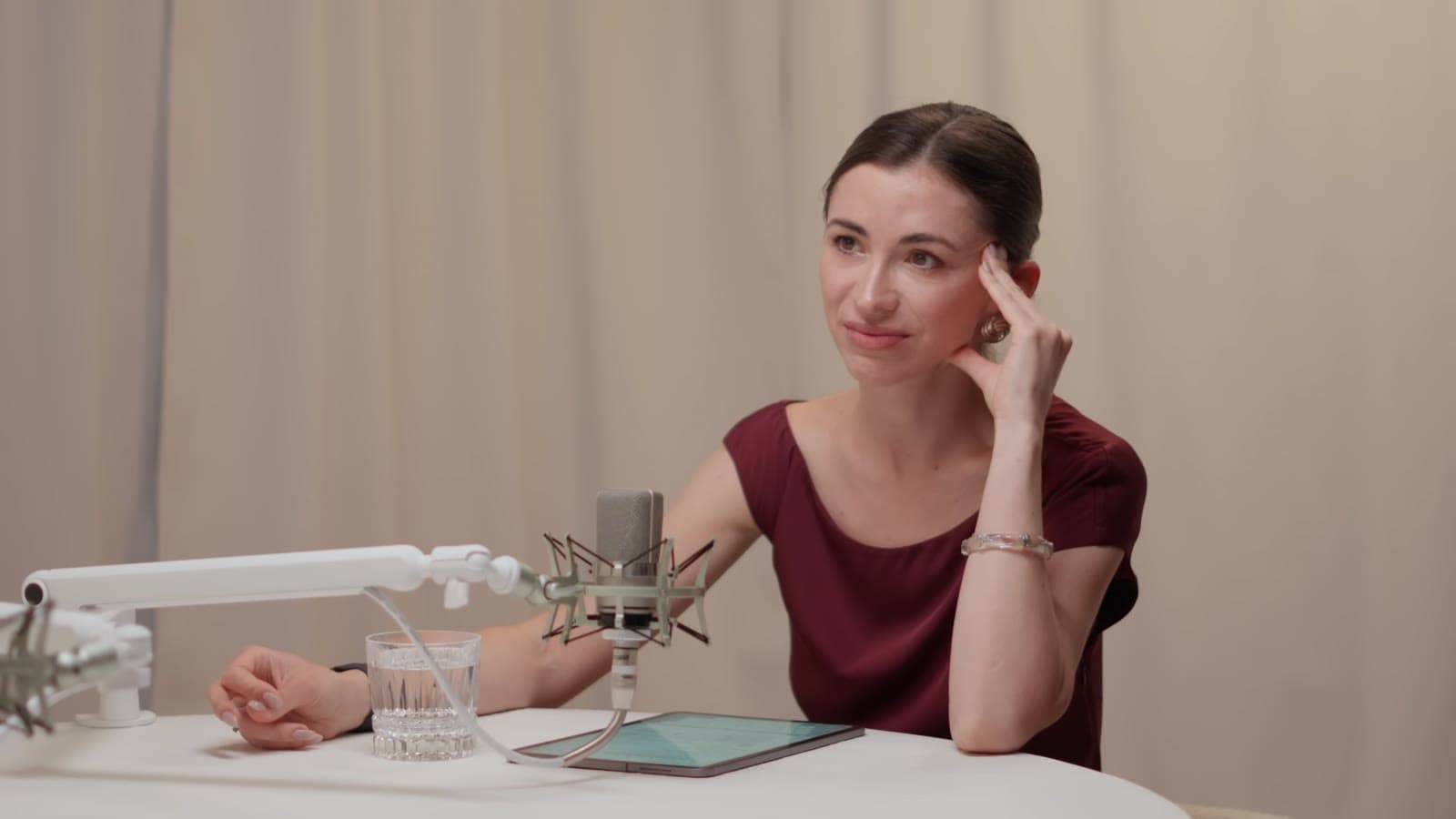
Paste a YouTube link. Clyper watches the whole video, picks its best moments and turns each one into a vertical clip with captions: up to 30 Shorts, ready for YouTube, TikTok and Reels.
- No watermark
- 1080 × 1920 exports
- Captions in 50+ languages
- Up to 30 clips per video
How it works
- 1
Paste the link
Any public or unlisted YouTube video from 1 minute to 4 hours long, including finished live streams. Or upload the file.
- 2
Get the Shorts
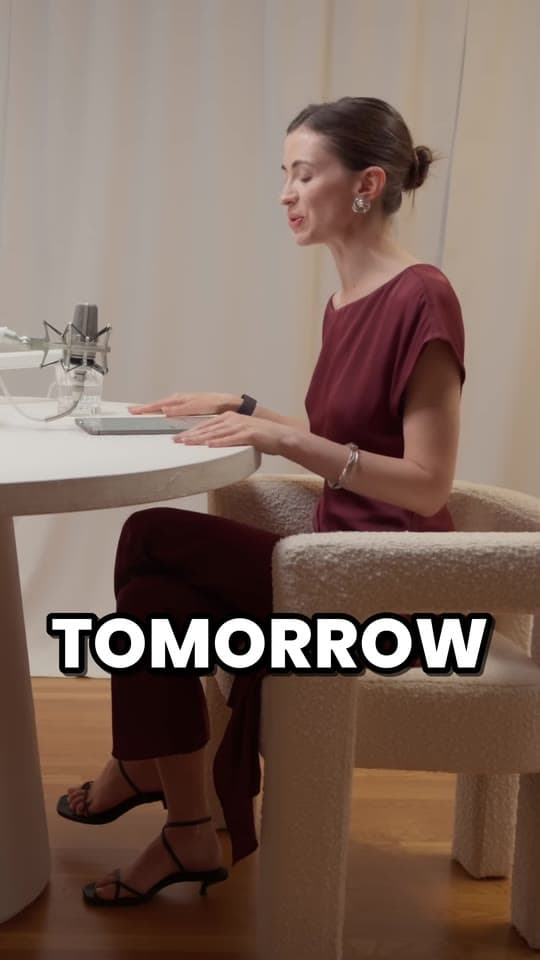
Clyper finds the moments that stand on their own, cuts each to whole sentences, crops it to 9:16 on whoever's talking and captions every word.
- 3
Check them and post
Trim or extend a clip, fix a caption, then download 1080 × 1920 MP4s with no watermark and post them anywhere.
What you get
- The best moments, pickedEvery clip is scored for how well it hooks and holds attention, so you post the strongest first.
- Cut to whole sentencesClips start on a line that hooks and end on its payoff, never mid-word.
- Vertical, on the speakerEach shot is cropped to 9:16 and follows whoever's talking as they move.
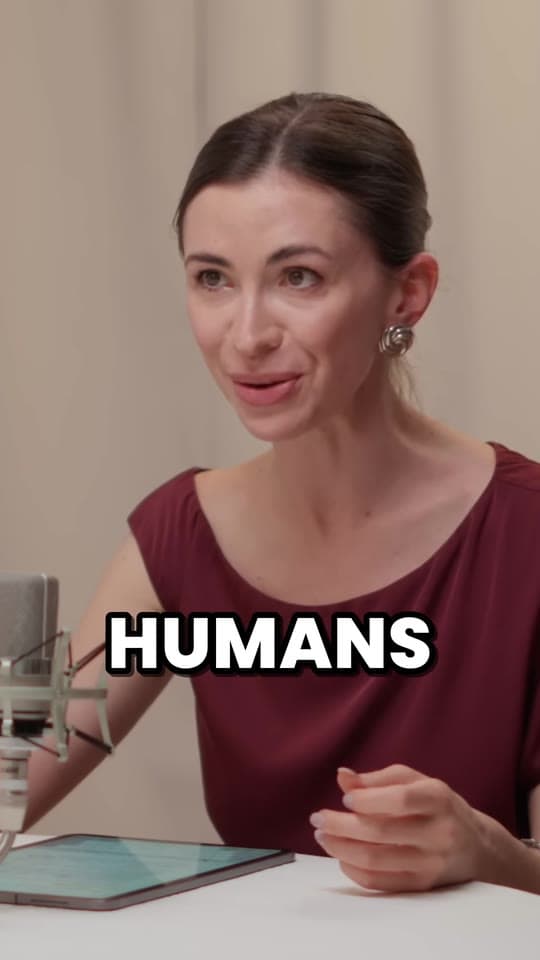
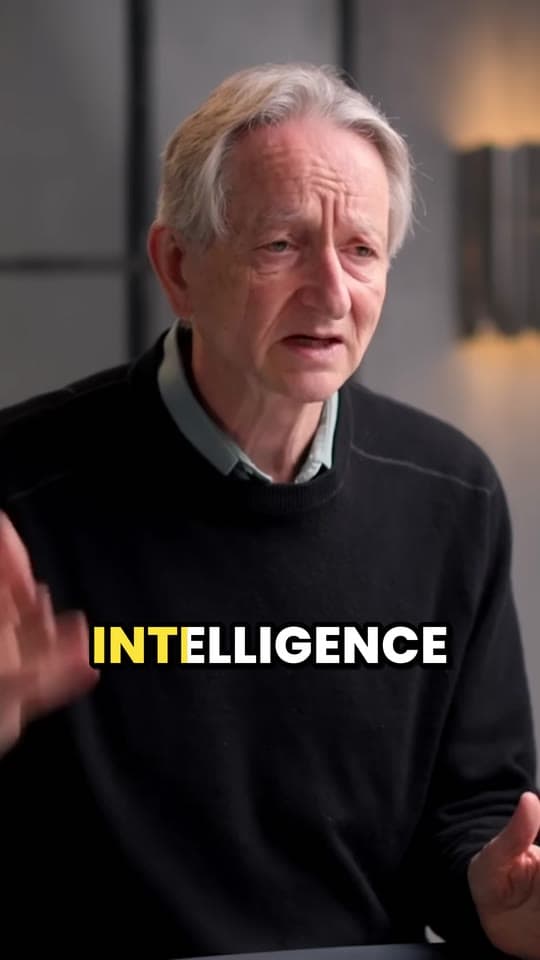
- Captions on every wordAnimated captions, timed to the voice, in the video's own language.
- An editor for the last touchTrim to the word, extend either end by up to 15 seconds, fix a word or change the style.
- Ready to post1080 × 1920 MP4s with no watermark, the size Shorts, TikTok and Reels fill the screen with.
“Went from an hour per clip to under 2 minutes. Still can’t believe it.”
One video, a week of Shorts
You choose how many clips you want, up to one for every 2 minutes of video: a 20-minute video gives up to 10, a 45-minute one up to 22, and an hour or more up to 30, for the same credits. Or leave it on Auto, and Clyper picks about one for every six minutes and stops at the strong ones.
Post one a day and a single upload fills your week. See how to repurpose a long video into a week of clips.
Which YouTube videos work
Any public or unlisted video from 1 minute to 4 hours long, including Shorts and live streams that were saved after they ended. Private, members-only and age-restricted videos, and streams that are still live, don't work. You can also upload an MP4, MOV, WebM or MKV file up to 4 GB.
The videos that give the best Shorts are people talking: podcasts, interviews, streams, commentary, talks and lessons. They're full of moments that make sense on their own.
Shorts, TikTok and Reels from the same clips
All three apps fill the screen with a 9:16 video, and 1080 × 1920 is that shape in full HD, so every clip posts on all three as it is. YouTube counts square and vertical videos of up to 3 minutes as Shorts, and most clips that work are well under a minute.
Upload the file to each app rather than sharing it from one to another, so no other app's watermark ends up on it. Check one against each app's limits with the free video size checker.
Your videos, or ones you can clip
Clip your own videos, or videos whose owners want clips, like through a clipping campaign that pays for views. Posting clips of someone else's video without permission can get them taken down. See is clipping legal?
What it costs
A credit is a minute of video, so a plan is how much video you can clip in a month, however many clips it makes.
Starter
$20/mo
150 minutes, about 75 clips
Pro
$19/mo yearly
400 minutes, about 200 clips
Studio
$48/mo yearly
1,000 minutes, about 500 clips
Also as 2× or 4×, for more of both
Questions
How do I turn a YouTube video into Shorts?
Paste its link into Clyper. It picks the best moments, cuts each to whole sentences, crops it to 9:16 on whoever's talking and captions every word, for up to 30 Shorts. Check them in the editor, download them and upload them to YouTube.
How many Shorts can I get from one YouTube video?
As many as you choose, up to one for every 2 minutes of video: a 30-minute video gives up to 15, and an hour or longer up to 30. On Auto, Clyper picks about one for every six minutes, depending on how many strong moments it has.
Do I need to download the YouTube video first?
No. Paste the link and Clyper does the rest. If you already have the file, you can upload it instead.
Is there a free YouTube to Shorts converter?
Clyper is paid, from its Starter plan, with no free trial. To crop one part of a video to 9:16 by hand, the free vertical video converter does it in your browser, and YouTube Studio can cut clips from your own long videos.
How long can a YouTube Short be?
Up to 3 minutes, square or vertical. Most clips that work run 20 to 60 seconds: one moment, from its hook to its payoff.
Can I turn someone else's YouTube video into Shorts?
Only with permission, like a clipping campaign gives. Otherwise your Shorts can be taken down for copyright.
Paste a link, get the Shorts
Clyper finds the best moments of any YouTube video, crops them to 9:16 on whoever's talking and captions every word: up to 30 clips, ready to post.
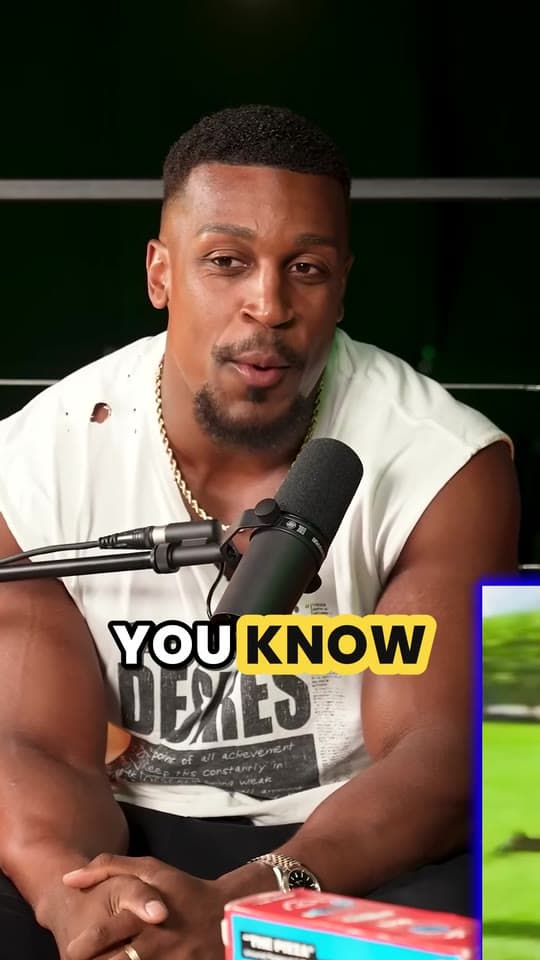
Learn more
- Making clipsHow to turn a YouTube video into Shorts, TikToks and ReelsThe quick way and by hand: the size and settings, cropping 16:9 to 9:16, and what to post where.5 min read
- GrowingYouTube Shorts vs long videos: which should you make?What Shorts and long videos pay, how each gets you monetized and grows a channel, what changes in 2027, and why most channels make both.13 min read
- GrowingHow to post YouTube videos on TikTokWhy a link won't play, getting your own video's file, TikTok's upload limits, vertical clips, and the link in your profile.11 min read
Free tools
- YouTube clip makerClip any moment of a YouTube video by its start and end, and share it as a link, an embed or its timestamps.
- Vertical video converterTurn a horizontal video into a 1080 × 1920 one for TikTok, Reels and Shorts, cropped or fitted, without uploading it.
- Video splitterSplit a video into parts: every 30 or 60 seconds, into equal parts, or where you mark it, kept as it is or 9:16 and numbered.