Pop captions
Pop captions: three words at a time, the spoken one in blue
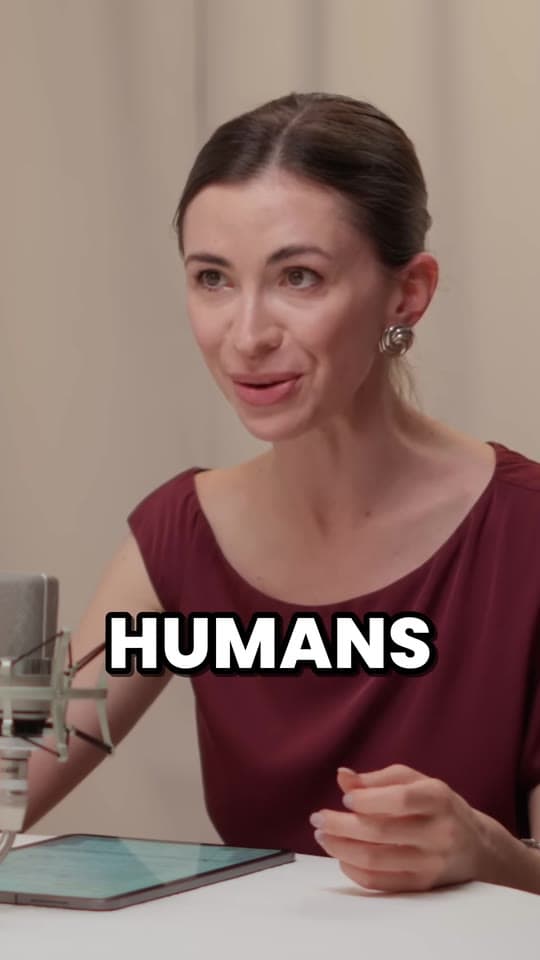
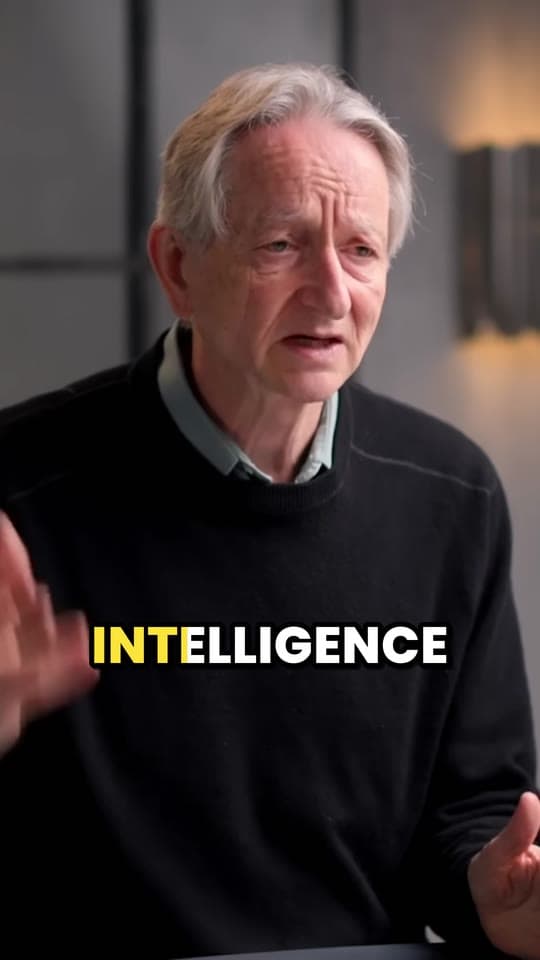
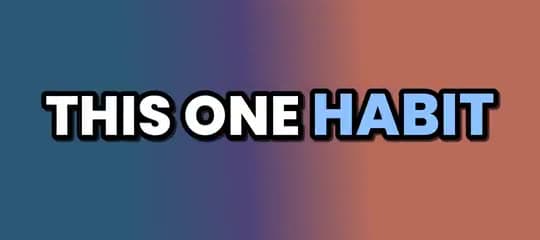
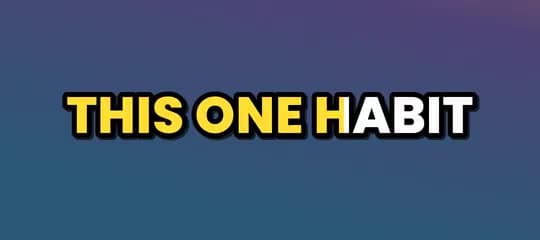
Pop is Clyper's default caption style, on every plan: 3 words at a time in bold white capitals, each word turning blue with a quick pop the moment it's said. Paste a link and every clip comes captioned in it.
- No watermark
- 1080 × 1920 exports
- Captions in 50+ languages
- Up to 30 clips per video
Pop captions
- 3 words, 15 characters at most
- Bold white capitals with a black outline
- The spoken word turns blue and pops
- On every plan, Starter included
Drawn live in your browser by Clyper's own caption builder, the one that burns captions into every clip. Try other languages, or compare the other styles.
How it works
- 1
Paste a link
A YouTube video or an upload. Clyper finds its best moments and captions every word.
- 2
Get Pop captions
Pop is the default: every clip comes captioned in it, on every plan.
- 3
Download
1080 × 1920 MP4s with Pop captions burned in, ready for TikTok, Reels and Shorts.
What you get
- Timed to every wordEach word appears as it's said, with a new caption at each sentence, comma and pause.
- 50+ languagesPop works in every language Clyper captions, in the right font for its script.
- Pop, in your colorsOn Pro and Studio, save a style of your own from Pop, with your font, colors, size and height.
- Hook headlinesOn Pro and Studio, each clip opens with its hook as a headline at the top.
- Fix any wordCorrect a name or a misheard word in the editor and see the change at once.
- Burned inPart of the video, so the captions show on every app exactly as you saw them.
“Went from an hour per clip to under 2 minutes. Still can’t believe it.”
 Hom Nurkil, solo creator · 90 sec/clip
How Pop moves
Pop puts up a few words at a time, at most 3 and 15 characters, in white capitals with a thick black outline and a soft shadow, so they read over any footage. The word being said turns blue and pops: drawn 12% bigger, it settles to 6% bigger in under a tenth of a second and stays lit until the next word starts.
A new caption starts at the end of each sentence, at a comma and at a pause, so a caption never runs across two thoughts. The pop pulls the eye along with the voice, which is why it's Clyper's default.
When to use Pop
- Podcasts and interviews cut into clips: the steady blue pop keeps people reading through a long answer.
- Clipping campaigns. Bold word-by-word captions are what most briefs ask for, and Pop is on every plan, Starter included.
- Talking-head clips of any kind, when you want one style that just works.
Pop at a glance
| Pop | |
|---|---|
| Words at a time | Up to 3 |
| Characters at a time | Up to 15 (8 in Japanese, Chinese and Thai) |
| Letters | Capitals |
| Text | White, with a 10 px black outline |
| The spoken word | Turns blue and pops |
| Size | 200 on a 1080 × 1920 frame |
| Height | Centered 1,300 px down the 1,920 px frame |
| Plans | Every plan, Starter included |
Make Pop your own
On Pro and Studio, save up to 10 caption styles of your own: start from any of the 5, then choose the font (Poppins, Montserrat, Anton, Bebas Neue, Archivo Black or Bangers), the colors, the size and how high the captions sit. They show beside the built-in styles when you start a video or edit a clip.
Your styles carry your font into every language with letters it has; for other scripts, the captions fall back to the matching Noto Sans font, so nothing turns into empty boxes.
The other caption styles
Compare all 5 on the preview above, or read about each. Every style works in every language: see captions in every language.
Or see a language:
What it costs
A credit is a minute of video, so a plan is how much video you can clip in a month, however many clips it makes.
Starter
$20/mo
150 minutes, about 75 clips
Pro
$19/mo yearly
400 minutes, about 200 clips
Studio
$48/mo yearly
1,000 minutes, about 500 clips
Also as 2× or 4×, for more of both
Questions
Is Pop on every plan?
Yes. Pop is Clyper's default style and the one Starter clips use. Pro and Studio add the other four, and styles of your own.
Can I change Pop's blue?
On Pro and Studio, yes: save a style of your own that starts from Pop, with your colors, font, size and height.
Does Pop work in every language?
Yes. Pop captions every language Clyper does, 50+ of them, each in a font made for its script, from Spanish to Japanese to Arabic.
Can I switch a clip to another style?
Yes, in the clip editor, with the preview showing the change before you download. On Starter, clips use Pop; Pro and Studio can switch between all 5.
Are the captions burned into the video?
Yes. They're part of the clip, so they show on every app exactly as you chose them, with nothing to upload separately.
Clips with Pop captions, ready to post
Paste a YouTube link. Clyper finds the best moments, frames them vertically and captions every word in Pop: up to 30 clips, ready for TikTok, Reels and Shorts.

Learn more
- Making clipsHow to caption short videos so people keep watchingWhy every clip needs captions, the styles that hold attention, and where to put them so the apps don't cover them.5 min read
- Making clipsHow to add captions on TikTok, Instagram Reels and YouTube ShortsEach app's own captions, step by step: turning them on, fixing words, and why most clippers burn styled captions into the video instead.10 min read
- GrowingHook examples for TikTok, Reels and Shorts (and why they work)Why the first seconds decide a short video's reach, 54 hook templates with examples, and how to find and test the hook in your own clips.12 min read
Free tools
- Auto caption generatorTurn a video's speech into timed captions in your browser: edit them, download SRT or VTT, or burn them into a vertical video.
- Add captions to videoBurn captions into a vertical video, word by word in the styles clips use: transcribed from its speech, or from an SRT or VTT file.
- Video to text converterTranscribe a video or audio file into text with timestamps, in your browser, and copy or download it.