AI YouTube clipper
The AI YouTube clipper: paste a link, get the clips
Paste any YouTube link. Clyper's AI reads the whole video, picks the moments worth posting, cuts each on whole sentences, frames whoever's talking in 9:16 and captions every word: up to 30 clips from one video, scored so you know which to post first. No download, no timeline, no channel to connect.
- No watermark
- 1080 × 1920 exports
- Captions in 50+ languages
- Up to 30 clips per video
Updated
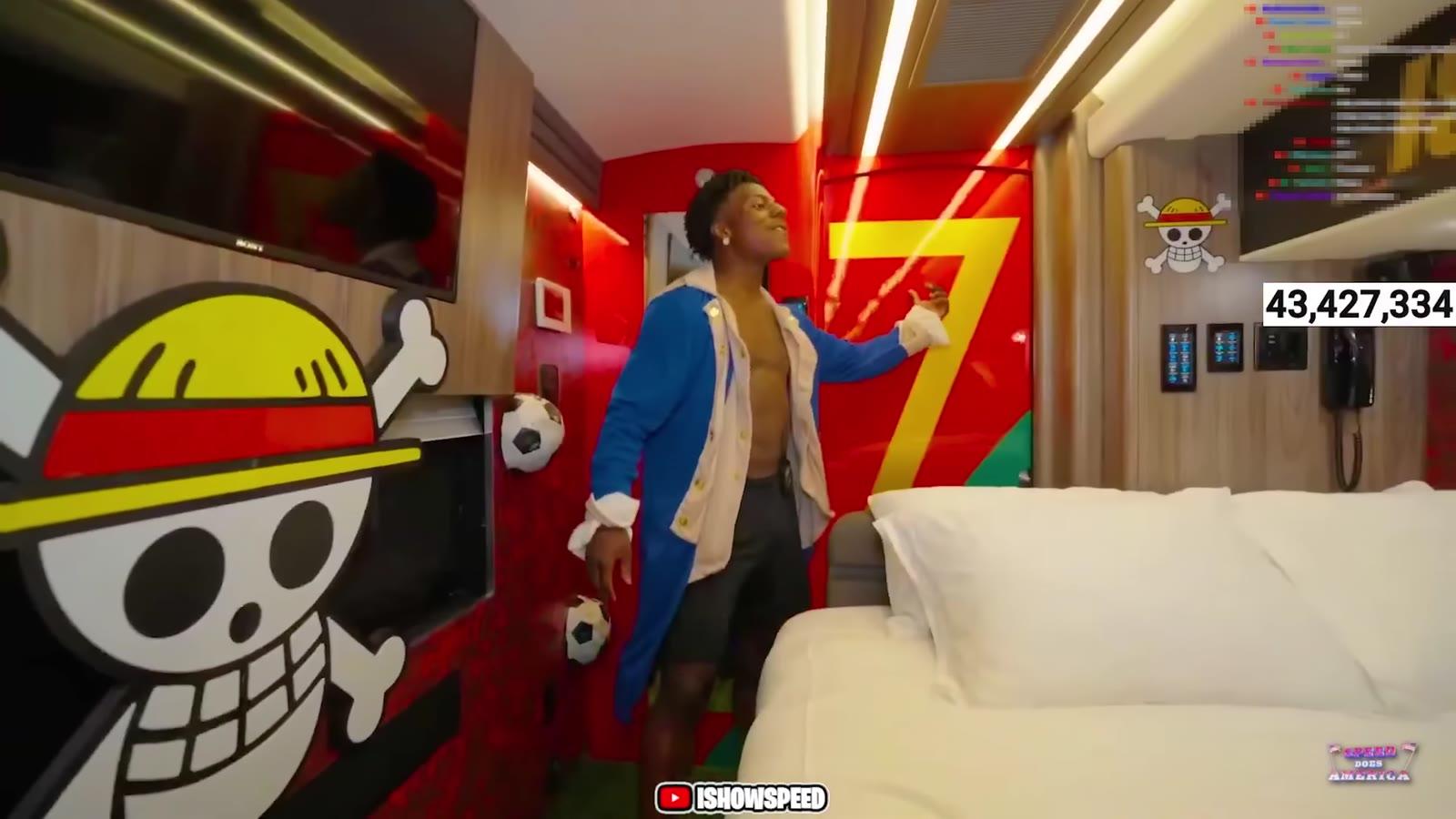
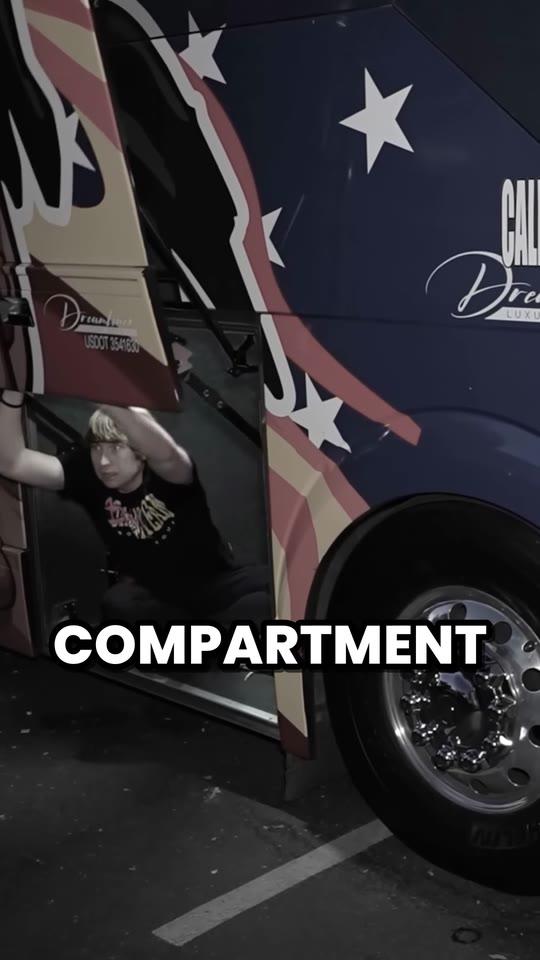
How it works
- 1
Paste the YouTube link
A public or unlisted video, or a saved live stream, from 1 minute to 4 hours. Pick a part to clip just that.
- 2
The AI clips it
Moments of 20 to 60 seconds that stand alone, framed 9:16, captioned and scored for their hook.
- 3
Download and post
Check each in the editor and download 1080 × 1920 MP4s with no watermark, for TikTok, Reels and Shorts.
What you get
- Any YouTube linkWatch pages, youtu.be, /live/ and /shorts/ links: yours or a campaign's, no channel to connect.
- Finds the momentsIt reads every word and picks what works alone, each with a hook score out of 100.
- Cuts on whole sentencesEvery clip starts on a line that hooks and ends on its payoff, never mid-word.
- 9:16 on the speakerIt follows whoever's talking, and stacks a stream's facecam over the game.
- Captions on every word5 animated styles, in the video's own language, 50+ of them.
- Fix any clipTrim to the word or extend either end by up to 15 seconds, at no extra cost.
“Didn’t touch editing software once. Just dropped links in, posted what it spit out.”
 Jordan Mackey, faceless clipper · $1,200/mo
What an AI YouTube clipper does that a clip button doesn't
“Clipping” a YouTube video used to mean YouTube's own Clip button, which looped 5 to 60 seconds of a video on its page. In April 2026, YouTube said sharing at a timestamp is replacing it, with no way to set an end. Either way, the result plays on YouTube. To post a moment on TikTok, Reels or Shorts you need the clip itself: a vertical file with the speaker in frame and captions people can read with the sound off.
An AI clipper makes those files, many at a time, and does the part that takes longest by hand: finding the moments. Clyper reads the whole video's words, picks the stretches that make sense to someone who never saw it, and turns each into a finished clip. Here's how it compares with clipping one moment yourself:
| Free YouTube clip maker | Clyper | |
|---|---|---|
| What you get | A link, an embed and timestamps that play on YouTube | Vertical MP4 files to download and post |
| Moments | The one you mark yourself | Up to 30 it finds, or as many as you choose |
| Framing | The video as it is, 16:9 | 9:16 on whoever's talking, at 1080 × 1920 |
| Captions | None | Every word, animated, in 5 styles |
| Which first | Your call | A hook score out of 100 on every clip |
| Cost | Free, in your browser | From $20 a month |
Need one moment as a link or an embed? The free YouTube clip maker does that in your browser. Need clips to post? That's what Clyper is for.
Which YouTube links it clips
- Public and unlisted videos, from 1 minute to 4 hours long, by any of YouTube's link shapes: youtube.com/watch, youtu.be, /live/ and /shorts/ links, with or without a timestamp.
- Live streams once they've ended and been saved. A stream that's still live can't be clipped yet: see how to clip a YouTube live stream.
- Longer than 4 hours? Turn on Clip part of the video and give it a From and a To, then clip the next part. The same works for clipping just one stretch of any video, and the credits follow the part.
- Not: private, members-only and age-restricted videos. For those, upload the file if it's yours (MP4, MOV, WebM or MKV, up to 4 GB).
Nothing to download or install: paste the link and Clyper gets what it needs from YouTube itself. Streams from Twitch work the same way, by their VOD link: see Twitch to TikTok.
How many clips one YouTube video gives
| Video | Clips, up to | Credits |
|---|---|---|
| 10 minutes | 5 | 10 |
| 30 minutes | 15 | 30 |
| 1 hour | 30 | 60 |
| 2 hours | 30 | 120 |
| 4 hours | 30 | 240 |
Up to one clip for every 2 minutes of video, 30 at most, and the credits are the same however many you take. Leave it on Auto and it stops at the strong ones, up to 10. Pro's 600 credits a month clip 10 hour-long videos, for up to 300 clips. To work out a video before you paste it, use the free clips per video calculator.
For clippers: a campaign's video in, clips out
Clipping campaigns pay per 1,000 views on clips of a creator's video, and they hand you a YouTube link. Clyper is built for that: paste the link, get every moment worth posting, and post the top scorers first. There's no channel check, so any campaign's video works, and no watermark, so a campaign's reviewers see your clip, not another app's logo.
- Read the brief first. Campaigns set the length, the caption style and what to tag: see why campaigns reject clips.
- Clip with permission. A campaign or a creator's clipping program gives it; a random video doesn't. See is clipping legal and which creators pay clippers.
- Post more than one. One video gives many moments, and each is its own chance at views. Where to start: how to make money clipping.
For creators: your own uploads, as Shorts, TikToks and Reels
Every long video you've made holds a week of short ones. Paste your own upload's link and Clyper gives you clips that sound like your channel, because they are your channel: no AI voices or stock footage. Post them as Shorts linked to the full video, and as TikToks and Reels, from the same file. The steps for each: YouTube to Shorts, YouTube to TikTok and YouTube to Reels.
What it costs
A credit is a minute of video, so a plan is how much video you can clip in a month, however many clips it makes.
Starter
$20/mo
200 minutes, about 100 clips
Pro
$19/mo yearly
600 minutes, about 300 clips
Studio
$48/mo yearly
2,000 minutes, about 1,000 clips
Also as 2× or 4×, for more of both
Questions
What is the best AI YouTube clipper?
For clips you can post, one that reads the whole video and makes the files. Clyper does that: paste any public YouTube link and it picks the moments, cuts them on whole sentences, frames whoever's talking in 9:16, captions every word and scores each clip's hook, up to 30 from one video with no watermark.
Is there a free YouTube clipper?
Clyper is paid, from Starter at $20 a month, with no free plan or trial. For one moment, the free YouTube clip maker here makes a link, an embed and its timestamps in your browser, and the vertical video converter crops a part of a video file to 9:16.
Can I clip any YouTube video?
Any public or unlisted video from 1 minute to 4 hours, including saved live streams; a longer one a part at a time. Private, members-only and age-restricted videos, and streams that are still live, don't work. To post clips of someone else's video, you need their permission, which clipping campaigns give.
How many clips can I get from one YouTube video?
Up to one for every 2 minutes and 30 in all: an hour-long video gives up to 30. A credit is a minute of video, so the number of clips doesn't change the cost.
Do I need to download the YouTube video first?
No. Paste the link and Clyper gets what it needs from YouTube itself. You download the finished clips, as 1080 × 1920 MP4s with no watermark.
How long are the clips?
Most run 20 to 60 seconds, one moment from its hook to its payoff. In the editor you can trim either end to the word or extend it by up to 15 seconds.
Clip a YouTube video now
Paste its link. Clyper finds the best moments, frames each one 9:16 on whoever's talking and captions every word: up to 30 clips, sorted so you post the strongest first.



Learn more
- Making clipsHow to clip a YouTube videoShare a moment by its start, embed just that part, cut it into a vertical clip, or get clips made from the link.6 min read
- Making clipsHow to find the best moments to clip in a video, stream or podcastWhere the clip-worthy moments hide in a long video, and fast ways to find them: Most replayed, chat, transcripts and sound.11 min read
- Making clipsHow to clip videos with AI, step by stepFrom a long video to clips worth posting with an AI clipping tool: what to give it, which settings matter, and what to check before you post.11 min read

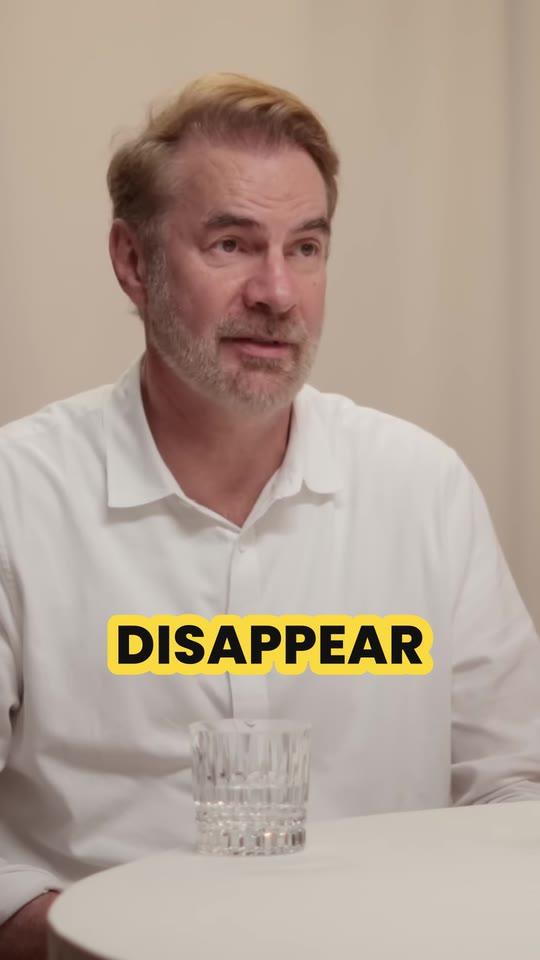
Free tools
- YouTube clip makerClip any moment of a YouTube video by its start and end, and share it as a link, an embed or its timestamps.
- Clips per video calculatorSee how many clips one video makes: paste a YouTube link or type its length, and get the clips, the days of posts and what a clip costs on Clyper.
- Vertical video converterTurn a horizontal video into a 1080 × 1920 one for TikTok, Reels and Shorts, cropped or fitted, without uploading it.