Clyper reviews
Clyper reviews: is Clyper legit?
What Clyper customers say in their own words, a clip Clyper made beside a basic auto-clip of the same moment, and the facts to check before you buy: how you pay, how you cancel and what happens to your videos.
- Stripe checkout
- Cancel anytime
- No watermark
- Uploads deleted after 2 days
What customers say
Three Clyper customers, in their own words, published with their agreement.
$1,200/mo
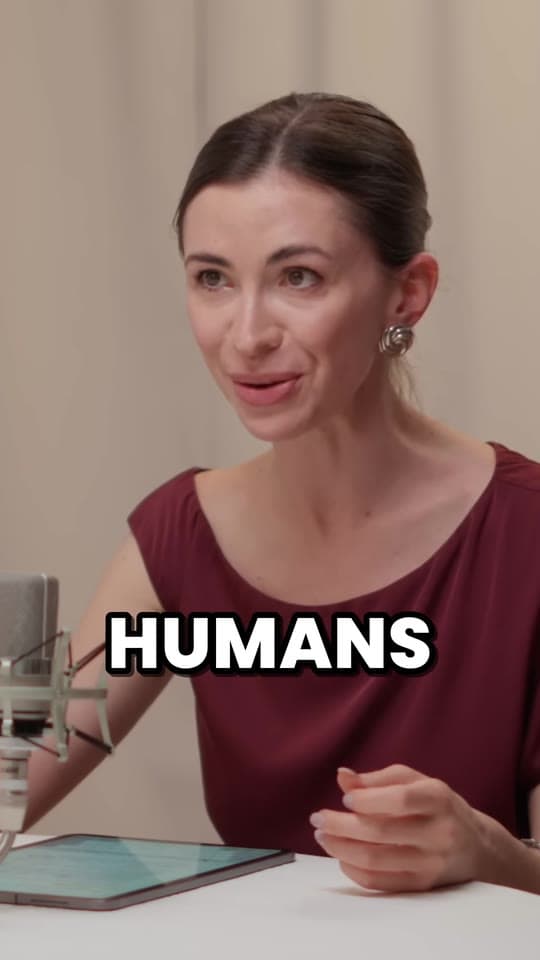
“Didn’t touch editing software once. Just dropped links in, posted what it spit out.”
 Jordan MackeyFaceless clipper
90 sec/clip
“Went from an hour per clip to under 2 minutes. Still can’t believe it.”
 Hom NurkilSolo creator
9 clients
“Tripled our client load without hiring anyone. Clyper is basically a second team.”
 Dan ReyesLowkey Media
Same moment. Different clip.
The same seconds from IMPAULSIVE, posted twice.
Basic auto-clip made in another tool: 50 views
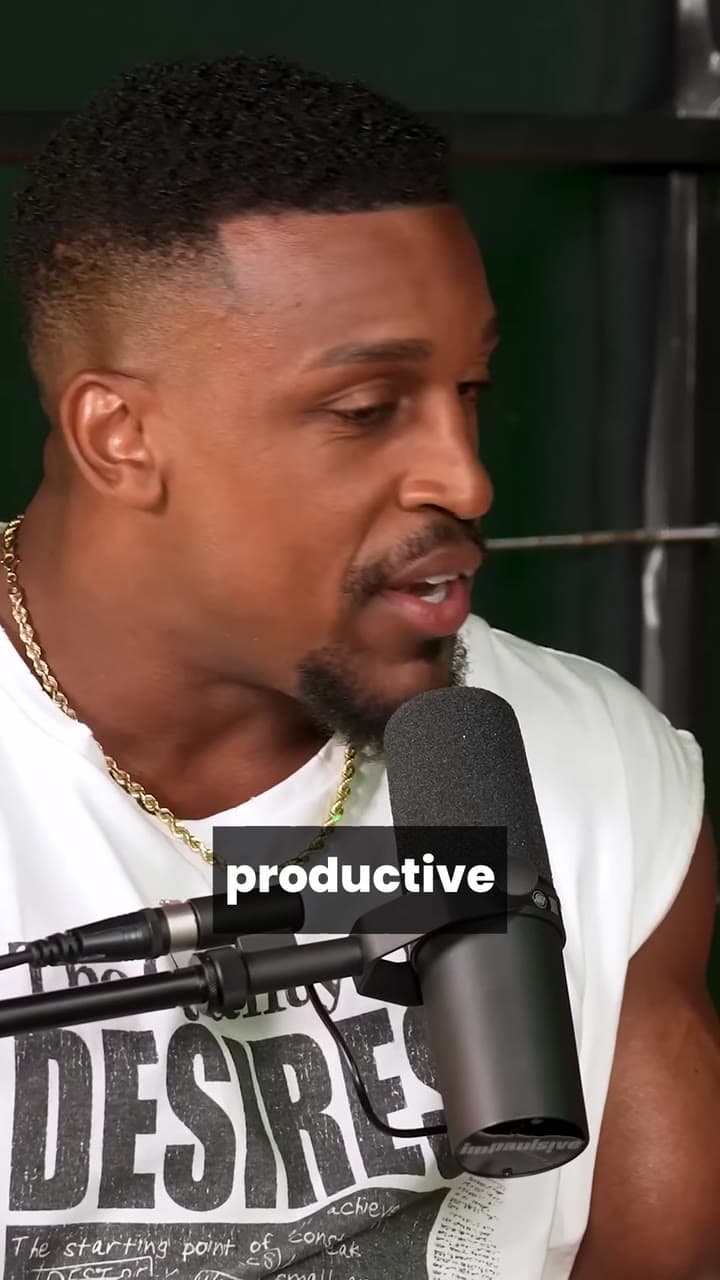
Made with Clyper: 4.6M views
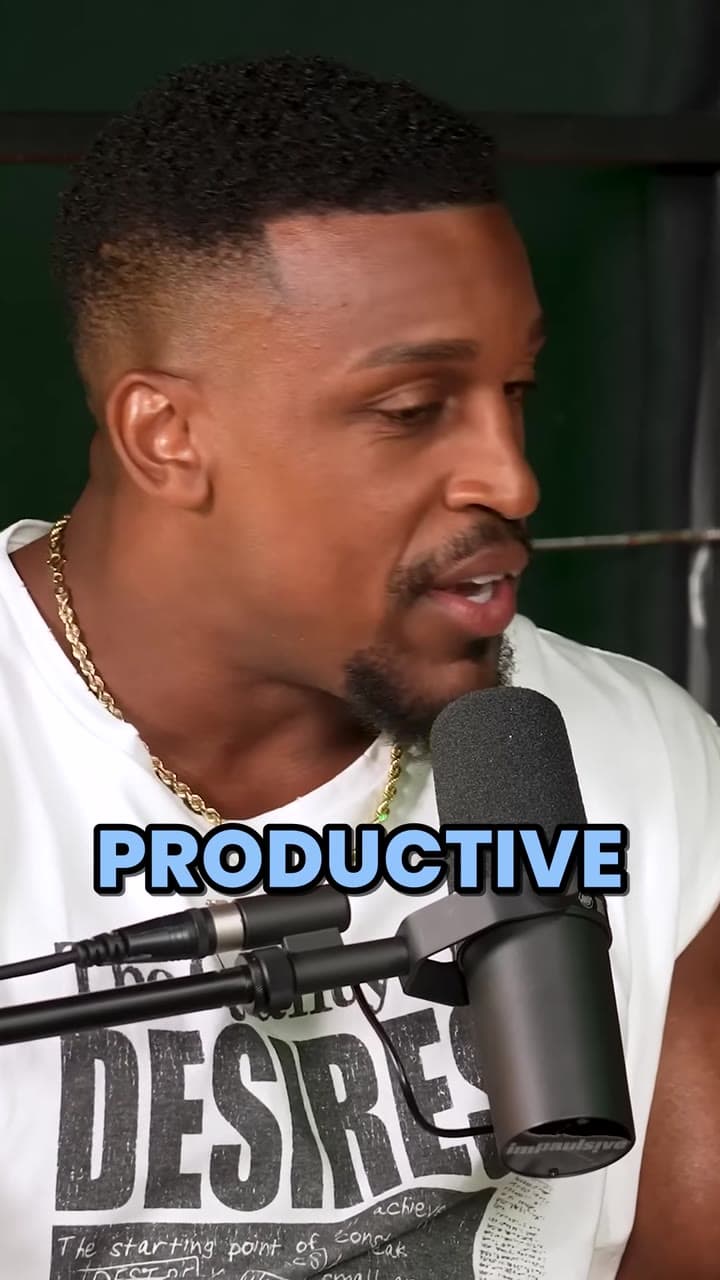
Make clips like the one on the right from your own videos.
Get startedClyper on Product Hunt
Clyper is listed on Product Hunt, where anyone with an account can review it. What's written there is up to them, not us.
The facts, if you're checking Clyper out
What you'd want to know before you pay. The terms of service and the privacy policy have the details.
- Paid through StripePlans are paid through Stripe's checkout, so Clyper never sees or stores your full card number. Prices are in your currency where Clyper has prices in it, and in US dollars otherwise.
- Cancel anytimeOpen Billing in the app and choose Manage billing. Your plan and its credits stay until the end of the period you paid for.
- No watermark on any planEvery plan, Starter included, exports 1080 × 1920 MP4s with no watermark, ready to post as they are.
- Uploads deleted after 2 daysVideos you upload are only used to make your clips, and deleted 2 days later. Clips and your edits are deleted 14 days after they're made, so download the ones you want to keep.
- Your files stay privateOnly your account can open your videos and clips, through links that expire. Clyper doesn't sell your information or use it for advertising.
- Your clips are yoursYou keep every right you have to the videos you submit and the clips Clyper makes from them. They're yours to download and post.
- Credits back if there are no clipsA credit is a minute of video, and every video uses at least 10. If a video doesn't produce any clips, you get its credits back.
- No passwordsYou sign in with Google or with a link emailed to you, so there's no password to forget or leak.
- Email supportQuestions about Clyper, your account or a plan go to [email protected].
Who Clyper suits best
People with long videos, like podcasts, streams, interviews and talks, and a reason to post their best moments on TikTok, Instagram Reels and YouTube Shorts.
- Clippers on campaignsYou're paid per view for clips of creators' videos. Paste the campaign's link, pick the clips worth posting and submit them. Starter is for your first campaigns; Pro adds every caption style and a hook headline on every clip.
- Podcasters, streamers and creatorsYour own long videos, cut into clips framed on whoever's talking. Streams get the webcam on top and the game below.
- Clipping agencies and teamsStudio adds priority processing and 10 links at a time, and the brand kit keeps each client's caption style.
- BusinessesWebinars, talks, demos and interviews, turned into clips captioned in your brand's style for LinkedIn, Shorts and Reels.
Good to know before you buy
- There's no free plan or free trial. Starter is month to month, so you can try it for a month and cancel anytime.
- Clyper makes the clips; you download them and post them yourself, on the apps and accounts you choose.
- Links to private, members-only, subscriber-only or age-restricted videos, and to streams that are still live, don't work. If you have the file, upload it instead.
- Clips are made automatically, so give each one a look before you post. The editor fixes a wrong word in a caption without changing its timing.
What it costs
A credit is a minute of video, so a plan is how much video you can clip in a month, however many clips it makes.
Starter
$20/mo
150 minutes, about 75 clips
Pro
$19/mo yearly
400 minutes, about 200 clips
Studio
$48/mo yearly
1,000 minutes, about 500 clips
Also as 2× or 4×, for more of both
Questions about Clyper
Is Clyper legit?
Yes. Clyper is an AI clipping tool you can use today at clyper.io. You pay through Stripe's checkout, cancel anytime in the billing portal and download your clips with no watermark. Its terms and privacy policy are public, and you can reach it at [email protected].
Are these Clyper reviews real?
Yes. The three quotes are from Clyper customers, in their own words, published with their agreement. Clyper is also listed on Product Hunt, where anyone with an account can review it.
Is Clyper free?
No. Clyper has no free plan or free trial. Starter is $20 a month in US dollars with no commitment, so you can try it for a month and cancel anytime. Clyper's 53 free tools, like the vertical video converter and the auto caption generator, are free, need no sign-up and run in your browser.
Does Clyper add a watermark?
No. Every plan, Starter included, exports 1080 × 1920 MP4 clips with no watermark.
Is it safe to pay for Clyper?
Plans are paid through Stripe's checkout, so your card details go to Stripe and Clyper never sees or stores your full card number. Prices show in your currency where Clyper has prices in it, and in US dollars otherwise.
Can I cancel anytime?
Yes. Cancel in the billing portal: open Billing in the app and choose Manage billing, then sign in with your email. Your plan, and its credits, stay until the end of the period you paid for.
What happens to the videos I upload?
They're only used to make your clips. Uploaded videos are deleted 2 days after you upload them, and clips and your edits 14 days after they're made, so download the ones you want to keep. Only your account can open your files, and Clyper doesn't sell your information or use it for advertising.
What if a video doesn't produce any clips?
You get its credits back. A credit is a minute of source video, and every video uses at least 10.
How do I contact Clyper?
Email [email protected]. To change or cancel a plan, open Billing in the app and choose Manage billing.
Try Clyper on your next video
Paste a YouTube, Twitch, Google Drive or Dropbox link, and see the clips Clyper makes of its best moments.
See plans and pricing