AI video repurposing
AI video repurposing: one recording in, a month of clips out
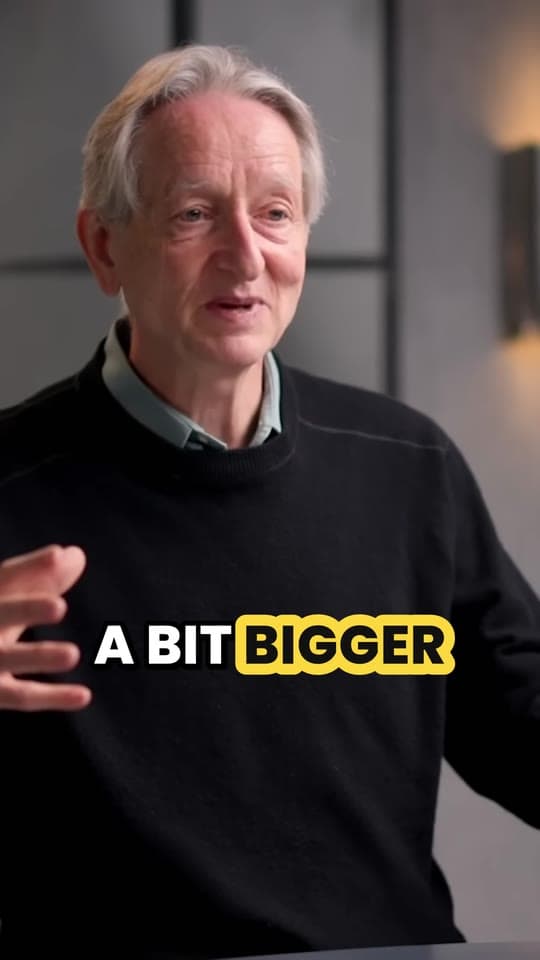
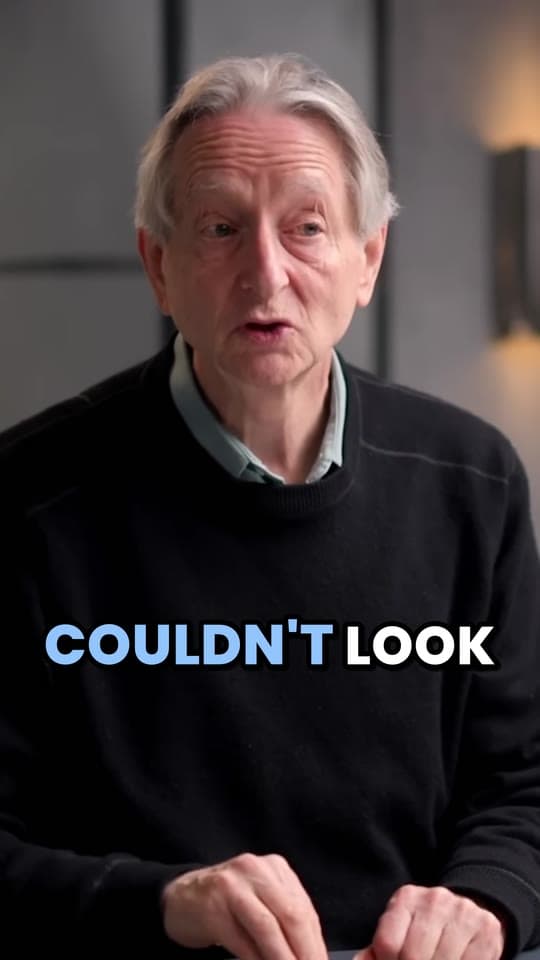
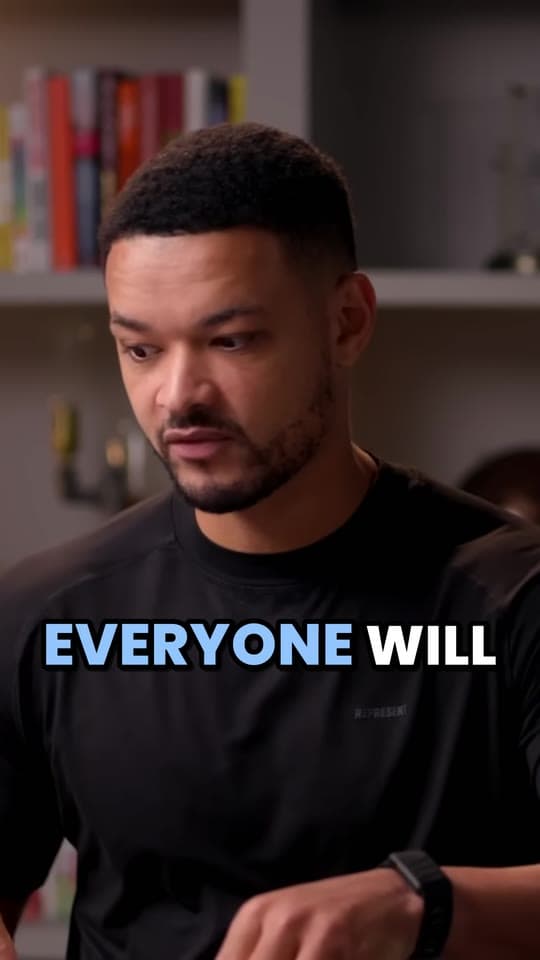
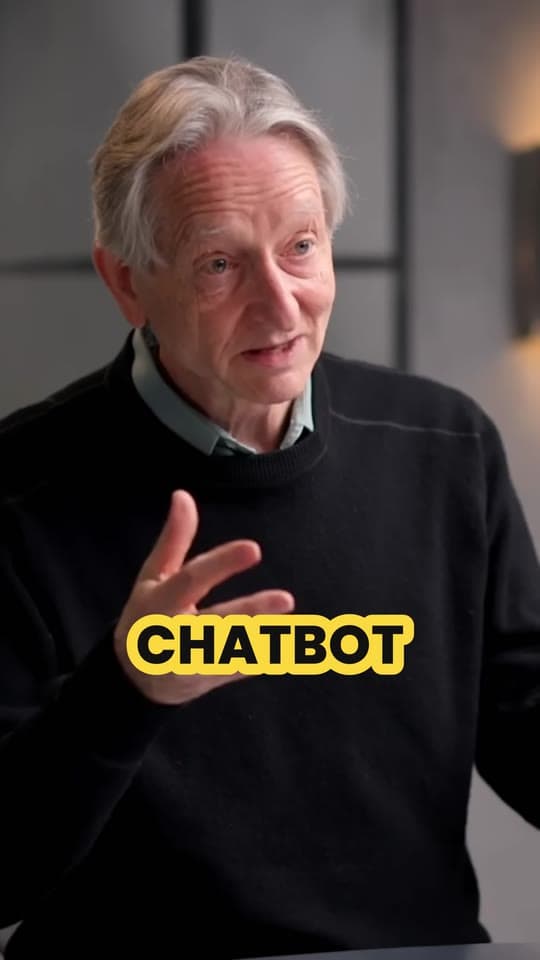
Give Clyper a webinar, a podcast episode or a talk, by link or upload. Its AI finds the moments that stand on their own and turns each into a vertical, captioned clip that frames the speaker, ready for TikTok, Reels, Shorts and LinkedIn: up to 30 from one recording, scored so you post the best first.
- No watermark
- 1080 × 1920 exports
- Captions in 50+ languages
- Up to 30 clips per video


How it works
- 1
Add the recording
Upload a file up to 4 GB, or paste a YouTube, Twitch, Google Drive or Dropbox link: up to 4 hours at a time.
- 2
Get the clips
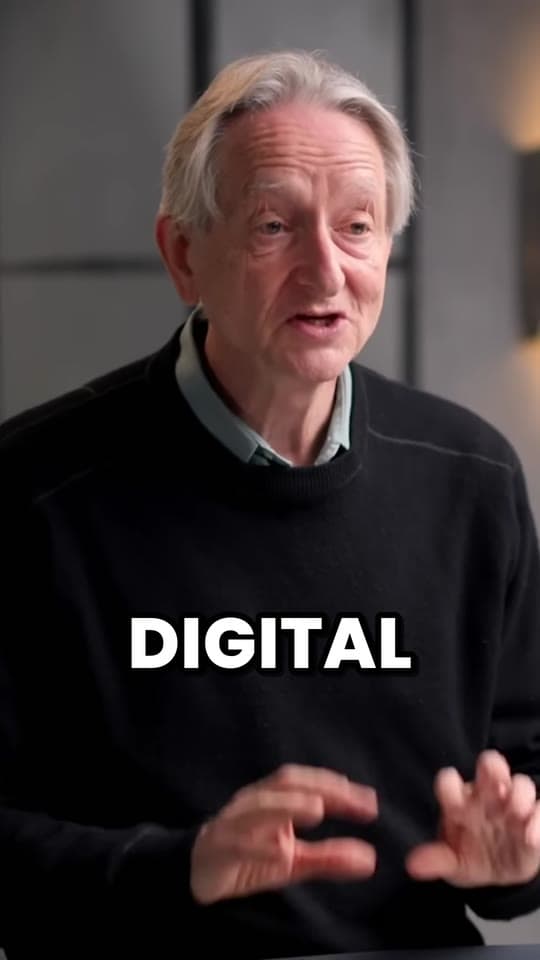
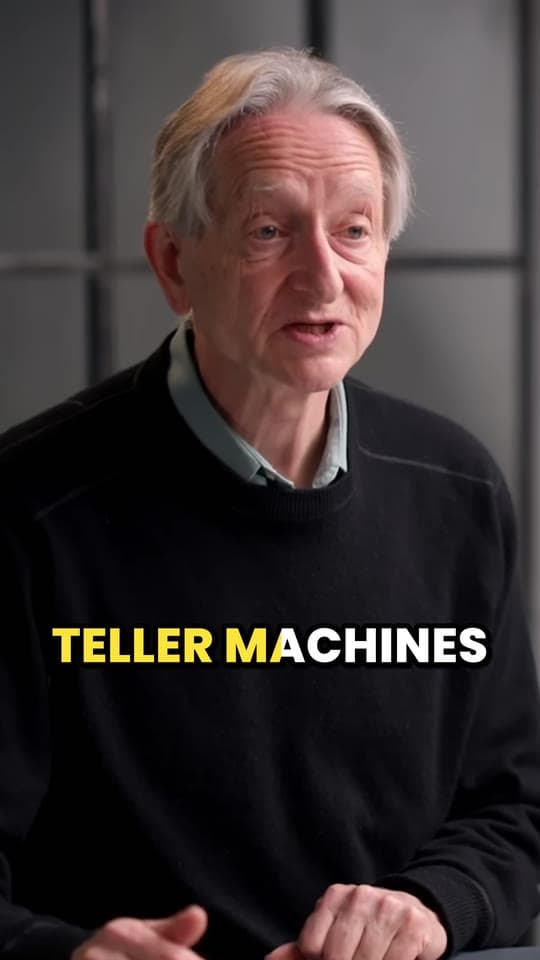
Each a moment that makes sense alone, cut on whole sentences, framed on the speaker and captioned word by word.
- 3
Post them everywhere
One 1080 × 1920 MP4 per clip, for TikTok, Instagram and Facebook Reels, YouTube Shorts and LinkedIn.
What you get
- Up to 30 clips a recordingOne for every 2 minutes of video, and you choose how many.
- One file, every channel9:16 at 1080 × 1920 posts as it is on TikTok, Reels, Shorts and LinkedIn.
- Ranked for youA hook score on every clip, so the best ones go out first.
- Captions you can fixEvery word captioned in 50+ languages; correct a product name in the editor.
- Your brand's styleOn Pro and Studio, up to 10 saved caption styles in your colors, and a hook headline.
- A backlog at onceOn Studio, queue up to 10 YouTube links in one go.
“Tripled our client load without hiring anyone. Clyper is basically a second team.”
 Dan Reyes, Lowkey Media · 9 clients
What AI video repurposing means
Video repurposing is turning one long recording into many short pieces for other channels. Done by hand, that means watching the whole thing, marking the good parts, cutting each one, reframing it to vertical, keeping the speaker in shot and captioning it: an afternoon for one webinar. An AI repurposing tool does the watching and the cutting, so your time goes on choosing and posting.
Clyper does the video part, start to finish. It reads the whole transcript, picks the moments that stand alone (the insight, the story, the answer to the best question), cuts each to 20 to 60 seconds on whole sentences, frames whoever's talking and captions every word. When a speaker is a small box in the corner of a shared screen, it can stack them over the middle of the slide.
What one recording gives you
| Recording | Clips, up to | Credits | On Pro | On Studio |
|---|---|---|---|---|
| A 20-minute conference talk | 10 | 20 | $0.63 | $0.48 |
| A 45-minute webinar | 22 | 45 | $1.43 | $1.08 |
| A 1-hour podcast episode | 30 | 60 | $1.90 | $1.44 |
| A 90-minute panel or livestream | 30 | 90 | $2.85 | $2.16 |
A credit is a minute of video, however many clips you take. Post one clip a day per channel and a single hour-long recording covers a month. A posting plan for one webinar is in how to turn a webinar into clips, and a weekly calendar from the free content calendar generator.
TikTok, Reels, Shorts and LinkedIn from the same clips
- TikTok, Instagram Reels, Facebook Reels and YouTube Shorts all fill the screen with 9:16, so each clip posts as it is. Upload the file to each app rather than sharing from one to another.
- LinkedIn takes a vertical video as it is. Upload the clip itself and leave LinkedIn's auto captions off, since the captions are in the video: see how to post video on LinkedIn.
- A square or 4:5 feed post? Clyper makes 9:16 only; the free video resizer turns a clip into either shape.
Which recordings repurpose best
People talking. Clyper picks moments from what's said, so it does best with:
- Webinars and recorded calls from Zoom, Teams and Google Meet.
- Podcasts, including ones recorded on Riverside or StreamYard.
- Talks, keynotes, lessons and interviews.
A silent screen recording or a music video gives it little to work with. Every source, and how to get the file out of each app, is on recordings to clips.
On-brand without a designer
On Pro and Studio, the brand kit keeps up to 10 caption styles with your colors, font, size and placement, and every clip can open with its hook as an on-screen headline for 4 seconds, which you can reword. No plan adds a Clyper watermark. For a team clipping a backlog, Studio queues 10 YouTube links at once with priority processing: see Clyper for businesses and for social media managers.
Video only: what Clyper doesn't repurpose
Some repurposing tools also write blog posts, newsletters and show notes from a recording. Clyper doesn't: it makes video clips, and makes them well. For the words, the free video to text tool transcribes a recording in your browser, and how to repurpose video content covers the rest of the routine. Clyper doesn't post or schedule either: download the clips and use your scheduler.
What it costs
A credit is a minute of video, so a plan is how much video you can clip in a month, however many clips it makes.
Starter
$20/mo
200 minutes, about 100 clips
Pro
$19/mo yearly
600 minutes, about 300 clips
Studio
$48/mo yearly
2,000 minutes, about 1,000 clips
Also as 2× or 4×, for more of both
Questions
What is the best AI video repurposing tool?
For turning recordings of people talking into short vertical clips, Clyper: it picks the moments, cuts them on whole sentences, frames the speaker, captions every word in your brand's style and scores each clip's hook, up to 30 from one recording with no watermark. If you also want blog posts or newsletters written for you, pair it with a writing tool.
Is there a free AI video repurposing tool?
Clyper is paid, from Starter at $20 a month, with no free plan or trial. Free tools here cover single steps in your browser: video to text for a transcript, the video highlight finder for a recording's liveliest moments, and the video resizer for square and 4:5.
What is video repurposing?
Turning one long video, like a webinar, a podcast episode or a talk, into shorter pieces for other channels. With Clyper, that's vertical clips for TikTok, Reels, Shorts and LinkedIn.
How many clips does one webinar give?
Up to one for every 2 minutes: a 45-minute webinar gives up to 22, and an hour or more up to 30. You choose how many; the credits are the same.
Can I post the clips on LinkedIn?
Yes. Clips are 1080 × 1920 MP4s, which LinkedIn takes as they are. Upload the file and leave LinkedIn's auto captions off, since the captions are already in the video.
Does Clyper write captions for the posts?
It captions the video itself, every word. The text you post with it is yours to write; each clip comes with a title you can start from.
Repurpose your latest recording
Upload it or paste its link. Clyper finds the moments, frames the speaker and captions every word: up to 30 clips for TikTok, Reels, Shorts and LinkedIn.


Learn more
- GrowingHow to repurpose a long video into a week of short clipsHow many clips one video gives, which moments to use, a week's posting plan and a workflow you can keep up.5 min read
- GrowingContent batching: how to batch create a month of short videosPlan a month of topics, record them in one session, turn it into clips, caption them and schedule them in TikTok, Instagram and YouTube.11 min read
- GrowingShort-form video strategy: a simple plan for brands and creatorsA plan for short video that holds up: a goal, what to post, where the clips come from, how often, and what to measure.13 min read





Free tools
- Video to text converterTranscribe a video or audio file into text with timestamps, in your browser, and copy or download it.
- Video resizerResize a video for TikTok, Instagram, YouTube or any size you type: cropped to fill, or whole on a blurred background, without uploading it.
- Content calendar generatorPlan a month of TikToks, Reels and Shorts: how many clips you need, which long videos they come from, and when to post them, as a calendar to download.