Podcast clips
Turn podcast episodes into clips people watch
Paste the episode's YouTube link or upload the video. Clyper finds the moments worth sharing, frames whoever's talking, captions every word and gives you up to 30 clips per episode.
- No watermark
- 1080 × 1920 exports
- Captions in 50+ languages
- Up to 30 clips per video
How it works
- 1
Add the episode
Paste its YouTube link, or upload the video file: from 1 minute to 4 hours long.
- 2
Get the clips
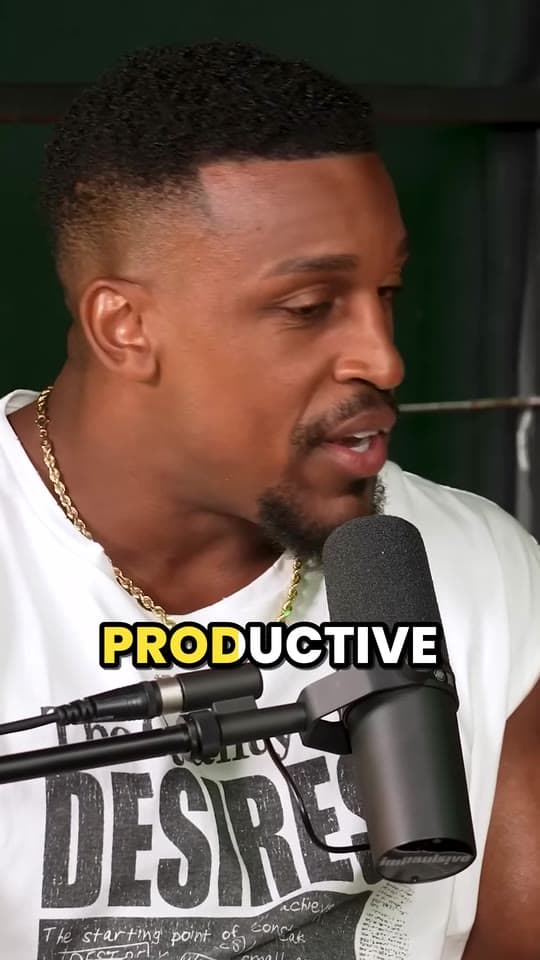
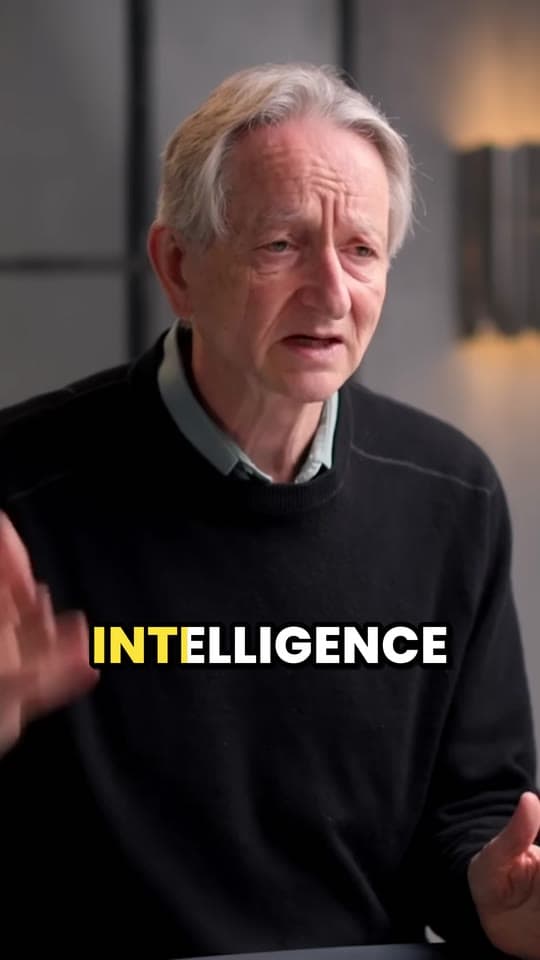
Clyper finds the stories, takes and answers that stand on their own, cuts each to whole sentences, frames the speaker and captions it.
- 3
Post the week
Check each clip, download them and post one a day on TikTok, Reels and Shorts until the next episode.
What you get
- Moments that stand aloneEach clip makes sense to someone who's never heard the show, scored for its hook.
- Follows whoever's talkingIt switches between host and guest as the conversation moves, and keeps people together when they fit.
- Captions in 50+ languagesEvery word captioned, in the language the episode is in.
- Cut to whole sentencesNo clip starts mid-thought or ends before the payoff.
- Fix anythingTrim to the word, extend a clip, correct a name in the captions or change their style.
- Your back catalogOn Studio, paste 10 episodes' links at once and Clyper works through them in turn.
“Went from an hour per clip to under 2 minutes. Still can’t believe it.”
Why clips grow a podcast
An episode reaches the people who already listen. A clip reaches people who don't: TikTok, Reels and Shorts show clips to viewers by what they watch, not who they follow. Forty seconds of your best guest is the easiest way for someone new to find the show, and every clip is a way back to the full episode.
An hour-long episode usually has 5 to 10 moments that work on their own: stories, strong opinions, surprising answers. See how to clip a podcast for what to look for.
Two people, one vertical frame
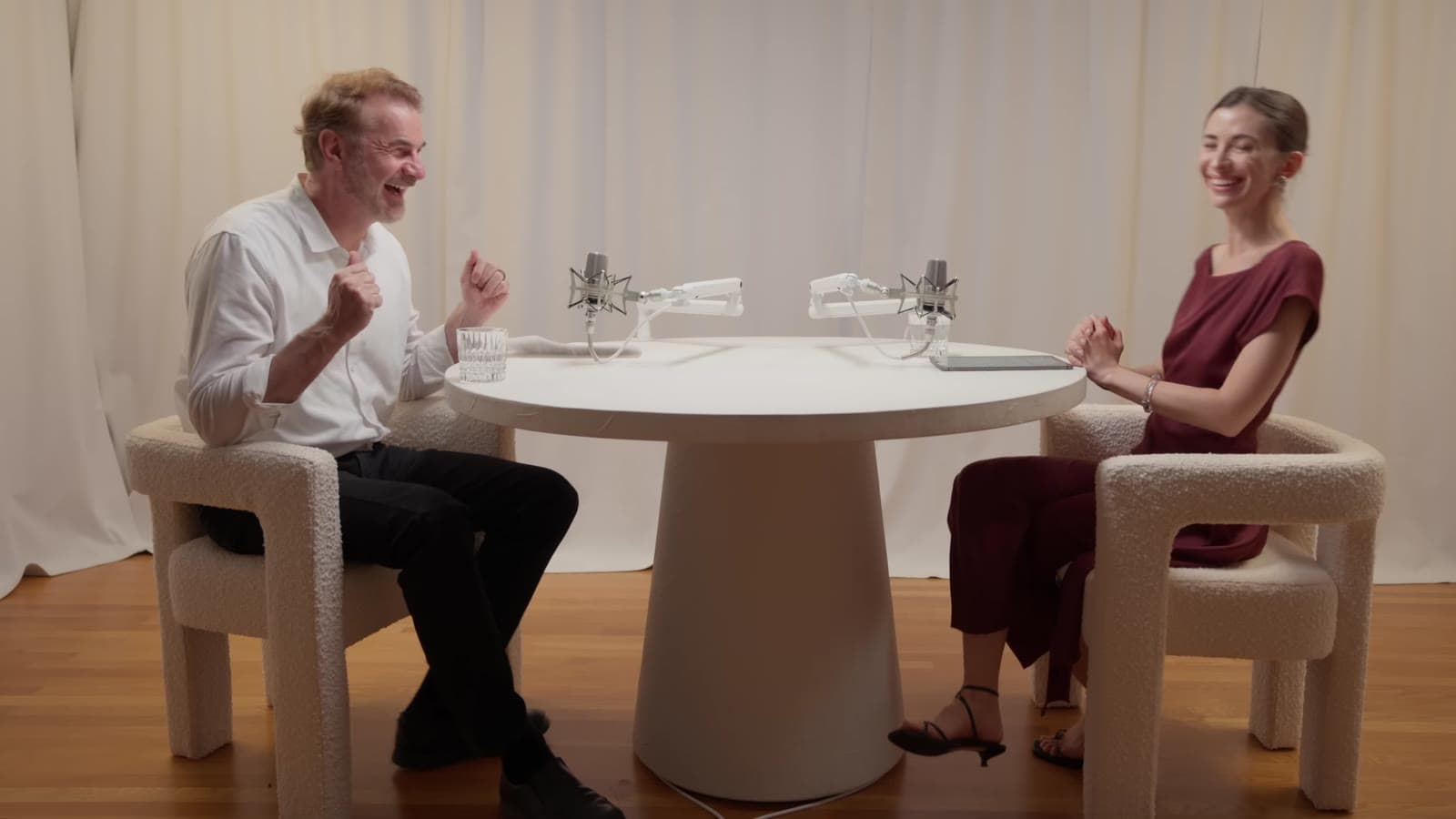
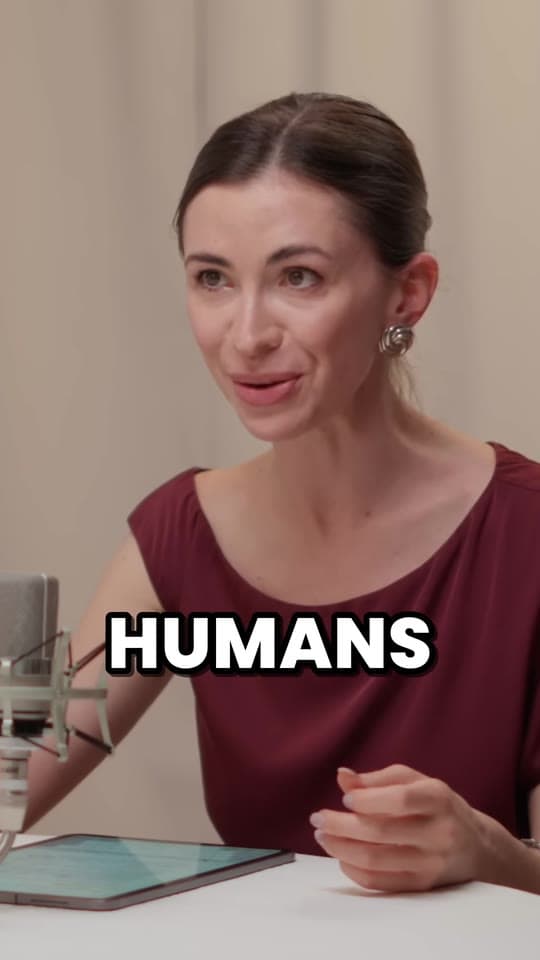
Most video podcasts are filmed wide, with the host and guest side by side, and a 9:16 crop only fits one of them. Clyper follows whoever is talking and cuts to the other person when they answer, with no jitter in between. When people sit close enough to fit, it keeps them together.
To stack both people in one frame instead, one above the other, use the free split screen video maker. If a guest's mic was quiet, bring the clip up to the level of the rest of the feed with the video volume booster, and bleep anything that shouldn't go out with the bleep censor.
Recorded the episode on Riverside, StreamYard or Zoom? Those pages show where each keeps the file and which layout clips best. For a show on Spotify, see Spotify video podcasts.
What an episode costs to clip
A credit is a minute of video: an hour-long episode uses 60 credits however many clips you ask for, up to 30. Starter's 150 credits a month cover 2.5 hours of episodes, up to 75 clips; bigger plans cover a weekly show and its back catalog.
What it costs
A credit is a minute of video, so a plan is how much video you can clip in a month, however many clips it makes.
Starter
$20/mo
150 minutes, about 75 clips
Pro
$19/mo yearly
400 minutes, about 200 clips
Studio
$48/mo yearly
1,000 minutes, about 500 clips
Also as 2× or 4×, for more of both
Questions
How do I make clips from a podcast?
Paste the episode's YouTube link into Clyper, or upload the video. It finds the moments that stand on their own, frames whoever's talking and captions every word, for up to 30 clips. Check them, download them and post them.
How many clips can I get from one episode?
As many as you choose, up to one for every 2 minutes: a 30-minute episode gives up to 15, and an hour or longer up to 30. Leave it on Auto and Clyper picks about one for every six minutes, up to 10.
Does it work with two or more people?
Yes. Clyper follows whoever is talking and switches as the conversation moves; people who sit close enough stay in the frame together.
Can I upload the episode instead of a YouTube link?
Yes: an MP4, MOV, WebM or MKV file up to 4 GB, from 1 minute to 4 hours long. Clyper works from video, not audio-only files.
What does it cost to clip a podcast episode?
One credit per minute of video: an hour-long episode uses 60 credits. Starter is $20 a month for 150 credits.
Can I clip other people's podcasts?
With their permission, like a clipping campaign gives. Your own show is yours to clip.
Clip your next episode
Paste the episode's YouTube link. Clyper finds the best moments, frames whoever's talking and captions every word: up to 30 clips, ready to post.

Learn more
- Making clipsHow to clip a podcast into short videosFind the moments in an episode, cut them to stand alone, frame the speakers and caption every word.5 min read
- GrowingHow to promote a podcast: every channel that worksEvery way to promote a podcast, what each costs in time and money, what it grows, and how to tell which one is working.12 min read
- Making clipsHow to edit a podcast (audio or video), step by stepThe order to edit in, the loudness and export settings the platforms ask for, video podcast specifics, how long it takes and the tools for each step.12 min read

Free tools
- Remove background noise from videoTake fans, hum, traffic and room noise out of a video's sound (or a sound file's) and keep the voice, on your device.
- Increase video volumeMake a quiet video louder: it's measured in LUFS and brought up to -14 LUFS, a common level for social video, without distorting.
- Bleep censorBleep the swearing out of a video or podcast: it's transcribed on your device, the swear words found, and each one bleeped.
- Audiogram makerTurn a podcast's audio into a video: its cover, a waveform that moves with the sound and captions from the speech, as a 9:16, square or 16:9 MP4.
- YouTube timestamp generatorMake chapters for a YouTube description: mark them as the video plays or from its transcript, checked against YouTube's rules.
- Video to MP3 converterSave a video's sound as an MP3, M4A or WAV, all of it or just a part, in your browser and without uploading it.