Animated captions
Animated captions on every clip, timed to every word
Clyper transcribes each video in its own language and captions every word of every clip it makes, in 5 animated styles, placed clear of TikTok's, Reels' and Shorts' buttons.
- No watermark
- 1080 × 1920 exports
- Captions in 50+ languages
- Up to 30 clips per video
How it works
- 1
Paste a link
A YouTube video or an upload. Clyper transcribes it and finds its best moments.
- 2
Get captioned clips
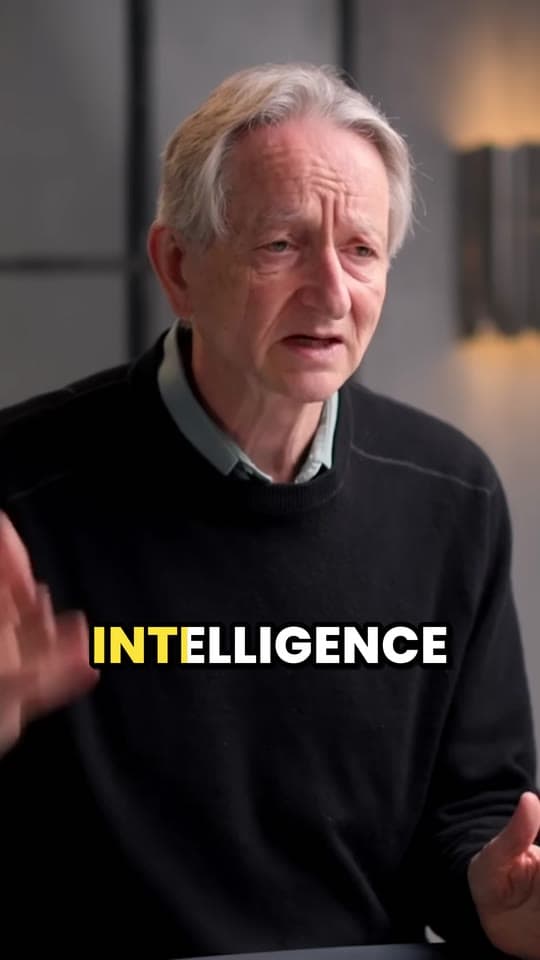
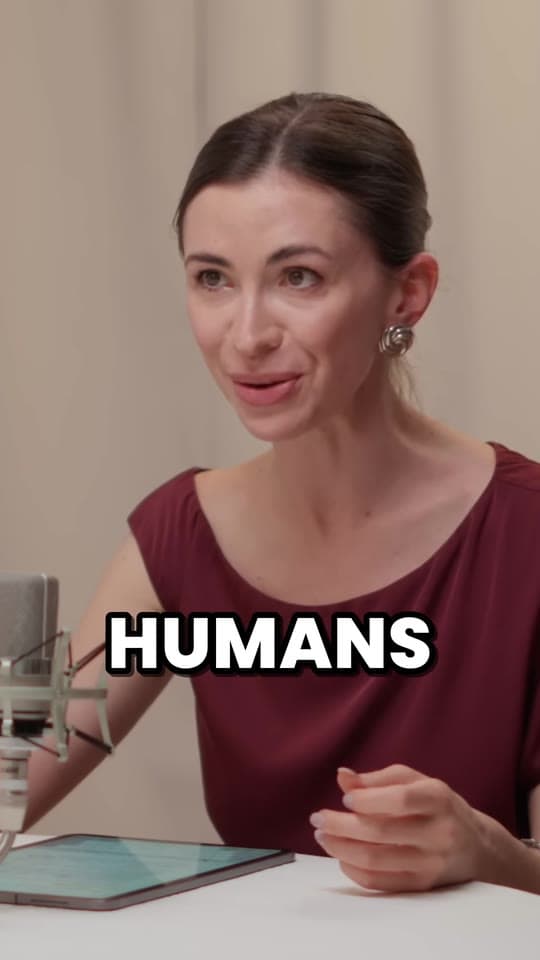
Each clip comes with captions timed to the voice, a few words at a time, the word being said lit up.
- 3
Style and fix
Pick another style or correct a word in the editor, and download the clip with the captions burned in.
What you get
- Timed to every wordEach word appears as it's said, so the captions keep pace with the voice.
- 5 stylesPop on every plan; Pro and Studio add the other 4, from karaoke to one word at a time.
- 50+ languagesCaptions in the language the video is in, with the right fonts for its script.
- Clear of the buttonsPlaced where TikTok's, Reels' and Shorts' buttons and text don't cover them.
- Fix any wordCorrect a name or a misheard word in the editor before you download.
- Burned inPart of the video, so they show on every app, exactly as you saw them.
“Didn’t touch editing software once. Just dropped links in, posted what it spit out.”
The 5 caption styles
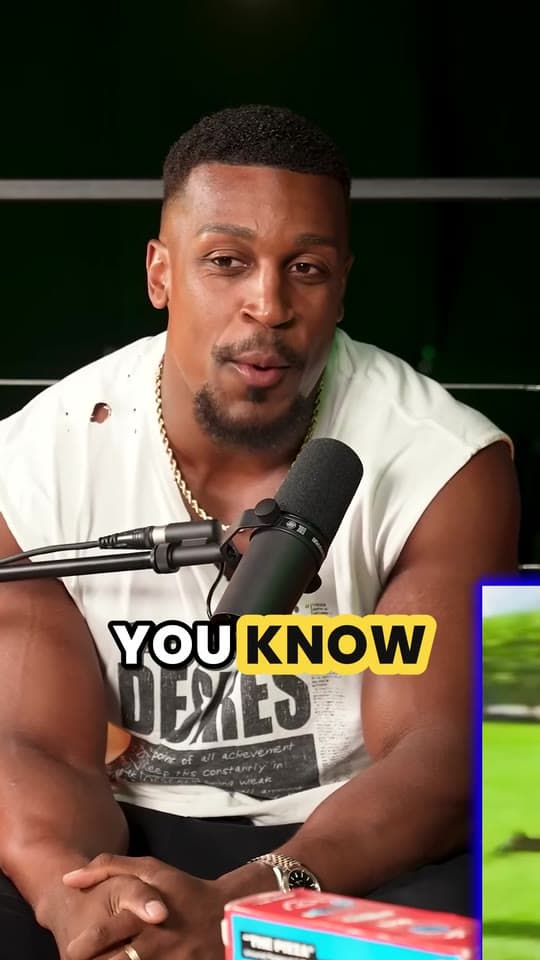
- PopThree words at a time. The spoken word turns blue with a quick pop.
- KaraokeThe whole line stays up and fills with yellow as each word is said.
- HighlightThe spoken word gets a bright yellow highlight.
- One wordOne big word at a time, popping in as it's said.
- PlainCalm subtitles in sentence case on a soft dark band, no animation.
Each style is a few words at a time, big enough to read on a phone at arm's length. More on choosing one in how to caption short videos.
Why every clip needs captions
Plenty of people scroll with the sound off, in public, at work or late at night. Without captions, a talking clip is a face moving its mouth, and they're gone. With them, they read along, and reading keeps them watching.
Word-by-word captions do more than subtitles: the word lighting up as it's said pulls the eye along with the voice, and gives people a reason to stay for the next one.
Already have the captions?
Clyper captions the clips it makes. To burn an SRT or VTT file you already have into a video, in the same styles, use the free add captions to video tool.
What it costs
A credit is a minute of video, so a plan is how much video you can clip in a month, however many clips it makes.
Starter
$20/mo
150 minutes, about 75 clips
Pro
$19/mo yearly
400 minutes, about 200 clips
Studio
$48/mo yearly
1,000 minutes, about 500 clips
Also as 2× or 4×, for more of both
Questions
Which languages does Clyper caption?
More than 50. Spoken words are transcribed and captioned in the language of the video, with fonts for its script.
Can I edit the captions?
Yes. In the clip editor, correct any word or change the style, then download the clip again with the new captions.
Which plans include every caption style?
Pro and Studio include all 5. Starter clips use Pop, the default style.
Are the captions burned into the video?
Yes: they're part of the clip, so they show on every app exactly as you chose them, with nothing to upload separately.
Can Clyper caption a whole video without making clips?
No: Clyper captions the clips it makes, up to 30 per video. To add captions you already have to a video, use the free add captions to video tool.
Clips with captions, ready to post
Paste a YouTube link. Clyper finds the best moments, frames them vertically and captions every word: up to 30 clips, in the style you choose.
Learn more
- Making clipsHow to caption short videos so people keep watchingWhy every clip needs captions, the styles that hold attention, and where to put them so the apps don't cover them.4 min read
- Making clipsHow to add subtitles to a video (free)How to make subtitles automatically or by hand, fix them, and add them to YouTube, TikTok, Reels or an editor, as a file or burned in.7 min read
- GrowingHook examples for TikTok, Reels and Shorts (and why they work)Why the first seconds decide a short video's reach, 54 hook templates with examples, and how to find and test the hook in your own clips.12 min read
Free tools
- Add captions to videoBurn captions into a vertical video, word by word in the styles clips use: transcribed from its speech, or from an SRT or VTT file.
- Auto caption generatorTurn a video's speech into timed captions in your browser: edit them, download SRT or VTT, or burn them into a vertical video.
- Add text to videoPut a title, a hook or a label on a video, styled the way clips are and placed clear of the apps' buttons, as an MP4 with no watermark.