For YouTubers
Shorts, TikToks and Reels from every video you upload
Paste your new video's YouTube link, even before it's public. Clyper picks the moments that work on their own, cuts each on whole sentences, frames you in 9:16 and captions every word: up to 30 Shorts from one upload, scored so you post the strongest first and send viewers back to the full video.
- No watermark
- 1080 × 1920 exports
- Captions in 50+ languages
- Up to 30 clips per video
How it works
- 1
Paste your video's link
Public or unlisted, 1 minute to 4 hours. Or upload the file before it's even on YouTube.
- 2
Get the Shorts
20 to 60 seconds each, framed on you, captioned and ranked by hook score.
- 3
Post a Short a day
Link each to the full video, and post the same files on TikTok and Reels.
What you get
- Clips before launch dayUnlisted links work, so the Shorts are ready when the video goes public.
- Up to 30 a videoOne for every 2 minutes: a 20-minute video gives up to 10.
- Know which to postEvery Short gets a hook score for its opening line.
- Captions on every wordAbove the title and channel name YouTube shows, in 50+ languages.
- Your channel's lookOn Pro and Studio, up to 10 caption styles in your colors, plus a hook headline.
- No watermarkClean 1080 × 1920 MP4s for Shorts, TikTok and Reels.
“Went from an hour per clip to under 2 minutes. Still can’t believe it.”
 Hom Nurkil, solo creator · 90 sec/clip
Why clip your own videos into Shorts
Shorts reach people who'd never click a 20-minute video from a channel they don't know. Cut from your own upload, a Short is a trailer for it: YouTube says Shorts cut from your own long videos aren't penalized, and each can link to the full video as its related video, a link under your handle in the Shorts player. Since October 2026 YouTube has said channels that mostly re-upload other creators' videos will likely get less reach in the Shorts feed, so your own footage is the safe kind.
How the two formats feed each other is in YouTube Shorts vs long videos, and the link's steps in how to link a YouTube Short to a video.
An upload week with Clyper
- Before you publish, paste the unlisted video's link (private videos don't work) and choose how many Shorts.
- Pick the week's Shorts from the top of the list. Use each clip's title as a start for the Short's.
- On launch day, post the highest scorer as a Short linked to the video, then one a day after it.
- Post the same files on TikTok and Reels to reach people who aren't on YouTube: see YouTube to TikTok and YouTube to Reels.
What it does with a YouTube video
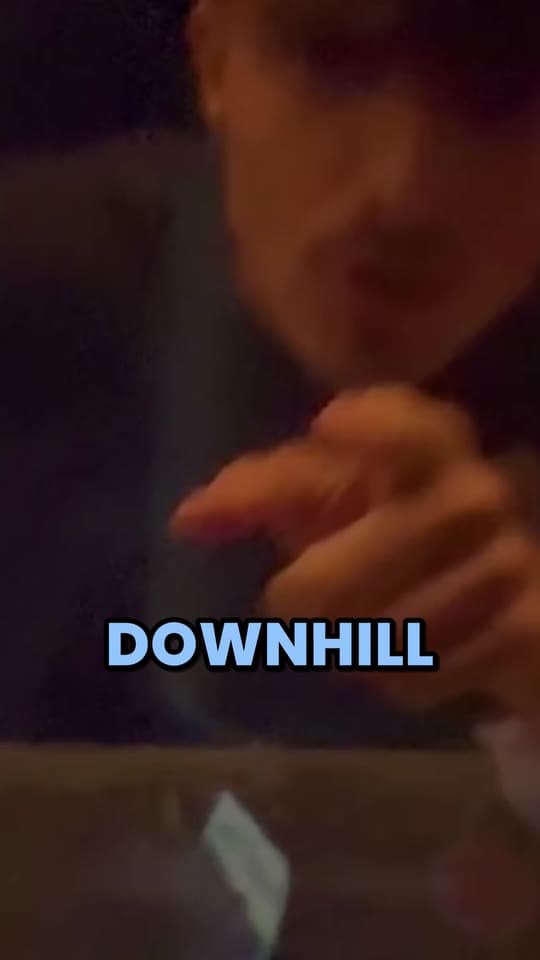
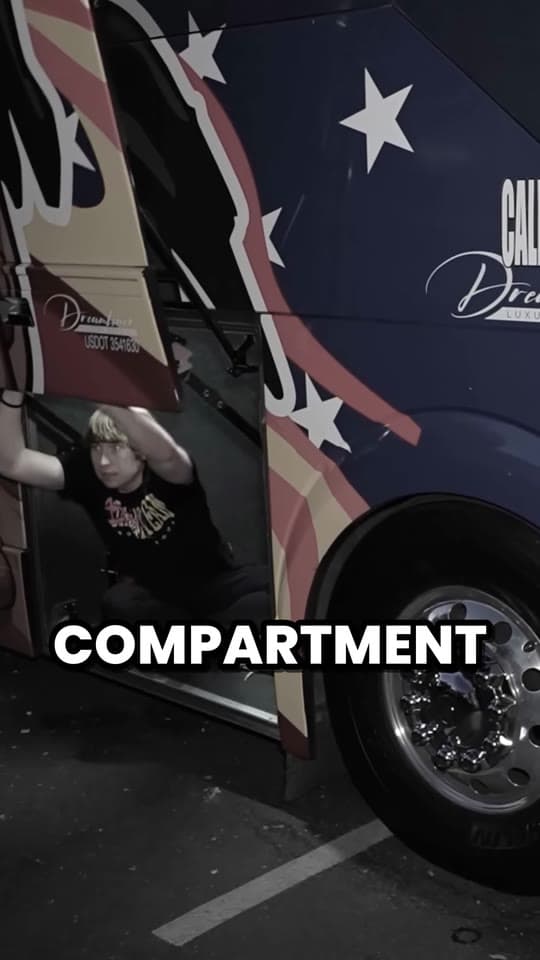
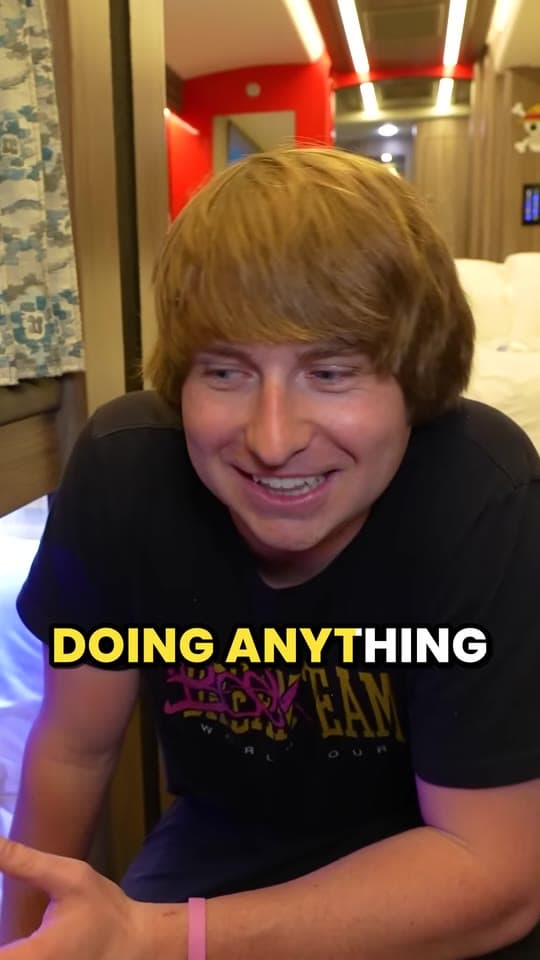
The three clips above are Clyper's own picks from a storytelling YouTube video, cut, framed and captioned with no hand edits. Each starts on the line that sets the story up and ends on its payoff, 20 to 60 seconds, well inside Shorts' 3 minutes. It follows whoever's talking as they move, and switches between people in a conversation.
It works best when people talk: commentary, storytelling, podcasts, interviews, tutorials and vlogs where you talk to camera. A video carried by visuals with little speech gives fewer clips, since Clyper picks moments from what's said. More on the AI side on the AI Shorts generator page.
What Shorts cost you without it
Cutting Shorts by hand means rewatching your own video, cropping each moment to 9:16, keeping yourself in frame and captioning it. YouTube Studio can cut a Short from your video, but the finding, framing and captions are still yours.
Paying someone: when we checked on October 27, 2026, Upwork put video editors at $6 to $25 an hour typically, with a mid-tier median of $40, and two short-form editing listings on Contra started at $40 and $50 a video. On Clyper, a 30-minute video uses 30 credits, $0.95 on Pro billed yearly, for up to 15 Shorts.
Which plan fits your upload schedule
| Your schedule | Credits a month | Plan | Price | A video |
|---|---|---|---|---|
| One 15-minute video a week | 65 | Starter | $20 a month | $1.50 |
| One 30-minute video a week | 130 | Starter | $20 a month | $3.00 |
| Two 20-minute videos a week | 174 | Starter | $20 a month | $2.00 |
| One 1-hour podcast or stream a week | 260 | Pro | $19 a month billed yearly | $1.90 |
| Three 1-hour videos a week | 780 | Studio | $48 a month billed yearly | $1.44 |
A credit is a minute of video, however many Shorts you take; every video uses at least 10. Starter ($20 a month) has one caption style; Pro adds every style, the brand kit and a hook headline on each Short for its first 4 seconds. Compare them on the pricing page.
Want more clips than you can post?
Some YouTubers pay clippers to post clips of their videos on other accounts, by the view. It puts you in front of more people than one channel can. See how to get clipped and how to run a clipping campaign, and point your clippers to Clyper for clippers.
What it costs
A credit is a minute of video, so a plan is how much video you can clip in a month, however many clips it makes.
Starter
$20/mo
200 minutes, about 100 clips
Pro
$19/mo yearly
600 minutes, about 300 clips
Studio
$48/mo yearly
2,000 minutes, about 1,000 clips
Also as 2× or 4×, for more of both
Questions
What is the best AI tool for YouTubers to make Shorts?
For videos where people talk, Clyper: paste the video's link, public or unlisted, and get up to 30 Shorts cut on whole sentences, framed on whoever's talking, captioned and scored for their hook, with no watermark.
Is there a free way to make Shorts from my videos?
YouTube Studio can cut a Short from your own video by hand, for free. Clyper is paid, from Starter at $20 a month, with no free plan or trial; it does the finding, framing and captioning for you.
Will Shorts from my videos hurt my channel?
YouTube says Shorts cut from your own long videos aren't penalized, and each can link to the full video. What it limits is channels that mostly re-upload other creators' videos.
Can I make the Shorts before my video is public?
Yes. Paste the video's link while it's unlisted, or upload the file. Private videos don't work from a link.
How many Shorts does one video give?
Up to one for every 2 minutes and 30 in all: a 15-minute video gives up to 7, a 30-minute one up to 15. You choose; the credits are the same.
Can I edit the Shorts?
Yes: trim to the word, extend either end by up to 15 seconds, fix a caption or change its style. Edits use no credits. Clyper doesn't upload to YouTube; you post the files.
Clip your next upload before it goes live
Paste its link, unlisted is fine. Clyper finds the moments, frames you 9:16 and captions every word: up to 30 Shorts, ready for launch day.



Learn more
- GrowingYouTube Shorts vs long videos: which should you make?What Shorts and long videos pay, how each gets you monetized and grows a channel, what changes in 2027, and why most channels make both.13 min read
- GrowingHow to get more views on YouTube ShortsHow YouTube picks which Shorts to show, how views count now, and what gets a Short watched to the end.5 min read
- Getting startedHow to make money on YouTube Shorts in 2026Every way Shorts earn, what each needs and how it pays: the Shorts ad pool, fan funding, Shopping, brand deals, long videos and clipping.13 min read


Free tools
- Shorts thumbnail makerMake a 9:16 cover for a Short, a TikTok or a reel: a frame of your video with a bold title, at the sizes the apps suggest.
- YouTube timestamp generatorMake chapters for a YouTube description: mark them as the video plays or from its transcript, checked against YouTube's rules.
- YouTube Shorts money calculatorSee what YouTube Shorts pay for your views, from the ad revenue Shorts share with creators in the Partner Program.