Auto reframe
Auto reframe that keeps whoever's talking in the frame
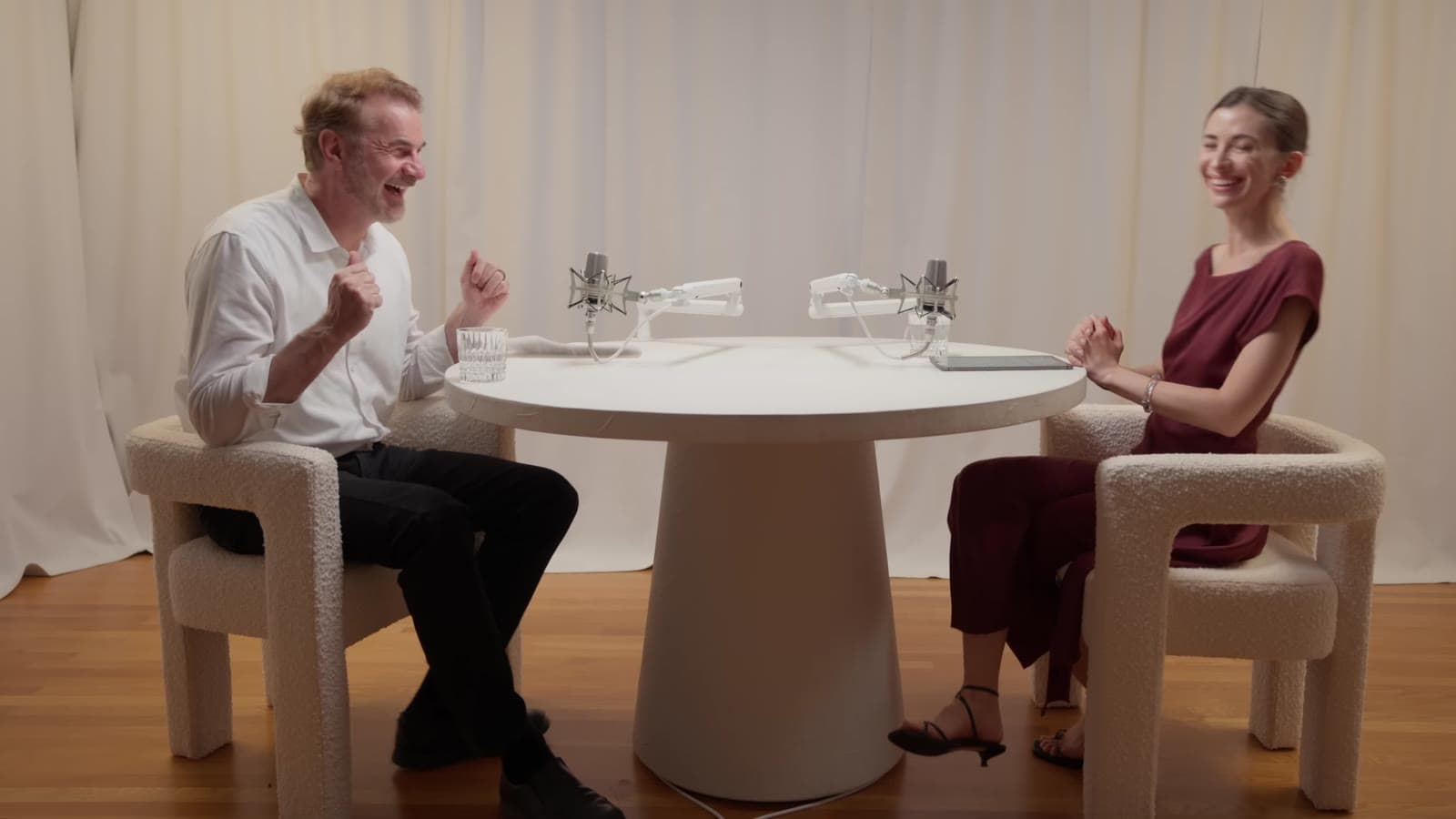
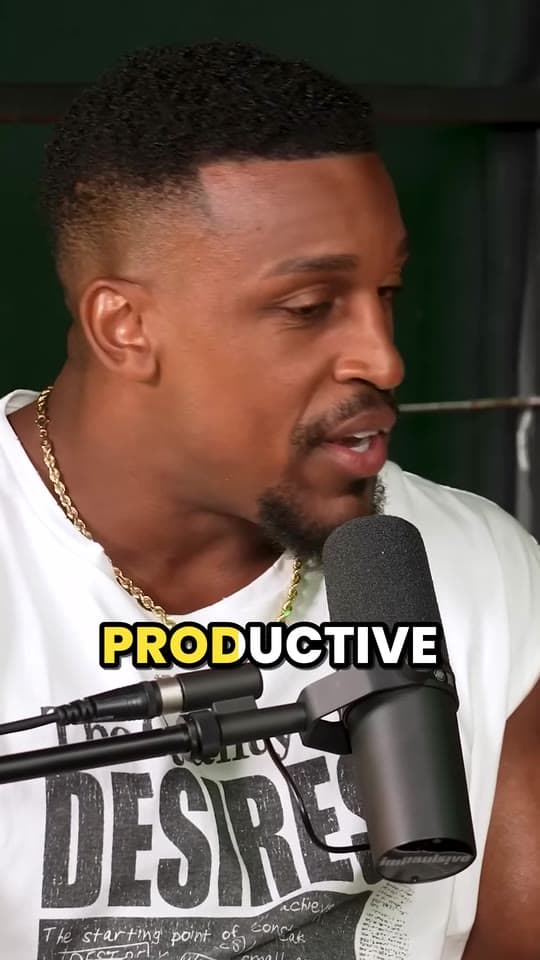
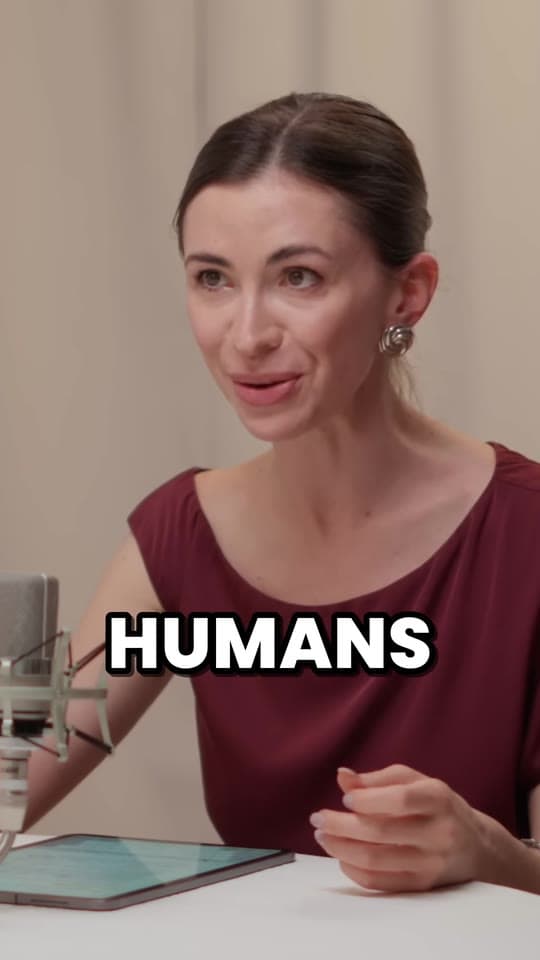
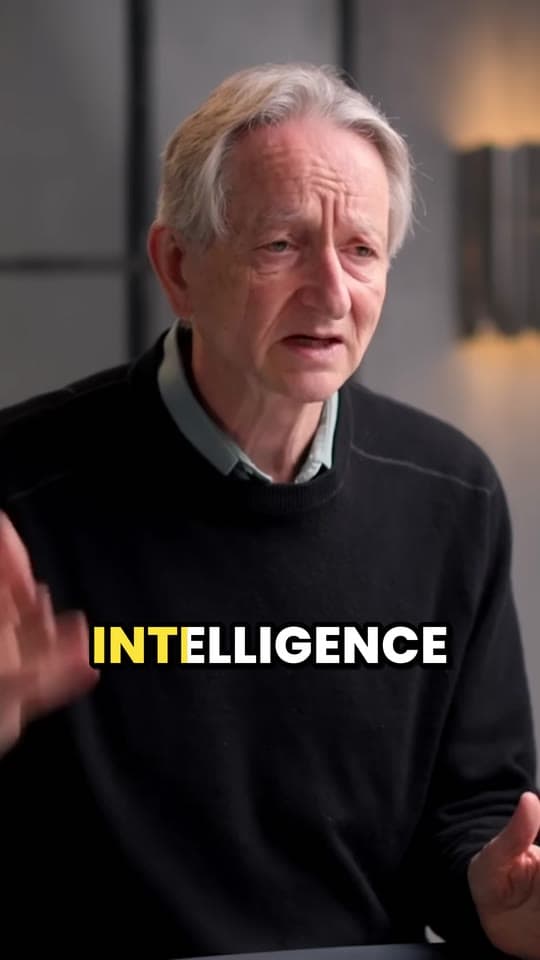
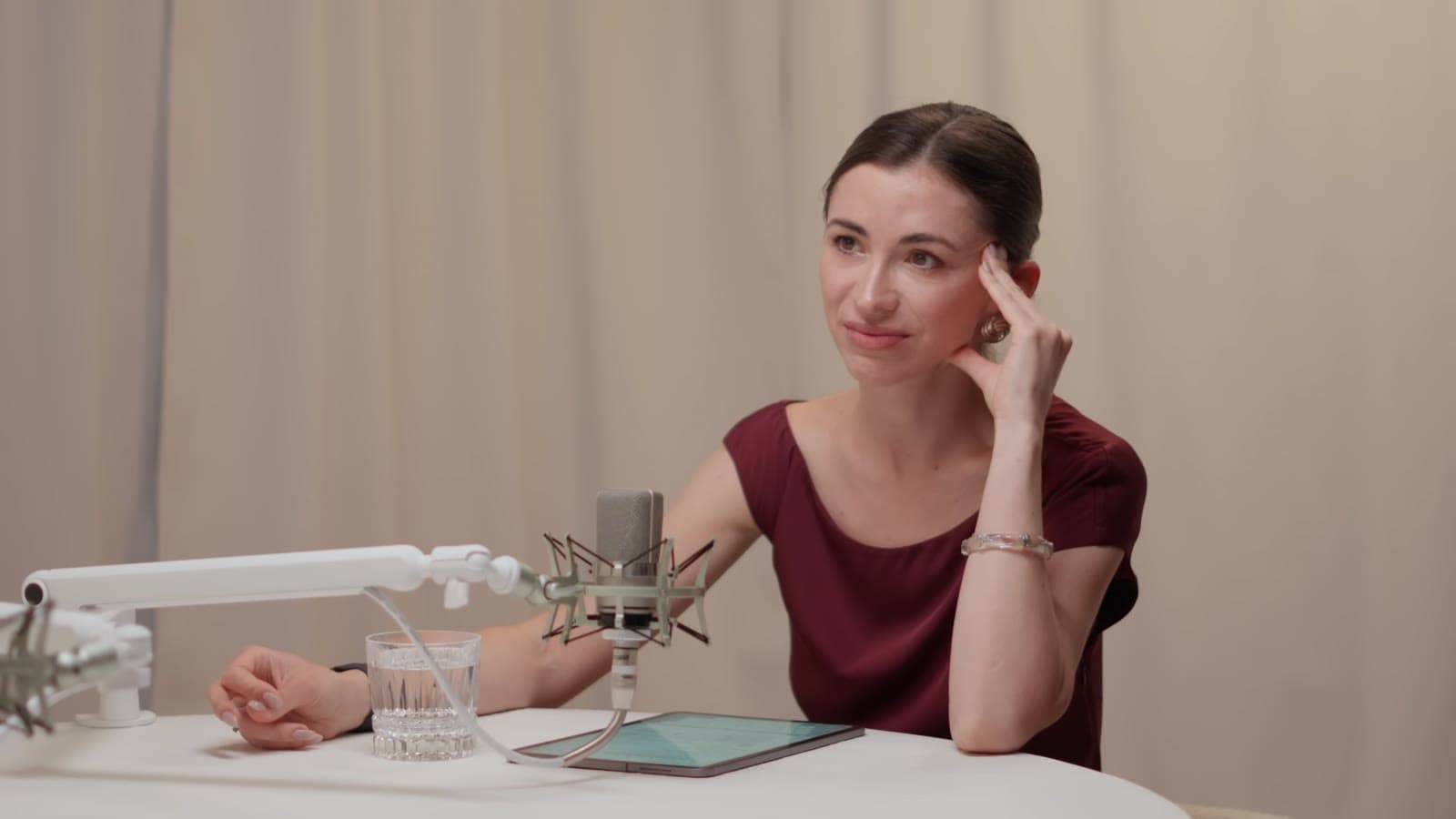
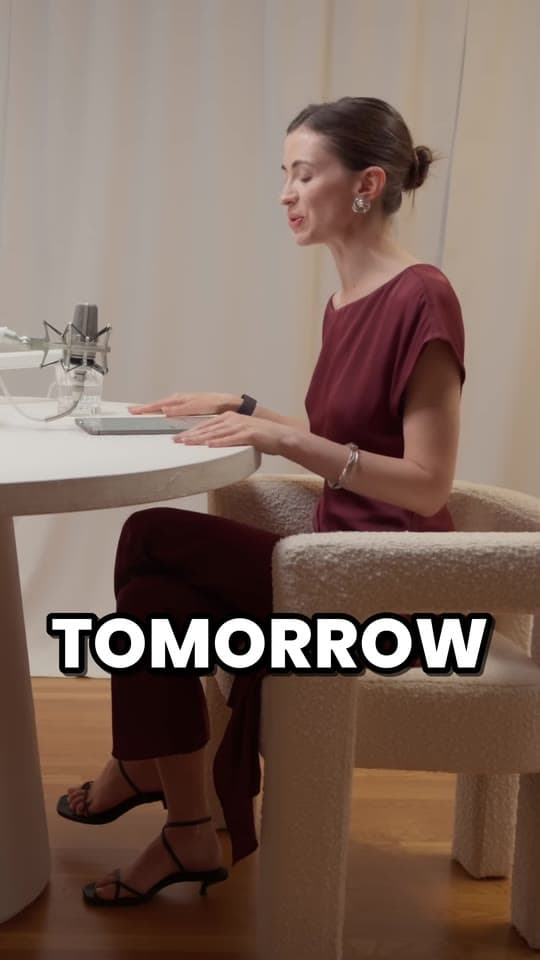
Clyper crops every clip from wide to 9:16 and moves with the people in it: it follows the speaker, switches when someone else talks, holds steady when they're still, and stacks a stream's webcam over the game.
- No watermark
- 1080 × 1920 exports
- Captions in 50+ languages
- Up to 30 clips per video

How it works
- 1
Paste a link
A YouTube video or an upload, filmed wide like most podcasts, interviews and streams.
- 2
Clyper watches every shot
It splits the clip at camera cuts, finds the faces in each shot and works out who's talking.
- 3
Get vertical clips
Each clip comes cropped to 1080 × 1920, the frame on the right person at every moment, with captions.
What you get
- Follows the speakerThe frame stays with whoever's talking as they lean, turn or walk.
- Switches with the conversationWhen someone else talks, it cuts to them, without flicking back and forth.
- Steady, not jitteryIt holds still while the face stays near the middle, and eases over when it moves away.
- Groups that fit stay togetherPeople sitting close enough share the frame instead of being cut apart.
- Cuts on camera cutsEach shot gets its own framing, changing exactly when the edit does.
- Streams, stackedA streamer's webcam goes on top and the game below, instead of losing one or the other.
“Tripled our client load without hiring anyone. Clyper is basically a second team.”
Why a fixed crop isn't enough
A 9:16 crop of a 16:9 video keeps about 32% of its width. That's fine while one person sits still in the middle. But people lean out of frame, two guests take turns, and the camera cuts between angles, and a crop that never moves ends up on the wrong person, or on no one.
By hand, the fix is cutting the clip at every change and moving the crop each time. To crop a single part of a video by hand, for free, use the vertical video converter.
How Clyper decides what to keep
- One person in the shot: it follows them.
- A few people close together: it keeps them all in the frame.
- People too far apart to fit: it frames whoever's talking, judged by the movement around their mouth, and switches when that changes.
- No one on screen: it keeps the middle of the picture.
- A stream's webcam over gameplay: it stacks the webcam on top and the middle of the game below.
Part of every clip
Reframing comes with every clip Clyper makes, along with picking the moments, cutting them to whole sentences and captioning every word, up to 30 clips per video. See it on a podcast in framing the speakers in podcast clips.
What it costs
A credit is a minute of video, so a plan is how much video you can clip in a month, however many clips it makes.
Starter
$20/mo
150 minutes, about 75 clips
Pro
$19/mo yearly
400 minutes, about 200 clips
Studio
$48/mo yearly
1,000 minutes, about 500 clips
Also as 2× or 4×, for more of both
Questions
What is auto reframe?
Cropping a wide video to a vertical one automatically, with the crop moving to keep the people who matter in the frame, instead of one fixed crop for the whole video.
Does it work with two people talking?
Yes. When they're too far apart to fit, Clyper frames whoever's talking and switches as the conversation moves; when they sit close, it keeps both.
What happens when no one is on screen?
Clyper keeps the middle of the picture until someone appears.
Can I reframe a video without making clips?
Clyper reframes the clips it makes. To crop one part of a video to 9:16 yourself, the free vertical video converter does it in your browser.
Does it work on streams and gameplay?
Yes. When a streamer's webcam sits over the game, Clyper stacks the webcam on top and the game below, and puts the captions between them.
Clips that follow the speaker
Paste a YouTube link. Clyper finds the best moments, keeps whoever's talking in the frame and captions every word: up to 30 clips per video.
Learn more
- Making clipsHow to convert a horizontal video to vertical (16:9 to 9:16)The three ways to make a 16:9 video 9:16, which suits which footage, what a crop keeps, and how to keep a moving speaker in frame.12 min read
- Making clipsHow to clip a podcast into short videosFind the moments in an episode, cut them to stand alone, frame the speakers and caption every word.5 min read
- Making clipsHow to turn a YouTube video into Shorts, TikToks and ReelsThe quick way and by hand: the size and settings, cropping 16:9 to 9:16, and what to post where.5 min read
Free tools
- Vertical video converterTurn a horizontal video into a 1080 × 1920 one for TikTok, Reels and Shorts, cropped or fitted, without uploading it.
- Split screen video makerStack a streamer's webcam over the game, two people talking, or a clip over gameplay, in one 1080 × 1920 video.
- Safe zone checkerCheck your clip against TikTok, Reels and Shorts' buttons and captions before you post.