For events
Every keynote, panel and session into clips, while the event is still news
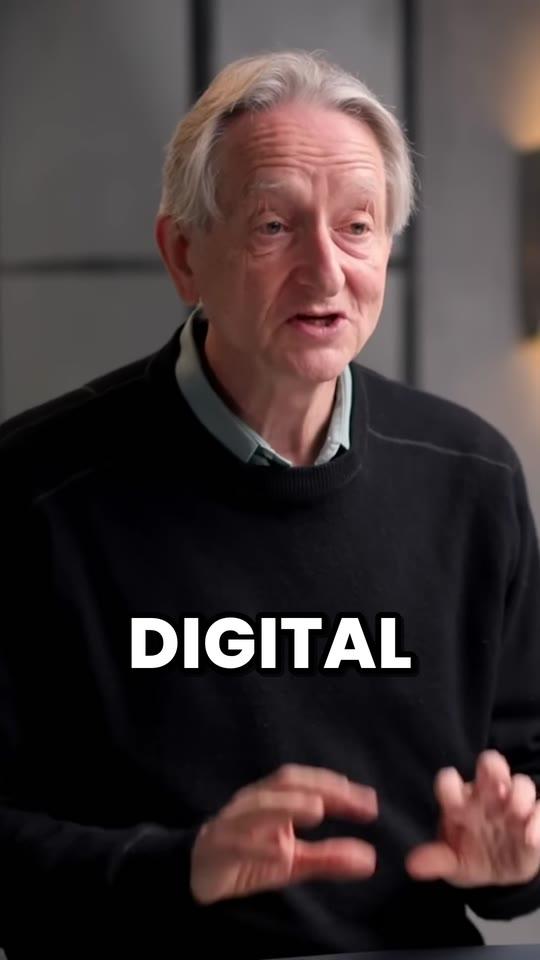
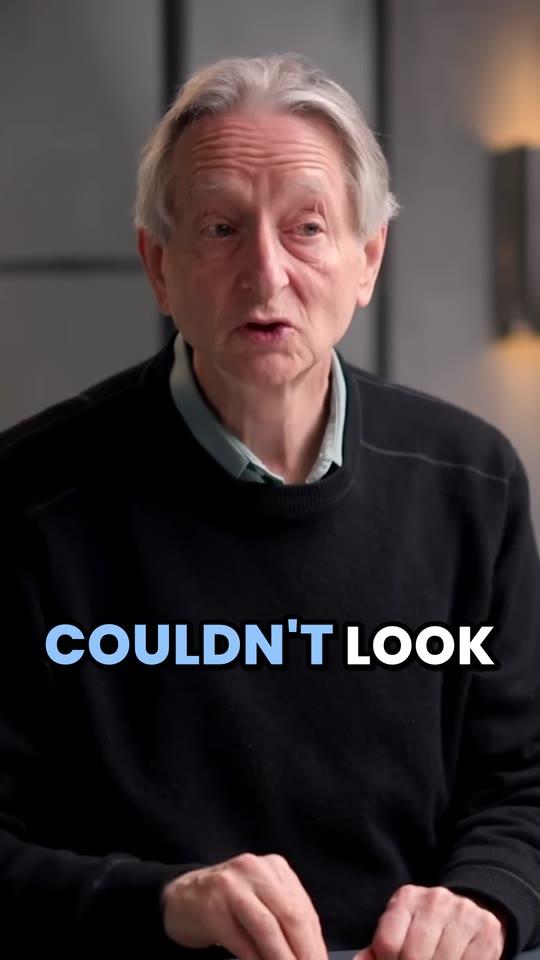
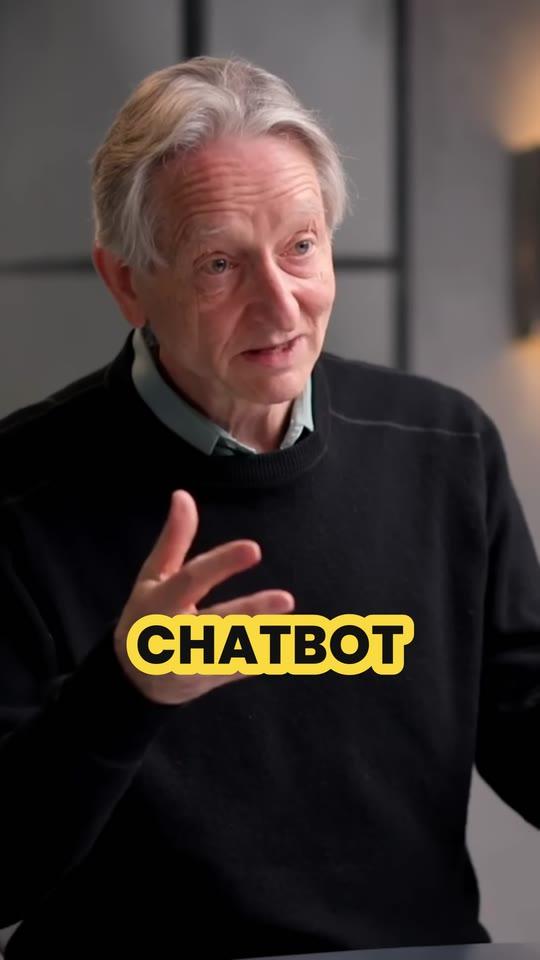
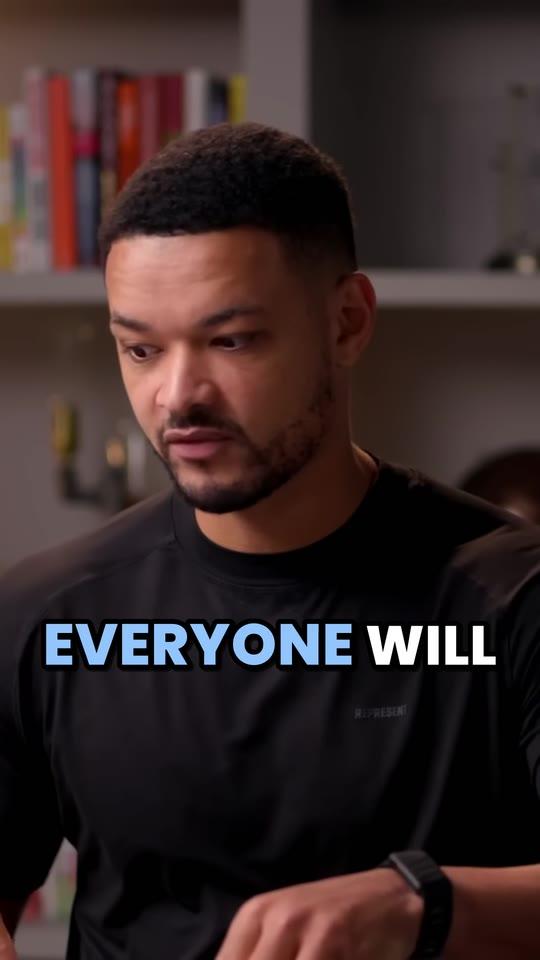
Upload the session recordings, or paste their YouTube links, 10 at a time on Studio. Clyper finds the moments that stand on their own, frames each speaker 9:16, captions every word in your event's style and hands you up to 30 clips a session, for LinkedIn, Shorts and Reels.
- No watermark
- 1080 × 1920 exports
- Captions in 50+ languages
- Up to 30 clips per video
Updated
How it works
- 1
Add the sessions
Upload each recording or paste its YouTube link: up to 4 hours at a time, 10 links at once on Studio.
- 2
Get every session's clips
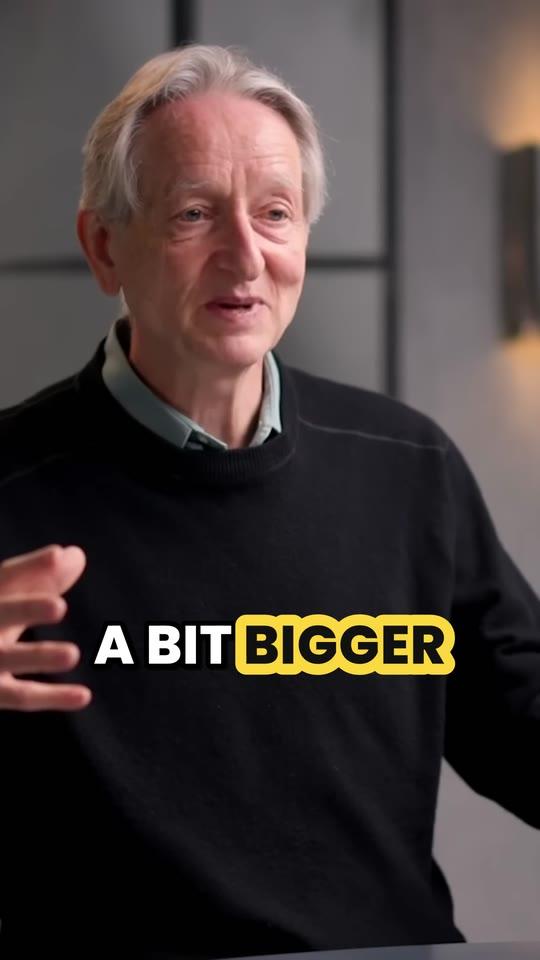
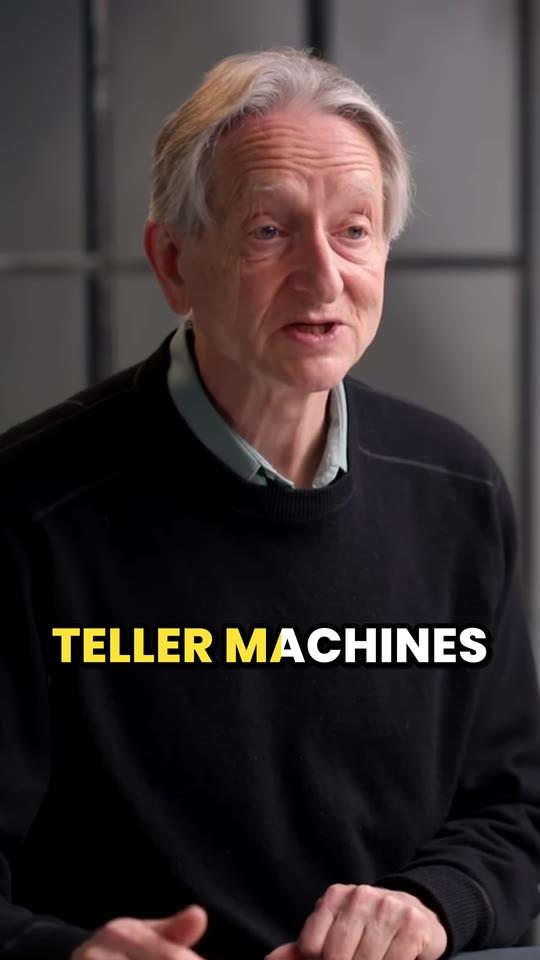
The lines that stand alone, framed on whoever's speaking, captioned in your event's colors.
- 3
Post, and send speakers theirs
Post the strongest through the week, and give each speaker their clips to share.
What you get
- 10 sessions at onceOn Studio, paste up to ten YouTube links and Clyper works through them in turn.
- Priority when it's busyStudio's videos go first when others are waiting, so the week after the event isn't lost.
- Panels, framedIt keeps people together when they fit, and follows whoever's speaking when they don't.
- Speaker over the slideA small speaker box over a shared screen goes on top, in 1080 × 608, the slide below.
- Your event's lookUp to 10 caption styles in your colors and font, on Pro and Studio.
- The hook on topEach clip can open with its hook as a headline for 4 seconds, on Pro and Studio.
“Tripled our client load without hiring anyone. Clyper is basically a second team.”
 Dan Reyes, Lowkey Media · 9 clients
The week after the event
An event's best lines are said once, to a room. Clips take them to everyone who wasn't there, while people are still talking about it, and give next year's attendees and sponsors a reason to come:
- Day one after: upload the main-stage recordings, or paste their YouTube links, 10 at a time on Studio.
- Day two: pick the strongest clip of each session from the top of its list, fix speakers' names and product names in the captions, and download them.
- The rest of the week: post a session a day on LinkedIn, Shorts and Reels, and send every speaker their clips. A speaker with a great clip of themselves shares it, to an audience the event doesn't have.
Each session gives up to one clip for every 2 minutes: up to 15 from a 30-minute talk. Want people outside the team to post them too? See how to run a clipping campaign.
Session recordings, livestreams and full-day files
- Each session as its own file clips best: upload it (MP4, MOV, WebM or MKV, up to 4 GB) or share it from Google Drive or Dropbox (up to 10 GB).
- A stage streamed to YouTube works once the stream is saved: paste its link.
- A full day in one file is longer than the 4 hours Clyper clips at a time. Give each session's From and To times to clip one part at a time, or cut the file into sessions with the free video splitter, which doesn't re-encode.
- Virtual sessions on Zoom or a webinar platform: download the recording and upload it, as webinar recordings to clips explains.
What an event costs to clip
A credit is a minute of video, however many clips you take, and every video uses at least 10. An event lands in one month, so pick the plan for that month:
| Your event | Credits | Clips, up to | Plan | Price |
|---|---|---|---|---|
| A meetup: three 20-minute talks | 60 | 30 | Starter | $20 a month |
| A half-day event: six 30-minute talks | 180 | 90 | Starter | $20 a month |
| A one-day conference: twelve 30-minute sessions | 360 | 180 | Pro | $19 a month billed yearly |
| A two-day conference: 24 sessions of 40 minutes | 960 | 480 | Studio | $48 a month billed yearly |
| A three-day conference: 60 sessions of 45 minutes | 2,700 | 1,320 | Studio 2× | $96 a month billed yearly |
On Studio billed yearly, a 30-minute session comes to about $0.72. Already on a plan when the event comes? Move to a bigger plan or Studio size in the app, and the difference in credits is added at once. Starter, at $20 a month, suits a meetup. Compare them on the pricing page.
In your event's colors
On Pro and Studio, the brand kit keeps up to 10 caption styles of your own: your colors, one of its fonts, the size and the height of the captions, and each clip can open with its hook as a headline. It doesn't add logos; to put the event's mark on every clip, add it with the free watermark tool, which keeps it clear of the apps' buttons. Posting to LinkedIn? See YouTube to LinkedIn.
What it costs
A credit is a minute of video, so a plan is how much video you can clip in a month, however many clips it makes.
Starter
$20/mo
200 minutes, about 100 clips
Pro
$19/mo yearly
600 minutes, about 300 clips
Studio
$48/mo yearly
2,000 minutes, about 1,000 clips
Also as 2× or 4×, for more of both
Questions
What is the best AI tool to make clips from conference talks?
For recorded talks and panels, Clyper: it picks the moments that stand alone from every session, cuts them on whole sentences, frames the speakers 9:16 and captions every word, up to 30 clips a session, with 10 links at a time on Studio.
Is there a free tool to clip event videos?
Clyper is paid, from Starter at $20 a month, with no free plan or trial. Free tools here handle single steps in your browser: the video splitter cuts a full-day file into sessions, and the video trimmer and vertical video converter make one clip at a time.
Can Clyper clip a full-day livestream?
It clips up to 4 hours at a time. Give each session's From and To times to clip it on its own, or split the file into sessions first. Streams that are still live don't work; paste the link once YouTube has saved the stream.
How does it handle panels with several speakers?
It keeps people together when they fit in the vertical frame, and follows whoever's speaking when they don't, switching as the conversation moves.
Can we add our event's logo?
The brand kit sets the captions' colors, font, size and height, not logos. Add a logo or a handle to the downloaded clips with the free watermark tool.
How many clips does a conference give?
Up to one for every 2 minutes of each session, 30 at most a session: twelve 30-minute sessions give up to 180 clips and use 360 credits.
Clip every session from your last event
Upload the recordings or paste their YouTube links. Clyper frames each speaker, captions every word in your style and gives you up to 30 clips a session, best first.



Learn more
- Making clipsHow to turn a webinar into short video clipsWhat to clip from a webinar, how to get the recording out of Zoom, Meet or Teams, frame it vertically and post it for weeks.10 min read
- GrowingHow to post a video on LinkedIn: specs, captions and vertical videoThe steps on desktop and mobile, LinkedIn's video specs, vertical video and the video tab, captions and thumbnails, and what to clip from long recordings.13 min read
- Making clipsHow to turn one long video into 30 short clipsHow many clips a long video holds, how to find and cut them fast, and how to spread them over a month of posts.9 min read


Free tools
- Video splitterSplit a video into parts: every 30 or 60 seconds, into equal parts, or where you mark it, kept as it is or 9:16 and numbered.
- Add watermark to videoPut your @handle or logo on a video, see-through, in any corner or moving between them, clear of the apps' buttons.
- AI clipping cost calculatorSee what AI clipping costs you on Clyper for the video you clip each month: the plan that covers it, and the cost per video, clip and hour.