Clyper vs Eklipse
Eklipse is built for streamers: connect your Twitch, Kick or YouTube channel and it clips each stream for you, tuned to gameplay. Clyper is built for clippers. Give it a podcast, an interview or a stream, by YouTube link or upload, and it picks the moments from what's said, cut to whole sentences and framed on whoever's talking.
By the Clyper teamUpdated Eklipse's prices and features checked Sources

Our take
We make Clyper, so read this as our case. What we say about Eklipse comes from its own site and help center, linked at the bottom.
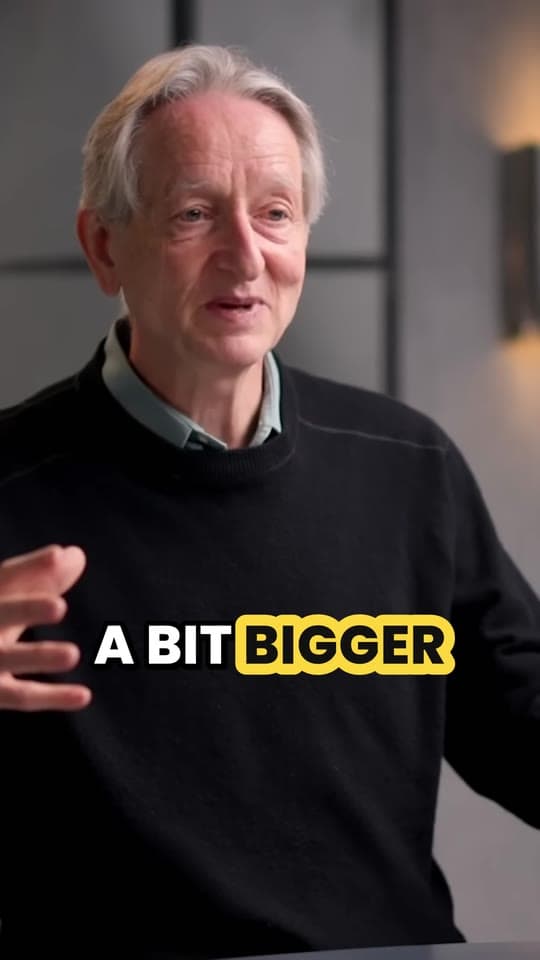
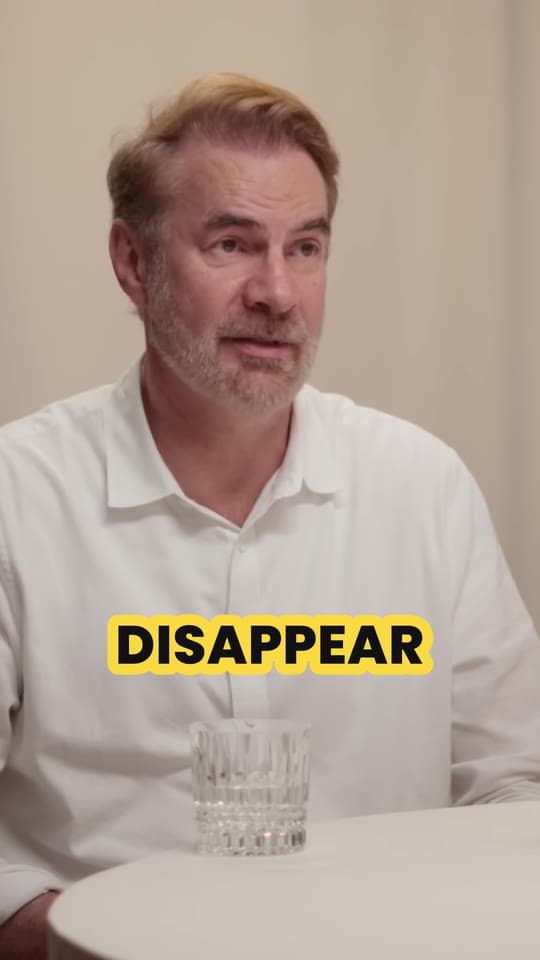
If you clip podcasts, interviews or other creators' videos for campaigns, we'd pick Clyper. It reads what's said, picks moments that make sense on their own, starts and ends each clip on a whole sentence and keeps whoever's talking in frame. Eklipse's FAQ says it's optimized for gaming: it scores moments from kills, wins, audio spikes and chat.
If you stream games and want your own streams clipped without lifting a finger, Eklipse is probably the better fit. Connect the channel and it clips each stream after it ends, posts and schedules for you, and billed yearly its Premium plan costs less than any of Clyper's.
Why clippers pick Clyper over Eklipse
Made for people talking
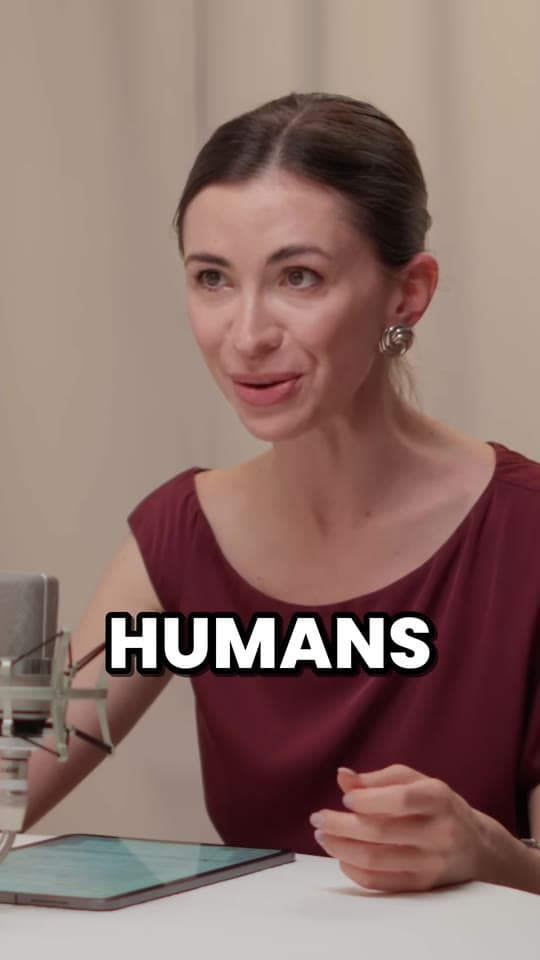
Eklipse finds highlights in gameplay: its FAQ lists kills, wins and achievements, audio spikes like laughter, and bursts of chat, and says it's optimized for gaming, though it clips podcasts and IRL streams too. Clyper picks moments from what's said, the ones that stand on their own without the rest of the video, and cuts each one on whole sentences.
So the same tool works for a two-person podcast, an interview or a stream with commentary: it frames whoever is talking and cuts to the other person when they answer, and a stream gets its webcam stacked over the game.
You choose how many clips, on every plan
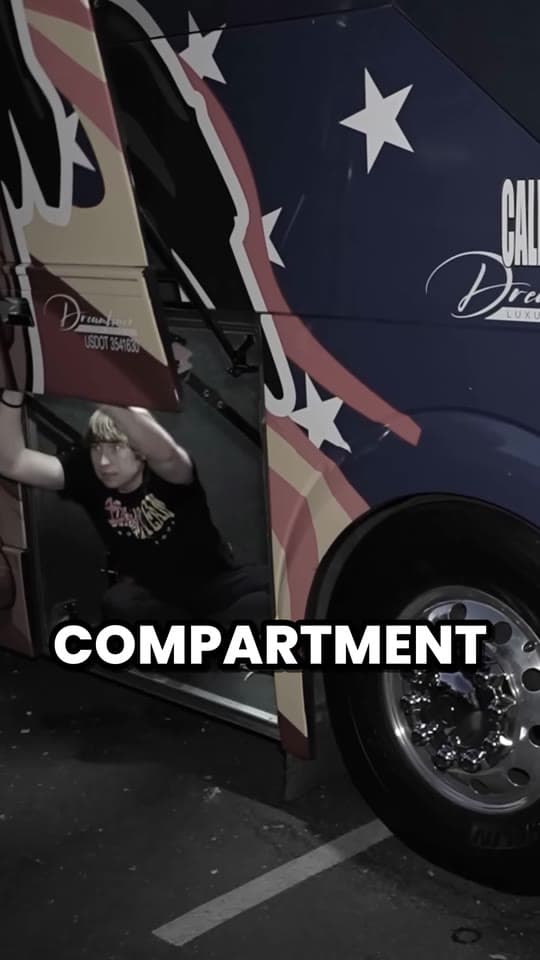
On Clyper you choose how many clips you want from each video, up to 30, or leave it on Auto and it works the number out; each clip runs 20 to 60 seconds and ends on a whole sentence. That's every plan, from any public or unlisted YouTube link up to 4 hours long, and Studio takes 10 links at once. On Eklipse, setting how many clips and how long for each game is Custom Highlights, a Premium Pro feature. You still need permission to post clips of another creator's video, which clipping campaigns give.
Cheaper to start, month to month
Eklipse Premium is $24.99 a month billed monthly. Clyper Starter is $20 a month for 150 minutes of video, up to 75 clips, with no yearly commitment. If you clip a few videos a month, that's the cheaper way in. Billed yearly it goes the other way: Premium is $14.99 a month, against $19 for Clyper Pro.
Uploads in the formats you record in
Clyper takes MP4, MOV, WebM or MKV files up to 4 GB. Eklipse's help center says uploads have to be MP4, so a recording OBS saved as MKV or MOV needs converting first; it takes bigger files, though, under 10 GB. Either way, each clip from Clyper arrives captioned word by word in 50+ languages, clear of every app's buttons, with a hook score.
Side by side
| Feature | Clyper | Eklipse |
|---|---|---|
| YouTube links | ||
| YouTube links | Any public or unlisted video, with no channel check. Up to 10 links at once on Studio | From a YouTube channel you connect, or as an upload (its help pages differ on pasting a video's link) |
| Clips | ||
| Clips | As many as you choose, up to 30 a video, 20 to 60 seconds each, cut to whole sentences | Highlights from game events, audio spikes and chat; clip counts and lengths set per game on Premium Pro |
| Vertical framing | ||
| Vertical framing | Follows whoever's talking and switches between speakers. Streams get the webcam on top, the game below | AI Edit reframes clips to 9:16, keeping crosshairs, kill feeds and facecams in frame |
| Captions | ||
| Captions | Word by word, in 5 animated styles or your own (Pro), in 50+ languages, clear of every app's buttons | Auto-captions you can edit, with animated emojis and 1,000+ templates |
| Clip score | ||
| Clip score | A hook score on every clip, on every plan | A viral score from its AI |
| Export | ||
| Export | 1080 × 1920 MP4, no watermark on any plan | 9:16 MP4, 1080p 60 fps with no watermark on Premium; 2K on Premium Pro |
| Video length | ||
| Video length | 1 minute to 4 hours | Its help pages give different limits, for streams and for uploads |
| Uploads | ||
| Uploads | MP4, MOV, WebM or MKV, up to 4 GB | MP4 only, under 10 GB, on Premium |
| Price | ||
| Price | $20/mo (Starter), or $19/mo billed yearly (Pro) | $24.99/mo, or $14.99/mo billed yearly (Premium) |
| What you pay for | ||
| What you pay for | Minutes of video: 1 credit is 1 minute, at least 10 a video, however many clips it makes | A subscription: Premium, or Premium Pro for more |
| Free plan | ||
| Free plan | No free plan. Starter is month to month | A free account: its AI scans a recent stream and previews the clips it finds |
| Editing | ||
| Editing | Trim, extend either end by up to 15 s, fix words, change the caption style, reword the hook headline (Pro) | Eklipse Studio: trim, split, captions, text, music, stickers and templates; AI Edit adds memes and effects |
| Posting | ||
| Posting | Download and post anywhere | Posts and schedules to TikTok, YouTube Shorts, Instagram Reels and Facebook (scheduling on Premium) |
What it costs
Eklipse sells a subscription. Premium is $24.99 a month, $112.99 every six months, or $179.99 a year, about $14.99 a month; its help center gives those prices for its website, and a higher monthly price in its mobile apps. Its home page lists Premium Pro at $39.99 a month, and its feature pages put 2K exports, clipping while you're live and highlights set per game on it. Its pricing page sends you to its home page, so these come from its FAQ and help center.
Clyper sells minutes of video. Starter is $20 a month for 150 minutes, up to 75 clips; Pro is 400 minutes, up to 200 clips, for $38, or $19 a month billed yearly. Month to month, Clyper costs less to start. Billed yearly, Eklipse costs less, and if you stream for hours every week its flat price goes further: a four-hour stream is 240 minutes on Clyper.
Starter
For your first clipping campaigns.
$20/mo
Monthly only. Pro is $19/mo billed yearly.
Up to 75 clips a monthfrom 150 credits, 1 a minute of video
Choose Starter- 150 credits a month
- 1080p exports
- Animated captions in 50+ languages
- No watermark
Pro
Best value
For clippers running several accounts.
Normally $38 a month, now$19/mo
Billed yearly at $228
Save $228 a year
Up to 200 clips a monthfrom 400 credits, 1 a minute of video
Choose Pro- 400 credits a month
- Everything in Starter
- All caption styles
- Hook headline on every clip
- Brand kit: your own caption styles
Studio
For teams and clipping agencies.
Normally $96 a month, now$48/mo
Billed yearly at $576
Save $576 a year
Up to 500 clips a monthfrom 1,000 credits, 1 a minute of video
Choose Studio- 1,000 credits a month
- Everything in Pro
- Priority processing
- Bulk link import
- Secure checkout
- Cancel anytime
Cancel anytime in the billing portal. Up to 1 clip for every 2 minutes of video: you choose how many clips you want from each one.
1 credit = 1 minute of source video.
Eklipse's plans, for comparison
Premium
AI clipping of your streams, 1080p 60 fps with no watermark, scheduling
$14.99/mo
billed yearly ($179.99), or $24.99 monthly
Premium Pro
2K exports, clipping while you're live, clip counts and lengths set per game
$39.99/mo
billed monthly
From people clipping with Clyper
$1,200/mo
“Didn’t touch editing software once. Just dropped links in, posted what it spit out.”
 Jordan MackeyFaceless clipper
90 sec/clip
“Went from an hour per clip to under 2 minutes. Still can’t believe it.”
 Hom NurkilSolo creator
9 clients
“Tripled our client load without hiring anyone. Clyper is basically a second team.”
 Dan ReyesLowkey Media
Results from individual Clyper customers. Yours will vary: what you earn depends on the campaigns you join and how your clips perform.
Where Eklipse does more
Eklipse does a lot that Clyper doesn't. Connect your channel once and it clips every stream after it ends; on Premium Pro it clips while you're still live. You can say “clip it” mid-game to mark a moment, set how many clips you want and how long for each game, and it knows 3,000+ games. Its AI Edit adds memes and effects, its studio has templates, music and stickers, and it posts and schedules to TikTok, YouTube Shorts, Instagram Reels and Facebook. It works for console streamers with no capture card, has a mobile app, and lets you preview its clips of a recent stream before you pay.
Clyper leaves those out to keep clipping quick, and its 5 caption styles are made for short clips. Its clips are 1080 × 1920 MP4s with no watermark, so whatever you post with takes them as they are.
Using Clyper with Eklipse
- Keep Eklipse on your own streams if gameplay highlights are what you post. It clips them after every stream.
- Clip everything else in Clyper. Paste the YouTube link of a podcast, an interview or a campaign video and get up to 30 clips. Starter is $20 a month, and you can cancel whenever you like.
- For a stream replay with commentary, upload it. Clyper takes MP4, MOV, WebM or MKV files up to 4 GB and 4 hours, and puts the webcam over the game. If a clip needs a nudge, trim it, extend either end by up to 15 seconds or fix a word. See stream clips.
Questions
Is Clyper better than Eklipse?
For clipping podcasts, interviews and other creators' YouTube videos, we think so: it picks moments from what's said, cuts them to whole sentences and frames whoever's talking. For streamers who want their own gaming streams clipped automatically, Eklipse is built for that, and billed yearly it costs less.
How much does Eklipse cost?
Its help center gives Premium at $24.99 a month, $112.99 every six months or $179.99 a year (about $14.99 a month) on its website, and its home page lists Premium Pro at $39.99 a month. Signing up is free, and its AI previews the clips it finds in a recent stream before you pay.
Can I try Eklipse for free?
Signing up is free: connect your channel and its AI scans a recent stream and shows you the clips it finds, before you pay for Premium. Clyper has no free plan; Starter is $20 a month, billed monthly, so a month is enough to see what it makes of your videos.
Can Eklipse clip podcasts?
Its FAQ says it clips podcasts, talk shows, Just Chatting and IRL streams, and that it's optimized for gaming. Clyper is built around talk: it picks moments from what's said, cuts on whole sentences and frames whoever's talking.
Can Clyper clip Twitch or Kick streams?
From the replay: download it and upload the file (MP4, MOV, WebM or MKV, up to 4 GB and 4 hours), and Clyper puts the webcam over the game. It takes YouTube links and uploads, not Twitch or Kick links. It finds moments in what's said, so it suits streams with commentary.
Can Clyper post my clips for me?
No. You download them and post them yourself. Eklipse posts and schedules to TikTok, YouTube Shorts, Instagram Reels and Facebook.
Sources
We make Clyper. Everything here about Eklipse is from its own pages, checked on October 26, 2026, in US dollars before tax; prices change, and some differ by country, so check its site before you buy. Clyper's are from its pricing and its own limits. Eklipse and its logo are trademarks of Main Spring Technology Pte Ltd, shown to identify its product; Clyper isn't affiliated with it.
- Eklipse: home page and FAQ
- Eklipse help: how much Premium costs
- Eklipse help: is it free to sign up
- Eklipse help: Free and Premium
- Eklipse: Quality Max (Premium Pro)
- Eklipse: YouTube clipper
- Eklipse help: importing from a YouTube link
- Eklipse help: a highlight reel from YouTube videos
- Eklipse help: uploading a video
- Eklipse help: clipping Kick VODs
- Eklipse help: longest VOD
- Eklipse help: viral score
- Eklipse help: adding captions
- Eklipse help: scheduling
- Eklipse terms of use
- Eklipse privacy policy