The best AI TikTok clip makers in 2026
The best AI TikTok clip maker takes a long video's link and hands back TikToks you can post as they are: 9:16 at 1080 × 1920, framed on whoever's talking, captioned word by word above TikTok's own username and caption, with no watermark. For that, we rank Clyper first: paste any public or unlisted YouTube link or a Twitch VOD's, and get up to 30 clips, each cut to whole sentences and scored for its hook. We make Clyper, so weigh that. Below, the tools TikTok creators and clippers weigh against it, ranked from each tool's own pricing pages and help centers, which its comparison links.
By the Clyper team · Updated · 13 tools, each checked on its own site
The short answer
- Best for TikToks from long videos:
- Clyper. Paste any public or unlisted YouTube link or a Twitch VOD's, or upload the file, up to 4 hours long, and get up to 30 TikToks of 20 to 60 seconds, cut to whole sentences, framed on whoever's talking, captioned above TikTok's username and caption and scored, with no watermark on any plan. Why Clyper
- Runner-up:
- Vizard. It takes YouTube links (not live streams), follows who's speaking on every plan, gives each clip a viral score and posts to TikTok from the same app, even on its free plan, which exports at 720p with a watermark. See Vizard
- For clippers who also make faceless videos:
- Crayo, whose AutoClip ranks up to 20 clips from a YouTube or TikTok link, with a facecam layout and a timeline editor, beside Reddit-story and fake-text videos. See Crayo
- For TikToks dressed up with effects:
- Submagic, with 35+ caption styles, emojis, zooms, B-roll and sound effects added for you, and Magic Clips for long videos. See Submagic
- For Twitch and Kick streamers:
- StreamLadder, which clips Twitch and Kick VODs from their links with your facecam over the game, and schedules to TikTok. See StreamLadder












The ranking at a glance
| # | Tool | Links | Vertical framing | Captions | Export |
|---|---|---|---|---|---|
| 1 | Clyper | Any public or unlisted YouTube link, with no channel check, and Twitch VODs | Follows whoever's talking; a stream's webcam stacked over the game | Word by word, in 5 animated styles or your own (Pro), in 50+ languages, above TikTok's username and caption | 1080 × 1920 MP4, no watermark on any plan |
| 2 | Vizard | Yes, except live streams | Auto reframe on every plan, following who's speaking | Caption templates; transcribes 40 languages and translates into 128 | 720p with a watermark on the free plan, up to 4K on paid plans |
| 3 | Klap | Yes, and Google Drive, Dropbox, Vimeo, Twitch and Loom links | AI reframe with active speaker detection, plus split-screen, screen and gaming layouts | Animated captions in 52 languages | Up to 4K; downloading needs a paid plan |
| 4 | Crayo | Yes, a YouTube or TikTok link; its pages don't mention a channel check. No Twitch or Kick VOD links | Centers whoever's talking, found by face and lip movement, with layouts for a stream's facecam, split screen and letterbox | 32 caption templates, with transcription in 56 languages | MP4 up to 1080p on every plan, with no watermark |
| 5 | quso.ai | Yes, public or unlisted, and links from Twitch, Vimeo, X, Facebook, Rumble and more | Face and speaker tracking to 9:16, with 9 layouts for speakers and screens (CutMagic, on paid plans) | Animated word-level captions in 50+ languages; its help center lists 20+ languages and accents for AI Clips | 1080p on paid plans; 720p with a watermark on the free plan |
| 6 | OpusClip | Yes, once you confirm the YouTube channel is yours. Also Vimeo, Zoom, Twitch, Google Drive and more | Auto reframe on every plan; tracking of moving subjects on Pro | Animated caption templates, in 20+ languages | No watermark on paid plans, and 4K from a 4K video on its higher plans |
| 7 | Reap | Yes, and Twitch, X and Vimeo links; its pages say Kick links aren't supported | Face tracking (in beta) and speaker detection on paid plans, with Fill, Fit and Split layouts | 50+ animated presets, word by word, in 100+ languages | MP4: 720p with a watermark on Free, 1080p on Creator, 4K on Studio |
| 8 | Submagic | Yes, for Magic Clips (and uploads or Google Drive) | Face tracking in Magic Clips | 35+ caption styles, with emojis and animations | 1080p on Starter, 2K on Pro, 4K on Business; a watermark on the trial |
| 9 | StreamLadder | Not for AI clipping: it takes Twitch and Kick VOD links, and YouTube streams as an uploaded file | Auto crop to 9:16 that finds your facecam; layouts for facecam and gameplay | Animated captions in 90+ languages, with hashtags and hook titles | 1080p 60 fps on Starter and Creator, 4K 60 fps on Pro (720p on the free plan) |
| 10 | SendShort | Yes, from Professional up (Starter's card lists long-video clipping as locked), and Twitch and Kick links | Tracks the speaker and keeps them centered; its pricing table lists 1:1 and 16:9 versions on Business | 35+ caption styles, word by word, in 100+ languages | MP4 with no watermark: 1080p on Starter, 2K on Professional, 4K at 60 fps on Business |
| 11 | Choppity | Public YouTube videos, up to 3 hours, per its help center; some of its pages list Vimeo and Twitch links too | 9:16, 1:1 or 16:9, tracking the active speaker, with split screens for several speakers | Animated captions you can edit and style, with custom fonts, in 97 languages | 1080p and 4K on paid plans; its pricing page lists no downloads on the free plan |
| 12 | Spikes Studio | Yes, and uploads: its site names YouTube videos and live streams | Auto reframe and AI face tracking on PRO+ | Auto captions in 99+ languages; animated captions on PRO+ | 1080p on paid plans; 720p with a watermark on the free plan |
| 13 | CapCut | No: you upload the file, from your device, cloud storage, Google Drive or Dropbox | Auto reframe with subject tracking, from 16:9 to 9:16 (a Pro feature) | Auto captions, styled by hand | Up to 4K on Pro; free exports can carry a watermark from templates or Pro materials |
Each tool's row is from its comparison with Clyper, as its own site gave it on the date checked; its plans, prices and sources are there, linked below.
Our pick: a link in, TikToks ready to post out
Clyper
Best for
- Creators turning their podcast, stream or YouTube videos into a TikTok a day, framed on them as they talk.
- Clippers posting TikToks for campaigns: any public or unlisted YouTube link with no channel check, and no watermark on the clips you submit.
- Several TikTok accounts: Studio takes 10 links at once, and Pro and Studio keep up to 10 caption styles of your own, one for each account.
Captions where TikTok leaves room
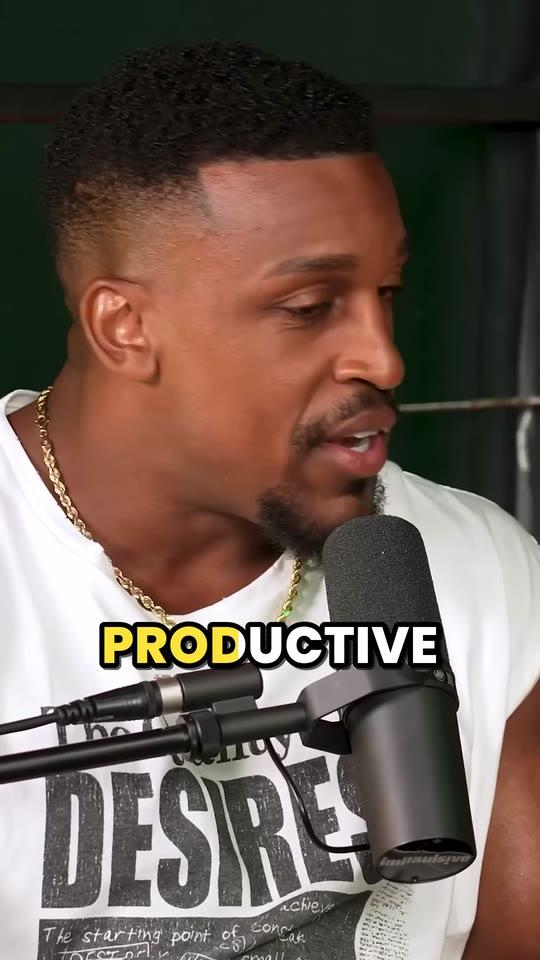
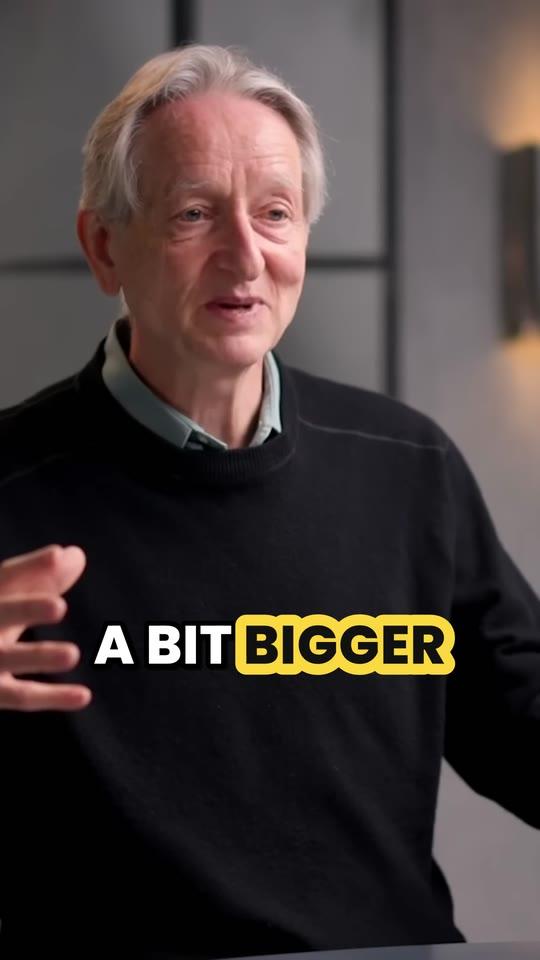
Word by word, a few at a time, in 50+ languages, placed above the username and caption TikTok lays over the bottom of every video.
Full screen, on the speaker
1080 × 1920, following whoever's talking and switching when someone else answers; a stream's webcam stacked over the game.
One moment per TikTok
20 to 60 seconds, from the line that hooks to the line that lands, cut on whole sentences. Extend either end by up to 15 seconds in the editor.
A hook score on every clip
So you know which to post first. On Pro and Studio, each opens with its hook as a headline you can reword or remove.
Try Clyper on a videoSee pricing
What it costs
A credit is a minute of video, so a plan is how much video you can clip in a month, however many clips it makes. An hour-long video gives up to 30 TikToks, 30 days of one a day. Four such videos a month are 240 minutes of video: Pro's 600 credits a month cover it, for up to 300 clips.
Starter
$20/mo
200 minutes, about 100 clips
Pro
$19/mo yearly
600 minutes, about 300 clips
Studio
$48/mo yearly
2,000 minutes, about 1,000 clips
Also as 2× or 4×, for more of both
AI clipping tool
Vizard
Best for
TikTok creators who want a free plan to start on, posting to TikTok from the same app, speaker framing on every plan and a clip length they set from under 30 seconds to 3 minutes.
Falls short for TikTok creators
Its free plan exports at 720p with a watermark and its projects expire after 3 days, it doesn't take live streams, and you refine clips in its editor.
Why TikTok creators pick Clyper instead: Clyper cuts each clip on whole sentences, 20 to 60 seconds, captions it above TikTok's own text and scores it, ready to post as it arrives, with no watermark on any plan.
AI clipping tool
Klap
Best for
TikTok creators who want a virality score with its reasons, split-screen and gaming layouts, 4K exports and scheduling to TikTok, from YouTube, Twitch, Google Drive and Dropbox links.
Falls short for TikTok creators
Downloading needs a paid plan, its docs put the longest video at 3 hours, and its plans are counted in clips, each one taken from a monthly allowance.
Why TikTok creators pick Clyper instead: Clyper counts minutes of video, so up to 30 TikToks from one video cost no more than one, and it clips up to 4 hours at a time.
AI short-video maker with a clipper
Crayo
Best for
Clippers who also make faceless TikToks from Reddit stories, fake texts and gameplay split screens, and want AutoClip's ranked clips, a facecam layout and a timeline editor in one app.
Falls short for TikTok creators
It takes no Twitch or Kick VOD links, its uploads stop at 3 hours, AutoClip gives up to 20 clips a video, and each clip takes one of its credits.
Why TikTok creators pick Clyper instead: Clyper takes Twitch VOD links as well as YouTube's, gives up to 30 clips a video and counts minutes of video, so more clips cost no more.
AI clipping and scheduling tool
quso.ai
Best for
TikTok creators who want publishing to TikTok on every plan, nine layouts for speakers and screens, and links from YouTube, Twitch, X, Facebook and Rumble.
Falls short for TikTok creators
Its speaker layouts (CutMagic) are on paid plans, its free plan, in some countries, exports at 720p with a watermark, and its pages give different longest videos.
Why TikTok creators pick Clyper instead: Clyper frames whoever's talking on every plan and exports 1080 × 1920 with no watermark on every plan.
AI clipping tool
OpusClip
Best for
Creators clipping their own channel who want B-roll, templates and filler-word removal, posting to TikTok, YouTube and Instagram, and videos up to 10 hours.
Falls short for TikTok creators
Its help center says adding a YouTube link asks you to confirm the channel is yours, which gets in the way when you clip someone else's video for a campaign, and its captions cover 20+ languages.
Why TikTok creators pick Clyper instead: Clyper takes any public or unlisted YouTube link with no channel check, and captions 50+ languages, word by word.
Clyper vs OpusClip, in fullOpusClip alternativesOpusClip pricing
AI video editor with clipping
Reap
Best for
TikTok creators who want 50+ caption presets, dubbing and translated subtitles, and scheduling to TikTok from a content calendar, with a free plan to start.
Falls short for TikTok creators
There's no setting for how many clips you get, its face tracking is in beta, its virality score is on paid plans only, and its free plan is for non-commercial use under its terms.
Why TikTok creators pick Clyper instead: On Clyper you choose how many clips, up to 30, each framed on whoever's talking and scored, on every plan.
Captions and short-video editor
Submagic
Best for
Creators who want TikToks dressed up with 35+ caption styles, emojis, zooms, B-roll and sound effects added for them, and posting to TikTok from the same app.
Falls short for TikTok creators
Clipping a long video is Magic Clips, a separate feature that its help center says draws on the same monthly credits as its editing, and its free trial adds a watermark.
Why TikTok creators pick Clyper instead: On Clyper, clipping long videos is the whole plan: up to 4 hours a video, up to 30 TikToks back, captioned and scored.
Clyper vs Submagic, in fullSubmagic alternativesSubmagic pricing
Stream clipping tool
StreamLadder
Best for
Twitch and Kick streamers who want their VODs clipped from the link, with an auto crop that finds the facecam, stickers and emotes, and scheduling to TikTok.
Falls short for TikTok creators
Its AI clipping takes Twitch and Kick links, not YouTube ones, so a YouTube video is a download and an upload, and its auto crop is built around finding a facecam.
Why TikTok creators pick Clyper instead: Clyper takes YouTube links and Twitch VODs alike, and frames whoever's talking when there's no facecam, so the same tool clips a stream, a podcast or an interview.
Clyper vs StreamLadder, in fullStreamLadder alternativesStreamLadder pricing
AI shorts maker with a scheduler
SendShort
Best for
Creators who want slideshows, faceless videos and AI avatars as well as clips, from YouTube, Twitch and Kick links, scheduled to TikTok.
Falls short for TikTok creators
Clipping long videos starts with its Professional plan, every finished clip counts against the month's shorts, and its pages show no score on each clip.
Why TikTok creators pick Clyper instead: Every Clyper plan clips long videos, for up to 100 clips a month on Starter, and each comes with a hook score.
AI clipping and editing tool
Choppity
Best for
Creators who want to set a clip length from 15 seconds to 3 minutes and add instructions, then edit, post and schedule to TikTok from the same app.
Falls short for TikTok creators
Its help center caps YouTube imports at public videos up to 3 hours, it sets each clip up as a project in its editor, and its pricing page lists downloads from its first paid plan.
Why TikTok creators pick Clyper instead: Clyper takes public and unlisted links, up to 4 hours at a time, and hands back TikToks ready to post.
AI clipping tool
Spikes Studio
Best for
Creators who want B-roll, music, transitions and clip analytics added in, with a virality score on every plan and scheduling to TikTok.
Falls short for TikTok creators
Its pricing page keeps auto reframe, face tracking and animated captions for PRO+, so a free try gets demo clips at 720p with a watermark.
Why TikTok creators pick Clyper instead: On every Clyper plan, each TikTok is framed on whoever's talking, captioned word by word in an animated style, scored and exported with no watermark.
Video editor
CapCut
Best for
Hands-on editors who want to cut, crop and style every TikTok themselves, with effects and templates, share it straight to TikTok, and start for free.
Falls short for TikTok creators
Its Long video to shorts tool works from uploaded files, not YouTube links, it gives clips no score, and auto reframe is a Pro feature.
Why TikTok creators pick Clyper instead: Clyper finds, cuts, frames and captions up to 30 TikToks from one link, so the time a timeline takes goes into posting.
How we ranked them
- Takes the video's link A TikTok of a long video starts from a link. Tools that take a YouTube link as it is, and a Twitch VOD's, ranked above ones that ask for a channel check, a download and an upload, or a higher plan first.
- Full screen, on the speaker TikTok is watched upright. We looked for a 9:16 crop that follows whoever's talking on every plan, and a layout that keeps a stream's facecam and game both in view.
- Captions that read with the sound off Word-by-word captions, animated and placed clear of the username and caption TikTok lays over the video, ranked above plain subtitles you style yourself.
- Ready to post Clips cut on whole moments, with no watermark, ranked above clips you finish one by one in an editor; a score on each tells you which to post first.
- What more clips cost A TikTok a day takes a lot of clips. Plans that count minutes of video, so more clips from one video cost nothing more, ranked above plans that count each clip.
Every tool ranked for clippers: the best AI clipping tools. Every tool side by side, with prices: Clyper vs the other clipping tools. What Clyper costs for the hours you clip: the AI clipping cost calculator.
More on this from Clyper
From people clipping with Clyper
$1,200/mo
“Didn’t touch editing software once. Just dropped links in, posted what it spit out.”
 Jordan MackeyFaceless clipper
90 sec/clip
“Went from an hour per clip to under 2 minutes. Still can’t believe it.”
 Hom NurkilSolo creator
9 clients
“Tripled our client load without hiring anyone. Clyper is basically a second team.”
 Dan ReyesLowkey Media
Questions
What is the best AI TikTok clip maker?
For TikToks from long videos, Clyper, and we make it, so weigh that. Paste any public or unlisted YouTube link or a Twitch VOD's and it gives up to 30 vertical clips of 20 to 60 seconds, cut to whole sentences, framed on whoever's talking, captioned above TikTok's own text and scored, with no watermark on any plan. Vizard is the runner-up, Crayo suits clippers who also make faceless videos, and CapCut people who edit each TikTok by hand.
How long should a TikTok clip be?
TikTok takes uploads of up to 60 minutes in its app, but a clip cut from a long video is one moment, from its hook to its payoff: Clyper's run 20 to 60 seconds, and you can extend either end by up to 15 seconds in the editor. TikTok's Creator Rewards Program only pays on videos of at least 1 minute, so aim longer if that's how you earn.
Can AI turn a YouTube video into TikToks from its link?
Yes. Clyper takes any public or unlisted YouTube link, from 1 minute to 4 hours long, and Twitch VODs. Vizard, Klap, Crayo, quso.ai, Reap, Choppity and Spikes Studio take YouTube links too, SendShort from its Professional plan and Submagic for Magic Clips; OpusClip asks you to confirm the channel is yours, StreamLadder clips Twitch and Kick VODs, and CapCut works from uploaded files.
What size should a TikTok be?
1080 × 1920, a 9:16 video in full HD, which fills a phone held upright. On the web, TikTok takes 720 × 1280 or more. Clyper's clips download at 1080 × 1920 with no watermark.
Which AI TikTok clip makers add a watermark?
Free plans and trials are where watermarks show up: OpusClip's, Vizard's, quso.ai's (in some countries), Reap's and Spikes Studio's free plans and Submagic's trial add one, and CapCut's free exports can carry one from templates or Pro materials. Clyper has no watermark on any plan, and no free plan: Starter is $20 a month, month to month.
Can I post TikToks of someone else's video?
Only with permission, like a clipping campaign or a creator's own clipping program gives. Otherwise your TikToks can be taken down for copyright.
About this ranking
We make Clyper, and we ranked it first. What this page says about each other tool comes from that tool's own site, checked between October 10, 2026 and October 30, 2026; each comparison lists its sources and prices. Tools change, so check before you buy. The other tools' names and logos are trademarks of their owners, shown to identify their products; Clyper isn't affiliated with them.
Turn your next video into TikToks
Paste a YouTube or Twitch link. Clyper finds the best moments, crops them to 9:16 on whoever's talking and captions every word above TikTok's own text: up to 30 TikToks, ready to post.
See plans and pricing

