MP4 to M4A converter
To convert MP4 to M4A, choose the video, pick a bitrate and press Convert to M4A: you get its sound as AAC in an M4A file, the format Apple devices and podcast apps play. 192 kbps suits most things, about 1.4 MB a minute. Free, and the MP4 never leaves your device.
A free tool from Clyper, the AI clipping tool that turns long videos into captioned vertical clips.
Get startedMP4, MOV, WebM or MKV, or drop one on the player. It's converted on your device: nothing is uploaded.
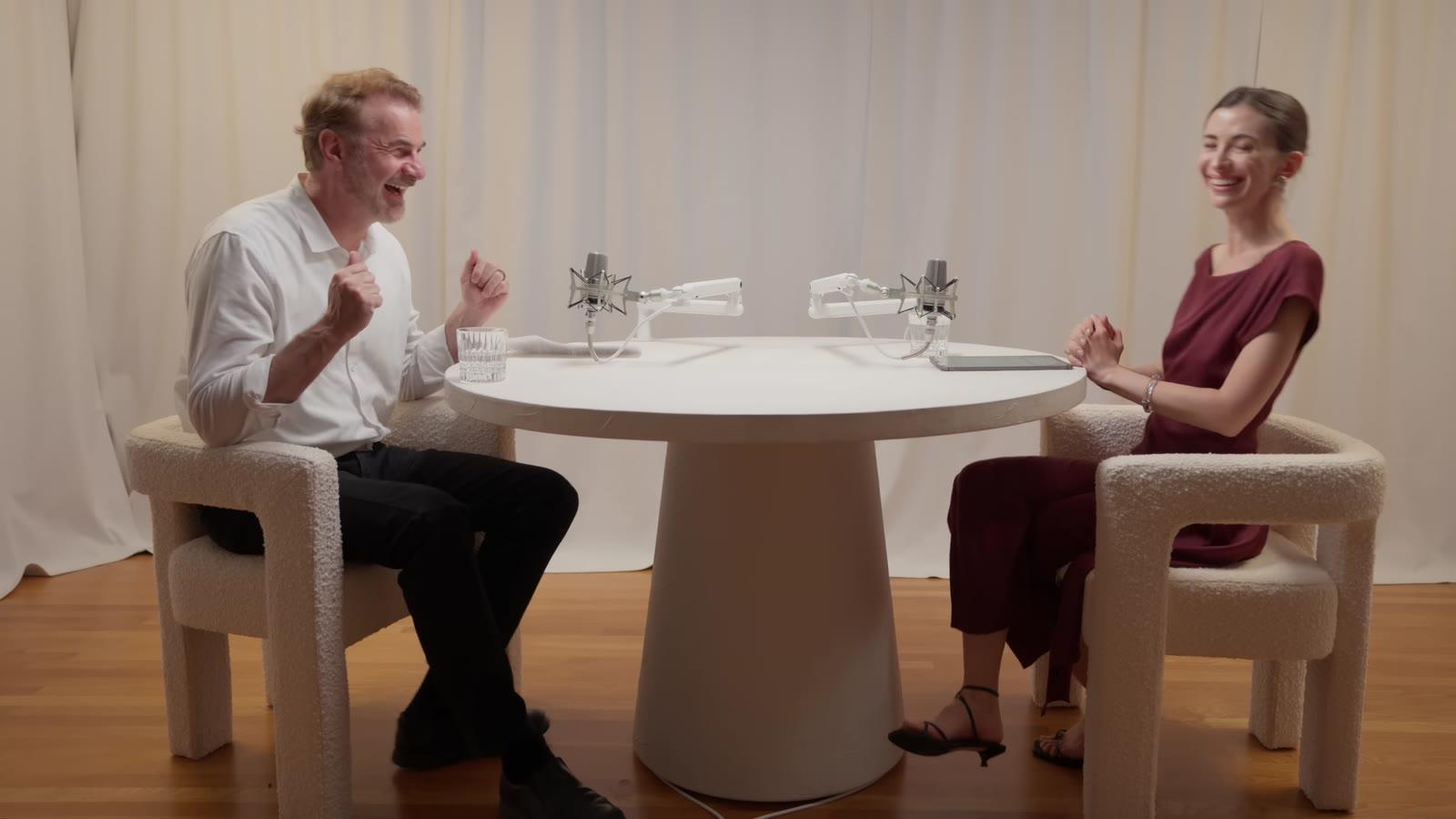
An example: 8 seconds of IMPAULSIVE
Free, no watermark, and nothing to sign up for.
How to convert MP4 to M4A
- Choose the MP4, or drop it on the player.
- Pick a part, or leave the bar as it is for all of it.
- Leave M4A picked and choose a bitrate: 128 kbps for speech, 192 kbps for most things, 320 kbps for music.
- Press Convert to M4A, play it to check, and download it.
M4A sizes by bitrate
| Bitrate | A minute | 10 minutes | An hour | Good for |
|---|---|---|---|---|
| 128 kbps | 1.0 MB | 9.6 MB | 58 MB | Speech: podcasts, talks |
| 192 kbps | 1.4 MB | 14 MB | 86 MB | Most things |
| 320 kbps | 2.4 MB | 24 MB | 144 MB | Music |
For a file that plays on anything, use the MP4 to MP3 converter; for editing, MP4 to WAV.
M4A for podcasts
Podcast hosts take M4A as well as MP3, and AAC keeps speech clear at a low bitrate: 128 kbps is plenty for talking. If there's hum under the voices, clean it first with the background noise remover, and even out the level with the volume booster.
The audio reaches people who already listen. Short clips of the video reach the ones who don't yet: see how to grow a podcast with clips.
Questions
How do I convert MP4 to M4A?
Choose the MP4; M4A is already picked. Choose 192 kbps (or 128 kbps for speech), press Convert to M4A, play it to check, and download it. Drag the ends of the bar first to keep only a part.
What is an M4A file?
The audio-only kind of MP4: the same container, holding just a sound track, usually AAC. Apple's apps, iPhones, and podcast hosts and players all take it.
M4A or MP3?
M4A (AAC) for Apple devices, podcasts and anywhere modern: AAC was designed to sound better than MP3 at the same size. MP3 when it has to play on anything, from an old car stereo to any app.
Does converting MP4 to M4A lose quality?
Re-encoding always loses a little, so pick a bitrate at or above the video's own sound. Where your browser can't encode AAC, the converter copies the video's own AAC sound into the M4A as it is, losing nothing.
How big is an M4A?
1.4 MB a minute at 192 kbps, 58 MB an hour at 128 kbps: the bitrate times the length, whatever is in it.
Is the MP4 uploaded?
No. Everything happens in your browser, on your device. Free, no watermark, no sign-up.
Sources
Read on November 13, 2026.
Turning a video podcast into audio? Clip the video too
Paste a YouTube link and Clyper finds the episode's best moments and makes up to 30 vertical clips, framed on whoever's talking and captioned word by word.
See plans and pricing


Guides
- Making clipsHow to edit a podcast (audio or video), step by stepThe order to edit in, the loudness and export settings the platforms ask for, video podcast specifics, how long it takes and the tools for each step.12 min read
- GrowingHow to grow a podcast with short clipsWhat to clip from each episode, how to turn viewers into listeners, a rhythm to post on, and a workflow for a weekly show.5 min read
- Making clipsHow to clip a podcast into short videosFind the moments in an episode, cut them to stand alone, frame the speakers and caption every word.5 min read


Related converters
- MP4 to MP3A video's sound as an MP3, at 128, 192 or 320 kbps.
- MOV to MP3The sound of an iPhone video or Mac recording as an MP3.
- MP4 to WAVA video's sound as uncompressed WAV, for editing.
- WebM to MP3The sound of screen and browser recordings as an MP3.
- The full video to mp3 converterSave a video's sound as an MP3, M4A or WAV, all of it or just a part, in your browser and without uploading it.