How to grow a podcast with short clips
A clip is the easiest way for someone new to find a podcast: forty seconds of a great answer, on a feed they were already scrolling. Here's what to clip from each episode, how to turn people who watch a clip into people who watch the show, and a rhythm a weekly podcast can keep up.
Updated 5 min read
In short
- YouTube says more than a billion people a month watch podcasts on it, and it suggests cutting a long episode into several Shorts.
- Clip the moments that work without the episode: a story, a strong take, a surprising answer, a laugh.
- Point every clip back at the episode: link Shorts to it on YouTube, and name the show in every caption.
- Post a clip a day from each episode, and send your guests theirs: every guest is another audience.
On this page
Why clips grow a podcast
An episode reaches people who already listen. A clip reaches people who don't: TikTok, Reels and Shorts show clips to viewers by what they watch, not who they follow, so a good clip can put your show in front of thousands of strangers in a day.
YouTube says more than a billion people a month watch podcasts there, and it tells podcasters to do exactly this: cut a long interview into several short Shorts, each with a takeaway, a funny moment or a strong opinion, so some of the people who see one click through to the full episode.
What to clip from each episode
- The guest's best answer. The moment you'd quote if someone asked what the episode was about.
- A story with a turn. A beginning, a surprise and an ending, in under a minute.
- A take people will argue with. Comments push a clip further.
- A reaction. Laughter, disbelief, a long pause: things people can see happen.
Skip moments that lean on what came before: if it needs explaining, it isn't a clip. An hour usually has 5 to 10 that stand alone. More on finding them in how to clip a podcast. Not filming the show? Post the moments as audiograms: how to make an audiogram covers it.
Framing two people in a vertical clip
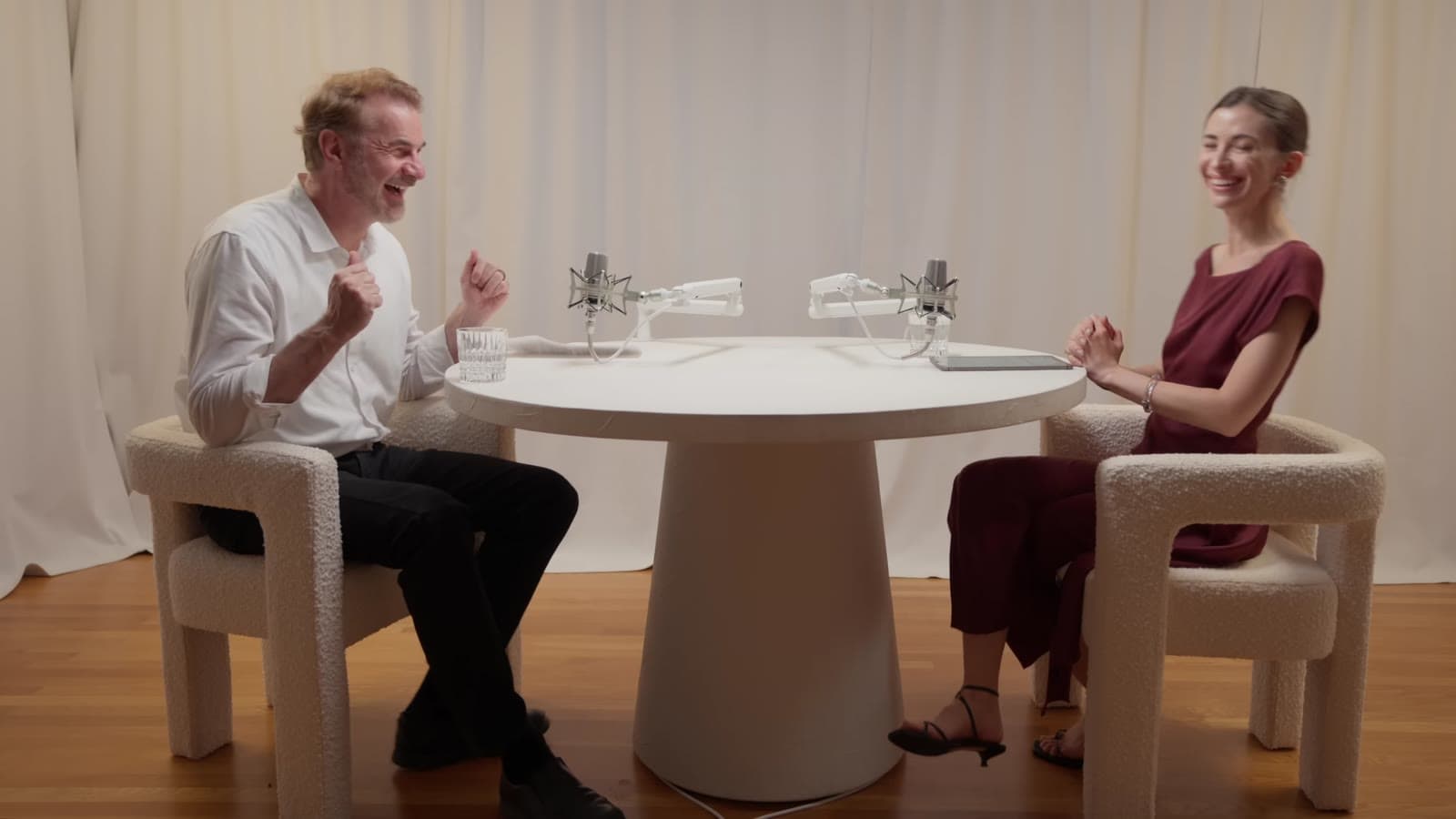
Most video podcasts are filmed wide, with the host and the guest side by side. A vertical frame holds one face well, so a clip needs a plan for two:
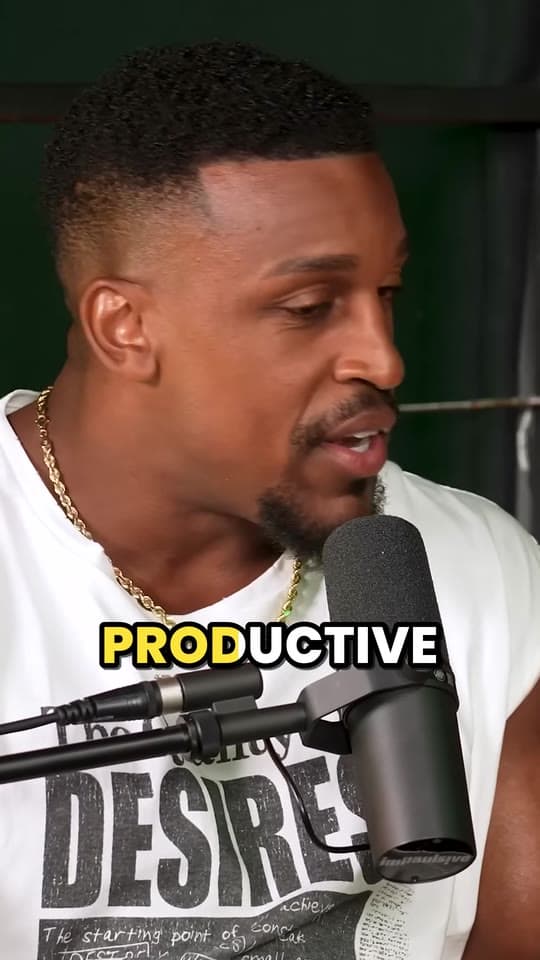
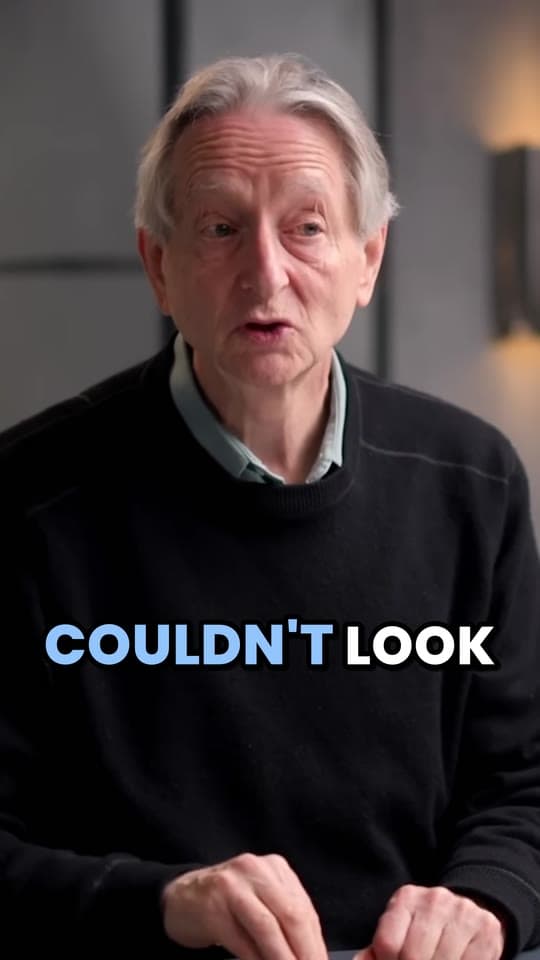
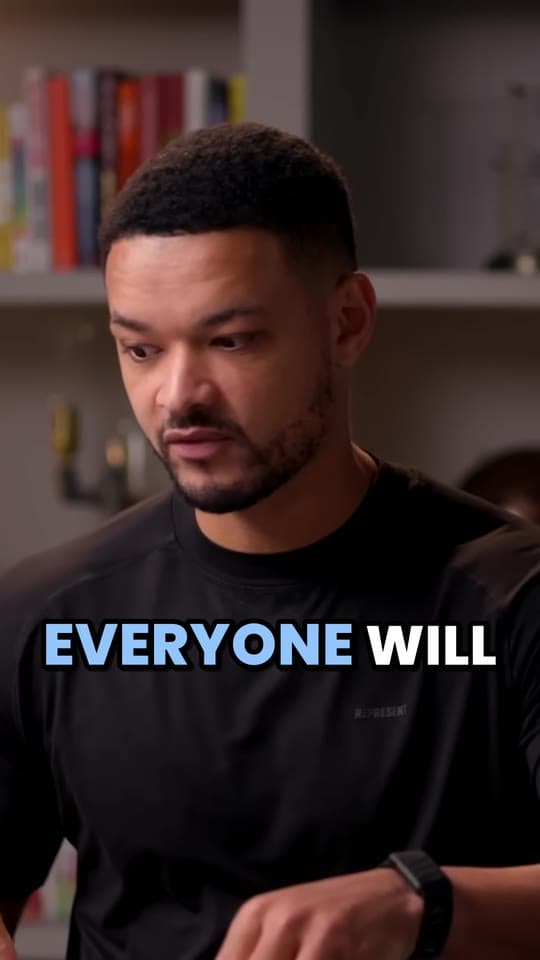
- Follow whoever's talking. Crop to the speaker and cut to the other person when they answer, the way a show edited for phones looks. It's how Clyper frames podcast clips: see how its auto reframe follows the speaker.
- Stack them. The host on top and the guest below, both in view the whole time: good for a fast back-and-forth. The free split screen video maker stacks two parts of one video.
- Show the whole room. The wide shot, fitted on a blurred background: everyone's visible but small, which suits a reaction better than an answer. The free vertical video converter does it.
Turning viewers into listeners
A clip that gets views but sends nobody to the show is entertainment for someone else's feed. Point every clip back:
- On YouTube, link the Short to the episode. In YouTube Studio, open the Short and choose the episode as its related video: viewers see a link to it under your channel name. It needs YouTube's advanced features turned on. Shorts you make with Studio's own clips and Shorts tool get the link to their source video automatically.
- Name the show and the episode in every caption, so people know where the clip is from.
- Make clips a series. The same look, the same cover style, the same first words: people who liked one find the next. The free Shorts thumbnail maker helps keep covers consistent.
A rhythm you can keep
YouTube's Shorts tips say to stick to a posting schedule you can maintain, because consistency is key. For a weekly show:
| When | What |
|---|---|
| Episode day | The strongest clip, with the episode linked |
| The next four days | A clip a day: a story, a take, a tip, a reaction |
| The weekend | The best clip from an older episode, so new viewers find the back catalog |
| Every clip | Posted on TikTok, Reels and Shorts, uploaded to each |
A workflow for a weekly show
By hand, a week of clips is a day of editing: finding moments, cutting, framing two people in a vertical frame, captioning every word. With Clyper it's one link per episode: it finds the moments, cuts each to whole sentences, keeps whoever's talking in the frame and captions every word, for as many clips as you ask for: up to 30 from an hour-long episode. On Studio, paste 10 episodes' links at once to clip the back catalog.
Then read the numbers: which clips held people longest, and which sent people to the episode. Make more of those. See how to repurpose a long video into a week of clips for the plan in more detail.
Questions
How do I promote my podcast with clips?
Clip the moments from each episode that work on their own, post them on TikTok, Reels and Shorts, and point each back to the episode: link Shorts to it on YouTube and name the show in every caption.
How many clips should I make from each episode?
As many as it has strong moments: usually 5 to 10 from an hour. Clyper makes as many as you ask for, up to 30 from an hour-long episode, or about 10 if you leave it on Auto, each scored so you post the strongest first.
How do I link a YouTube Short to the full episode?
In YouTube Studio, open the Short, choose the episode as its related video and save. It needs advanced features, and viewers see the link under your channel name. Shorts made with Studio's clips and Shorts tool link to their source automatically.
Should I post podcast clips on TikTok, Reels or Shorts?
All three: the same vertical clip works on each. YouTube is where you can link a Short straight to the full episode, so it's the best place to turn viewers into listeners.
Do I need a video podcast to make clips?
Yes, for clips people watch on TikTok, Reels and Shorts. Clyper works from video: a YouTube link or a video file.
Sources
The apps' rules are from their own pages, read on October 11, 2026. They change from time to time, so check them before you rely on one.