MP4 to GIF converter
To convert an MP4 to a GIF, choose the video, drag the bar around the moment (up to 15 seconds), pick a size and press Make GIF. Four seconds of a 1080p video at 480 × 270 comes to about 3.1 MB, and the estimate updates as you go. Free, no watermark, nothing uploaded.
A free tool from Clyper, the AI clipping tool that turns long videos into captioned vertical clips.
Get startedMP4, MOV, WebM or MKV, or drop one on the player. It's made on your device: nothing is uploaded.
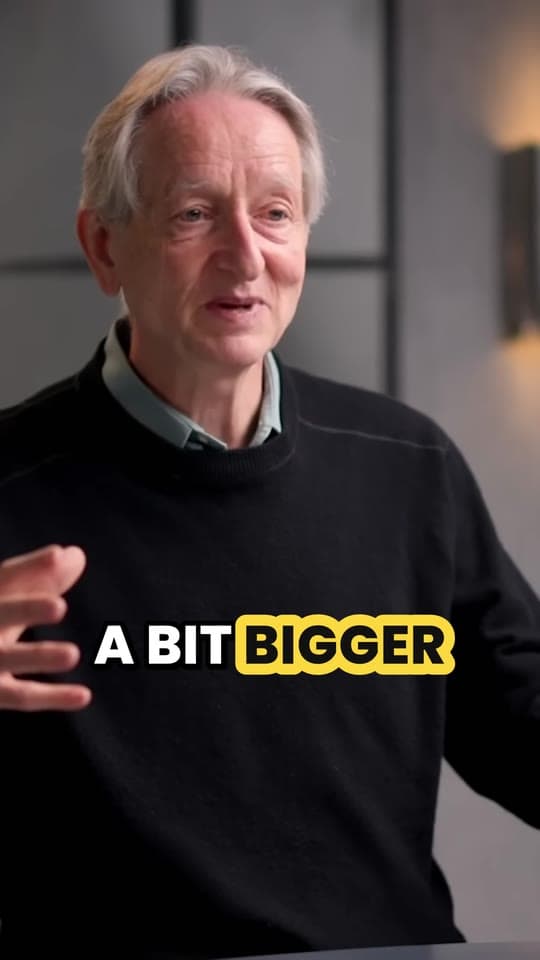
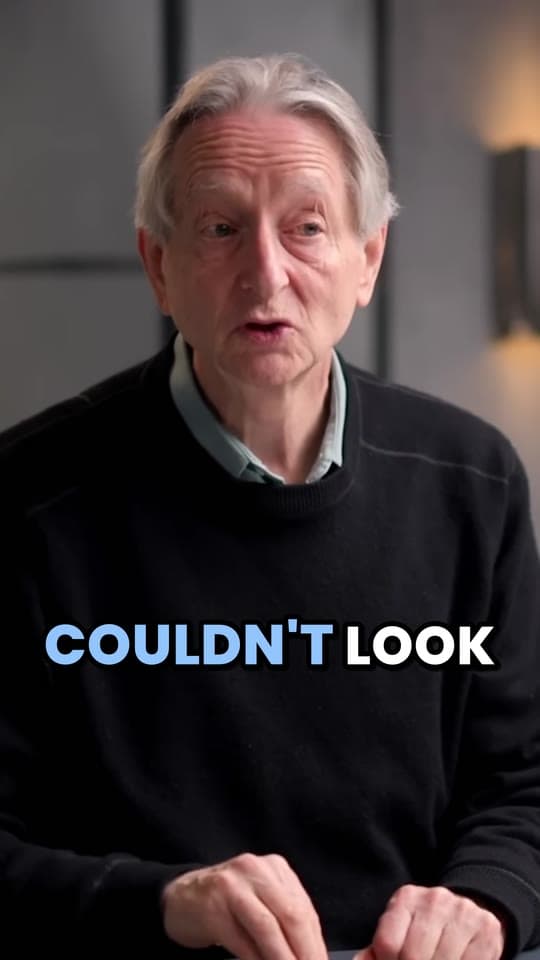
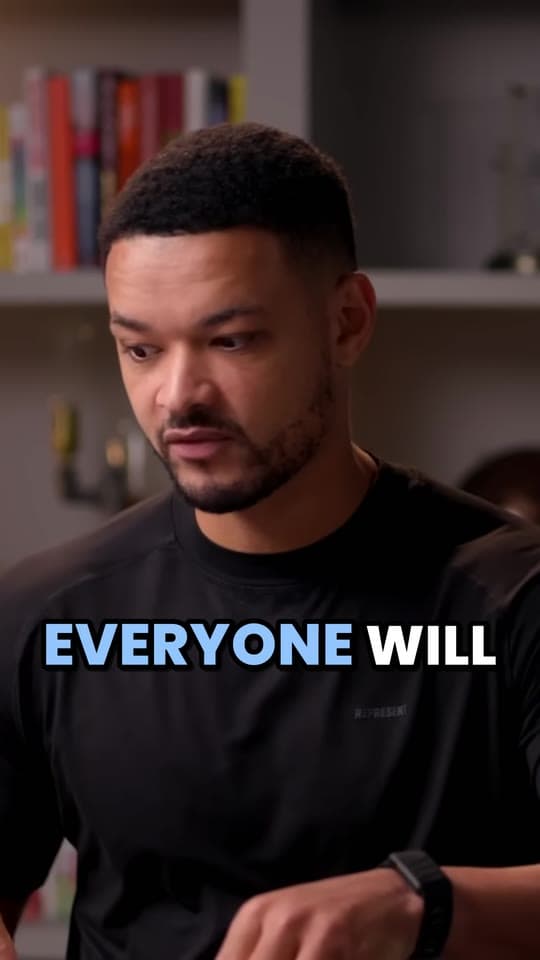
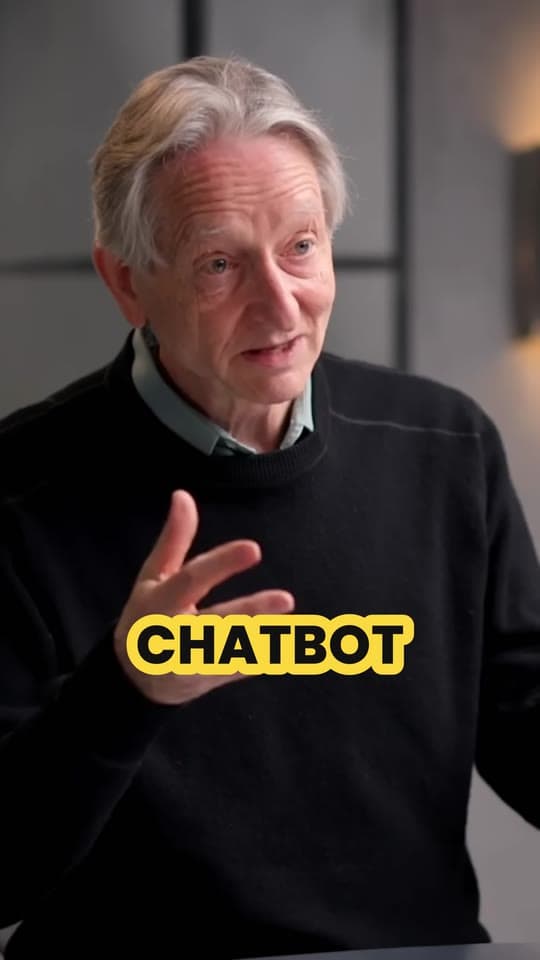
An example: 8 seconds of IMPAULSIVE
Free, no watermark, and nothing to sign up for.
How to convert MP4 to GIF
- Choose the MP4, or drop it on the player.
- Drag the ends of the bar around the moment: up to 15 seconds, though 2 to 4 makes the best GIFs.
- Pick a size and the frames a second, watching the estimate: smaller and fewer frames make a smaller file.
- Press Make GIF, check it loops right, and download it.
GIF or MP4?
A GIF is the same moment in an older, simpler format. It's worth it only where a GIF works and a video doesn't.
| GIF | MP4 | |
|---|---|---|
| Colors | Up to 256 a frame | Millions |
| Sound | None | Yes |
| Plays | On its own, looping, anywhere an image shows | In a video player, or muted and looping where a site sets it up |
| File size | Large for its length | Small for its length |
| Best for | Reactions, chats, docs, READMEs, email | Anything longer, or with sound |
Size limits where GIFs go
Discord: 20 MB a file without Nitro, enough for a 15-second GIF at 480 wide (about 11.7 MB).
GitHub: images and GIFs attached to an issue, a pull request or a comment can be up to 10 MB. Keep a demo GIF short and 320 or 480 wide.
TikTok, Reels and Shorts take video, not GIFs, and play it with sound. Post an MP4 there: cut the moment with the video trimmer and make it 9:16 with the TikTok resizer.
Picking a moment that works as a GIF
A GIF loops with no sound, so it needs something you can see happen: a reaction, a punchline on a face, a move. Start just before it and end just after, so the loop doesn't sit on nothing. The same instinct finds the clips people watch to the end; read how to find the best moments to clip.
Questions
How do I convert an MP4 to a GIF?
Choose the MP4, drag the ends of the bar around the moment (up to 15 seconds), pick a size and frames a second, and press Make GIF. The estimate shows how big it'll be before you make it.
Why is my GIF so much bigger than the MP4?
An MP4 stores mostly what changes between frames, with a modern codec built for film. A GIF stores each frame as a picture of up to 256 colors with old, simple compression. The same few seconds can easily be many times bigger as a GIF.
How do I keep the GIF small?
Keep it short (2 to 4 seconds), make it 320 pixels wide, and use 10 frames a second. A 4-second moment at 480 × 270 and 15 fps is about 3.1 MB; at 320 wide and 10 fps, about 922 KB.
Does the GIF have sound?
No. GIFs can't hold sound, so pick a moment that works silently: a reaction, a move, something you can see. For a moment with sound, cut an MP4 with the video trimmer instead.
Why does my GIF look grainy?
Each frame of a GIF has at most 256 colors, so smooth gradients like skies and skin get speckled (dithered) to fake the ones in between. Flat graphics and screen recordings look clean; filmed footage less so.
Is it free? Is the MP4 uploaded?
It's free with no watermark, and nothing is uploaded: your browser reads the MP4, makes the GIF and saves it on your device.
Sources
Read on November 7, 2026.
The moment worth a GIF is worth a clip
Paste a YouTube link and Clyper finds a long video's best moments and makes each one a vertical clip with captions and sound, ready for TikTok, Reels and Shorts: up to 30 from one video.
See plans and pricing


Guides
- GrowingHow to make clips that go viralThe first second, one idea per clip, the right length and posting enough: what clips that take off share.5 min read
- GrowingHow to repurpose a long video into a week of short clipsHow many clips one video gives, which moments to use, a week's posting plan and a workflow you can keep up.5 min read
- Making clipsHow to compress a video without losing qualityHow file size works, how much video fits in Discord's and Gmail's limits, and the settings that keep it looking good.5 min read