How to clip a podcast into short videos
Podcasts are the easiest videos to clip: hours of people talking on camera, saying things worth sharing. This guide covers how to turn an episode into clips that work on TikTok, Reels and Shorts, from finding the moments to posting them.
Updated 5 min read
In short
- Look for moments that stand alone: a story, a strong opinion, a surprising answer.
- Start on the line that hooks and end on the payoff. Most clips run 20 to 60 seconds.
- Crop to 9:16 on whoever's speaking, and caption every word.
- An hour-long episode usually has 5 to 10 moments worth posting.
On this page
Why podcasts make good clips
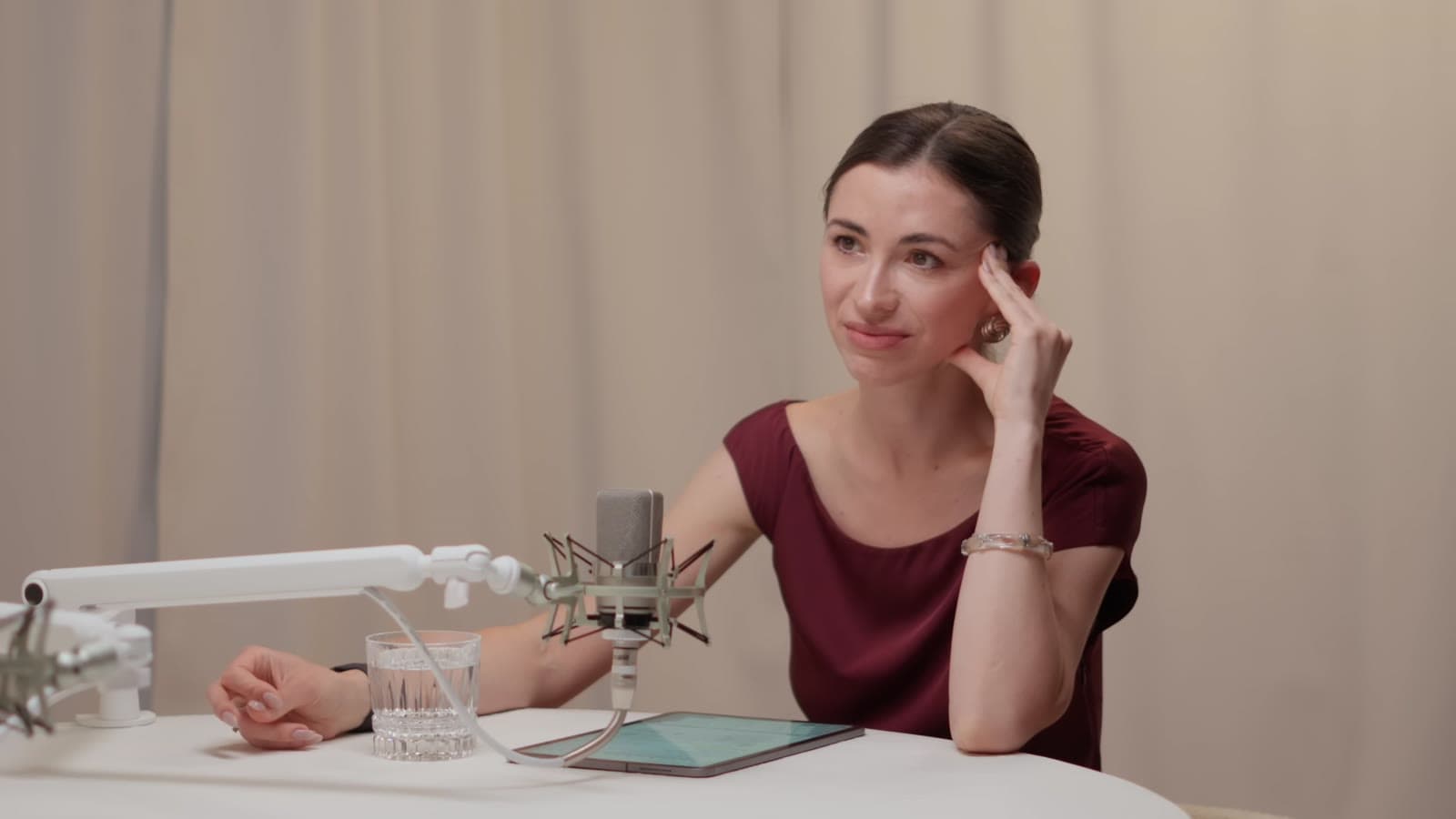
A podcast episode is an hour or more of conversation, and conversation is what short feeds run on: one person, close up, saying something worth hearing. The guests are already on camera, the sound is clean, and every episode has a handful of moments people will want to share.
That's why so many clipping campaigns are for podcasts, and why they're a good place to start if you're new to clipping.
Finding the moments in an episode
You're looking for 20 to 60 seconds that make sense to someone who hasn't seen the episode. The moments that work best:
- The story. A guest's best story, with a beginning, a turn and an ending.
- The take. A strong opinion, especially one people will argue about in the comments.
- The number. A figure that surprises: what something cost, earned or took.
- The answer. A short question with an answer nobody expected.
- The reaction. Laughter, a long pause, someone caught off guard.
To find them without watching every minute: read the transcript (the free video to text converter makes one), jump between chapters, check the Most replayed graph on YouTube, and look for timestamps in the comments.
Cutting a clip that stands alone
A podcast moment rarely starts where the clip should. The host's question, the “that's a great question”, the “so basically”: all setup. Start the clip on the first line that grabs, with just enough context for it to make sense.
End on the payoff, the punchline or the point, and cut before the laughter trails off into the next topic. Cut to whole sentences: a clip that starts or ends mid-word looks like a mistake.
Framing two or more speakers
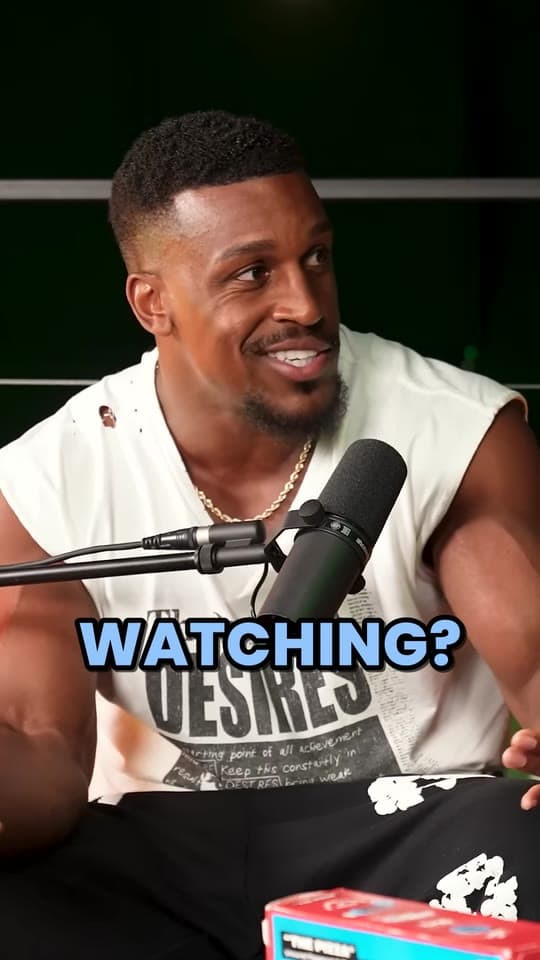
Most podcasts are filmed wide, with two or more people in a 16:9 frame. A vertical clip keeps about a third of that width, so it has to choose who's in it.
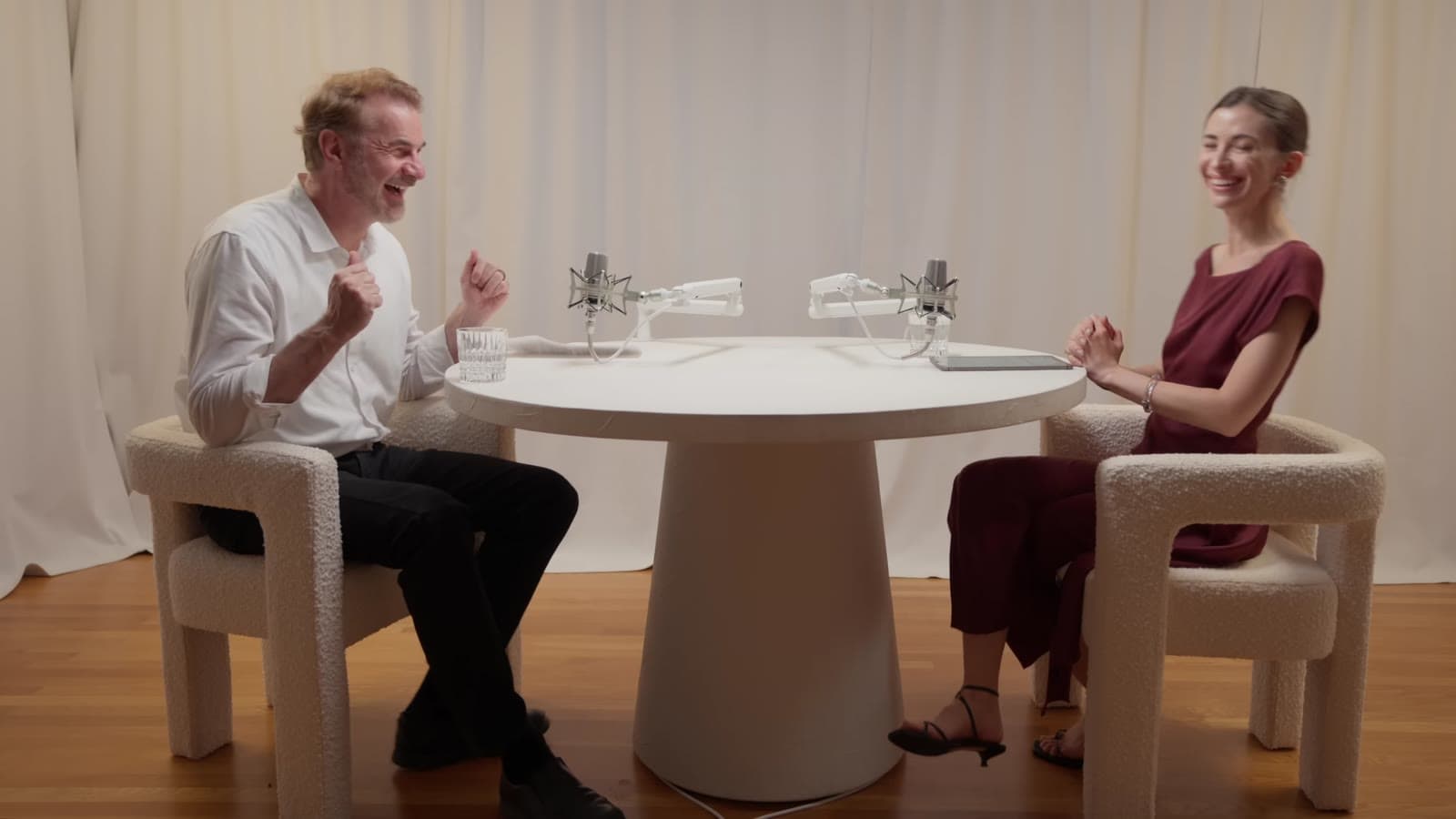
- One speaker at a time. Crop on whoever's talking, and switch when they hand over. Most podcast clips work this way.
- Follow the movement. People lean back, turn and gesture. A fixed crop cuts them off, so the crop has to follow them, smoothly.
- Use the close-ups. If the podcast has a camera on each guest, clip from those shots: they're already framed.
Captions and the hook
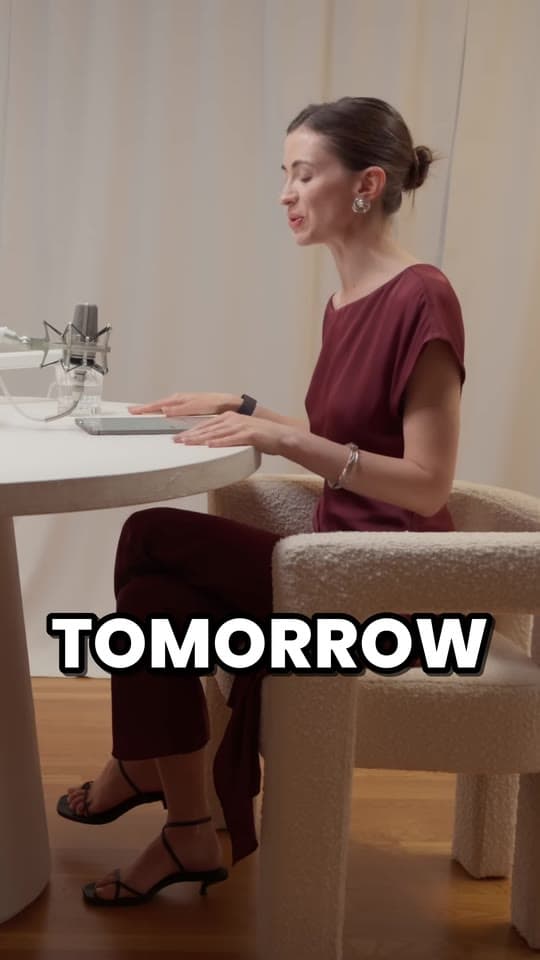
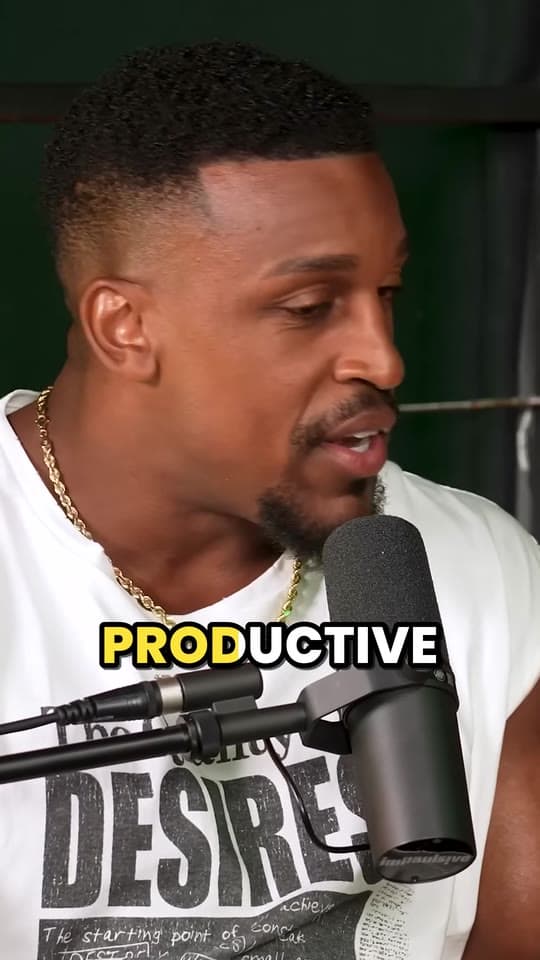
Many people scrolling past your clip have the sound off, so the captions do the talking. Use big, word-by-word captions that light up as each word is said, keep them clear of the apps' buttons, and fix the names and jargon automatic captions get wrong. More in how to caption short videos.
Then add a hook on the first frame: a short line that says why this moment matters. Not every clip needs one, but a clip that starts in the middle of a conversation does. The hook generator has lines to start from.
How many clips from one episode?
It depends on the episode, but an hour usually has 5 to 10 moments that stand alone. Longer episodes have more, but quality drops after the best few. Post the strongest first: if the best one doesn't land, the tenth won't either.
Clyper makes as many clips as you ask for, up to 30 an episode, and scores each one for its hook, so you know which to post first; on Auto it stops at about one for every six minutes. To spread them over the week, see how to repurpose a long video into a week of clips, and for turning viewers into listeners, how to grow a podcast with short clips. Recorded somewhere other than YouTube? See how to get the file out of Riverside, StreamYard or Zoom.

Posting podcast clips
- Post one clip at a time, a few hours or a day apart, rather than the whole episode at once.
- Credit the podcast in the post's caption, and follow the campaign's rules on tags and links.
- If it's your own podcast, end the caption with where to watch the full episode.
- Watch what works, like which guests, topics and openings, and clip more of those.
Questions
How long should a podcast clip be?
As long as the moment needs: usually 20 to 60 seconds. A story might need 50 seconds; a one-line take works in 20.
Can I clip someone else's podcast?
Only with permission, like a clipping campaign the podcast runs. Clipping a podcast without permission can get your clips taken down for copyright.
How many clips can I get from one podcast episode?
An hour-long episode usually has 5 to 10 moments worth posting. Clyper makes as many as you ask for, up to one for every 2 minutes of video and 30 an episode, each scored for its hook so you can post the strongest first.
Can I clip a podcast from a file instead of YouTube?
Yes. Clyper takes YouTube links and uploads: MP4, MOV, WebM or MKV files up to 4 GB.
How do I frame two people in a vertical clip?
Crop on whoever's talking and switch when the other person speaks. Clyper does this for you: every clip is cropped to 9:16 and follows the speaker as they move.