What are J-cuts and L-cuts?
Also called J cut, L cut, Split editUpdated
From Clyper, the AI clipping tool that turns long videos into captioned vertical clips for TikTok, Reels and Shorts.
Get startedJ-cut and L-cut, defined
J-cuts and L-cuts are split edits: the sound and the picture change at different moments. In a J-cut, you hear the next shot before you see it. In an L-cut, the sound of one shot carries on over the next. Named for the shapes they make on an editing timeline, they make cuts in a conversation feel natural.
How a J-cut and an L-cut work
In a straight cut, sound and picture change together. A split edit moves one of them. On the timeline, the audio track sticks out ahead of its video (a J) or trails behind it (an L):
| J-cut | L-cut | |
|---|---|---|
| What changes first | The sound: the next shot's audio starts early | The picture: the next shot appears while the first one's audio goes on |
| What you hear | A voice or sound before you see where it comes from | Someone still talking while you see someone else |
| Typical use | Leading into a new scene, or someone answering | Showing a listener's reaction while the speaker finishes |
| On the timeline | Audio sticks out before the clip, like a J | Audio runs past the clip, like an L |
Both work because that's how we follow a real conversation: you hear someone start to speak and then turn to look, or keep listening to one person while you watch another react.
J-cuts and L-cuts in podcast clips and short videos
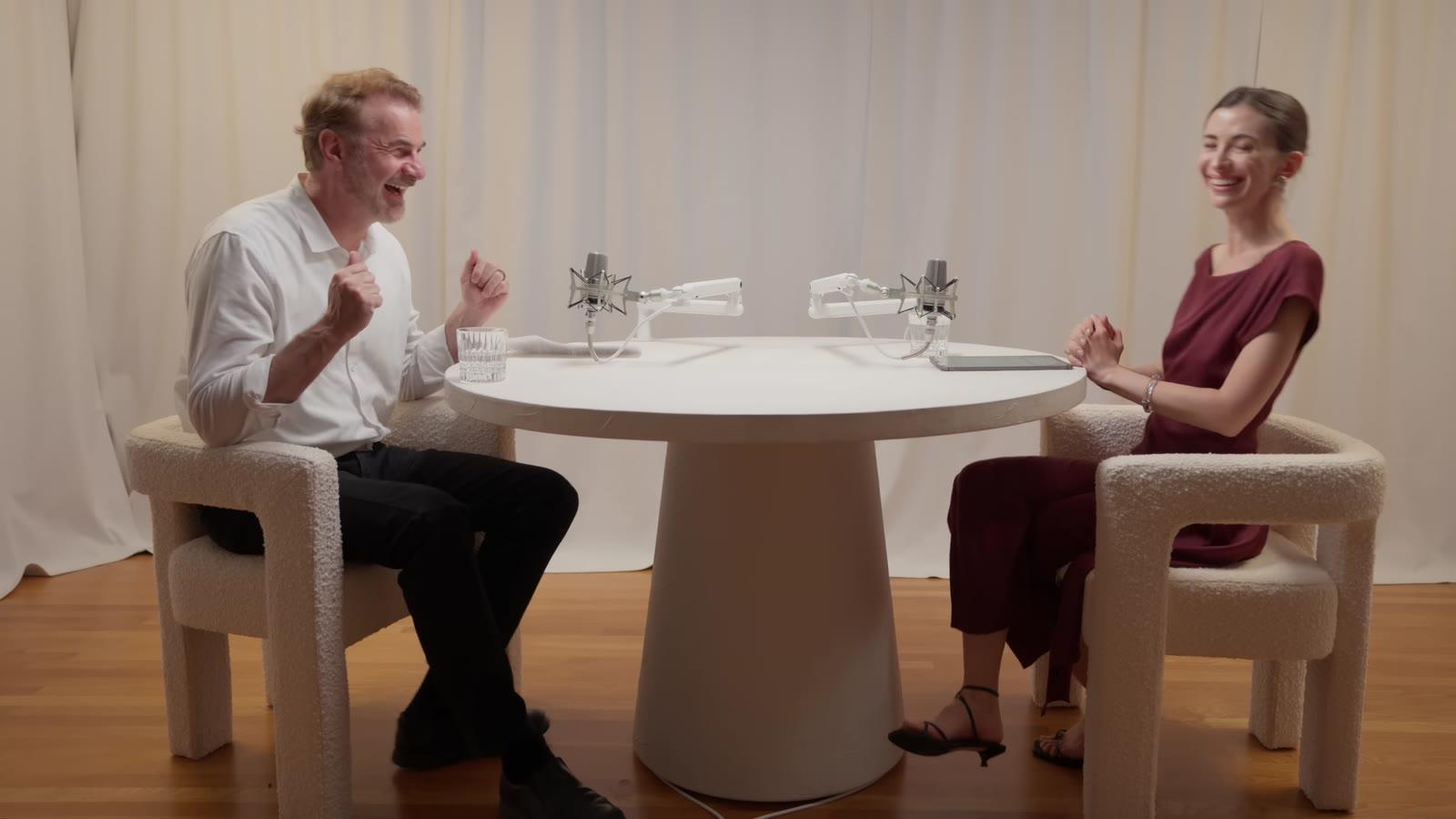
- Reactions. In a podcast clip, an L-cut shows the host's face as the guest lands the line. The reaction often sells the moment.
- Answers. A J-cut lets the guest's answer start over the host's question, so the clip doesn't sit on a pause between them.
- Cutaways. Laying a screen recording or a photo over a voice that keeps going is the same idea: B-roll under an L-shaped edit.
They're the opposite of a jump cut, which lets the cut show. Most talking clips use both: jump cuts to take out pauses, split edits where the camera changes.
How to make a J-cut or an L-cut
- Cut the clips as usual, sound and picture together.
- Unlink the audio from the video on the clip you'll extend. In Premiere Pro that's Unlink; most editors have the same thing under a similar name.
- Drag the audio edge earlier into the shot before (a J-cut), or later into the shot after (an L-cut).
- Smooth the sound with a short audio crossfade where the two tracks overlap.
More on editing a podcast for clips is in how to edit a podcast.
Questions
What is a J-cut?
An edit where the next shot's sound starts before its picture: you hear the next scene, or the next person speaking, a moment before you see it.
What is an L-cut?
An edit where a shot's sound carries on over the next shot: you keep hearing one person while you see someone else, often their reaction.
Why are they called J-cuts and L-cuts?
For the shapes the audio and video tracks make on an editing timeline: the audio sticks out before the video like a J, or runs past it like an L.
What's the difference between a J-cut and a jump cut?
A jump cut takes time out of one shot, so the picture visibly jumps. A J-cut changes shots but starts the sound early, so the change feels smooth.
Sources
The apps' rules are from their own pages, read on November 16, 2026. They change from time to time, so check them before you rely on one.