What is B-roll?
Also called B roll, Cutaway footageUpdated
From Clyper, the AI clipping tool that turns long videos into captioned vertical clips for TikTok, Reels and Shorts.
Get startedB-roll, defined
B-roll is footage cut in over the main shot while the speaker's voice keeps going: a screen recording of what they're explaining, a product close-up, a photo, a location. The main shot, usually a person talking, is the A-roll. B-roll shows what words alone can't, and covers cuts in the A-roll.
A-roll, B-roll and where the names come from
In a talking video, the A-roll is the person talking: the podcast host, the interview guest, the streamer. The B-roll is everything else you show while they talk. The names come from early film editing, when extra footage was used to hide the joins between pieces of film.
| Kind | What it shows |
|---|---|
| Screen recording | A tutorial, a website, a spreadsheet or the game being talked about |
| Product or close-up shot | The thing in the speaker's hands, or on the desk |
| Photo or document | A headline, a chart, a screenshot of the post they're reacting to |
| Location shot | The street, the gym, the stage, before or while they talk about it |
| Stock footage | Licensed generic video: city skylines, typing hands, crowds |
B-roll also smooths edits. A jump cut in the A-roll disappears if a second of B-roll sits over it while the voice carries on.
When B-roll helps a short clip, and when it hurts one
B-roll is a tool, not a requirement. In a clip of under a minute, it earns its place when:
- The words point at something. “Look at this chart,” “this is the mic I use,” “the play at the end of the round”: show it.
- The speaker is still for a long time, as in a lecture or a sermon filmed from one camera, and the clip needs movement.
- A cut needs covering, where a jump would jar.
It works against a clip when:
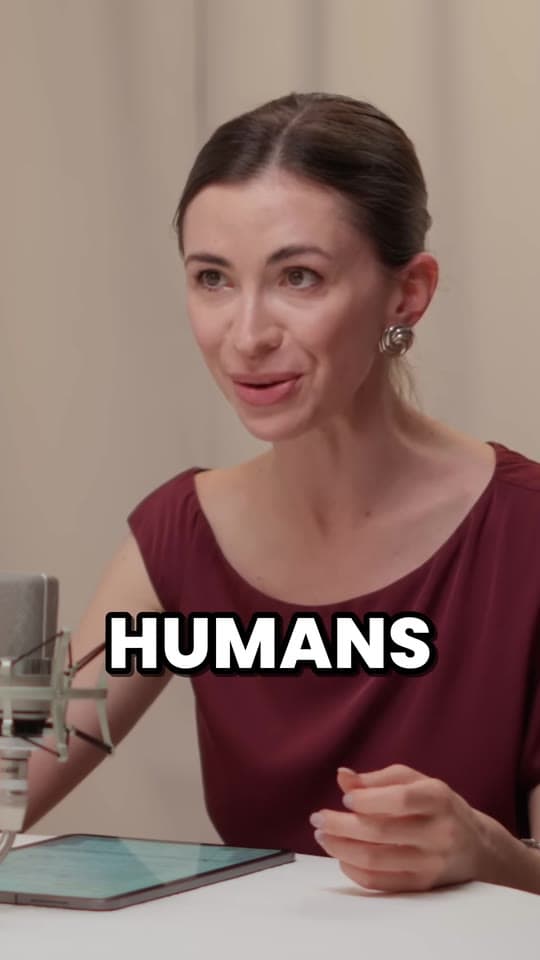
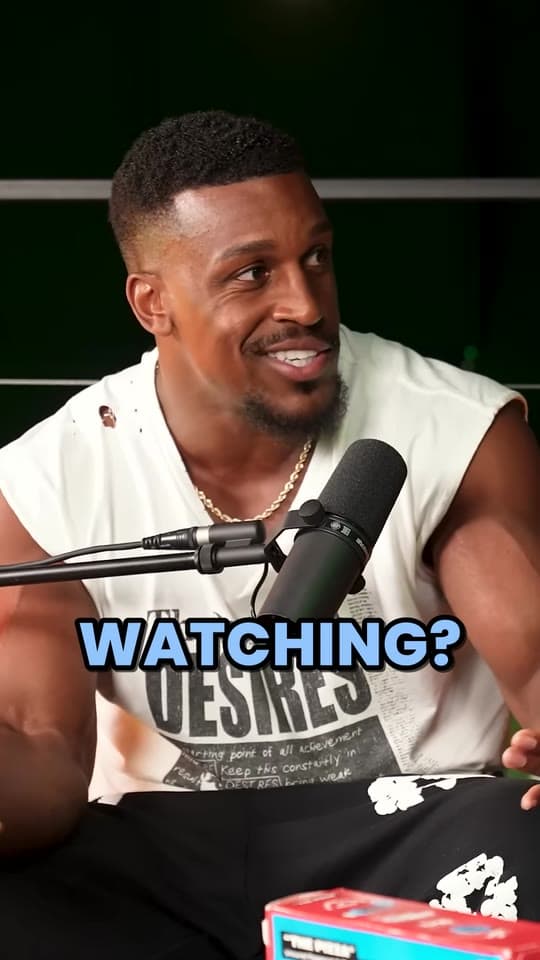
- The face is the point. In podcast and interview clips, people watch the reaction, the pause, the grin before the answer. Cutting away loses what makes the moment.
- It's filler. Stock footage picked because it matches a word (“money”, a stack of cash) rather than the moment reads as generic, and viewers swipe on.
- It isn't yours to use. Footage from someone else's video can get a clip taken down, and campaign briefs usually say exactly which footage to use. Use your own, the creator's, or properly licensed stock.
Most clips of people talking do best with the speaker on screen the whole time, framed tight and captioned word by word. Add B-roll where the clip needs it, not because it can have it.
How to add B-roll to a clip
- Start from a clean clip: cut, framed vertically and captioned, as an MP4 with no watermark.
- Open it in an editor that has layers, like CapCut, Premiere Pro or DaVinci Resolve, and put the B-roll on the track above.
- Keep it short: one to three seconds per cutaway, then back to the speaker.
- Keep the captions on top, so the words carry on over the B-roll.
Questions
What is B-roll footage?
Footage shown over the main shot while the speaker keeps talking: a screen recording, a product close-up, a photo or a location. The main shot of the person talking is called the A-roll.
What's the difference between A-roll and B-roll?
A-roll is the main footage, usually the person talking to the camera or a guest. B-roll is the extra footage cut in over it to show what they're talking about or to cover a cut.
Do short clips need B-roll?
Not usually. Clips of podcasts, interviews and streams work because of the person talking, so the speaker should stay on screen. Use B-roll when the words point at something viewers need to see.
Does Clyper add B-roll to clips?
No. Clyper's clips are the video's own footage, framed on whoever's talking and captioned. They download as MP4s with no watermark, so you can add B-roll in CapCut, Premiere Pro or DaVinci Resolve if a clip needs it.
Where can I get B-roll?
Film your own, use footage the creator gives you for a campaign, or use a stock library whose license covers your use. Don't take footage from other people's videos: it can get the clip taken down.
Sources
The apps' rules are from their own pages, read on October 28, 2026. They change from time to time, so check them before you rely on one.