What is a jump cut?
Updated
From Clyper, the AI clipping tool that turns long videos into captioned vertical clips for TikTok, Reels and Shorts.
Get startedJump cut, defined
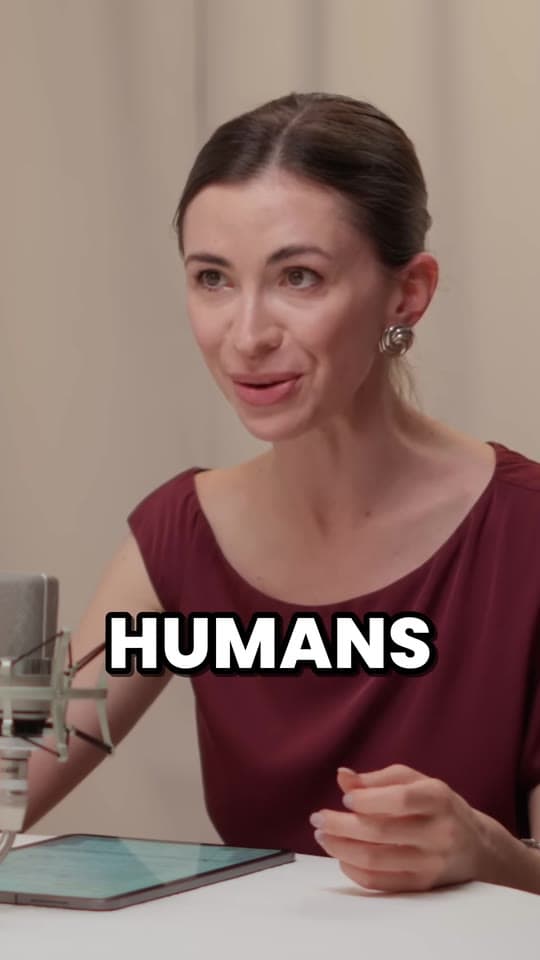
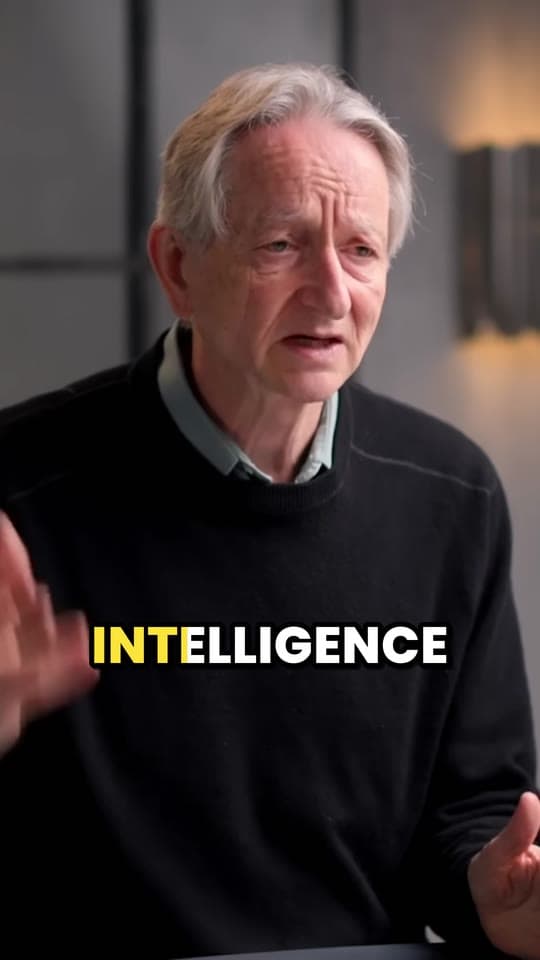
A jump cut is a cut inside one continuous shot: a piece of the middle is taken out, so the picture jumps forward in time while the camera stays put. It once counted as a mistake. Today it's the main edit in talking videos, from YouTube vlogs to podcast clips, because it removes pauses, filler words and false starts.
Where the jump cut came from
Classic film editing tried to hide every cut: the shot changes angle or size so the viewer doesn't notice time skipping. A jump cut does the opposite. The camera doesn't move, the person jumps, and you see it.
Georges Méliès used it in early films as a magic trick, making people vanish and reappear. Jean-Luc Godard's Breathless made it famous as a style, cutting a scene in a moving car so the background leaps between shots. When YouTube arrived, it became the everyday edit of anyone talking to a camera: record in one take, cut out the stumbles, and the jumps tell the viewer the video moves fast.
Jump cuts in short videos
In a clip of someone talking, each jump cut takes out something that slows it down:
- Pauses longer than about half a second, the ones viewers feel as dead air.
- Filler words like “um”, “uh” and “you know”. They're sound, not silence, so silence removal leaves them in; an editor that works from a transcript finds them.
- False starts and repeats: a sentence started twice, kept once.
How tight to cut is a choice. The free remove silence tool's three paces show the range:
| Pace | Cuts pauses of at least | Leaves either side of the words | Feels |
|---|---|---|---|
| Gentle | 1 s | 0.25 s | Only long pauses |
| Natural | 0.5 s | 0.15 s | Pauses over half a second |
| Tight | 0.3 s | 0.08 s | Every gap, fast-paced |
Most talking clips sit at Natural: pauses over 0.5 s out, a breath kept. Cut every gap to nothing and speech runs together and sounds robotic. Settings, step by step, are in how to remove silence from a video.
How to smooth a jump cut, and when to leave the pause in
- Punch in. Scale the shot up by 10 to 20% after a cut and back at the next: the jump reads as a second camera angle.
- Cover it. Lay a screen recording, a photo or a close-up over the cut while the voice carries on: that's B-roll.
- Cut between sentences, never mid-word, so the voice flows even when the picture jumps.
Some pauses earn their place: the beat before a punchline, a silence after a hard question, a reaction. Keep those, and cut the rest. More short-form editing, from framing to captions, is in short-form video editing.
Questions
What is a jump cut in editing?
A cut that removes a piece from the middle of one continuous shot, so the picture jumps ahead while the camera stays in the same place. In talking videos it takes out pauses, filler words and mistakes.
Why do YouTubers use jump cuts?
They let creators record in one take and cut out every stumble, pause and false start afterwards. The result is faster, and the visible jumps have become part of how talking videos look.
Are jump cuts bad?
Not in short videos, where they're expected. Too many in a row can make speech sound clipped and robotic, so keep a little breath either side of each cut, and leave in pauses that matter, like the beat before a punchline.
How do you make a jump cut look smooth?
Punch in: scale the shot up 10 to 20% after the cut and back down at the next. Or cover the cut with B-roll, like a screen recording or close-up, while the voice carries on.
Sources
The apps' rules are from their own pages, read on October 28, 2026. They change from time to time, so check them before you rely on one.