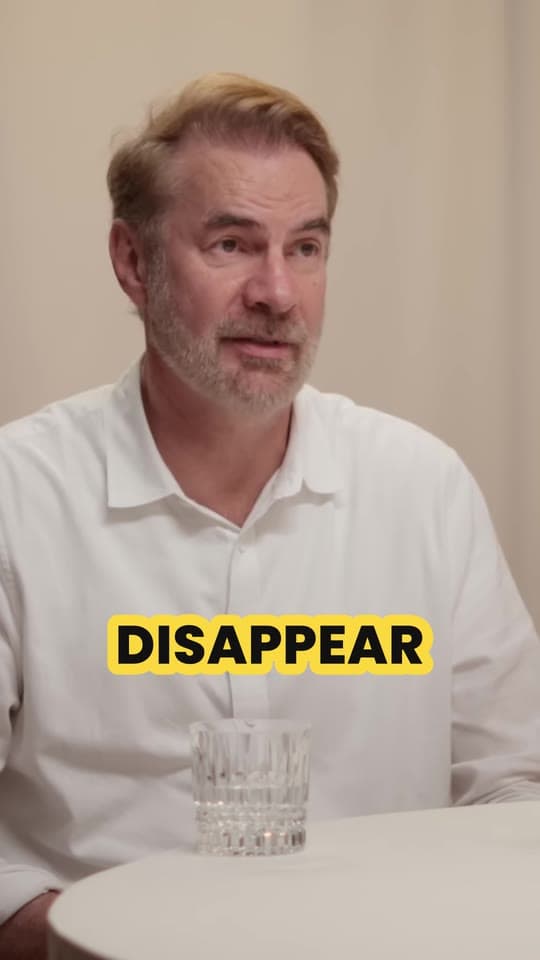
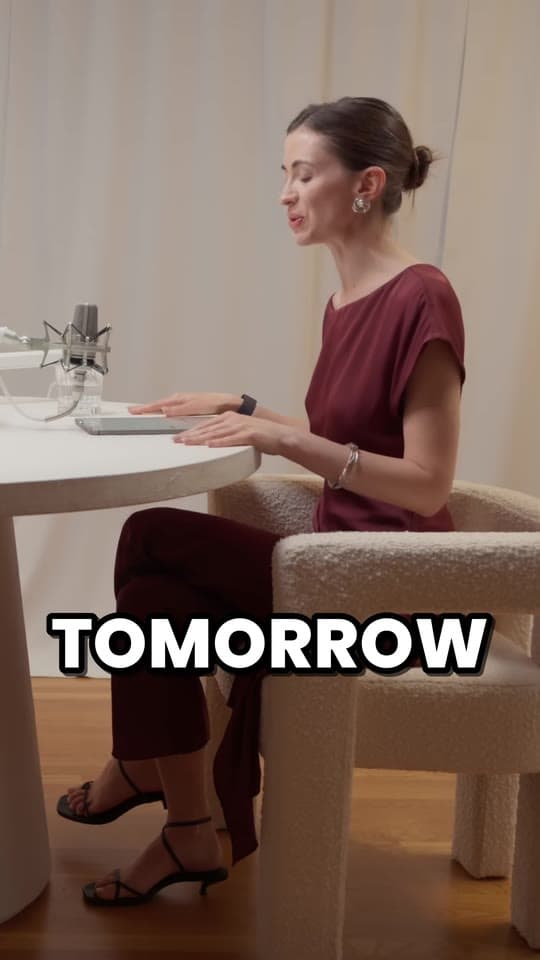
How to turn one long video into 30 short clips
To turn one long video into many clips, find every moment that makes sense on its own, cut each one from its hook to its payoff, frame it vertically, caption every word, and spread the clips over the weeks ahead. An hour of talking usually holds 10 or so clips worth posting, and up to 30 if you take every moment that stands up. Here's how many clips a video holds, the three ways to find them, the cutting and captioning, and how to turn one video into a month of posts.
Updated 9 min read
From Clyper, the AI clipping tool that turns long videos into captioned vertical clips for TikTok, Reels and Shorts.
Get started




In short
- A long video holds about one clip for every 2 minutes at most: 15 from a 30-minute video, 30 from an hour, and 30 from 60 minutes and up. The best 10 or so an hour are the ones to post first.
- A clip is a moment that makes sense to someone who never saw the video: a story, a strong take, a surprising answer, a number. Find them by watching, by the sound, or with an AI clipping tool.
- Cut each one from the line that hooks to the payoff, on whole sentences, usually 20 to 60 seconds. Frame it 9:16 on whoever's talking and caption every word.
- Post them a day or more apart: 30 clips from one hour are 30 days of posts on one account at one a day, on TikTok, Reels and Shorts at once.
On this page
How many clips one video holds
It depends on how long the video is and how much of it is people saying things worth hearing. A podcast, an interview or a stream is dense with moments; a slow tutorial has fewer. As a ceiling, count one clip for every 2 minutes: that's the most Clyper lets anyone ask for, because past it the clips start to repeat each other or lean on context they don't have. The best of them, the ones to post first, come to about 10 an hour, which is what Clyper's Auto setting aims for.
| Video length | Best clips (Auto) | Most clips | Days of posts at 1 a day |
|---|---|---|---|
| 10 min | 2 | 5 | 5 days |
| 20 min | 4 | 10 | 10 days |
| 30 min | 5 | 15 | 15 days |
| 1 h | 10 | 30 | 30 days |
| 1 h 30 min | 10 | 30 | 30 days |
| 2 h | 10 | 30 | 30 days |
| 3 h | 10 | 30 | 30 days |
| 4 h | 10 | 30 | 30 days |
Auto stops at 10 and the most from one video is 30, so a two-hour podcast gives 30, not 60. Work out your own videos in the free clips per video calculator, which also shows the credits and the minutes of short video they come to.
What makes a moment a clip
A clip has to work for someone scrolling who has never heard of the show. That rules out most of a long video: the intros, the “as I said earlier”, the setup for a point made ten minutes later. What's left are moments with a shape of their own:
- A story with a start, a turn and an end.
- A strong take people will agree or argue with in the comments.
- A surprising answer to a short question.
- A number that lands: what something cost, earned or took.
- A reaction: laughter, someone caught off guard, a long pause.
Each one needs an opening line that hooks without the context before it. If the best line is in the middle, the clip may start there and the setup can go. More on spotting them in how to find the best moments to clip.
Three ways to find the moments
| Way | How | Good for | The catch |
|---|---|---|---|
| By hand | Watch at 1.5x or read the transcript, and note each moment's start and end | A video you know well, or one with a few big moments | Slow: our rough estimate is 30 to 60 minutes a clip, start to finish |
| By the sound | The free video highlight finder marks the loudest, liveliest stretches | Streams and gaming, where laughter and shouting mark the moments | Loud isn't the same as good: a calm story won't show up |
| With AI | An AI clipping tool reads what's said, picks the moments and cuts them | Podcasts, interviews and talks, where the moments are in the words | Check each clip's first and last line before you post |
By hand, the transcript is the fastest way in: skim it for the lines you'd quote, then watch only those parts. The free video to text tool makes one, and how to use ChatGPT to find clips shows how to have a chatbot go through it with you. Once you have your timestamps, the free video clipper cuts several clips from one video in one go. Which way suits you is in AI clipping vs manual clipping.
Cut each clip from hook to payoff
- Start on the hook. The first line has to make someone stay. Drop the “so”, the question that led to it, the breath. See hooks for short videos.
- End on the payoff. The punchline, the answer, the number. Stop a beat after it, not a sentence after it.
- Cut on whole sentences. A clip that starts or ends mid-word feels clipped in the wrong way, and campaigns reject it.
- Tighten the middle. Take out long pauses and tangents. The silence remover does the pauses for you.
Most clips land between 20 and 60 seconds; let the moment decide, as how long a short video should be explains.
Frame it vertically and caption every word
Most long videos are 16:9 and the feeds are 9:16, so each clip needs a crop that keeps whoever's talking in the middle. A fixed crop works for one person on camera; a podcast with two or three people needs the crop to move to each speaker, and a stream with a corner webcam looks best with the webcam stacked over the game. See how to convert a horizontal video to vertical, or try the free vertical video converter on one clip.
Then captions. Plenty of people scroll with the sound off, and captions that light up word by word keep eyes on the clip. Keep them big, a few words at a time, and above the apps' buttons and usernames (check with the safe zone checker). More in how to caption short videos.
From one link to every clip, with Clyper
Clyper does all of the above from one link or upload: a YouTube or Twitch video, a file shared from Google Drive or Dropbox, or one from your computer, from 1 minute to 4 hours long. Choose Auto or how many clips you want (up to 30), and it reads what's said, picks the moments that stand on their own, cuts each to whole sentences, frames it 1080 × 1920 on whoever's talking, and captions every word in your style (Pop on every plan, all 5 styles on Pro and Studio). Each clip gets a title and a hook score, and they come sorted by it, so you can post the strongest first. On Pro and Studio, each clip can open with its hook as a headline for its first 4 seconds.
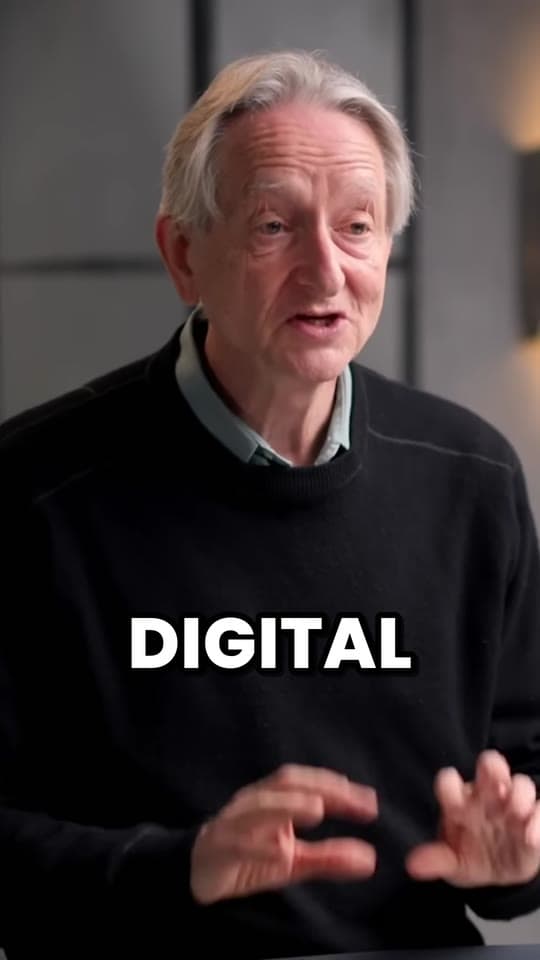
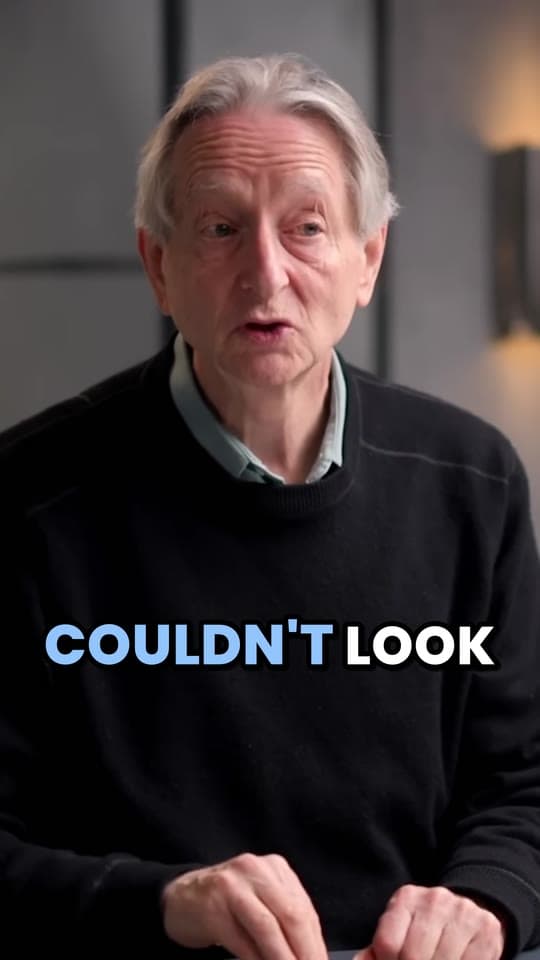
For example, from The Diary Of A CEO's 90-minute episode “Godfather of AI: They Keep Silencing Me But I’m Trying to Warn Them!”, Auto picks about 10 clips, and you could ask for up to 30. A credit is a minute of video, so the episode uses 91 credits however many clips you take. These three scored highest:
You can still change anything: trim or extend a clip, fix a word in the captions, switch the style or reword the headline, then download the clips you want.
Turn the clips into a month of posts
A video's clips are worth more spread out than posted in a day. Every app shows a new post to a small audience first, and posts that compete with each other in the same hour split it. One or two a day on an account is plenty, and the same clip can go on TikTok, Reels and Shorts.
| Video | Clips | At 1 a day | At 2 a day |
|---|---|---|---|
| 30 min | 15 | 15 days | 8 days |
| 1 h | 30 | 30 days | 15 days |
| 1 h 30 min | 30 | 30 days | 15 days |
| 2 h | 30 | 30 days | 15 days |
So one long video a week easily fills a daily schedule, and two hours of podcast fill a month on their own. Plan it in the free content calendar generator: tell it the apps, how often you post and the videos the clips come from, and download the month as a calendar. Then queue them with each app's scheduler (see how to schedule TikToks, Reels and Shorts) and cross-post without the other app's watermark.
- Lead with the strongest. Post the highest-scoring clips first, while the video is new.
- Mix the moments. Alternate stories, takes and answers, so the feed doesn't say the same thing twice in a row.
- Point back to the video. On Shorts, link the full video under each clip; see how to link a Short to a video.
- Learn from the numbers. After a week, see which kinds of moments held people, and pick more of those from the next video.
Questions
How many clips can you get from one video?
About one for every 2 minutes at most: 15 from a 30-minute video and 30 from an hour, with the best 10 or so an hour worth posting first. Clyper makes up to 30 from one video.
How many clips should I make from a podcast episode?
As many as stand on their own. An hour-long episode usually has 10 or so strong moments and up to 30 usable ones. Post the strongest first.
How do I turn a long video into short clips fast?
Use an AI clipping tool: paste the link and it finds the moments, cuts them, frames them vertically and captions them. By hand, read the transcript to find the moments, then cut them all at once with a multi-clip cutter.
How long should each clip be?
As long as its moment, from the hook to the payoff. Most clips run 20 to 60 seconds.
Can I post the same clip on TikTok, Reels and Shorts?
Yes. A 1080 × 1920 clip fits all three. Post the original file to each rather than a download from another app, so there's no other app's watermark on it.
How often should I post clips from one video?
One or two a day on an account is plenty. At one a day, an hour-long video's 30 clips last 30 days.
How long does it take to clip a video by hand?
Our rough estimate is 30 to 60 minutes a clip, start to finish: finding the moment, cutting, framing, captioning and exporting. An AI clipping tool takes the same video in minutes.