How to make clips that go viral
Nobody can promise a clip will go viral. But clips that take off have a lot in common, and most of it is decided in the edit: how the clip opens, how long it runs, and whether people can follow it with the sound off.
Updated 5 min read
In short
- The first second decides most of it: open on the strongest line, with a face on screen.
- One idea per clip, cut so it makes sense to someone who's never seen the video.
- Let the moment set the length. Most clips that work run 20 to 60 seconds.
- Post often and read the numbers: what holds people is what spreads.
On this page
How the apps decide what to show
TikTok, Reels and Shorts work in roughly the same way. A new clip is shown to a small group of people first. If they watch it through, watch it again, share it or comment, it's shown to more people, and then more. If they scroll past, it stops there.
So going viral mostly means holding the attention of strangers, over and over. You can't control who sees a clip first, but you control everything that decides whether they stay. That's what the rest of this guide is about.
Win the first second
People decide almost at once whether to keep watching. A clip that opens on “so, um, like I was saying” has already lost most of them.
- Open on the line that hooks. Cut the setup. Start mid-thought if the thought is strong.
- Put a hook on screen that says what's coming: a question, a number, a claim. The hook generator has formulas to start from, and there are more in hook examples for TikTok, Reels and Shorts.
- Show a face, close up, from the first frame.
- No intros. No logo, no title card, no fade in. Start on sound and movement.
One idea per clip
A clip should be about one thing: one story, one opinion, one tip. If you need to explain what happened before, either the moment isn't strong enough on its own or the clip starts too late.
How long should a clip be?
As long as the moment, and no longer. Most clips that work run 20 to 60 seconds: long enough for a setup and a payoff, short enough to watch twice.
The apps measure how much of a clip people watch, so a tight 25-second clip watched to the end often does better than a 90-second clip people leave halfway through. All three apps take clips well over a minute, and a strong story can earn the time, but never pad a clip to make it longer. Each app's limits are in how long a TikTok, Reel or Short should be.
Clyper cuts clips between 20 and 60 seconds, always to whole sentences, and you can extend either end by up to 15 seconds in the editor when a moment needs more room.
Pacing: cut the air out
- Take out long pauses, “ums” and false starts.
- Cut to whole sentences, so nothing starts or ends mid-word.
- End on the payoff: the punchline, the reveal, the conclusion. Cut before the laughter trails off into the next topic.
- A clip that ends right on its payoff can loop straight back to the start, and a second watch counts.
Captions and framing
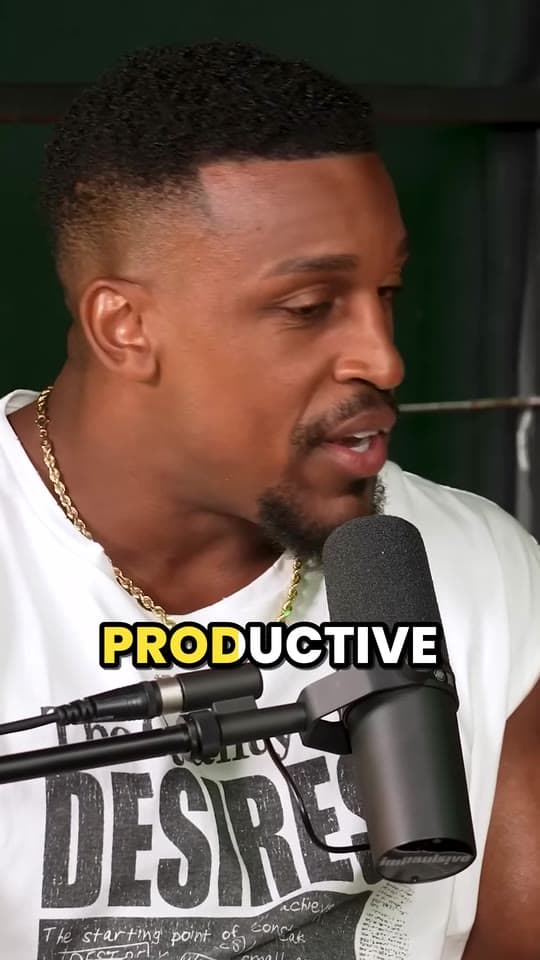
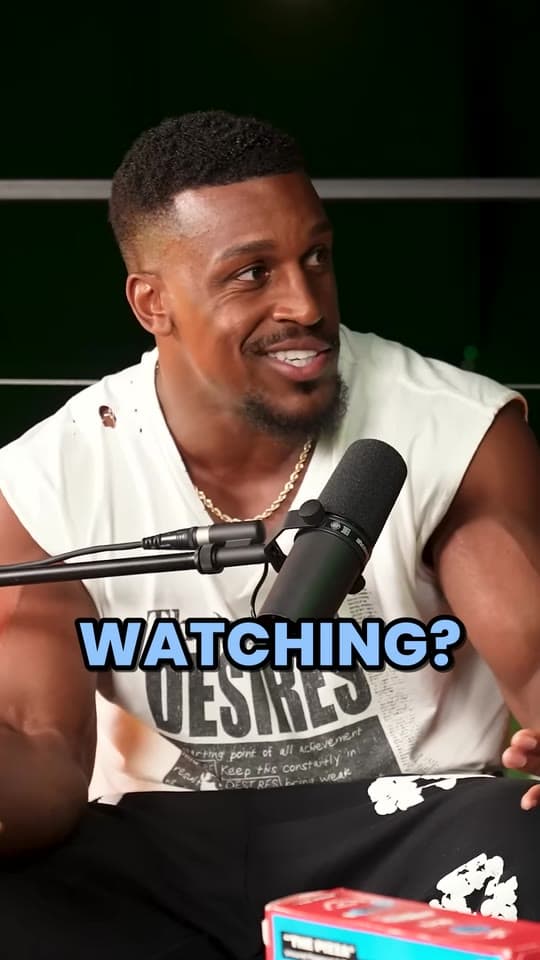
Whatever the moment, every clip needs two things: word-by-word captions for the people watching with the sound off, and a 9:16 crop that keeps the speaker's face in the frame as they move. Keep both inside the safe zone, so the apps' buttons and text don't cover them.
More on each: how to caption short videos, cropping 16:9 to 9:16 and the safe zone checker.
Post more, and read the numbers
Even clippers with years of practice can't tell which clip will take off. What they do is post enough to find out. Ten clips tell you more than one.
After a few days, open each clip's stats in the app: where people stopped watching, how many watched to the end, which got shared. Make more clips like the ones that held people, and change what you do where they left.
Post your strongest moments first. Clyper scores every clip for how well it hooks and holds attention, so you can start with the best.
What stops a clip from spreading
- A slow opening, or a logo or title card before the content.
- Captions or faces under the apps' buttons.
- A moment that needs context the viewer doesn't have.
- Low resolution, black bars, or a 16:9 video dropped into a vertical frame.
- Another app's watermark: Instagram, for one, says it shows clips visibly recycled from other apps to fewer people.
Questions
What makes a clip go viral?
People watching it to the end, watching it again and sharing it. The apps show clips like that to more and more people. A strong opening, one clear idea and captions are what get people to stay.
What's the best length for a TikTok, Reel or Short?
There's no single best length, but most clips that do well run 20 to 60 seconds. Make the clip as long as the moment needs: a one-line take works in 20 seconds, a story might need 50.
How many clips should I post to go viral?
As many good ones as you can, consistently. Many clippers post one to three clips a day on each account. The more clips you post, the more chances one has to take off, and the more you learn about what works.
Should I post the same clip on TikTok, Reels and Shorts?
Yes. The same 1080 × 1920 file works on all three. Upload it to each app directly, without another app's watermark, and write each post's caption for that app.
Can Clyper tell which clip will do best?
It scores every clip for how well it hooks and holds attention, so you can post the strongest first. No score can promise views, but it tells you where to start.