Backyard Breaks clipping campaign: what it pays and how to clip it
Yes: there's a paid clipping campaign for Backyard Breaks, which sells sports cards on live streams, on Content Rewards. When we checked on November 20, 2026, ClipHouse's “Backyard Breaks [Clipping Campaign]” paid $2 per 1,000 views on TikTok, Instagram and YouTube, from $3 to $250 a clip, with about $11,154 of its $100,104 budget left. You download clips from its sheet and post the big pulls on pages dedicated to Backyard Breaks.
Updated
MP4, MOV, WebM or MKV, up to 4 GB, clipped 4 hours at a time
On YouTube or Twitch? Paste the link instead.
In short
- “Backyard Breaks [Clipping Campaign]” has run on Content Rewards since June 16, 2026, posted by ClipHouse, which Content Rewards marks as verified. It takes no application.
- It pays $2 per 1,000 views on TikTok, Reels and Shorts: a clip is paid from 1,500 views ($3) up to $250.
- You don't cut from scratch: the clips come from its “Clip Context Tracker” sheet, and you post them on accounts dedicated to Backyard Breaks.
- Its live breaks run on Twitch, TikTok and Whatnot; on Twitch it streamed 136 hours in the past 30 days, about 6 hours 41 minutes a stream, SullyGnome's stats show.
- Most of the budget is spent: 403 clippers have posted 14,394 approved clips, with about $11,154 left.
Backyard Breaks for clippers, at a glance
- Makes
- Live sports card breaks; clips of big pulls from its streams
- Streams on
- Whatnot, Twitch, TikTok, YouTube
- Clipping program
- Paid campaigns on Content Rewards
- Pays
- $2 per 1,000 views, $3 to $250 a clip, in ClipHouse's campaign
- What it is
- A sports card seller that opens cards on live streams
- Run by
- ClipHouse, verified on Content Rewards
- Apps that count
- TikTok, Instagram Reels and YouTube Shorts
- Footage
- Clips from its “Clip Context Tracker” sheet, shown once you join
- Where you post
- Pages dedicated to Backyard Breaks
- Budget
- $100,104, $88,950.65 spent (November 20, 2026)
- Checked
Does Backyard Breaks pay clippers?
There's a paid campaign for its clips: “Backyard Breaks [Clipping Campaign]”, posted on Content Rewards on June 16, 2026 by ClipHouse, which Content Rewards marks as verified. ClipHouse has launched 15 campaigns there, and this is by far the biggest of its live ones.
Backyard Breaks “specializes in live-selling high-end sports cards”, its site says, from football and basketball to UFC and Formula 1, and it's live seven days a week on TikTok, Twitch and Whatnot. Its streams are breaks: it opens boxes and packs live, and you get into a break “by purchasing on our website Monday-Friday or on Whatnot 7 days/week”, as its YouTube channel puts it. The campaign pays for clips that send viewers to those streams.
How much the Backyard Breaks campaign pays
When we checked on November 20, 2026, the listing paid the same on all three apps it counts:
| On TikTok, Instagram and YouTube | |
|---|---|
| Rate | $2 per 1,000 views |
| Least a clip is paid | $3, so a clip needs 1,500 views |
| Most a clip is paid | $250, reached at 125,000 views |
| Budget | $100,104, with $88,950.65 spent and about $11,154 left |
| Clippers | 403 joined, 14,394 clips approved, 41,825,519 views |
| To join | No application; 2 rules and 4 files show once you join |
Its top clipper had earned $6,037.18 from 344 clips: many posts, each paid a little. The rest is Content Rewards' usual terms: every clip is reviewed before it's paid, earns for up to 30 days, and is paid in rounds of 7 days' earning and a 3-day hold, and Content Rewards keeps a flat 10% of CPM earnings. The listing gives no end date, so it runs until the budget does.
The rules for Backyard Breaks clips
The listing's description sets the job:
- Use the sheet. “Download Clips from the official Clip Context Tracker sheet”, which opens once you join, with 2 more rules and 4 reference files.
- Post on dedicated pages. The clips go “across dedicated Backyard Breaks pages on TikTok, Instagram Reels, and/or Youtube Shorts”: accounts that post Backyard Breaks and nothing else. See how to start a clip channel.
- Post the big moments. “Big pulls, insane reactions, and the kind of hits that stop people mid-scroll”, and every post “exciting, engaging, and upbeat.”
Content Rewards' own rules apply too: you must be 18 or older, a paid clip needs a clear ad disclosure at the start of the video, and you submit each clip within 30 minutes of posting it. See why clipping campaigns reject clips.
Where Backyard Breaks' full streams are
- Twitch, twitch.tv/backyardbreaks (91,582 followers). SullyGnome's stats show 20 streams in the past 30 days, 136 hours in all; the recent ones ran on weekdays from about 14:20 UTC, for 4 to 10 hours.
- YouTube, @BackyardBreaks (45,900 subscribers), with some full streams, like “Trevor Lawrence x Backyard Breaks: 5 Years in the Making (FULL STREAM)” (57:37), a weekly NFL Pick Show of about an hour (1:08:57 for week 11), and shorter podcasts.
- Whatnot and TikTok, where it sells its breaks live; its YouTube channel lists ten Whatnot accounts, from BackyardBreaks to BackyardTCG.
The campaign's clips come from its sheet, and its rules aren't public, so we can't say whether it pays for clips you cut yourself from a full stream. Clyper takes YouTube and Twitch links, Google Drive and Dropbox links, and uploads, from 1 minute long: a sheet clip of a minute or more can go in to be cropped and captioned, and a full stream like the 57:37 one uses 58 credits and can give up to 28 clips.
What clips well for Backyard Breaks
The campaign's top clip when we checked, “Watching a $20,000 Card's Value Plummet in Real Time”, had 1.1 million views on YouTube Shorts. Others were a Charizard pulled on release day and “THESE SPORTS CARDS COULD BUY HIM A HOUSE”: a card, a price and a reaction. Several captions end with a push to the stream, like “Follow @BackyardBreaks and click the link in bio to watch live and WIN”.
In a long break, those moments are the seconds when a card comes out and the room reacts. Clyper picks moments by what's said, so a pull the breaker calls out on stream is easy for it to find; a quiet stretch of opening packs won't give a clip. A card is small on a phone, so check in the editor that it stays in the frame after the vertical crop.
How to clip for Backyard Breaks with Clyper
- 1Join “Backyard Breaks [Clipping Campaign]” on Content Rewards (no application), read its 2 rules and open the Clip Context Tracker sheet.
- 2Set up a TikTok, Instagram or YouTube account that posts only Backyard Breaks clips, as the brief asks.
- 3Download clips from the sheet and upload them into Clyper; if a rule lets you cut your own, paste the link of a full stream from YouTube or Twitch instead. Pick how many clips, up to one for every 2 minutes and 30 a video, or let it choose.
- 4In the editor, trim each clip to the pull and the reaction, check the captions and that the card is in frame, and download the 1080 × 1920 MP4s.
- 5Post with an ad disclosure at the start of the video, then submit the post's link on Content Rewards within 30 minutes.
What a clip earns at the published rate
At $2 per 1,000 views, up to $250 a clip, here's what one clip pays as its views count. Only views that meet the campaign's rules count, and a campaign stops paying when its budget runs out.
| Views on the clip | It pays |
|---|---|
| 10,000 | $20 |
| 100,000 | $200 |
| 250,000 | $250 |
| 1,000,000 | $250 |
For a month of clips, add yours up in the free clipping earnings calculator.
What it costs
A credit is a minute of video, so a plan is how much video you can clip in a month, however many clips it makes. A 58-minute stream uses 58 credits and can give up to 29 clips.
Starter
$20/mo
200 minutes, about 100 clips
Pro
$19/mo yearly
600 minutes, about 300 clips
Studio
$48/mo yearly
2,000 minutes, about 1,000 clips
Also as 2× or 4×, for more of both
Questions
Does Backyard Breaks pay clippers?
There's a paid campaign for its clips: ClipHouse's “Backyard Breaks [Clipping Campaign]” on Content Rewards, live since June 16, 2026. When we checked on November 20, 2026, it paid $2 per 1,000 views on TikTok, Instagram and YouTube.
How much does the Backyard Breaks clipping campaign pay?
$2 per 1,000 views, from $3 a clip at 1,500 views up to $250 at 125,000 views. On November 20, 2026, about $11,154 of its $100,104 budget was left, and Content Rewards keeps 10%.
What do you post for the Backyard Breaks campaign?
Clips from its Clip Context Tracker sheet, which opens once you join: big pulls and reactions from its live breaks. They go on TikTok, Reels or Shorts accounts dedicated to Backyard Breaks, and every post should be upbeat, the listing says.
Where are Backyard Breaks' full streams?
It streams on Twitch (twitch.tv/backyardbreaks), TikTok and Whatnot, seven days a week, its site says, and posts some full streams and a weekly NFL Pick Show on YouTube, @BackyardBreaks. Clyper takes YouTube and Twitch links.
Is the Backyard Breaks clipping campaign still open?
It was accepting clips on November 20, 2026, with about $11,154 of its $100,104 budget left and no end date. It stops paying when the budget runs out, so check the listing before you clip.
Sources
Read on November 20, 2026. Clyper isn't affiliated with Backyard Breaks or Content Rewards. Programs open, change and close, so check the listing before you clip.
- Content Rewards: Backyard Breaks [Clipping Campaign], by ClipHouse (read November 20, 2026)
- Content Rewards: ClipHouse, organization page (read November 20, 2026)
- Backyard Breaks: home page (read November 20, 2026)
- YouTube: Backyard Breaks (@BackyardBreaks), Videos tab and description (read November 20, 2026)
- YouTube: Trevor Lawrence x Backyard Breaks (full stream), 57:37 (read November 20, 2026)
- SullyGnome: Backyard Breaks' Twitch stats, followers and streams (read November 20, 2026)
- Content Rewards: creator terms of service, sections 2.1, 5.1, 7.3, 7.7, 7.12 and 12.9 (last updated November 17, 2026)
- Content Rewards: creator pricing (read November 20, 2026)
Clip the big pulls
Upload a clip or a stream, or paste a YouTube or Twitch link. Clyper finds the moments that stand on their own, crops them to vertical and captions every word: up to 30 clips a video.
See plans and pricingOther creators to clip
- IShowSpeedPaid campaignsIRL streams, tours and footballHow to clip IShowSpeed
- Kai CenatPaid campaignsTwitch streams, marathons and eventsHow to clip Kai Cenat
- KreekCraftPaid campaignsRoblox videos and GTA 6 streamsHow to clip KreekCraft
- ImDavisssNo public programAMP streams, challenge videos and musicHow to clip ImDavisss
- ZiasNo public programReaction streams with B.LouHow to clip Zias
- BruceDropEmOffNo public programTwitch streams: chatting, reacts and gamesHow to clip BruceDropEmOff
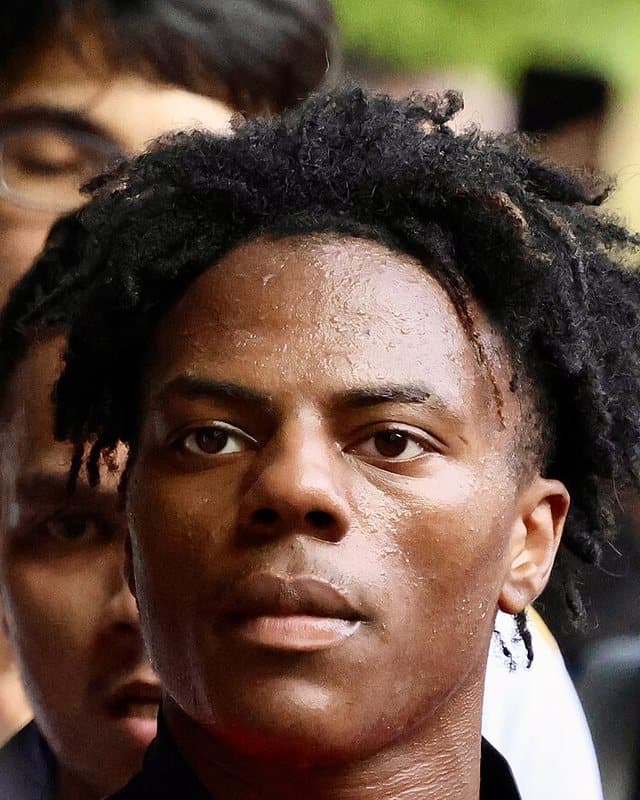
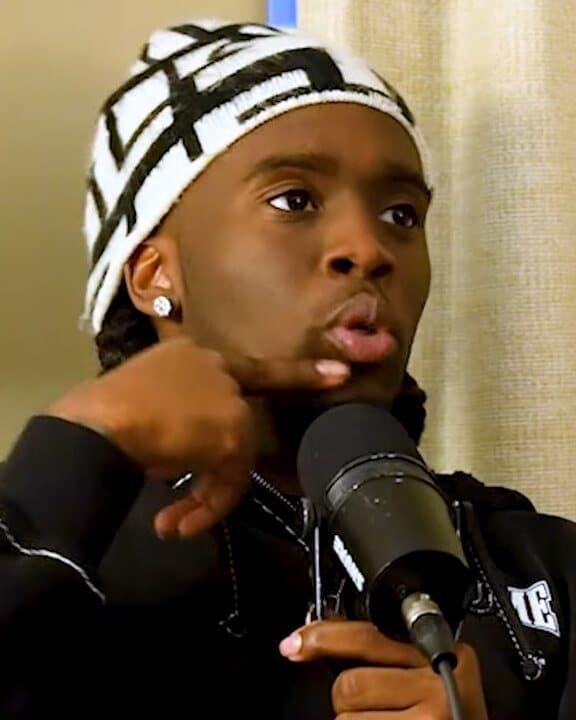

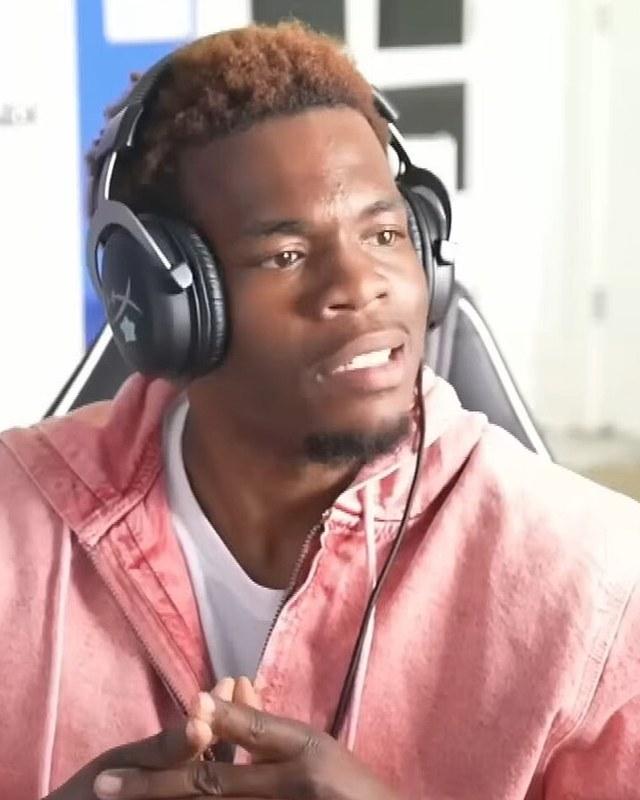
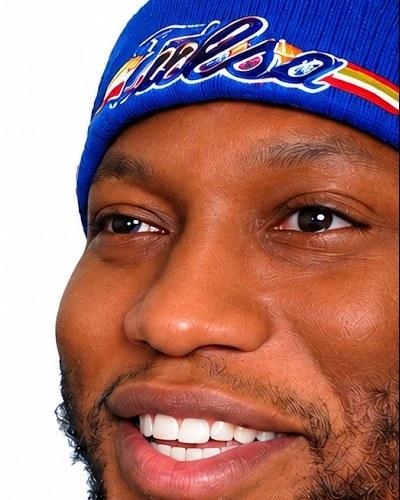
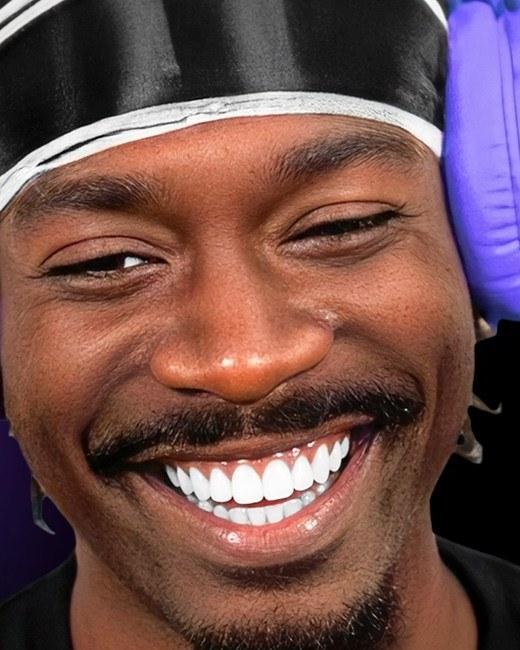
Photos: IShowSpeed: Chin Yu Chu, CC BY-SA 2.0, cropped; Kai Cenat: MILLION DOLLAZ WORTH OF GAME, CC BY 3.0, cropped; KreekCraft: Collision Conf, CC BY 2.0, cropped; ImDavisss: ImDavisss Live, CC BY 3.0, cropped; Zias: Zias's YouTube channel, cropped; BruceDropEmOff: BruceDropEmOff's YouTube channel, cropped. Clyper isn't affiliated with any of them.
Every streamer and creator who pays clippers
Guides for clippers
- GrowingHow to start a clip channelPick a creator you're allowed to clip, set up the account, post every day, and the ways a clip channel earns.6 min read
- Making clipsHow to clip streams for TikTok, Reels and ShortsGetting the stream, finding the moments in hours of it, the webcam-over-game layout and posting the clips.7 min read
- Getting startedWhy clipping campaigns reject clips, and how to get approvedThe reasons campaigns turn clips down or don't pay for their views, how to read a campaign's rules before you post, and a checklist for approval.13 min read
- Making clipsHow to download Twitch VODs before they're deletedDownload your past broadcasts, Highlights and clips before Twitch deletes them, export to YouTube, and turn a VOD into clips.10 min read
Free tools
- Clipping earnings calculatorSee what your clips could earn on campaigns that pay per 1,000 views, by the day, month and year.
- Safe zone checkerCheck your clip against TikTok, Reels and Shorts' buttons and captions before you post.
- Video trimmerCut a video down to the part you want, at the same size and quality, in your browser and without uploading it.