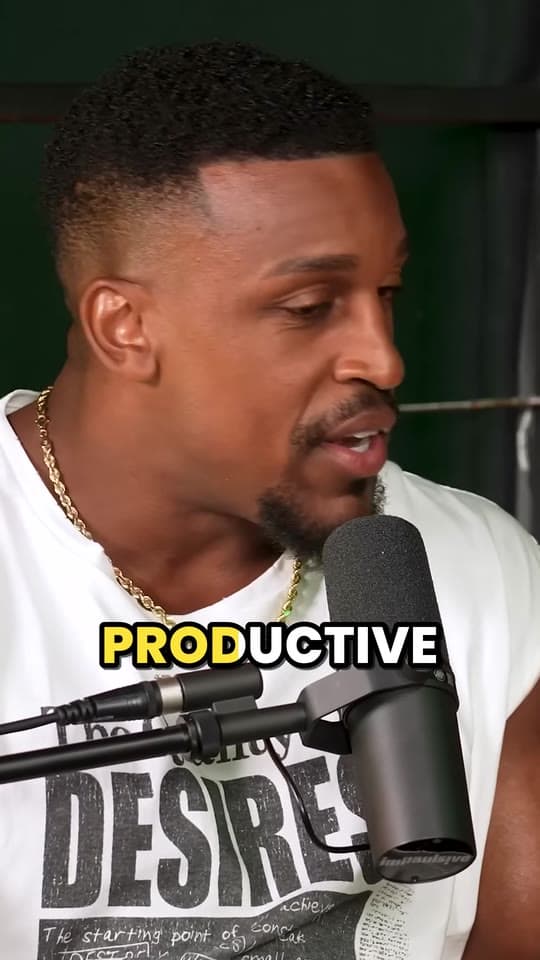
How to caption short videos so people keep watching
On TikTok, Reels and Shorts, captions aren't an extra: they're how many people follow a clip at all. This guide covers the styles that work, how big to make them, where to put them and how to get every word right.
Updated 4 min read

In short
- Many people watch with the sound off, so captions carry the clip.
- Word-by-word captions, a few words at a time, are easier to follow than full sentences.
- Make them big and bold, with an outline or shadow, and one color for the word being said.
- Keep them out of the bottom 420 px and the right edge of a 1080 × 1920 video, where the apps' buttons and text sit.
On this page
Why every clip needs captions
People scroll on the bus, in bed and at work, often with the sound off. A clip without captions is someone moving their mouth, and most people won't turn the sound on to find out why.
Captions also help people who are deaf or hard of hearing, people watching in their second language and anyone in a loud room. And they give the eye something to follow, which keeps people on the clip for longer.
Caption styles that hold attention
Captions on clips that do well have a few things in common: they show a few words at a time, they're timed to each word as it's said, and the word being said stands out. Already have a captions file? The free add captions to video tool burns it into a clip in these styles, and what is an SRT file? explains the files themselves. No file yet? The auto caption generator writes one from the video's speech, and how to add subtitles to a video covers each app's own way.
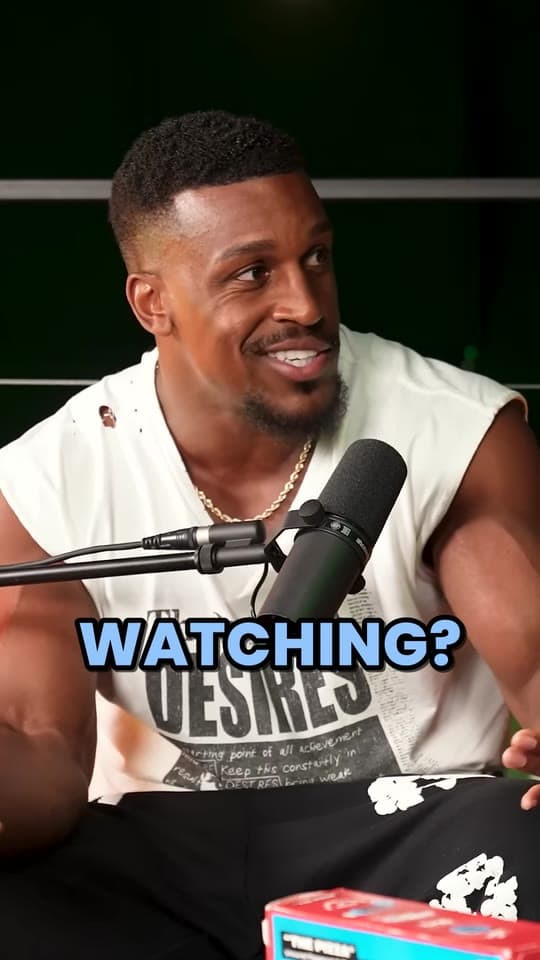
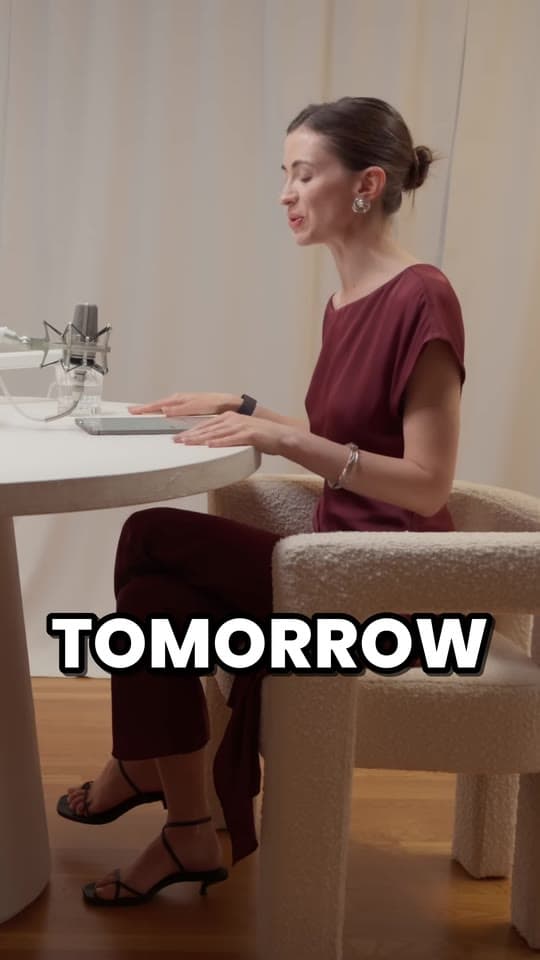
- PopThree words at a time. The spoken word turns blue with a quick pop.
- KaraokeThe whole line stays up and fills with yellow as each word is said.
- HighlightThe spoken word gets a bright yellow highlight.
- One wordOne big word at a time, popping in as it's said.
- PlainCalm subtitles in sentence case on a soft dark band, no animation.
Pick one style for an account and stick with it: it becomes part of how people recognize your clips. Lively styles like Pop or Highlight suit most talking clips; One word suits fast talkers and short, punchy clips; Plain suits calm or serious ones.
Size, font and color
- Big. Captions should be easy to read at arm's length on a small phone, without squinting.
- A heavy sans-serif. Thick, simple letters read fastest on a small screen. Thin, script and condensed fonts blur.
- Contrast. White or bright text with a dark outline or shadow stays readable over any background.
- One accent color for the word being said, not a different color for every word.
- Short lines. Three words at a time is plenty, on one or two lines.
Where to put captions
The apps cover the edges of your video: tabs along the top, the username, caption and sound along the bottom, and the buttons down the right. Captions in those areas get covered. These are the margins to keep clear on a 1080 × 1920 video:
| App | Top | Bottom | Right |
|---|---|---|---|
| TikTok | 160 px | 420 px | 120 px |
| Instagram Reels | 220 px | 420 px | 120 px |
| YouTube Shorts | 240 px | 380 px | 200 px |
| All three | 240 px | 420 px | 200 px |
Put captions below the speaker's face and above the bottom margin, around two thirds of the way down, inside the 820 × 1260 px that's clear on every app. The safe zone checker shows each app's buttons over your own frame, so you can see what they'd cover before you post.
Getting every word right
Automatic captions are good, but they trip over names, slang, numbers and brands. A misspelled name in a clip about that person is the first thing the comments will point out.
- Read every caption before you post.
- Fix names and terms, and write numbers as digits, so they're quick to read.
- Cut filler words out of the clip itself rather than captioning them.
In Clyper's clip editor you can fix any word, and its timing stays exactly where it was.
Captions, hook text and the post caption
Three different things that all get called captions:
- Captions are the spoken words, on screen, timed to the sound.
- Hook text is a short line on the first frame that says why to watch. The hook generator writes them from formulas that keep people watching.
- The post caption is the text under the post, with hashtags and any tags a campaign asks for. Its first line shows in the feed, so make it count.
Captions in other languages
Caption a video in the language it's spoken in: if the guest speaks Spanish, the captions should be in Spanish. Clyper transcribes and captions clips in the language of the video, in 50+ languages.
Questions
Should captions go in the middle or at the bottom of a short video?
Between the two: below the speaker's face and above the bottom margin, around two thirds of the way down. The bottom of a vertical video is covered by the username, the post's caption and the sound, so captions there get hidden.
What font is best for TikTok captions?
A heavy, simple sans-serif with an outline or shadow, big enough to read at arm's length. Thin, script and condensed fonts are hard to read on a phone.
How many words should be on screen at once?
A few. Three words at a time is a good rule for word-by-word captions, and one big word works for fast, punchy clips. Full sentences are slower to read and cover more of the video.
Do captions help a clip get more views?
They help people follow it with the sound off, and the longer people watch, the more the apps show a clip. Captions won't save a weak moment, but a strong moment without them loses many people who'd have watched.
Can I edit Clyper's captions?
Yes. In the clip editor you can fix any word, keeping its timing, and switch between caption styles. Every plan gets Pop, the default style; Pro and Studio get all five.