AI clipping tool for clippers
Turn any video into clips that pay
Paste a YouTube or Twitch link and get its best moments as vertical clips with captions, ready to post.


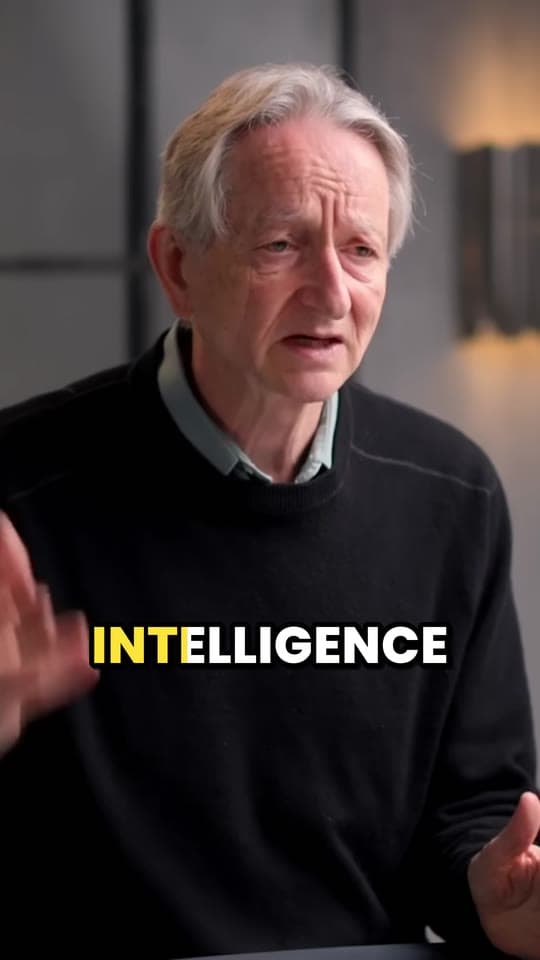
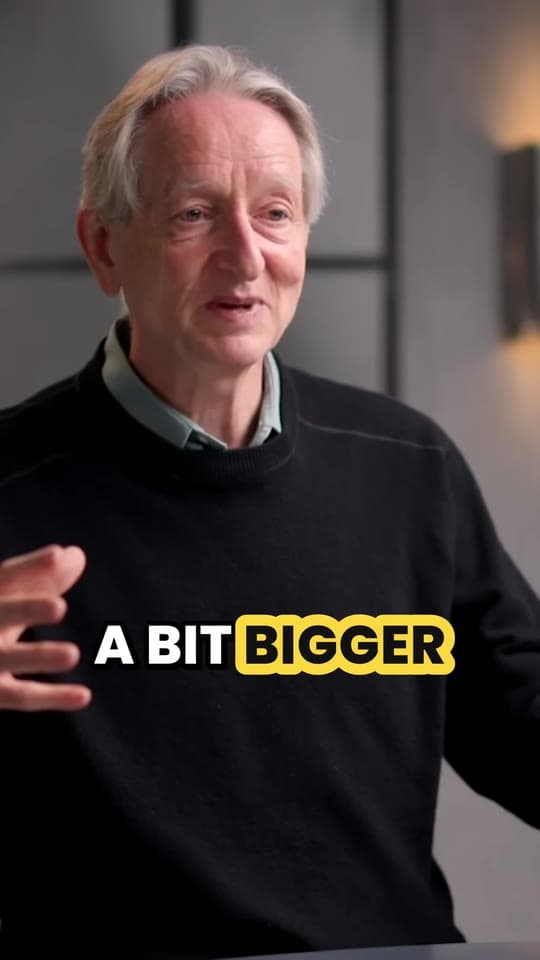
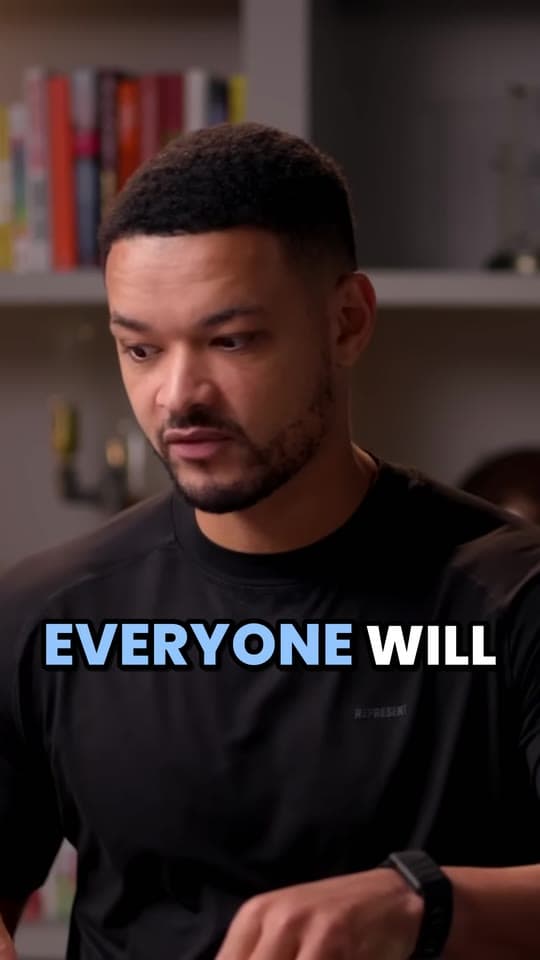
Clips Clyper made from The Diary Of A CEO's video. Clyper isn't affiliated with the creators.
- clips from one video, as many as you choose, ranked by hook score
- 30
- vertical exports, sharp and with no watermark
- 1080p
- languages captioned word by word
- 50+
- to extend either end of any clip
- 15s
Podcasts, streams, interviews and vlogs: if people are talking, Clyper can clip it.
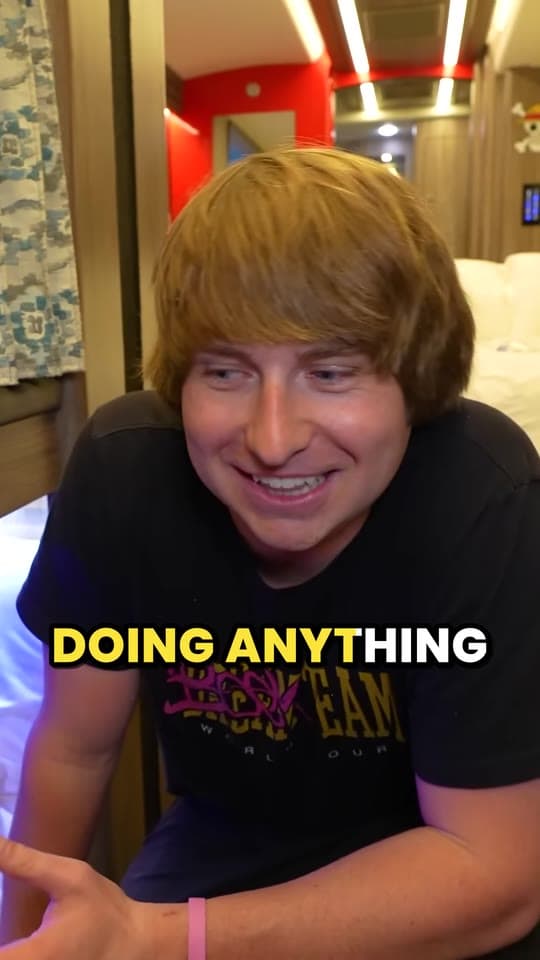
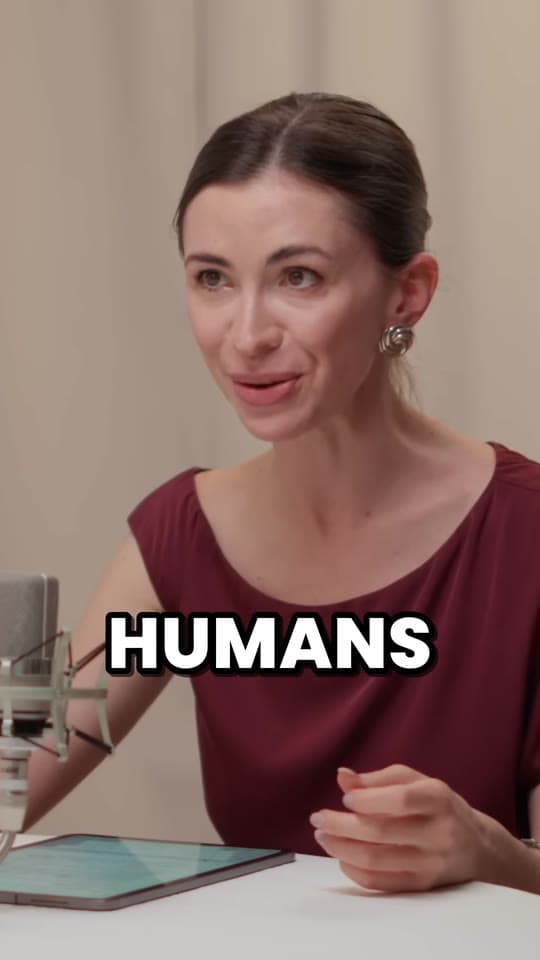

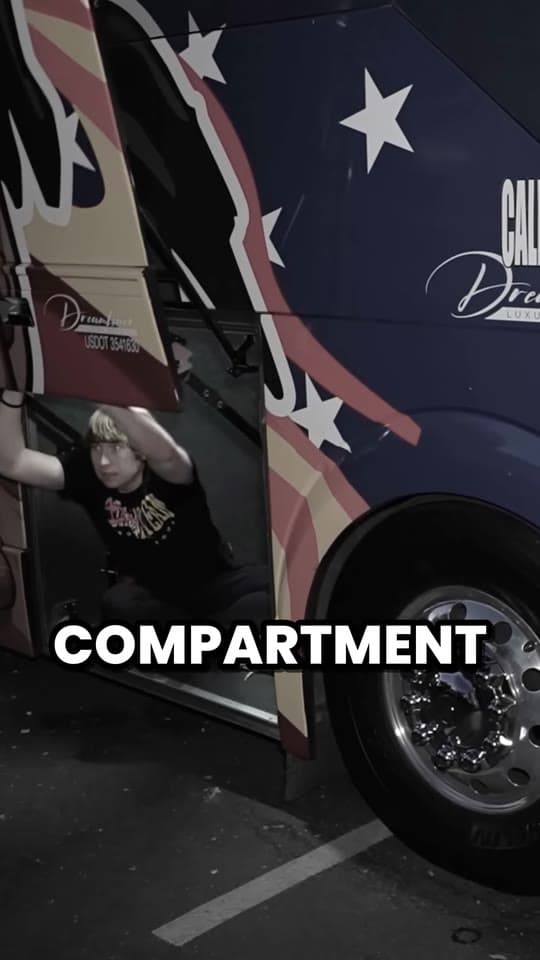
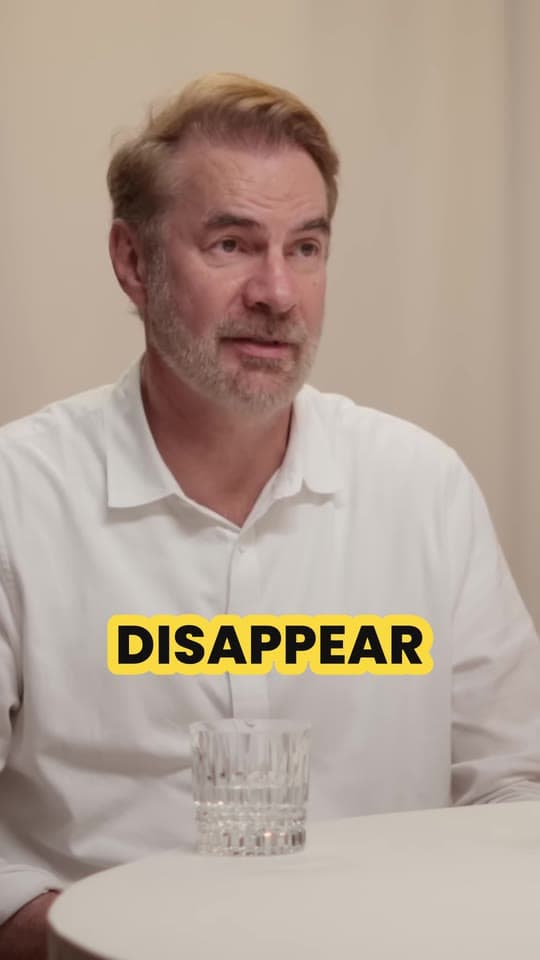
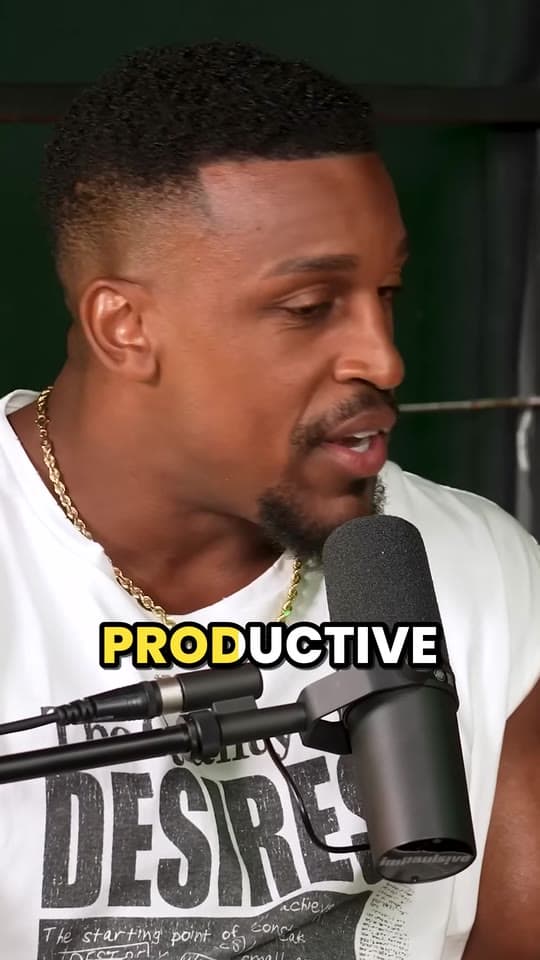
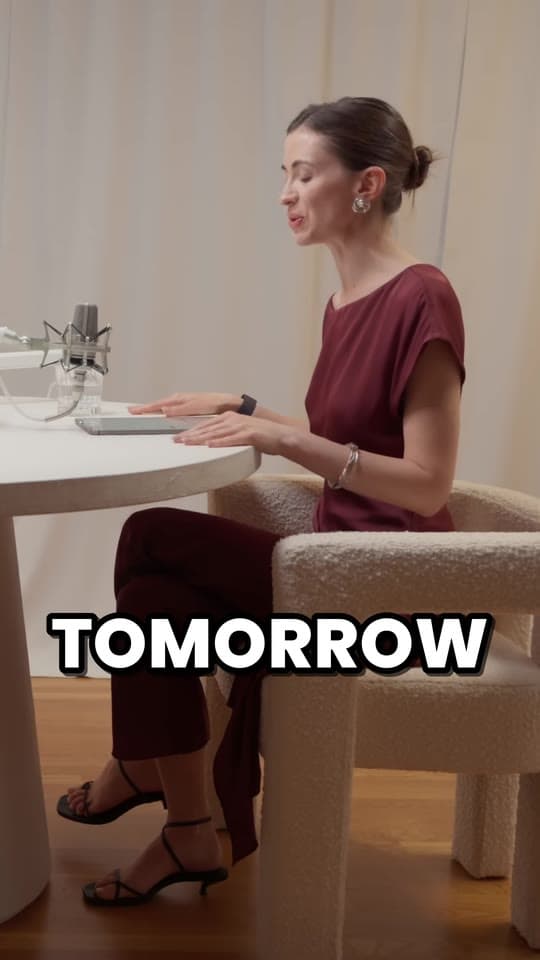
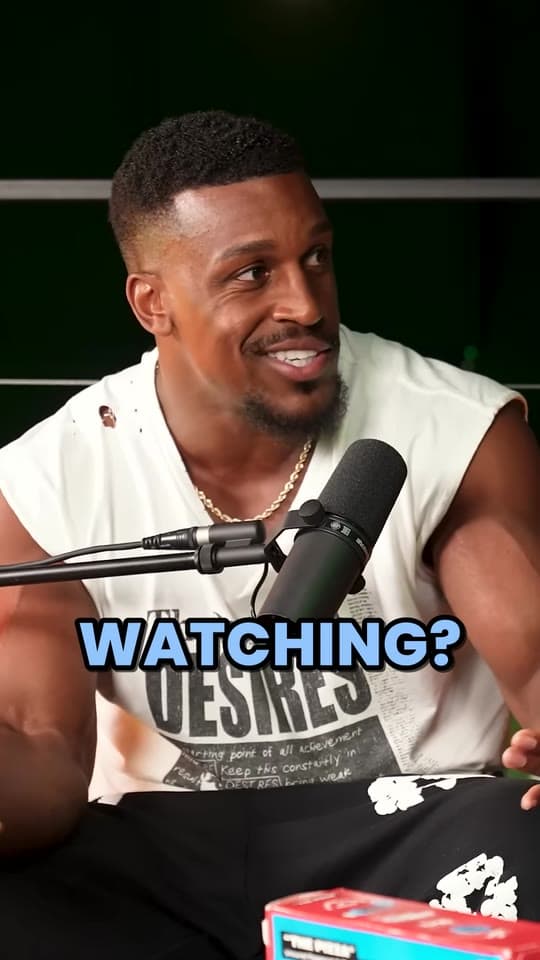
From a link to clips ready to post
Clyper finds, cuts and captions the moments. You decide what to post and where.
Step 1: Paste a link
Drop in a YouTube, Twitch, Google Drive or Dropbox link, or upload a video from your phone or computer. Clyper checks it and gets started.
Step 2: Get clips in minutes
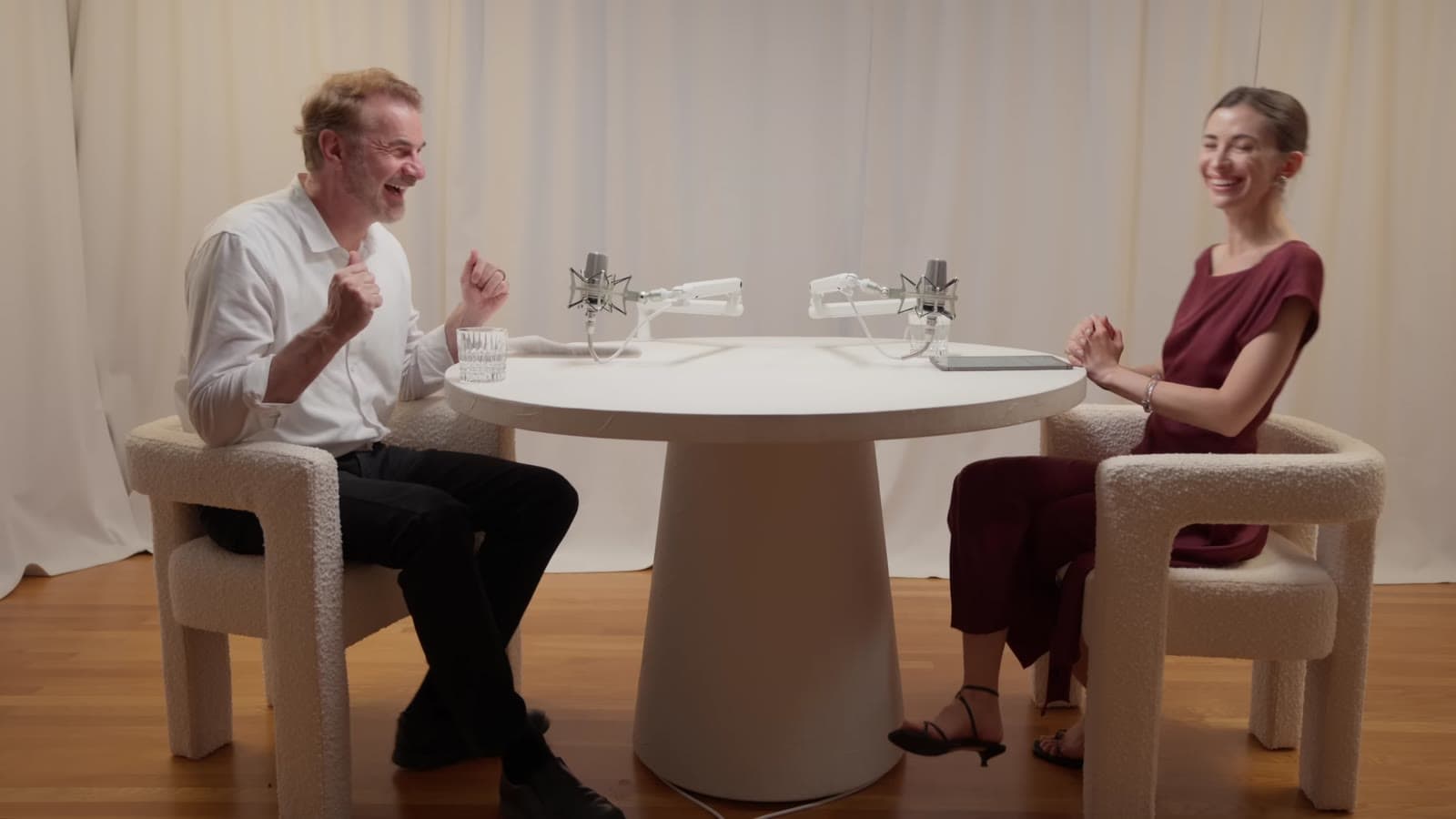
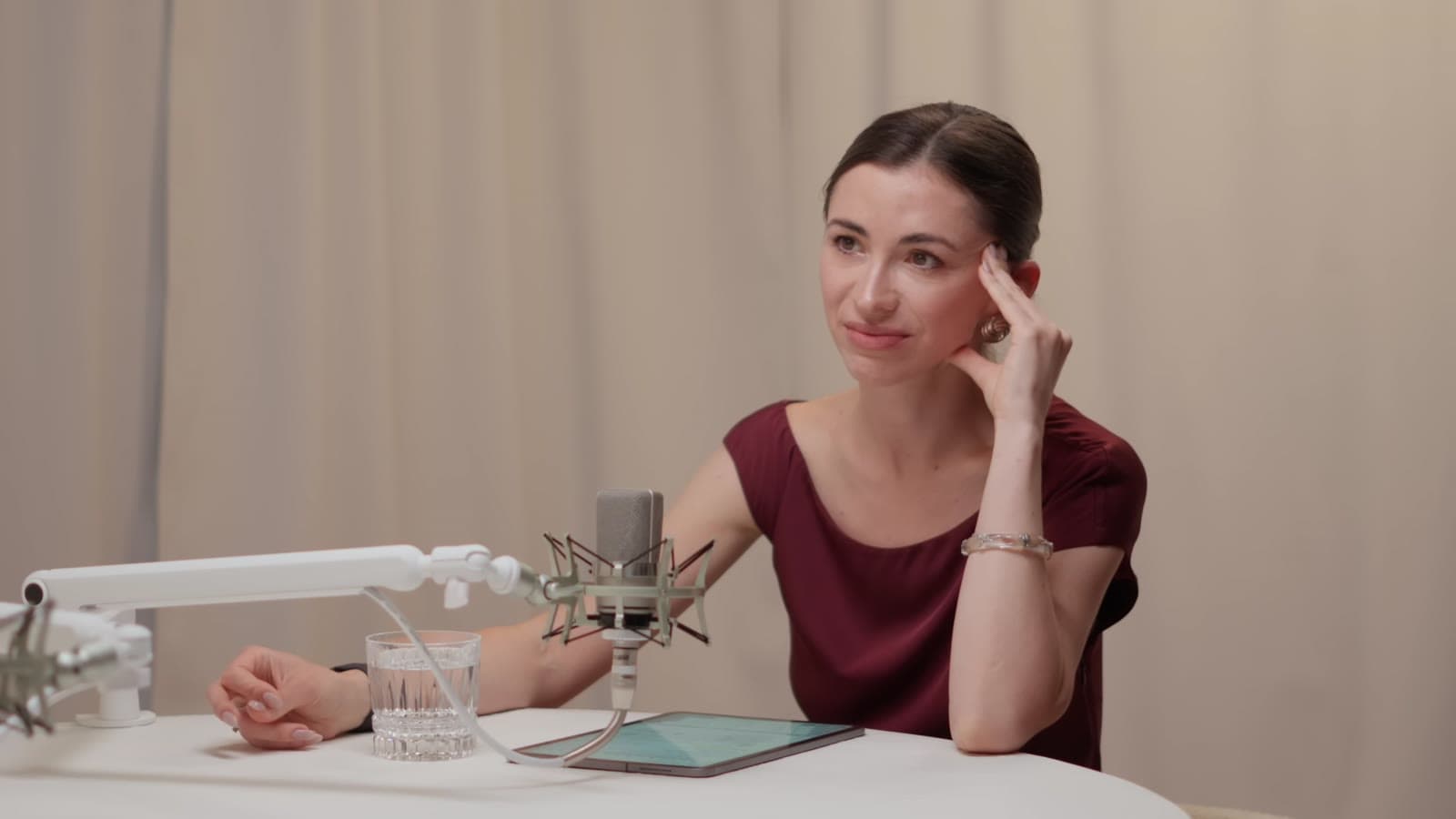
Clyper picks the best moments, reframes them to 9:16 and adds animated captions, timed to every word.
Step 3: Post and get paid
Download the clips, post them on TikTok, Instagram, YouTube, LinkedIn and X, and submit them to the campaigns that pay for views.
Same moment. Different clip.
The same seconds from IMPAULSIVE, posted twice.
Basic auto-clip made in another tool: 50 views
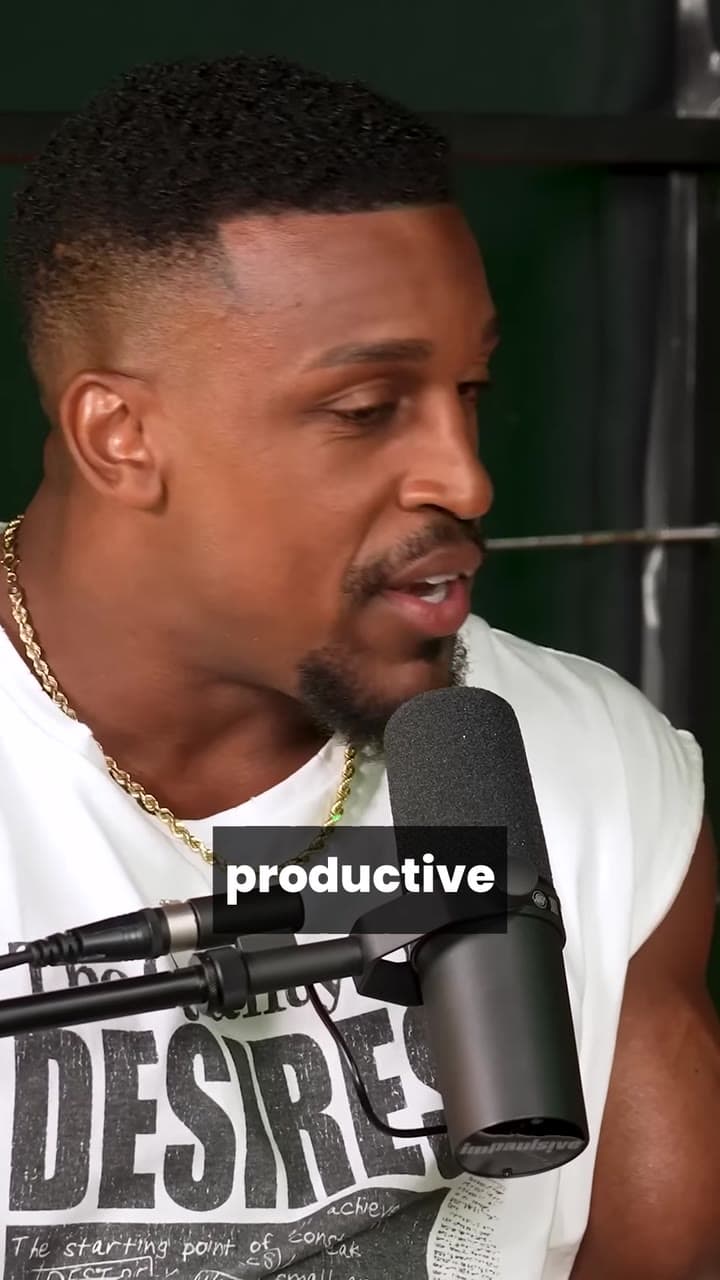
Made with Clyper: 4.6M views
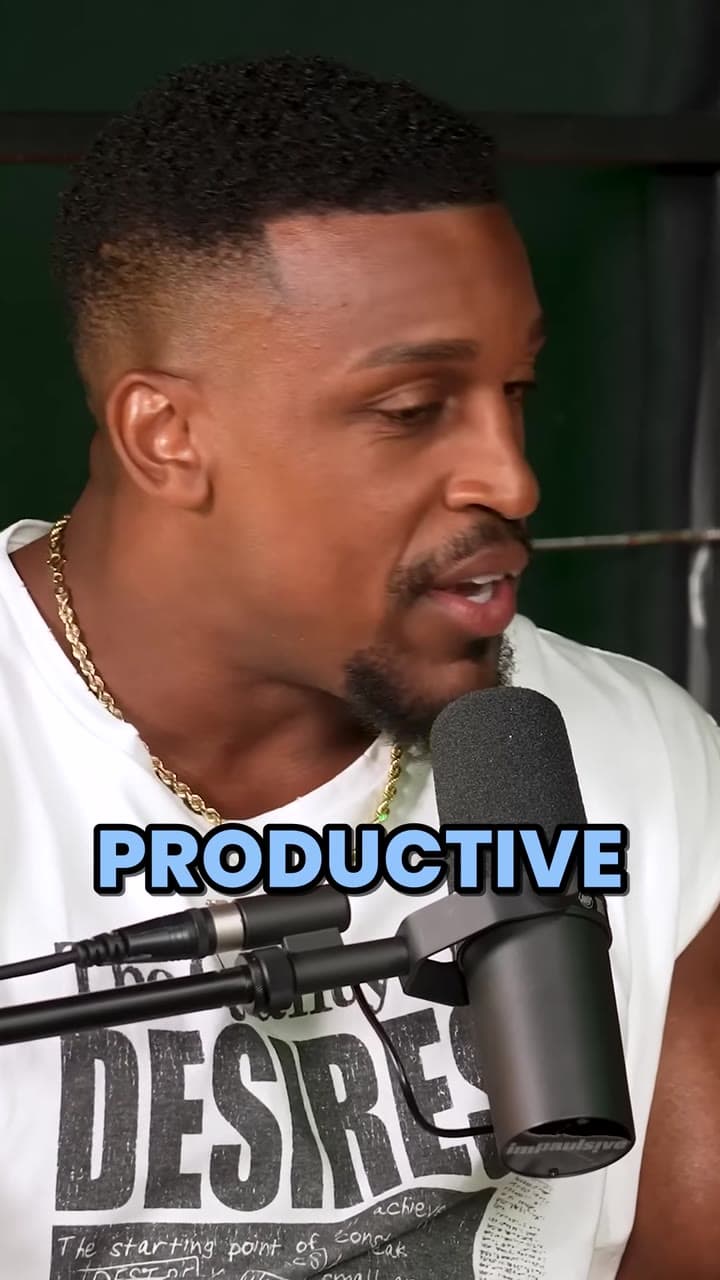
Make clips like the one on the right from your own videos.
Get startedEverything a clip needs to perform
The moments, the framing and the captions are done for you. The rest is a few clicks in the editor.
Finds the moments worth posting
Clyper reads the whole video and scores every moment for how well it hooks and holds attention.
Reframed to vertical
Every shot is cropped to 9:16 and follows the speaker as they move.
How auto reframe works1080p with no watermark
Clean 9:16 exports that post as they are on TikTok, Instagram, YouTube, LinkedIn and X.
Ten links at onceStudio
Paste up to ten YouTube links and Clyper works through them in turn, with priority when there's a wait.
Or upload the file
Got the video already? Upload it from your phone or computer and skip YouTube entirely.
Clips from Zoom, Twitch and moreCaptions in 50+ languages
Spoken words are transcribed and captioned in the language of the video.
Make every clip yours
Every clip opens in an editor that previews your changes as you make them. Nothing renders until you save, and edits never cost credits.
- Trim to the wordDrag either end, or nudge it a word at a time. Ends snap to where words start and stop.
- Reach furtherExtend either end by up to 15 seconds. Only those seconds are downloaded.
- Fix any captionCorrect a name or a bit of slang. The timing stays exactly where it was.
- Switch the styleTry each caption style on the clip and see it before it renders.
Less editing. More posting.
$1,200/mo
“Didn’t touch editing software once. Just dropped links in, posted what it spit out.”
 Jordan MackeyFaceless clipper
90 sec/clip
“Went from an hour per clip to under 2 minutes. Still can’t believe it.”
 Hom NurkilSolo creator
9 clients
“Tripled our client load without hiring anyone. Clyper is basically a second team.”
 Dan ReyesLowkey Media
See Clyper reviews and the facts
Sign up with Google or email. No password needed.
See what your clips could earn
Clipping campaigns pay for every 1,000 views your clips get. Set your numbers and see what they add up to.
You could earn
$5,475a month
$65,700 a year
- Per clip
- $30
- Per day
- $180
- Views a month
- 2.7M
That's 183 clips a month. Pro makes up to 200 for $19/mo, billed yearly. Your first clip pays for it.
An estimate from the numbers above, not a promise. Campaigns set their own rates, caps and rules, and views vary from clip to clip.
Looking for a campaign? See which streamers and creators pay clippers.
Pay for the minutes you clip
1 credit = 1 minute of source video.
Starter
For your first clipping campaigns.
$20/mo
Monthly only.
$1 less a month: Pro, billed yearlyUp to 75 clips a monthfrom 150 credits, 1 a minute of video
$0.27a clip
- 150 credits a month
- 1080p exports
- Animated captions in 50+ languages
- 1 caption style (Pop)
- No watermark
Pro
Best value
For clippers running several accounts.
Normally $38 a month, now$19/mo
Billed yearly at $228
Save $228 a year
Up to 200 clips a monthfrom 400 credits, 1 a minute of video
$0.10a clip
- 400 credits a month
- Everything in Starter
- All caption styles
- Hook headline on every clip
- Brand kit: your own caption styles
Studio
For teams and clipping agencies.
Normally $96 a month, now$48/mo
Billed yearly at $576
Save $576 a year
Up to 500 clips a monthfrom 1,000 credits, 1 a minute of video
$0.10a clip
- 1,000 credits a month
- Everything in Pro
- Priority processing
- Bulk link import
- Secure checkout
- Cancel anytime
Cancel anytime in the billing portal. Up to 1 clip for every 2 minutes of video: you choose how many clips you want from each one.
Not sure which plan yet? Get started and decide in the app.
Questions, answered
Everything about credits, clips and plans. Anything else, we're an email away.
[email protected]New to clipping? Start with how to make money clipping, or browse the guides.
What is Clyper?
Clyper, also called Clyper AI, is an AI clipping tool. Paste a YouTube, Twitch, Google Drive or Dropbox link, or upload a video, and it finds the moments that work on their own and turns them into up to 30 vertical clips, each cut to whole sentences, framed on whoever's talking, captioned word by word and given a hook score, ready for TikTok, Instagram Reels and YouTube Shorts. It's made for clippers who get paid per view, and for podcasters, streamers and creators.
What is clipping?
Clipping is cutting the best moments of long videos, like podcasts, streams and interviews, into short vertical clips for TikTok, Instagram Reels and YouTube Shorts. Many creators and brands run clipping campaigns that pay clippers for the views their clips get. Clyper is an AI clipping tool that does the finding, cutting, framing and captions for you.
How do I make money with Clyper?
Clyper makes the clips. You earn by posting them to clipping campaigns and creator programs that pay for views. What you make depends on each campaign's rate and how your clips perform.
Can I post the clips on more than one account?
Yes. The clips are yours to download and post. Before you do, you can trim or extend any clip, fix its captions or change their style in the clip editor. Always follow the rules of the campaign and the platform you post to.
How many clips do I get from one video?
As many as you choose, up to one for every 2 minutes of video and 30 from one video: a 20-minute video gives up to 10, and a 60-minute one or longer up to 30. A credit is still a minute of video, however many you ask for. Leave it on Auto and Clyper picks about one for every six minutes, up to 10.
How does Clyper pick the best moments?
It goes through the whole video and picks the moments that work on their own: ones that open on a strong line and end on a payoff. It cuts each to whole sentences, frames it on whoever's talking, captions every word and gives it a hook score, so you can post the strongest first.
What is a credit?
One credit covers one minute of source video, and every video uses at least 10. A 30-minute video uses 30 credits, however many clips you ask for. If a video doesn't produce any clips, you get the credits back.
What does Pro add over Starter?
400 credits a month instead of 150, all 5 caption styles, a hook headline on every clip and a brand kit. With headlines on, each clip opens with its hook in a box at the top for 4 seconds, and you can reword or remove it in the clip editor. The brand kit keeps up to 10 caption styles of your own, with your font, colors, size and placement.
Which links work?
Public or unlisted YouTube videos, including Shorts and finished livestreams that were saved; Twitch VODs (past broadcasts, highlights and uploads); and video files shared from Google Drive or Dropbox with anyone who has the link, up to 10 GB. Clyper clips from 1 minute to 4 hours of a video at a time, so a longer one goes in a part at a time. Private, members-only, subscriber-only and age-restricted videos, and streams that are still live, don't work. You can also upload an MP4, MOV, WebM or MKV file up to 4 GB.
Is there a free trial?
There's no free trial. Starter is $20 a month with no commitment, so you can try Clyper for a month and cancel anytime.
What are Studio 2× and 4×?
Bigger sizes of Studio, for teams and agencies that clip more: 2× is 2,000 credits a month for $96/mo billed yearly, and 4× is 4,000 credits a month for $192/mo billed yearly. A credit costs the same at every size. Pick a size on the pricing table, and change it anytime in the billing portal: a bigger size adds the difference in credits for the rest of the month.
Can I cancel anytime?
Yes. Cancel in the billing portal: open Billing in the app and choose Manage billing, then sign in with your email. Your plan, and its credits, stay until the end of the period you paid for.
Clip your next video in minutes
Paste a YouTube or Twitch link and get vertical clips with captions, ready to post.
No video in mind yet? Get started and add one when you're ready.