What is a text hook?
Also called Hook headline, On-screen hook, Hook textUpdated
From Clyper, the AI clipping tool that turns long videos into captioned vertical clips for TikTok, Reels and Shorts.
Get startedText hook, defined
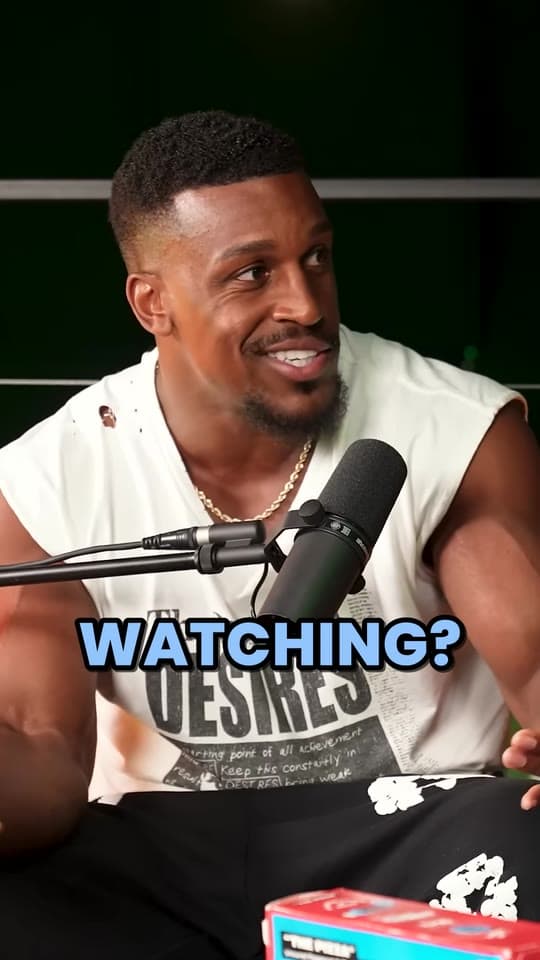
A text hook is a short line of on-screen text in the first seconds of a short video that tells viewers why to keep watching, like “The mistake that cost me my first channel”. It works alongside the spoken opening, so people scrolling with the sound off still get a reason to stay.
What a text hook does in the first seconds
On TikTok, Reels and Shorts, people decide in a moment whether to stay or swipe, often before the speaker's first sentence has landed. YouTube measures exactly that moment: its Shorts analytics show Stayed to watch, the percentage of times viewers stayed past the initial seconds of a Short. Your hook rate is the same idea on any app.
A text hook works on that moment in three ways:
- It reaches people on mute. A spoken hook only works on viewers who can hear it.
- It's there on the first frame, readable before anyone has heard a word.
- It sets up a slow start. A clip that opens on context reads differently under “How he landed his first client”.
It isn't the same as the other text on a clip. The captions are the spoken words, timed to the voice; the post caption is the text under the video. The text hook is the line on the picture that sets the clip up, and it's usually gone once the speaker gets going.
What makes a good text hook
- A few words. Readable in a second, on one or two lines. Clyper shrinks a long headline's text rather than let it run down the screen.
- At the top, below the apps' top bar. The top of a 1080 × 1920 video sits under each app's tabs and search (TikTok 160 px, Instagram Reels 220 px, YouTube Shorts 240 px, by our safe zone margins). Clyper sets its headline's top 300 px down, below all three, and on a stream clip moves it under the webcam so it doesn't cover the face.
- On for the opening. Long enough to read twice, then out of the way. Clyper's stays for the first 4 seconds and fades out.
- A promise the clip keeps. People who feel tricked swipe before the end.
- Not the first spoken line. The text sets the clip up and the voice delivers it. If the speaker opens with “I spent three years building the wrong thing”, the text can say what the clip is about: “The question that would have saved me 3 years”.
The types that work are the same as for any hook: curiosity, a number, the result first, a warning, a hot take. Templates for each are in short video hooks, and the free hook generator fills 48 formulas with your topic, from story, advice, hot take, funny, curiosity and numbers angles.
Text hook mistakes
- Repeating the captions. Two lines saying the same thing at once is one too many.
- Covering the face or the captions. The hook goes above the speaker, the captions below.
- Clickbait. A hook the clip doesn't pay off only moves the swipe a few seconds later, and the comments will say so.
- The same hook on every clip. “Wait for it” on ten clips in a row tells people nothing about any of them.
To test one, post two clips with different text hooks and compare the first-seconds numbers rather than the views, which depend on far more than the hook. On YouTube Shorts that's Stayed to watch; see swipe-away rate.
Questions
What is a text hook on TikTok?
A short line of on-screen text in the first seconds of a video that tells viewers why to keep watching. It works with the sound off, so it catches people a spoken hook would miss.
How long should a text hook stay on screen?
Long enough to read twice: usually the first few seconds, while the speaker gets going. Clyper's hook headline shows for the first 4 seconds of a clip, then fades out.
Where should I put a text hook?
Near the top of the frame, below where the app's tabs and search sit and above the speaker's face, with the captions lower down. The free safe zone checker shows what each app covers.
Should a text hook repeat what the speaker says?
No. Let the text set the clip up and the voice deliver it. Repeating the first line word for word wastes the one moment you have to say something new.
Sources
The apps' rules are from their own pages, read on October 27, 2026. They change from time to time, so check them before you rely on one.