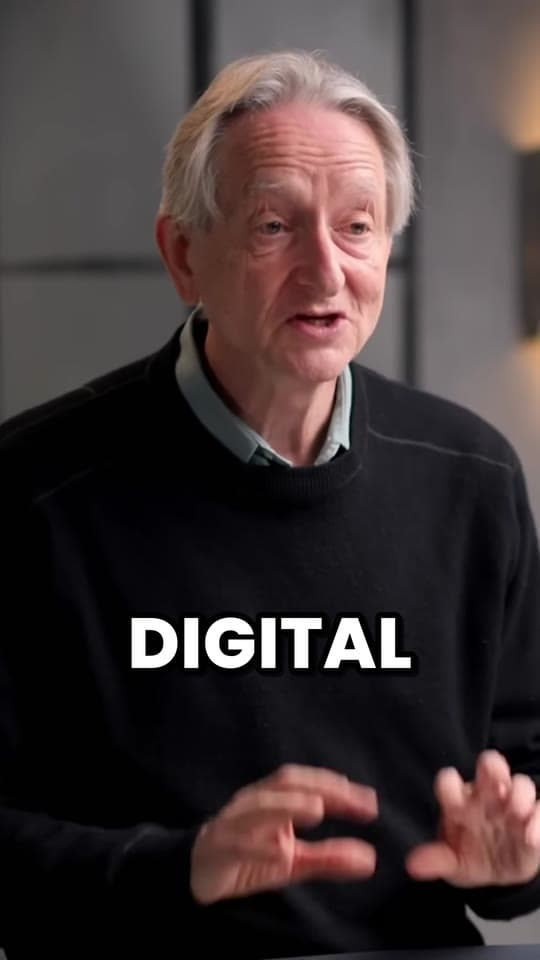
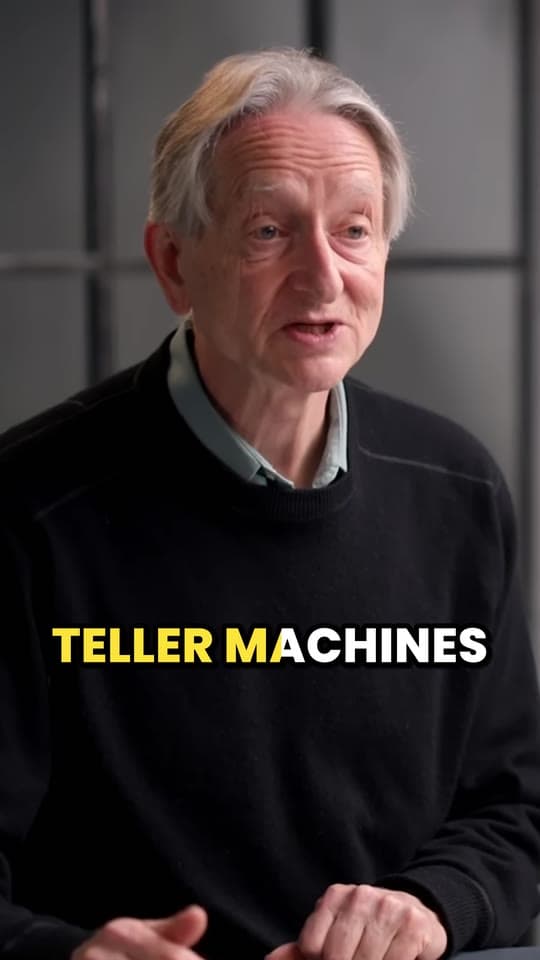
How to make sermon clips for YouTube Shorts, TikTok and Reels
Sermon clips are short, vertical, captioned moments from Sunday's message, posted to YouTube Shorts, TikTok and Reels through the week. Here's how to make sermon clips: which moments to pick from a 30 to 60 minute message, how to frame the preacher and caption scripture, what to do about worship music, and a weekly workflow a small volunteer team can keep up.
Updated 11 min read
In short
- A good sermon clip is one idea in 30 to 60 seconds: it opens on its strongest line, shows the scripture reference on screen and has captions on every word.
- Find the moments in the transcript: the big idea, the stories and the applications ("this week, try...") make the best clips.
- Cut clips from the spoken message. CCLI's streaming licenses are written for streaming and uploading whole services, and don't address worship songs posted as short clips.
- Stream on Sunday, make the clips by Monday and schedule three for the week, so posting never waits on a free evening.
On this page
- 1What sermon clips are, and why churches make them
- 2What makes a good sermon clip
- 3How to find clip moments in a 30 to 60 minute sermon
- 4Framing the preacher in a vertical clip
- 5Captions for sermon clips: names, numbers and scripture
- 6Worship music in sermon clips: what the CCLI license covers
- 7A weekly sermon clip workflow for a small team
- 8Making sermon clips with Clyper
- 9Questions
What sermon clips are, and why churches make them
A sermon clip is a short piece of the message, usually 30 to 60 seconds, cropped to a vertical 9:16 frame with captions, and posted where people scroll: YouTube Shorts, TikTok, Instagram Reels and Facebook. Shorts can run up to 3 minutes, but a clip works best when it makes one point and stops.
Churches make them for two reasons:
- Reach. Someone who won't watch a 40-minute message from a church they don't know might watch 40 seconds of it. A clip is often the first time they hear your pastor at all.
- Midweek touchpoints. Sunday's message is over by Sunday lunch. Three clips through the week bring it back on Monday, Wednesday and Friday, for the people who were there and the ones who missed it.
You already have the hard part: a message prepared and preached every week. Making clips is finding its best minutes and shaping them for a phone. The same idea works for any long video; see how to repurpose video content.
What makes a good sermon clip
- One idea. A clip is one point, not a summary of the message. If it needs the five minutes before it to make sense, it isn't a clip.
- A strong first line. The first sentence decides whether someone keeps watching. Start on the claim or the question, not on “So,” or “Like I said earlier”. See short video hooks.
- The scripture reference on screen. When the clip opens up a passage, show the reference (“Romans 8:1”) near the top, so people can look it up. Add it as on-screen text in your editor, or in the app when you post.
- Captions on every word. Many people scroll with the sound off, and a preacher's pace and pauses read well a few words at a time.
- An ending on the point. Stop after the line that lands, before the next thought starts.
| Moment | What it sounds like | Why it works |
|---|---|---|
| The big idea | The one sentence the whole message is built on | It's the message in miniature: post it first |
| A story | A personal story or an illustration, with a payoff | People stay to hear how it ends |
| An application | "This week, try..." or "If you're the one who..." | It's useful to someone who wasn't there |
| A question | "What would change if you believed that?" | It invites comments and replies |
| A passage opened up | A verse read and explained in a minute | It teaches one thing in one sitting |
| A line people repeat | A short sentence the room reacted to | Easy to share, and a strong opening line |
How to find clip moments in a 30 to 60 minute sermon
You don't need to rewatch the whole message to find its clips. Work from the text:
- Get a transcript. Download the replay from YouTube Studio (Content, then the video's menu, then Download) and run it through the free video to text converter, which transcribes it in your browser with timestamps.
- Find the big idea. Ask your pastor for the one sentence the message is about, or look in their notes, then search the transcript for it.
- Mark the stories and applications. Skim for “I remember”, “there was a”, “this week” and “if you”, and for the moments the room laughed or went quiet.
- Note the times, with a sentence either side. It's easier to trim a clip than to extend it.
- Rank them. The clearest single idea goes out first; the rest fill the week, and the spares give next week a head start.
Done by hand, this is the slow part: reading, marking and cutting each moment, every week. It's also the part an AI clip maker does for you, by reading the same transcript (more below).
Framing the preacher in a vertical clip
A livestream is wide (16:9) and a clip is tall (9:16). A 9:16 crop keeps about 32% of a wide frame's width, so the shot you crop from matters:
- A wide shot of the stage is the hardest source. The preacher is small, and a small figure enlarged to fill a phone looks soft. If your stream has a camera on the preacher, clip from that shot.
- Preachers move. Someone who walks the stage walks out of a fixed crop. Either move the crop with them by hand, shot by shot, or use a tool that tracks the speaker.
- Stream in 1080p if you can. A 9:16 crop of a 720p stream is enlarged 2.7 times to fill a 1080 × 1920 clip; from 1080p, 1.8 times.
- Slides won't fit. The screen behind the preacher falls outside the crop, so if a verse is on a slide, put its reference in the clip instead.
For a preacher who stands still, the free vertical video converter crops a wide video to 1080 × 1920 in your browser. For one who moves, Clyper's auto reframe follows the speaker: it holds still while they're near the center, eases over when they move and changes framing when your camera cuts. It needs a face big enough to see; in a very wide shot where the preacher is tiny, it holds the center of the stage instead.
Captions for sermon clips: names, numbers and scripture
Captions carry a sermon clip for everyone watching on mute, so they have to be right. Speech recognition does well with plain speech and worst with the words sermons are full of:
- Bible names and places. Habakkuk, Nebuchadnezzar and Gethsemane come out as whatever they sound like. Check every one.
- Verse references. “John 3:16” can come out as “John 316”. Write references the way your church prints them.
- Your own names. The pastor's, the church's, a ministry's: fix them every time.
- Placement. A few words at a time, big, clear of the buttons on the right and the post text at the bottom. The free safe zone checker shows where each app's buttons sit.
The free auto caption generator transcribes a clip in your browser and lets you fix each line before you burn the captions in or download an SRT. For sizes and styles, see how to caption short videos.
If you put the verse itself on screen, not just the reference, check your translation's permissions page. Crossway's, for the ESV, allows quoting up to 500 verses in digital media, social media included, without asking, within its limits and with its copyright notice. Other translations set their own terms.
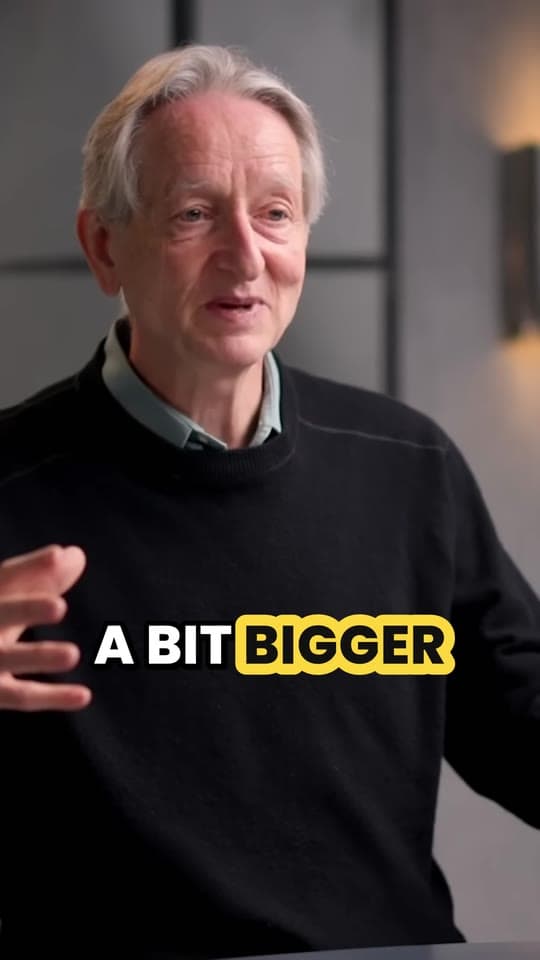
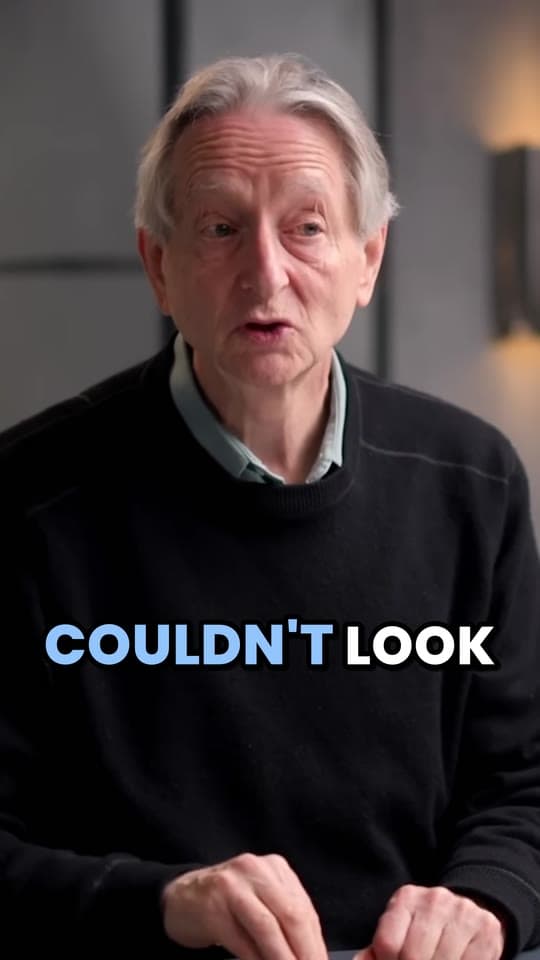
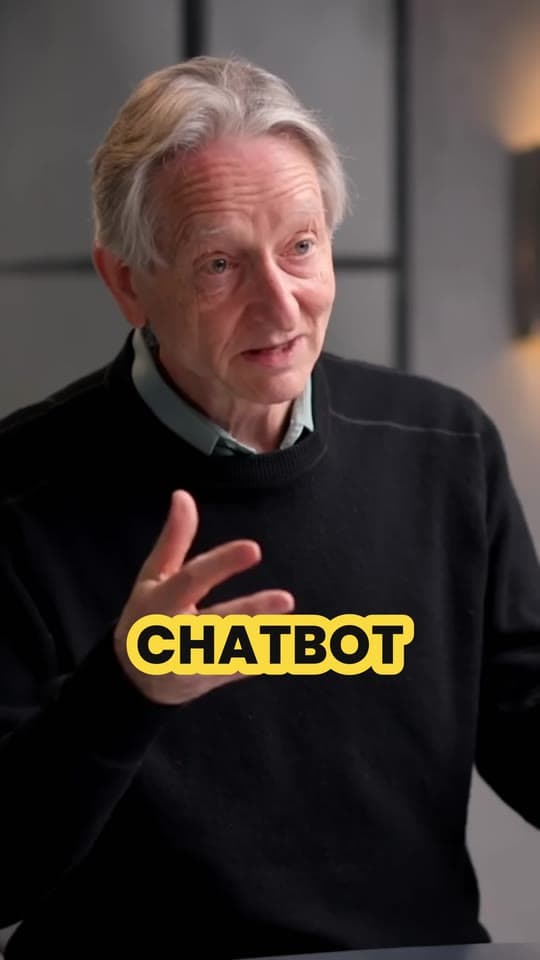
- PopThree words at a time. The spoken word turns blue with a quick pop.
- KaraokeThe whole line stays up and fills with yellow as each word is said.
- HighlightThe spoken word gets a bright yellow highlight.
- One wordOne big word at a time, popping in as it's said.
- PlainCalm subtitles in sentence case on a soft dark band, no animation.
Worship music in sermon clips: what the CCLI license covers
If your church streams under CCLI's licenses, here's what CCLI's US pages say they cover, and what they leave open:
| What CCLI says | |
|---|---|
| What it adds | The Streaming License extends the Church Copyright License (which you need first) to online worship |
| What's covered | Streaming or uploading your services, with songs played live by your musicians, to your website, social media pages or streaming platforms |
| Recordings | Streaming Plus adds master recordings (artist tracks, backing tracks, multitracks) used during your services |
| Not covered | Songs in content that isn't a church service, like a teaching video or special production; with Streaming Plus, master recordings in promotional videos outside the service stream |
| Platforms | The terms don't override the platforms' own, and some platforms may still flag the music in a licensed stream; the Streaming Plus terms add that they don't prevent takedown notices |
CCLI's summaries are written about streams and uploads of whole services. They don't mention short clips cut from them, so a 30-second Reel of the worship set is a different question from the full service on YouTube, and CCLI's pages don't answer it. If you want to post one, ask CCLI or the song's publisher first. YouTube also warns that using copyright-protected material in a Short could bring a Content ID claim, and a Short over one minute with an active copyright claim is blocked on YouTube.
For a weekly routine, the simple rule is: cut clips from the spoken message, and skip moments with a song under the voice, like keys playing through the closing prayer.
A weekly sermon clip workflow for a small team
The routine that lasts is the one that fits a volunteer's week. One that works for a team of two or three:
| When | What happens | Who |
|---|---|---|
| Sunday | Stream the service to YouTube. YouTube can save streams under 12 hours as a replay automatically. | The tech volunteer |
| Sunday night or Monday | Make the clips from the replay, then watch each one and fix names and verses in the captions. | The clips volunteer |
| Monday | Send the three best to the pastor to approve. | The pastor |
| Monday | Schedule them for Monday, Wednesday and Friday on Shorts, TikTok, Reels and Facebook. | The clips volunteer |
| Through the week | Reply to comments, and note which clip did best for next week's picks. | Anyone |
Post the same clip on every app: one 1080 × 1920 file works on all of them. Each app can schedule for you. YouTube Studio sets a publish time when you upload, Meta Business Suite schedules Facebook and Instagram posts and reels, and TikTok Studio lists scheduling among its tools. For when to post, see the best time to post on TikTok, Reels and Shorts.
Making sermon clips with Clyper
Clyper does the finding, cutting, framing and captions from the livestream's YouTube link:
- Wait until the stream has ended and YouTube has saved it. A stream that's still live won't work yet.
- Paste the link, public or unlisted. If your church posts the message as its own video, paste that one instead: fewer minutes, fewer credits.
- Choose how many clips, up to one for every 2 minutes of video and 30 in all, or leave it on Auto.
- Clyper reads the transcript, picks the moments that stand on their own, cuts each to whole sentences and scores its hook, so you can post the strongest first.
- It frames each clip 9:16 on the preacher and captions every word in one of 5 styles, in the language they preached in (50+ languages).
- Check each clip in the editor: fix a name or a verse, trim or extend either end, then download 1080 × 1920 MP4s with no watermark.
A credit is a minute of the video you give it, however many clips you ask for. Here's what a month of Sundays uses, assuming four or five Sundays a month:
| Each Sunday | Credits a month | Smallest plan that covers it | Clips you can ask for |
|---|---|---|---|
| A 30-minute message, on its own | 120 to 150 | Starter, $20/mo | Up to 15 a Sunday |
| A 45-minute message, on its own | 180 to 225 | Pro, $38/mo or $19/mo billed yearly | Up to 22 a Sunday |
| The whole 75-minute service | 300 to 375 | Pro, $38/mo or $19/mo billed yearly | Up to 30 a Sunday |
Clipping the message on its own costs less than the whole service and leaves out the worship set. If you upload it, use the file from your streaming computer (MP4, MOV, WebM or MKV, up to 4 GB): YouTube Studio's downloads come in 720p or 360p, which makes softer vertical clips. Clyper doesn't post or schedule, write your post text or add music. More in sermon clips with Clyper, and on turning YouTube videos into Shorts.
Questions
How long should a sermon clip be?
Usually 30 to 60 seconds: long enough for one idea, short enough to watch to the end. YouTube Shorts can be up to 3 minutes, but most sermon clips make their point in a minute.
Can we post worship songs from our service as clips?
CCLI's streaming licenses cover streaming and uploading your services, and its pages don't address short clips cut from them. Ask CCLI or the song's publisher before posting a worship song as a clip, and cut your weekly clips from the spoken message.
How many clips can we get from one sermon?
More than you'll need. Clyper lets you ask for up to one clip for every 2 minutes of video, so a 40-minute message gives up to 20. Three a week is a good routine to start with.
What equipment do we need for sermon clips?
Nothing beyond your livestream. A camera on the preacher (rather than only a wide shot of the stage) and streaming in 1080p make the vertical clips sharper.
How do we get the scripture right in the captions?
Read every caption before you post: speech recognition misspells Bible names and runs verse numbers together. Fix names and references to match how your church prints them, and show the reference on screen.
Can Clyper make clips from our church livestream?
Yes, once the stream has ended and YouTube has saved it: paste the link (public or unlisted) and get up to 30 vertical, captioned clips. You can also upload the recording as an MP4, MOV, WebM or MKV file up to 4 GB.
Sources
The apps' rules are from their own pages, read on October 21, 2026. They change from time to time, so check them before you rely on one.
- CCLI: Streaming and Streaming Plus Licenses (US)
- CCLI: Streaming Licenses summary (US)
- YouTube Help: archive live streams
- YouTube Help: upload YouTube Shorts
- YouTube Help: learn about copyright claims
- YouTube Help: download YouTube videos that you've uploaded
- YouTube Help: schedule video publish time
- Meta Business Help Center: save, schedule and reschedule posts in Meta Business Suite
- TikTok Help: creator tools and TikTok Studio
- Crossway: ESV copyright and permissions