How to make an audiogram: turn podcast audio into a video
An audiogram turns a piece of your podcast's audio into a video for social media: your cover art, a moving waveform and captions over the sound, as an MP4 that TikTok, Reels, Shorts and LinkedIn will take. Here's what goes into one, when a real video clip does better, and how to make an audiogram step by step, for free, in your browser.
Updated 10 min read
In short
- An audiogram is a short video made from audio: a still image (usually the show's cover art), an animated waveform, captions and a title, saved as an MP4.
- It's how an audio-only podcast gets onto video apps. If your show is filmed, a clip of the people talking usually holds attention better.
- Pick 30 to 60 seconds that make sense on their own, make it 9:16 for TikTok, Reels and Shorts or 1:1 for feeds, and caption every word: feeds often play with the sound off.
- The free audiogram maker does it in your browser: open the audio, choose the part, add cover art, a title and captions, and export an MP4.
On this page
- 1What is an audiogram?
- 2Audiogram vs video clip: which to post
- 3Pick 30 to 60 seconds that stand alone
- 4Audiogram size: 9:16, 1:1 or 16:9
- 5Cover art, waveform and captions
- 6How to make an audiogram for free
- 7Posting an audiogram on TikTok, Reels, Shorts and LinkedIn
- 8If your podcast is filmed: post video clips instead
- 9Questions
What is an audiogram?
An audiogram is a video made from audio. The apps where people find new shows (TikTok, Instagram, YouTube, LinkedIn) take video files, not MP3s. To post a piece of an episode there, you give the sound something to look at. A podcast audiogram usually has four parts:
- A still image: the show's cover art, or a plain background in its colors. It tells people whose podcast this is.
- An animated waveform: bars or a line that move with the voice, so it's clear something is playing, even muted.
- Captions: the words as they're said, a few at a time. With the sound off, they're the whole message.
- A title: the show's name and what the clip is about, like an episode number or the question it answers.
Under it all is the audio, and the result is an ordinary MP4 that any app taking video will take. YouTube does a plain version of this for whole episodes: if you submit an audio podcast's RSS feed (offered in some countries), it uses your show art to make a static-image video of each episode. An audiogram is the short, captioned cut of that, made for feeds.
Audiogram vs video clip: which to post
An audiogram is the best way to put an audio-only show on video apps. It isn't the best way to put a filmed show there. A face reacting, a laugh, a pause before an answer: that's what stops a thumb, and a waveform can't show it. Here's how the three usual ways to promote an episode compare:
| What it is | Best for | Weak spot | |
|---|---|---|---|
| Audiogram | Cover art, a waveform and captions over a piece of the audio | Audio-only shows, and episodes without usable video | Only the waveform and the words move, so the line itself has to hook |
| Video clip | The people talking, cut vertical and captioned | Filmed shows: video podcasts, interviews, live recordings | It needs video, and framing two people in a tall frame takes work |
| Static image post | A quote card or the episode's artwork, with a link | Telling followers a new episode is out | No sound and no motion: it can't play the voice that makes people want more |
Many shows use more than one: an audiogram or a clip to reach new people, an image to tell followers the episode is out. The rest of this guide is about audiograms. If your show is filmed, read on for the parts that still apply (the moment, the captions, posting), then see clips from a filmed podcast and how to clip a podcast.
Pick 30 to 60 seconds that stand alone
A waveform won't hold anyone on its own: the words have to. Look for a stretch of the episode that makes sense to someone who has never heard the show:
- A complete answer. A question and its answer, or a point and the reason for it, start to finish.
- A story with a turn. A setup, a surprise and an ending, all inside the clip.
- A take people will argue with. Comments carry a clip further than likes do.
- One specific tip. Something a listener could do today, said plainly.
Start on the sentence that hooks, not on “so, yeah, anyway”, and end right after the payoff. 30 to 60 seconds is long enough for one idea and short enough to hold people when nothing on screen moves but the words. Go past a minute only when the story needs it; for more on length, see how long a short video should be.
Don't listen to the whole hour to find it. Read the transcript instead: the free video to text converter transcribes audio files as well as videos, in your browser, with timestamps to jump to. If the episode is a video file and you only want its sound, the video to MP3 converter saves it as an MP3, M4A or WAV, all of it or just a part.
Audiogram size: 9:16, 1:1 or 16:9
Make the audiogram the shape of where it's going. Three shapes cover everything:
| Shape | Size | Use it for | Good to know |
|---|---|---|---|
| 9:16, vertical | 1080 × 1920 | TikTok, Reels, Shorts and stories | Fills a phone screen. Keep words away from the edges, where the apps' buttons sit. |
| 1:1, square | 1080 × 1080 | Feeds, like LinkedIn's | Takes more of a scrolling screen than a wide video. On YouTube, a square video up to 3 minutes counts as a Short. |
| 16:9, wide | 1920 × 1080 | A regular YouTube video, a website or a newsletter | YouTube treats it as a regular video, not a Short. |
If you make only one, make it 9:16: it's the shape TikTok, Reels and Shorts are built around. The square travels well too: Instagram takes reels from 1.91:1 to 9:16, LinkedIn takes videos from 1:2.4 to 2.4:1, and YouTube posts a short square video as a Short. Each app's full specs are in video sizes for TikTok, Reels and Shorts.
Cover art, waveform and captions
An audiogram has little on screen, so each part has a job. From the top of a vertical one down:
- Title. The show's name and a few words on the clip: “Ep. 112: why we stopped planning”. Keep it at the top, clear of where the captions go.
- Cover art. The show's artwork, big enough to recognize: it's the brand. Set it on a background in one of its colors, so the frame doesn't look empty around it.
- Waveform. Bars or a line that move with the voice, in a color from the artwork. It only has to show that this is sound, so it doesn't need to be big. A thin progress bar tells people how much is left.
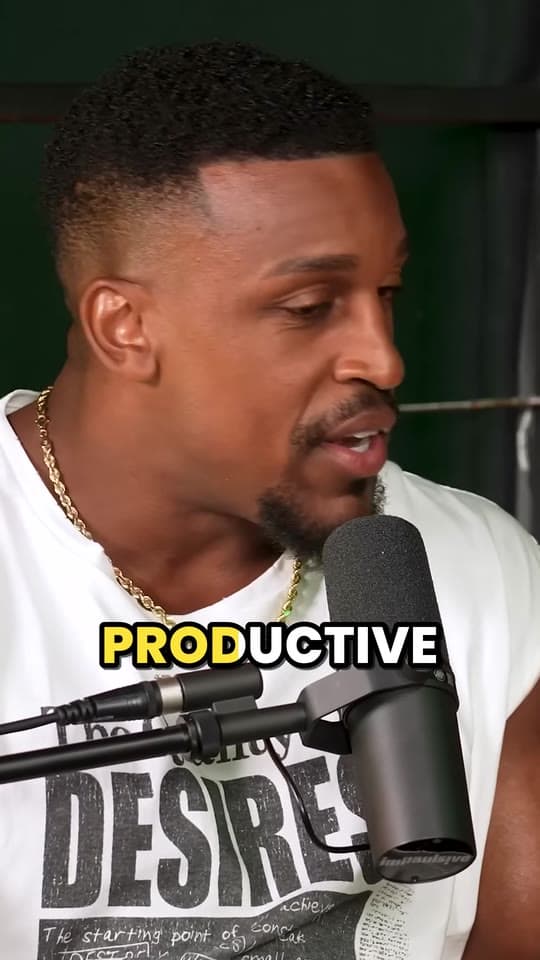
- Captions. Every word, a few at a time, big and high in contrast, around the middle of the frame. This is the part that matters most.
Why the captions matter most: feeds often play video with the sound off until someone taps. LinkedIn, for one, says some videos play automatically without sound as you scroll. A muted audiogram without captions is a picture of a logo; with them, it's a quote people can read, and a reason to turn the sound on.
How to make an audiogram for free
The free audiogram maker runs in your browser, so the episode never leaves your computer:
- Open the audio: an MP3, WAV or M4A file, or a video, to use its sound.
- Choose the part: the 30 to 60 seconds you picked.
- Add the show's cover art and a title.
- Choose the shape and colors: 9:16, 1:1 or 16:9, in your show's colors.
- Caption it automatically, if you like. It writes the captions from the speech, on your device. Read them through and fix names before you export.
- Export an MP4 and post it.
For a whole episode on YouTube, choose Still picture: the cover, the show and the episode's title over the full audio, up to 2 hours, made in a fraction of the time it plays.
To work on the captions on their own, the free auto caption generator turns speech into timed lines you can edit and download as SRT or VTT. More on fixing them in how to add subtitles to a video.
Other ways to make one. Your podcast host or editor may already do it:
- Podcast hosts. Buzzsprout's Visual Soundbites make an audiogram from an episode: you set the start and the length, then the size, colors, background and text, and Buzzsprout emails you when the video is ready to download.
- Podcast editors. In Descript, you add a waveform from the Elements panel of its Scene Editor, in a Lines, Circle, Ring or Wave style, and it moves with the speech.
- Audiogram apps. Headliner is built around them: it makes audiograms with captions from your episodes and can post them for you.
They're worth a look if you make audiograms every week inside a tool you already pay for. For one episode at a time, the browser tool is quicker and needs no account.
Posting an audiogram on TikTok, Reels, Shorts and LinkedIn
An audiogram posts like any other video. Each app's limits are far longer than it needs to be:
| App | Longest video | Post it as |
|---|---|---|
| TikTok | 60 minutes uploaded in the app, 30 on the web | A 9:16 video, with the show's name in the caption |
| Instagram Reels | 20 minutes; over 3, not recommended to people who don't follow you | A 9:16 reel |
| YouTube Shorts | 3 minutes, square or vertical | A Short, linked to the full episode if it's on YouTube |
| 15 minutes | A 1:1 or 9:16 video in a post |
- Say where the full episode is, in the post's caption and in your bio. An audiogram that sends nobody to the show is a nice video and nothing more.
- On YouTube, link the Short to the episode. If the episode is on your channel, choose it as the Short's related video in YouTube Studio: viewers see a link below your channel name. It needs YouTube's advanced features turned on.
- Write a caption that stands alone: the question the clip answers, or its best line, plus the show and episode.
- Post more than one. Three or four audiograms from an episode, spread over the week, give it several chances to reach someone new. For a rhythm a weekly show can keep up, see how to grow a podcast with clips.
If your podcast is filmed: post video clips instead
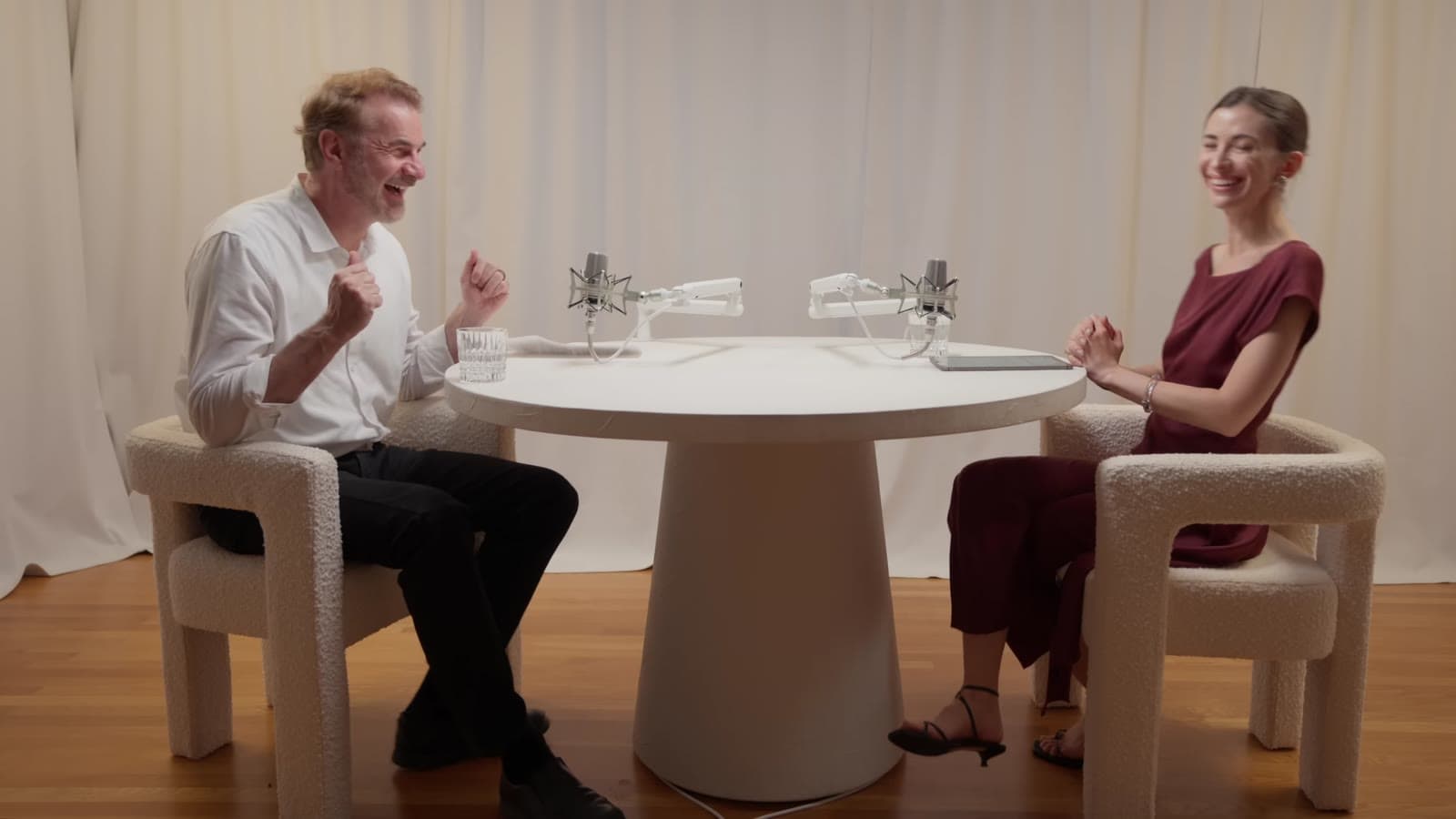
An audiogram asks people to listen to a logo. If your show is on camera, you have something better: the people. A clip shows the reaction, the laugh and the look before the answer, and that's what keeps people watching on TikTok, Reels and Shorts.
By hand, that's a lot of work: watching the episode for moments, cutting each on whole sentences, cropping a wide two-person shot to 9:16 and following whoever's talking, then captioning every word. That's the part Clyper does. Paste the episode's YouTube link, or upload the file, and it reads the transcript to find the moments that stand alone, cuts them on whole sentences, scores each one's hook, frames 9:16 on whoever is speaking and captions every word. More in podcast clips with Clyper.
Clyper works from video, so it doesn't make audiograms from audio files. For an audio-only episode, use the audiogram maker.
Questions
What is an audiogram?
A short video made from audio: usually a podcast's cover art, an animated waveform and captions over a piece of an episode, saved as an MP4. It lets you post audio on apps that take only video, like TikTok, Reels and Shorts.
How long should an audiogram be?
30 to 60 seconds for most: long enough for one complete idea, short enough to hold people when only the waveform and the words move. The apps allow far longer: up to 3 minutes for a Short, 20 for a reel and 60 for a TikTok uploaded in the app.
What size should a podcast audiogram be?
1080 × 1920 (9:16) for TikTok, Reels and Shorts, and 1080 × 1080 (1:1) for feeds like LinkedIn's. Make it 1920 × 1080 (16:9) only for a regular YouTube video or a website.
How do I make an audiogram for free?
Open the free audiogram maker, choose your MP3, WAV or M4A file, pick the part, add your cover art and a title, choose the shape and colors, and export an MP4. It runs in your browser, so nothing is uploaded.
Do audiograms work on TikTok and Instagram?
They post like any video, and they suit audio-only shows. With only a waveform and captions moving, the words do all the work, so pick a strong moment. If your podcast is filmed, post clips of the people talking instead.
Can Clyper make audiograms?
No: Clyper makes clips from video. Give it a filmed episode's YouTube link or file and it finds the best moments, frames them vertically on whoever's talking and captions every word. For audio-only episodes, use the free audiogram maker.
Sources
The apps' rules are from their own pages, read on October 18, 2026. They change from time to time, so check them before you rely on one.
- YouTube Help: deliver podcasts using an RSS feed
- YouTube Help: three-minute YouTube Shorts
- YouTube Help: add a related video to your Short
- Instagram Help: reel size and aspect ratios
- Instagram Help: record a reel
- TikTok Support: camera tools
- TikTok Support: creator tools (uploading on the web)
- LinkedIn Help: video sharing troubleshooting (video specs)
- LinkedIn Help: disabling autoplay of videos
- Buzzsprout Help: set up a Visual Soundbite (audiogram)
- Descript Help: waveforms
- Headliner: podcast audiograms